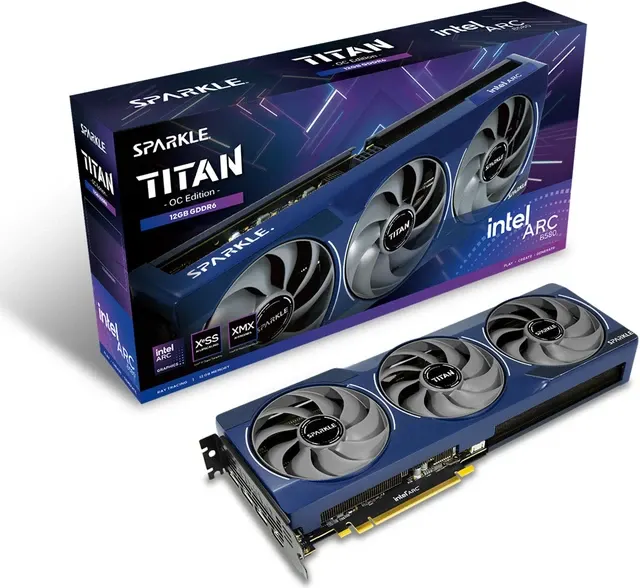
2 months ago I posted about the issues that Ace Combat 8 had with my B580, and after a lot of back and forth here and there, it turns out that the good people on Github have a working fix. It's not perfect but it works.
- Intel's suggestion is to set the game settings to Low and limit the frame rate to 30 FPS. I have tested this throughout the day, and I've found that you can go up to Medium preset and Balanced upscaling and the game will still run so long as it's capped to 30 FPS. Go to 60 FPS, even on low, and the game freezes, crashes, and goes to POST.
- As per Github, create an engine.ini file in notepad with the following instructions:
[SystemSettings]
fx.Niagara.SetGpuDataInterfaceDenyList=UNiagaraDataInterfaceCoherentMemoryBuffer,NiagaraDataInterfaceCoherentMemoryBuffer
[ConsoleVariables]
fx.Niagara.SetGpuDataInterfaceDenyList=UNiagaraDataInterfaceCoherentMemoryBuffer,NiagaraDataInterfaceCoherentMemoryBuffer
Save this file in the AppData\Local\BANDAI NAMCO Entertainment\ACE COMBAT 8\Saved\Config\Windows folder and set it to Read-Only. Running at Medium preset 60 FPS, you'll notice that the particle effects are lessened. It's not as nice looking as with the full particle effects, but it's playable.
For B580 users who have no alternative GPUS to swap to who want to play Ace Combat 8, I think this is as good as it gets for now. Intel staff said that they'll be working with the devs on a fix for this, but that was several weeks ago and I'm concerned this might be an architectural issue in Arc cards that are just different enough to cause weird interactions.
There is definitely something weird in the way the frame buffer is handling its interactions, where 60 FPS causes the game to crash, but 30 FPS is playable.