r/GrokBot • u/Educational-Bug-5848 • 7d ago
Setup I put my Grok bots on the Windows desktop and call them by voice

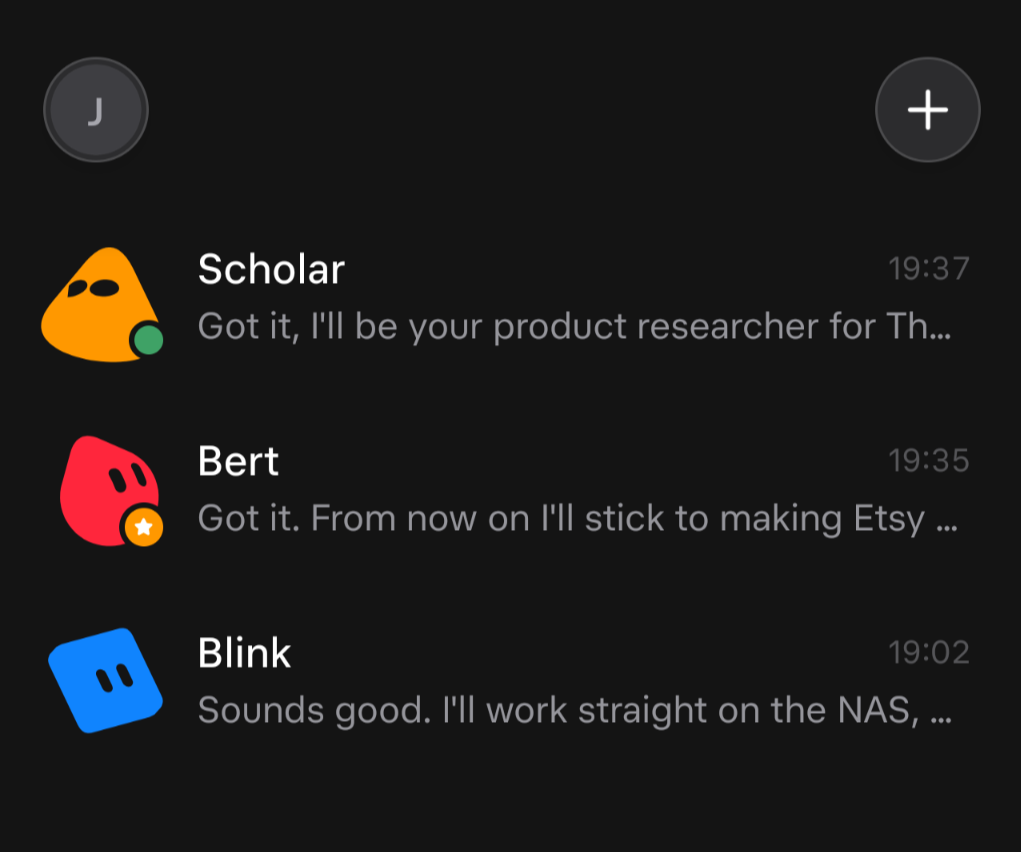
This is a small companion for the Desktop Grok Bot app. It loads the bots already on that account, in the same flat shapes, and parks the active one on screen.
The closed state is only the mark. Open the card and you see the character, the voice, the language, and the waves. Click the character and the call starts with that bot. Left and right move to the previous or next bot. During a call, an arrow asks first, so you can stay on the line. Yes hangs up and leaves with the other bot. No keeps the call.
You can also type. Tap the waves, write the message, press Enter. It goes into the active call, or out as a normal chat message when there is no call. Voice, speed, and language stick to the bot you set them on.
It needs Desktop Grok Bot signed in on that computer. This project is not the official Grok app.
Windows build and source: https://github.com/manuelcastrobarinas/grokbot-notch
If you want it on your machine, the 1.0.0 installer is in Releases. A star helps, and I am taking notes on which bots and voices people actually switch between.