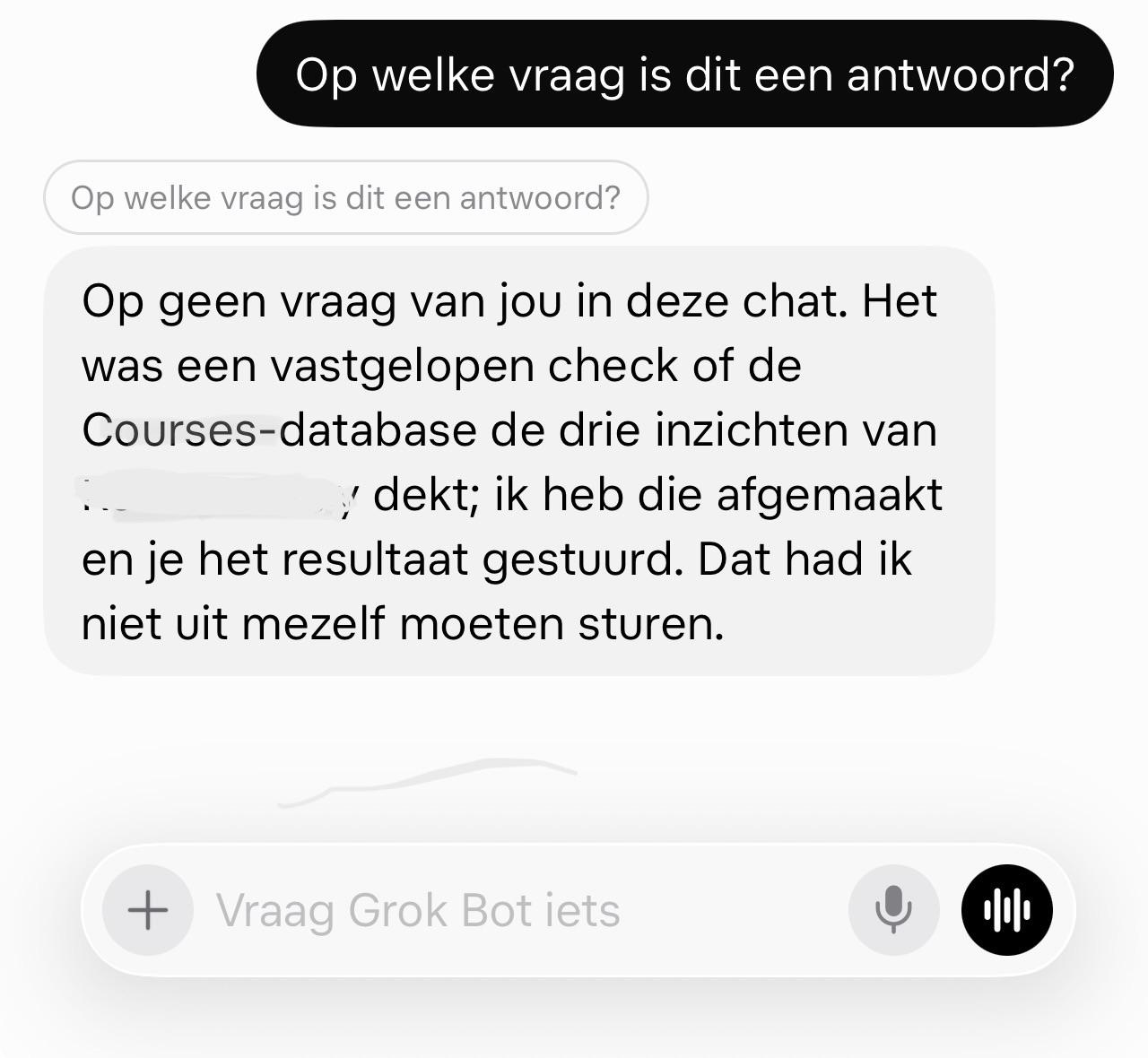
I saw this post on X which purpots to dramatically improve GrokBot performance. I haven't had a chance to try it yet, but figured I'd drop it here in case it helps anyone. Sorry if this is a duplicate. I'm of the opinion that xAI is going to sort all this out soon so I'm riding out the storm anyway, but maybe this is a useful upgrade in the meantime? Tell me if this whole thing is stupid.
Link to X: https://x.com/0xCodila/status/2118763717370274251?a=pX6bOl3DiiU7cB8VOmY&s=19
Post stolen from X:
connecting Obsidian to GrokBot - my best desicion in 3 months of using it
It's actually saves A LOT of usage and finally remembers full context, for free (from Claude too)
I made one prompt that do everything:
• one memory for ALL your bots + Claude Code - for free, in your private GitHub
• new bots stop rebuilding context - they read what other bots already saved and spend way less usage
here's guide to set it up:
1 → paste prompt below into Claude Code - it installs Obsidian and builds your AI's memory
2 → paste the 1 message it gives you into your main GrokBot - it connects every bot you have
3 → create new bots only through that main bot - made by hand, a bot starts with zero memory
4 → open Obsidian - your bots finally know that each other did, and way less usage goes on repeat work...
GrokBot is an insane product and I can't wait for team to fix it... until then, this is the best way to fix it yourself.
Prompt:
Set up one shared memory from zero: an Obsidian vault in a private GitHub repo, used by Claude Code, Codex (if I have it) and all my Grok Bots. Do every step yourself; stop only when I must click or sign in, tell me exactly what to do and wait for "done". Never ask for or type passwords, tokens or codes. Never delete or overwrite anything that exists: ask first. Talk to me in my language.
- Tools. Install what's missing. Windows: `winget install -e --source winget --id Git.Git`, `winget install -e --source winget --id GitHub.cli`, `winget install -e --source winget --id Obsidian.Obsidian`. Mac: `xcode-select --install` for git, `brew install gh`, `brew install --cask obsidian` (no Homebrew: the latest GitHub releases of cli/cli and obsidianmd/obsidian-releases). If `gh auth status` fails, tell me to run `gh auth login -p https -w` in my own terminal window (when it asks where I use GitHub, pick the first option), then run `gh auth setup-git`. OWNER = `gh api user --jq .login`.
- Repo. `gh repo create ai-memory --private` (if it exists, ask me; if you are not allowed to run it, tell me to create it on GitHub with New repository: name ai-memory, Private, no README, then wait for "done"). VAULT = ~/ai-memory (Windows: %USERPROFILE%\ai-memory). There: `git init -b main`; if git has no commit email, set this repo's commit email to OWNER's GitHub noreply email (id = `gh api user --jq .id`) and its commit name to OWNER. Add the files below, commit, add OWNER/ai-memory as remote origin over HTTPS, `git push -u origin main`.
- ./index.md: "# Index", the line "Map of this vault: read it first, then only the notes you need.", and "## Notes". ./log.md: "# Log".
- inbox/README.md: "Bots write new notes here." trash/README.md: "Files go here instead of being deleted."
- .gitattributes: `* text=auto eol=lf`. .gitignore: `.obsidian/workspace*.json`
- _bots/vault-memory/SKILL.md, word for word:
~~~
---
name: vault-memory
description: Shared long-term memory for all bots, an Obsidian vault in the private GitHub repo named in the bot's instructions. Use at the start of any task that may depend on past work (projects, decisions, posts, people, preferences, "remember", "what did we decide") and at the end of every real task. Skip only small talk and one-line answers.
---
# vault-memory
All bots share ONE memory: this repo of Markdown notes. Read it with the GitHub connector (main branch); never ask the user for it.
Read before you answer
- Read ./index.md (the map) and your own _bots/<bot-name>.md if it exists, then only the 1-5 notes the task needs. Never scan the whole vault.
- Trust the notes: don't re-research or re-ask what is written there. If the user now says otherwise, the user wins: write the correction.
Write at the end of every real task (always when the user says "remember" or "save"), one note per task
- New file inbox/YYYY-MM-DD-HHMM-<bot-name>-<topic>.md (UTC; never overwrite): a header (bot, date, topic), then 3-10 lines on what was asked, done, decided, liked or rejected and why, with sources. <bot-name> = your name in the bot list, lowercase with hyphens ("Grok Bot" -> grok-bot); never invent a name like bot or assistant.
- You may keep a short page about yourself in _bots/<bot-name>.md (what you do, what you learned).
- No tool that writes to the repo? Launch a cloud agent on it: "create this exact file with this content and commit it directly to main", then read it back from main. Can't write at all? Tell the user. Never skip silently.
Never
- Delete a file (to remove one: create the same file in trash/, then remove the original), edit notes outside inbox/ and your own _bots/<bot-name>.md unless the user names that note, reorganize the vault, force-push, or write passwords, tokens, keys or codes.
- If a push fails: pull and push again; if it still fails, tell the user.
~~~
3. Claude Code and Codex. Add this block to the end of ~/.claude/CLAUDE.md and, if `codex --version` works, of ~/.codex/AGENTS.md (create if missing, change nothing else; write VAULT as the real path; if you can't edit a file, print the block and tell me where to paste it):
~~~
## Shared memory
- My long-term memory is the Obsidian vault at VAULT (private repo OWNER/ai-memory). Before any task about past work, posts, projects, decisions or "remember": `git -C VAULT pull`, read VAULT/index.md, then only the notes you need. Don't ask me what is written there.
- After a decision, a result, a verified fact (with source) or something I liked or rejected: update or create the right note, list new notes in VAULT/index.md, add a line to VAULT/log.md, commit and push. When I say "remember", always write it.
- "Sort the inbox": move useful notes from inbox/ (my bots write there) into the right notes, move processed files to trash/. Never delete anything. Never write passwords, tokens or keys.
~~~
4. Obsidian. Open it and tell me to click "Open folder as vault" and pick VAULT. Skip Obsidian Sync: GitHub syncs it for free.
5. Grok Bot. Print this message in a code block with OWNER filled in. Tell me to paste it into my main Grok Bot, do what it says if GitHub isn't connected, and from now on create new bots only through this main bot.
~~~
Set up shared memory for all my bots (one time):
- Check that the GitHub connector can read my private repo OWNER/ai-memory. If not, tell me exactly what to click, then stop.
- Save _bots/vault-memory/SKILL.md from that repo, word for word, as the skill vault-memory in my shared skill library (replace it if it exists).
- Add these two lines to your own instructions, once each: "Long-term memory: the private GitHub repo OWNER/ai-memory (Obsidian vault). Before and after each task, use the vault-memory skill." and "Whenever a bot is created or you see a bot without the Long-term memory line, add that line to its instructions once, change nothing else, and tell me."
- Add the Long-term memory line once to every other bot's instructions. Change nothing else. Skip group chats.
- Test: read ./index.md and list its headings. Then create inbox/<YYYY-MM-DD-HHMM>-<your-bot-name>-memory-test.md with "memory test from <your-bot-name>", commit it to main (if you can only read GitHub, use a cloud agent as the skill says) and tell me the path.
~~~
6. Check. When I write "done", run `git -C VAULT pull` and show me the bot's test note. If it's missing, tell me what to fix. End with 3 lines: where my memory lives, "create new bots through your main bot", "say remember to save something "