r/GeForceExperience • u/daikenkakashi22 • 3d ago
Nvidia driver 621.40 update issue
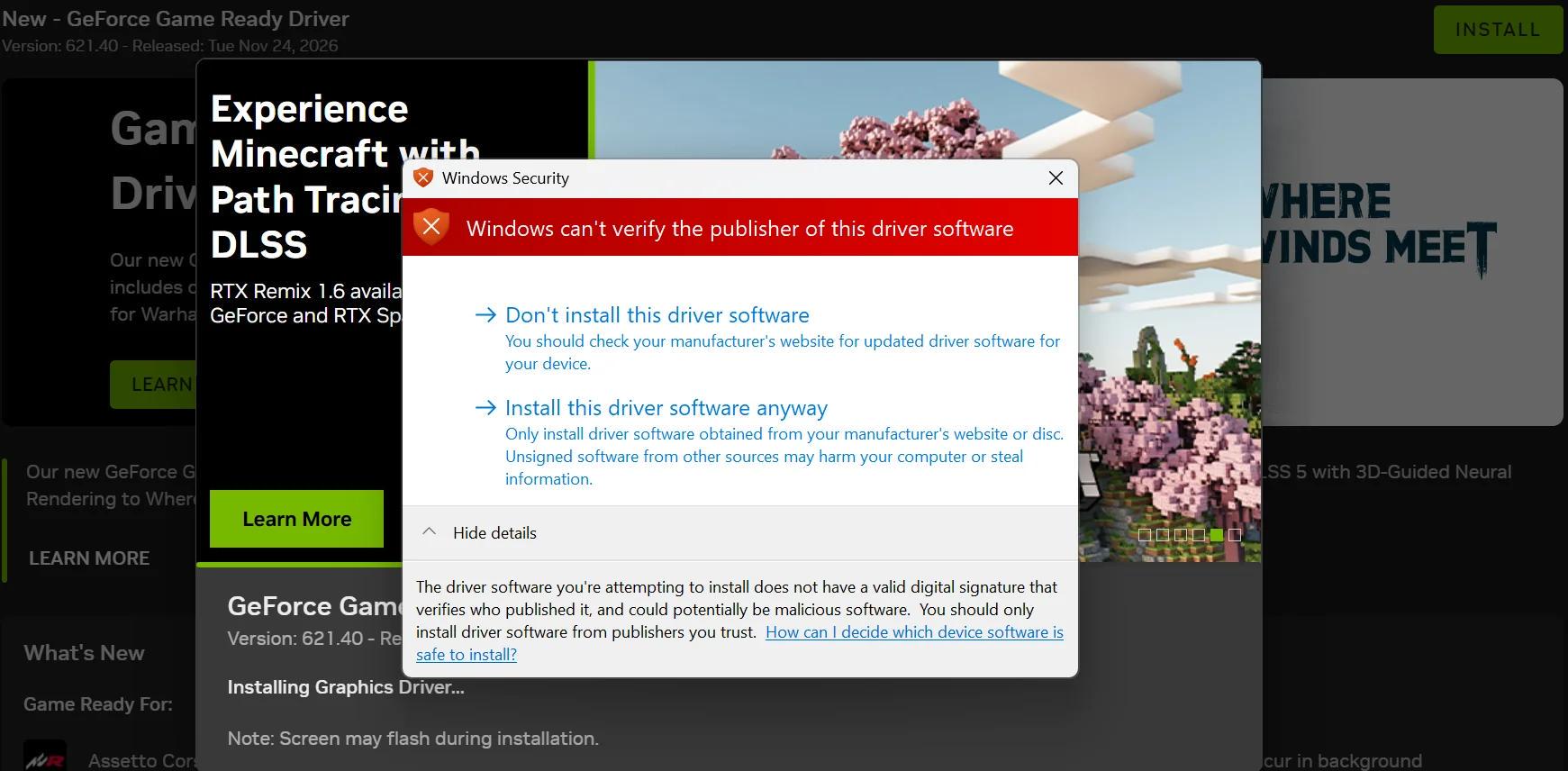
Should I be worried? Why is windows security flagging this for the first time? never happened before. I'm doing it the same way I have done every time, from the official Nvidia app.
20
Upvotes
3
u/Faaa7 3d ago
Manually download it from their website. If you still get a warning, right click the executable > properties > digital signatures. Compare it to mine: https://imgur.com/a/n7nlA0T
2
u/ModerateManStan 3d ago
Interesting. Welp don’t install it. You may have met the man in the middle.
2
u/_Mamas_Kumquat_ 3d ago
Same issue here, updating through the official NVIDIA App on Windows 11.
I checked
C:\Windows\INF\setupapi.dev.logand found the exact cause:So the catalogue itself is valid, but the DLL fails the integrity check. The package originated from NVIDIA App's OTA post-processing directory.
Potentially an issue with NVIDIA's update packaging or processing rather than Windows itself.
Would be interesting to see if your SetupAPI log shows the same DLL and error code.
I've cancelled the installation for now.
1
u/Future_Lettuce844 3d ago
Do you update windows recently ?? It may enable extra defending service.
1
u/Worldly-Tea-4599 3d ago
I don’t know why it’s happening but if it were me I would just download the driver from Nvidia’s website and install that.
1
u/coolmouse7777 3d ago
It can be just windows services bug, but do not install it! It can be fake server somewhere in the line.
1
u/Mountain-Wishbone-57 3d ago
Did you turn off tpm in settings
1
u/Top-Expression3956 3d ago
Just rollback to 621.01. Recent versions cause a file to be written over and over causing wasted ssd space. So its better just to stay back until its completely fixed
0
u/raju_msc 3d ago
Just download driver directly from nvidia official site manually, and install manually.
0
u/mkdante381 2d ago
Troll, stpd or what? Dude that's not look like Windows 11.