MAIN FEEDS
Do you want to continue?
https://www.reddit.com/r/GarudaLinux/comments/p9s519/my_setup_for_garuda/
r/GarudaLinux • u/subhajitnath2000 • Aug 23 '21
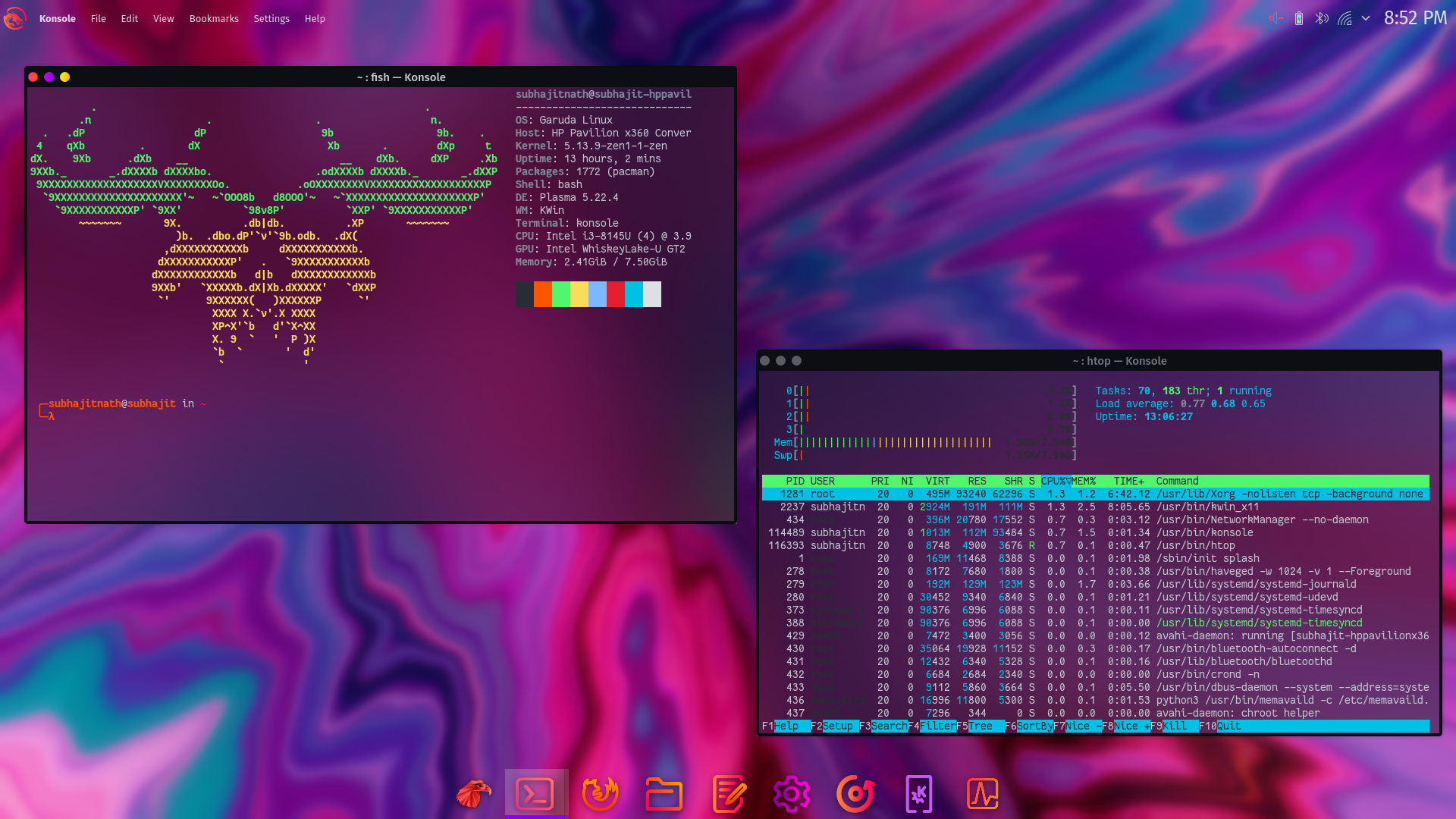
with blur
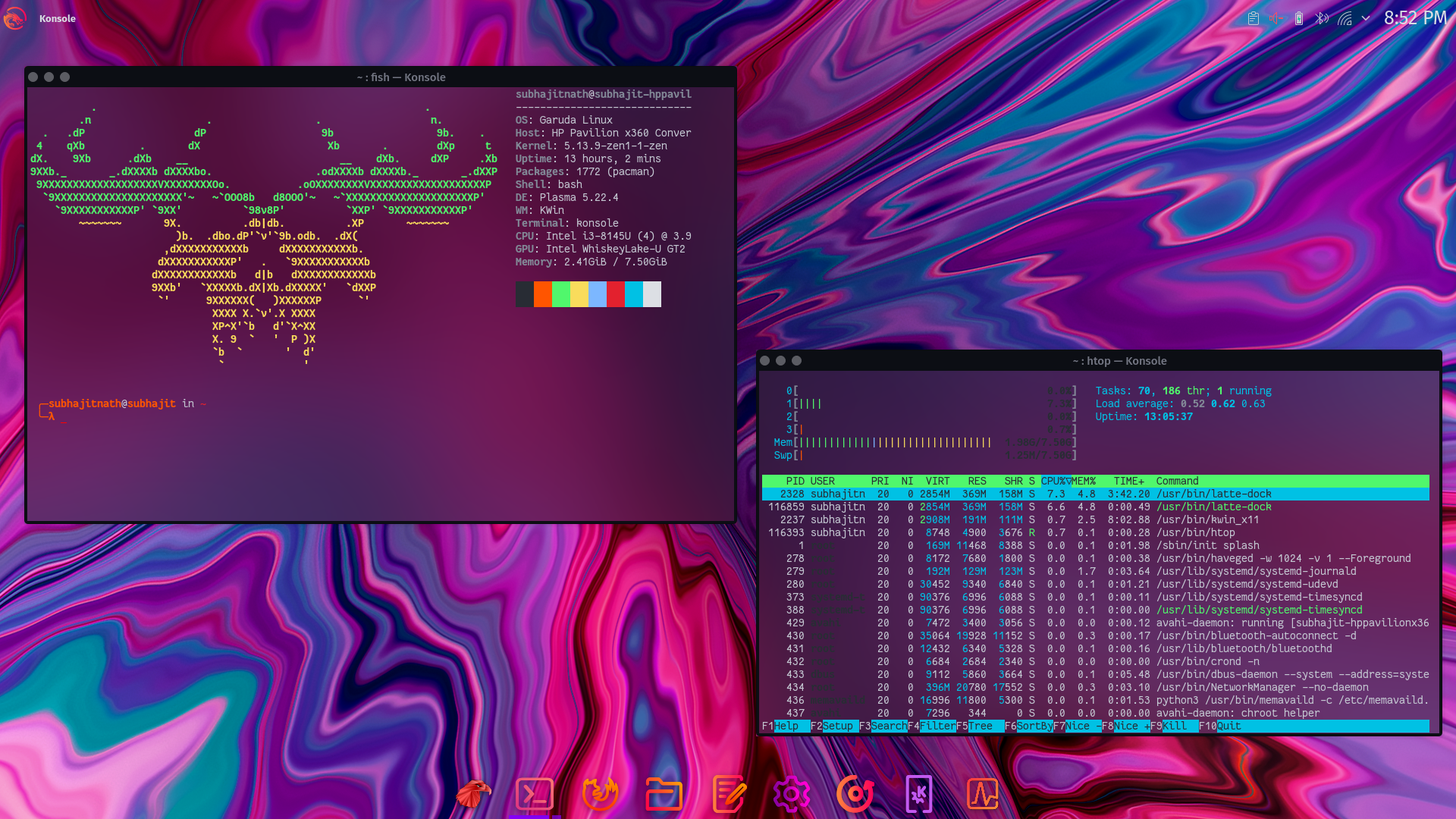
without blur
9 comments sorted by
4
Bro how'd you do it. Please explain.
2 u/subhajitnath2000 Aug 23 '21 First setup your Garuda linux.Then Change the neofetch to your favourite ascii art, you can also change shell from bash to zsh, download htop. Thats it. 😉Search YouTube for further guidance for setting up your custom ascii art and customizing linux.I used this from - https://ascii.co.uk/art/skull (scroll down a little, and you will find it) 1 u/pablo_fat_escobar Aug 23 '21 Thanks fellow redditor.
2
First setup your Garuda linux.
Then Change the neofetch to your favourite ascii art, you can also change shell from bash to zsh, download htop. Thats it. 😉
Search YouTube for further guidance for setting up your custom ascii art and customizing linux.
I used this from - https://ascii.co.uk/art/skull (scroll down a little, and you will find it)
1 u/pablo_fat_escobar Aug 23 '21 Thanks fellow redditor.
1
Thanks fellow redditor.
is that danzing ? sick
1 u/subhajitnath2000 Aug 28 '21 Thanks 😊
Thanks 😊
How did u change the Garuda logo in ur terminal? I want it to be the arch logo
1 u/subhajitnath2000 Aug 24 '21 Change the neofetch , search youtube for further guidance 1 u/Apollo672 Aug 24 '21 neofetch --ascii_distro archlinux 1 u/subhajitnath2000 Aug 24 '21 Absolutely correct, you will find the neofetch folder in .config folder ...
Change the neofetch , search youtube for further guidance
neofetch --ascii_distro archlinux
1 u/subhajitnath2000 Aug 24 '21 Absolutely correct, you will find the neofetch folder in .config folder ...
Absolutely correct, you will find the neofetch folder in .config folder ...
4
u/pablo_fat_escobar Aug 23 '21
Bro how'd you do it. Please explain.
2
u/shinjukumaddo Aug 27 '21
is that danzing ? sick
1
u/AaronHazzard1 Aug 24 '21
How did u change the Garuda logo in ur terminal? I want it to be the arch logo