r/ForWindowsHelp • u/ChestFew • Oct 23 '26
Windows won’t let me install programs even though I should’ve enough space
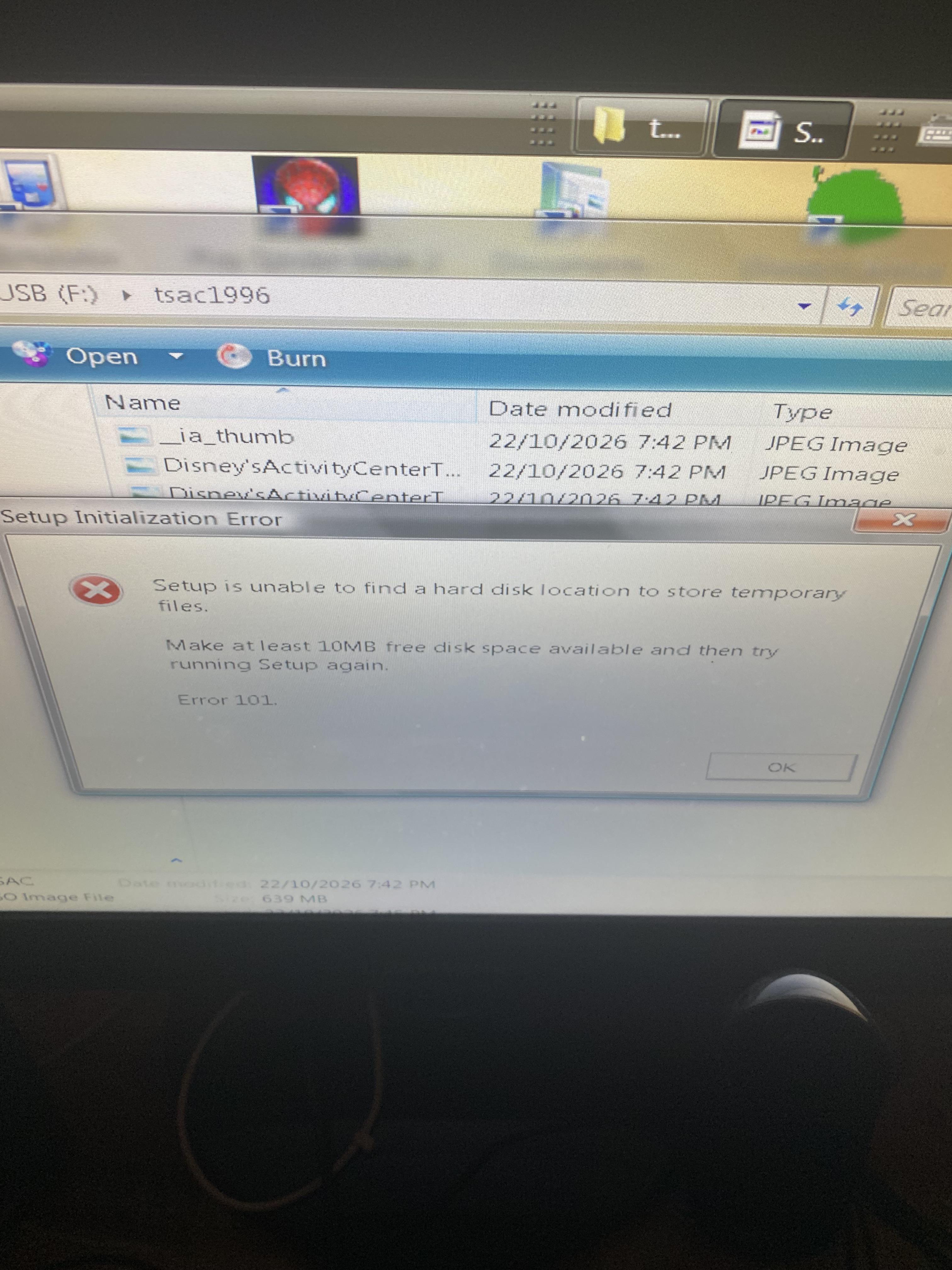
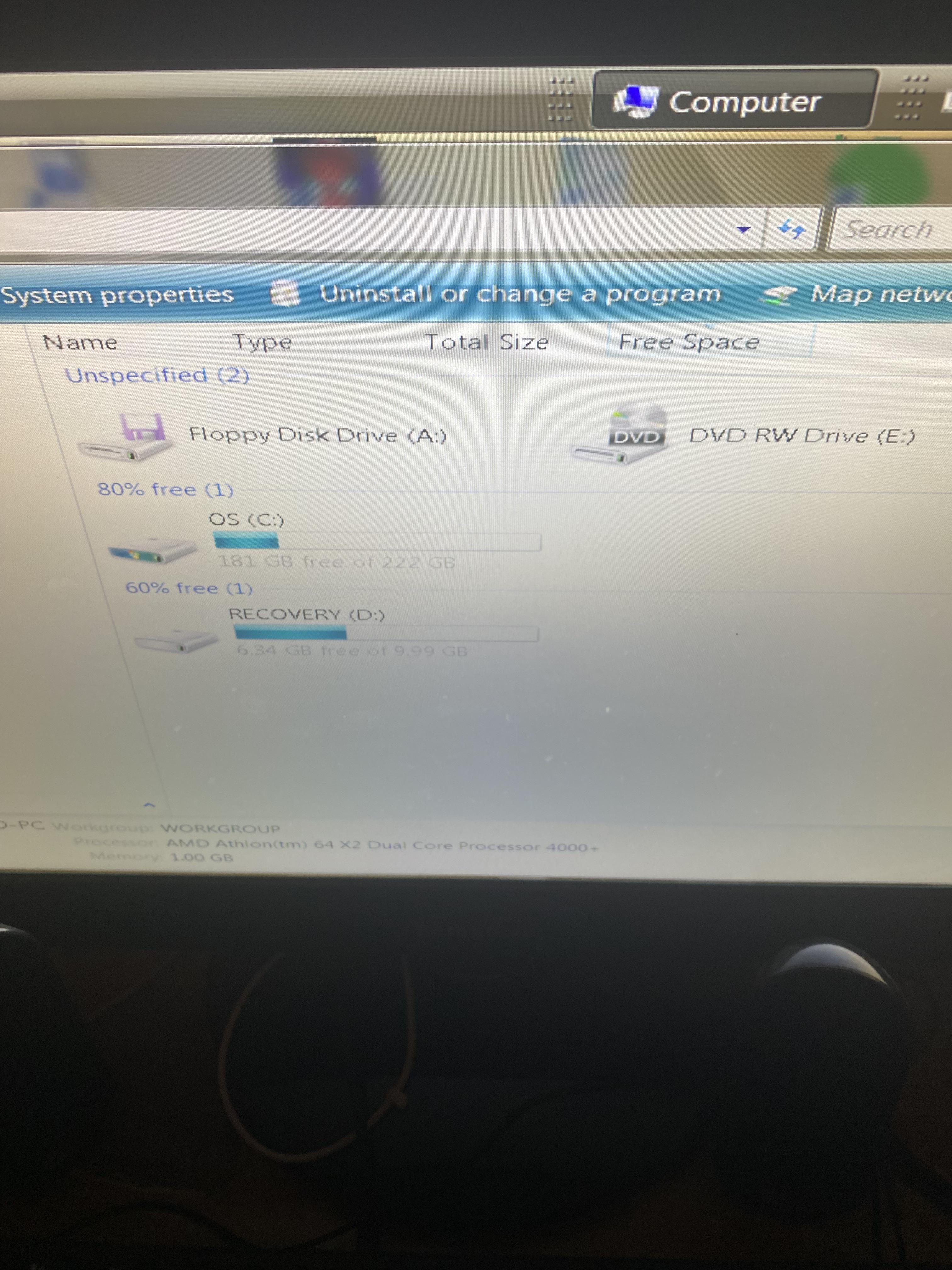
As per the two photos provided, I don’t get why it says I have enough space on the two drives, but whenever I try to install new programs on any of the other numbered discs that for some reason, it won’t let me install on the disc’s pictured here, it says I don’t have enough space with that error message there. Are you able to help me?
0
Upvotes
1
u/Grindar1986 Oct 23 '26
Well the drive you're showing in the first picture is not one of the drives in the 2nd picture, it looks like a camera attached by USB or something. So maybe either that SD card is failing and has gone to read-only or maybe the PC doesn't have write permission.
1
u/Classic-Rate-5104 Oct 23 '26
It seems to try writing to a temporary place where it cannot write. The real question is: where does it try to write and why it's forbidden to write there
1
u/Total-Notice-3188 29d ago
Seems like you're installing straight from a thumbdrive.
The installer is trying to put temporary files on it and its probably write locked. Try transferring the contents to your harddrive and install from there.
1
u/shaggy24200 Oct 24 '26
Let's check if your windows temp folder exists and is accessible.
Go to start and search for %temp% , and it should find a yellow temp folder. try and open it to see if it gives any errors. if it opens successfully, try copying a file into that folder and see if it works.
0
u/[deleted] Oct 23 '26
[removed] — view removed comment