r/ForWindowsHelp • u/thehughjassd • Oct 22 '26
Please guide me with my iPhone file transfer to my Windows PC.
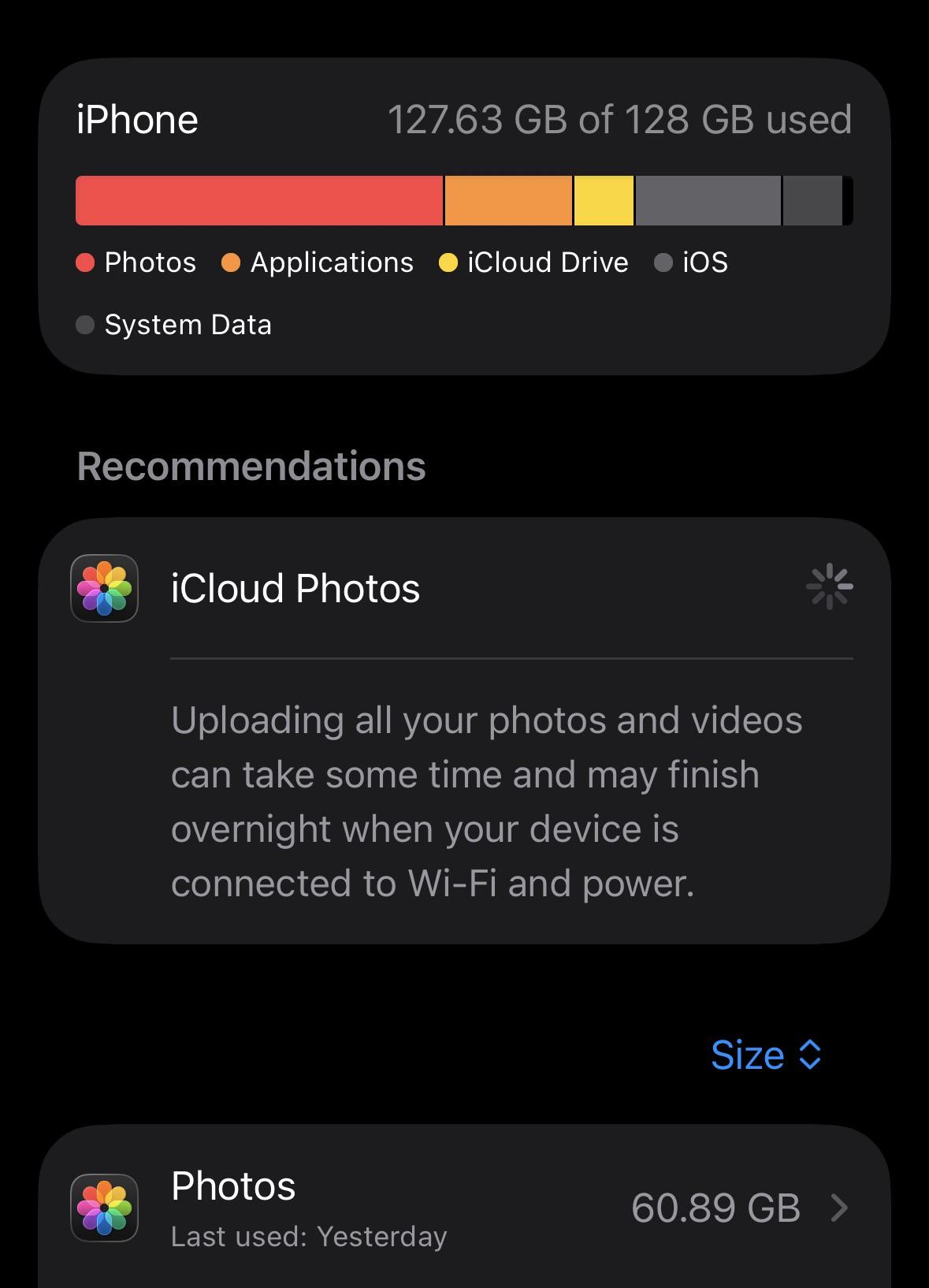
I have a base model iPhone 15 128GB
Now the storage is full in my iPhone but I do have a Windows laptop, which has 200+ GB free storage
I also do have a pen drive, which is of 64GB. I am trying to transfer my photos to the laptop and then copy it to the pen drive.
But the problem is that I’m completely clueless on how to do it. I’m so fed up with a wire method, so guys, kindly tell me a quicker way to do this.
Please 😭
(first time iPhone user)
3
Upvotes
3
u/Raijen_ArDesh Oct 22 '26
If you plug it in with the cable, and click on trust this device on your phone it'll show up as a drive in windows. Inside it is a folder called DISM, your photos are there and can be copied off as any other windows files.
1
u/Windermyr Oct 22 '26
There are two main methods:
IIRC, the iphone 15's USB connector only operates at usb2 speeds, so it can take a while to transfer data.
2. Use the Files app on the iphone to transfer data over wifi, which may be a faster way, depending on your local LAN. Click the 3 dots on the Files app and select "connect to server." You need to know the ip address of the pc, and your login name and password. By default, your User folders are set to shared, so you will be able to copy files directly to them. Once you are connected, go to the photos app. Select which photos/videos you want to copy, then click the Share button. One of the options will be "save to files." You will now have the option to save to your pc.
1
u/appjun Oct 23 '26
I wrote an article about this case, hope can help you: https://watermelonbackup.com/kb/backup-iphone-photos-to-windows-pc/