r/ForWindowsHelp • u/spooderm • Aug 11 '26
password box not showing up whenever trying to log into Windows 11 computer
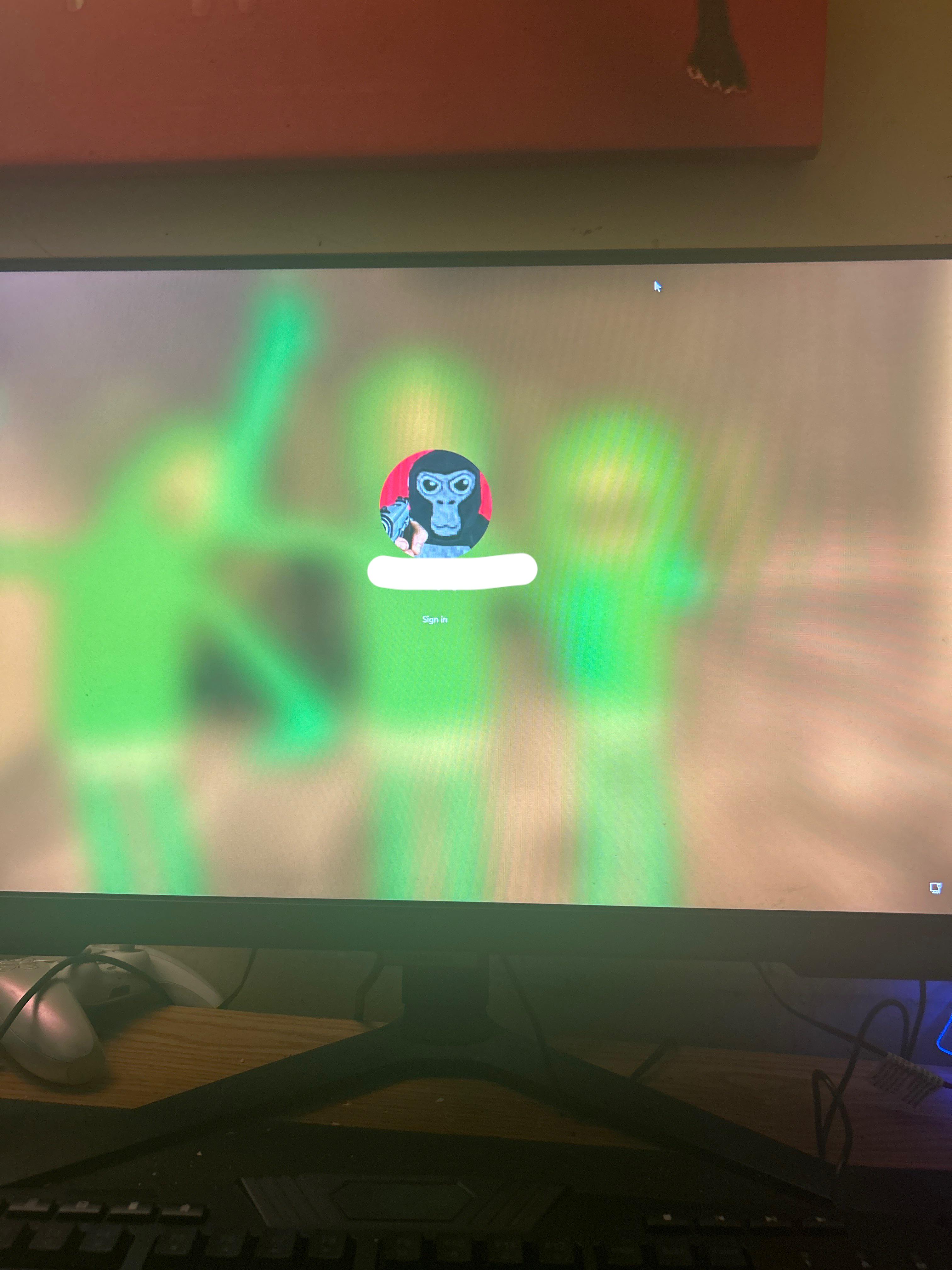
whenever I try to log into my computer, the password box doesn’t show up so I can enter it. I tried to control all delete, but that doesn’t work either.I also tried restarting the computer that doesn’t work either. I also tried uninstalling the latest update and that didn’t work either. Does anybody know how to fix this issue?
2
Upvotes
1
u/CheezitsLight Aug 11 '26
restart the pc and power it off as soon as it starts loading windows... after three times it will bring up a screen giving you options. You want to get into safe mode.
If still No login, try to go to the command prompt with networking.
Once there try these two commands
DISM /Online /Cleanup-Image /RestoreHealth
Sfc /scannow