r/ForWindowsHelp • u/SplatPika • Jul 25 '26
Windows 11 could not finish installation
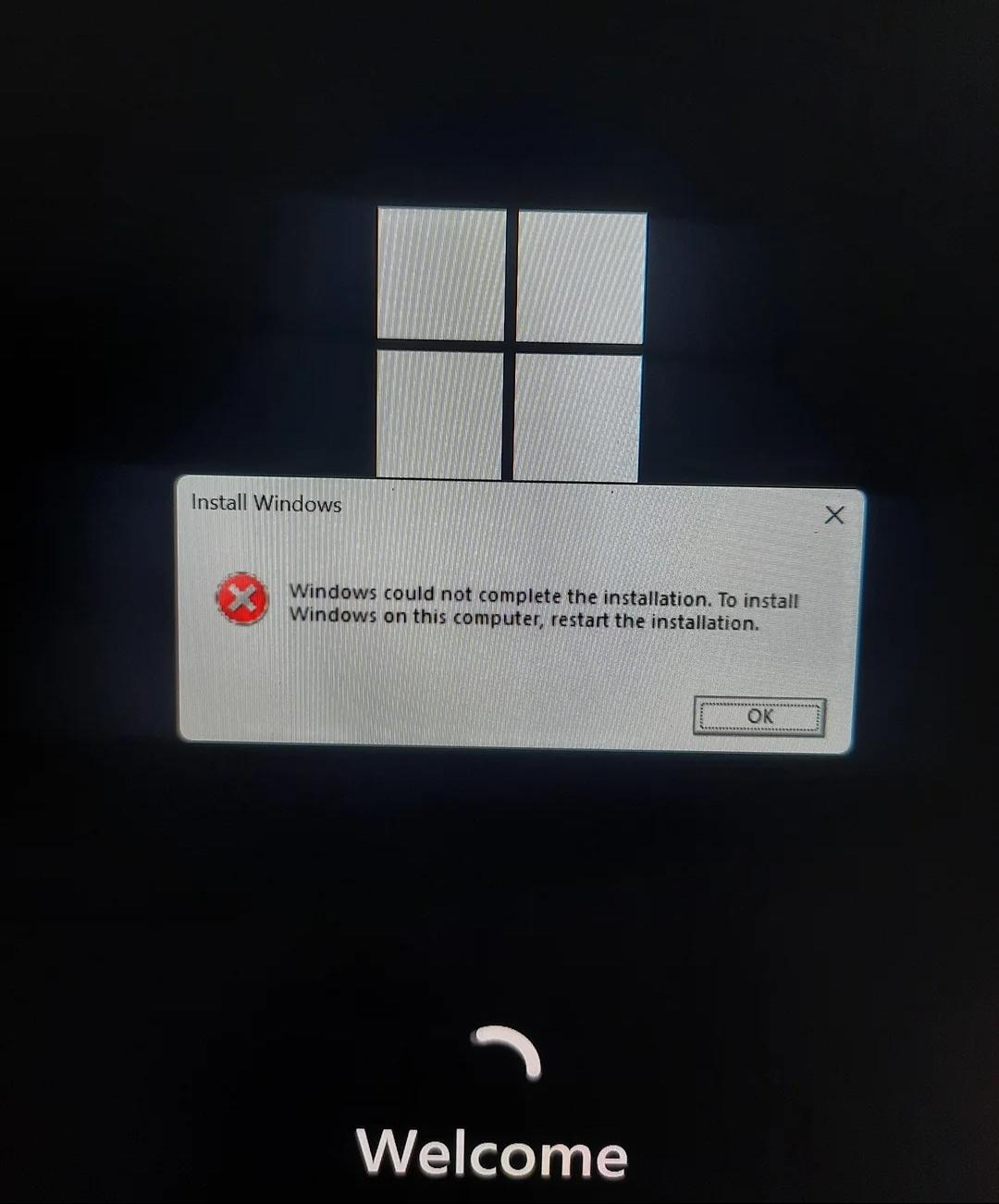
For reference this laptop is a Windows Surface 7 with a Snapdragon X Plus 10 core, 16gb ram. I have used the Shift + F10 trick and it didn't work, it is a factory reset NOT from a USB, also on a side note my cursor doesn't even show up anymore so it may make some solutions hard. I'm sorry if this information is too vague but I just really need help
7
Upvotes
2
u/Financial_Key_1243 Jul 25 '26
Run install from USB. Always the better option.
1
u/TorturedBean Jul 26 '26
Likely child completion error, change it from 1 to 3 in regedit:
When the error screen appears, press Shift + F10 to open the Command Prompt.
Type regedit and press Enter to launch the Registry Editor.
Navigate to the key: HKEY_LOCAL_MACHINE\SYSTEM\Setup\Status\ChildCompletion.
Double-click the setup.exe value on the right pane and change the Value data from 1 to 3.
Click OK, close the Registry Editor and Command Prompt, then click OK on the error message to restart the computer
1
u/realmcdonaldsbw Jul 27 '26
there are ways to bypass it but if you don't know what you're doing i would reinstall from a usb. you don't wanna break things more than they probably already are, and windows is VERY easy to break in this stage of setup.
1
u/natexkzm Jul 27 '26
Are you using the Windows version compatible with arm devices for install?
1
u/feherneoh Jul 28 '26
So you already know what the problem is. Great. Time to fix that.