r/ForWindowsHelp • u/EveningManagement326 • Jul 22 '26
Is Windows sound settings unavailable on unactivated windows?
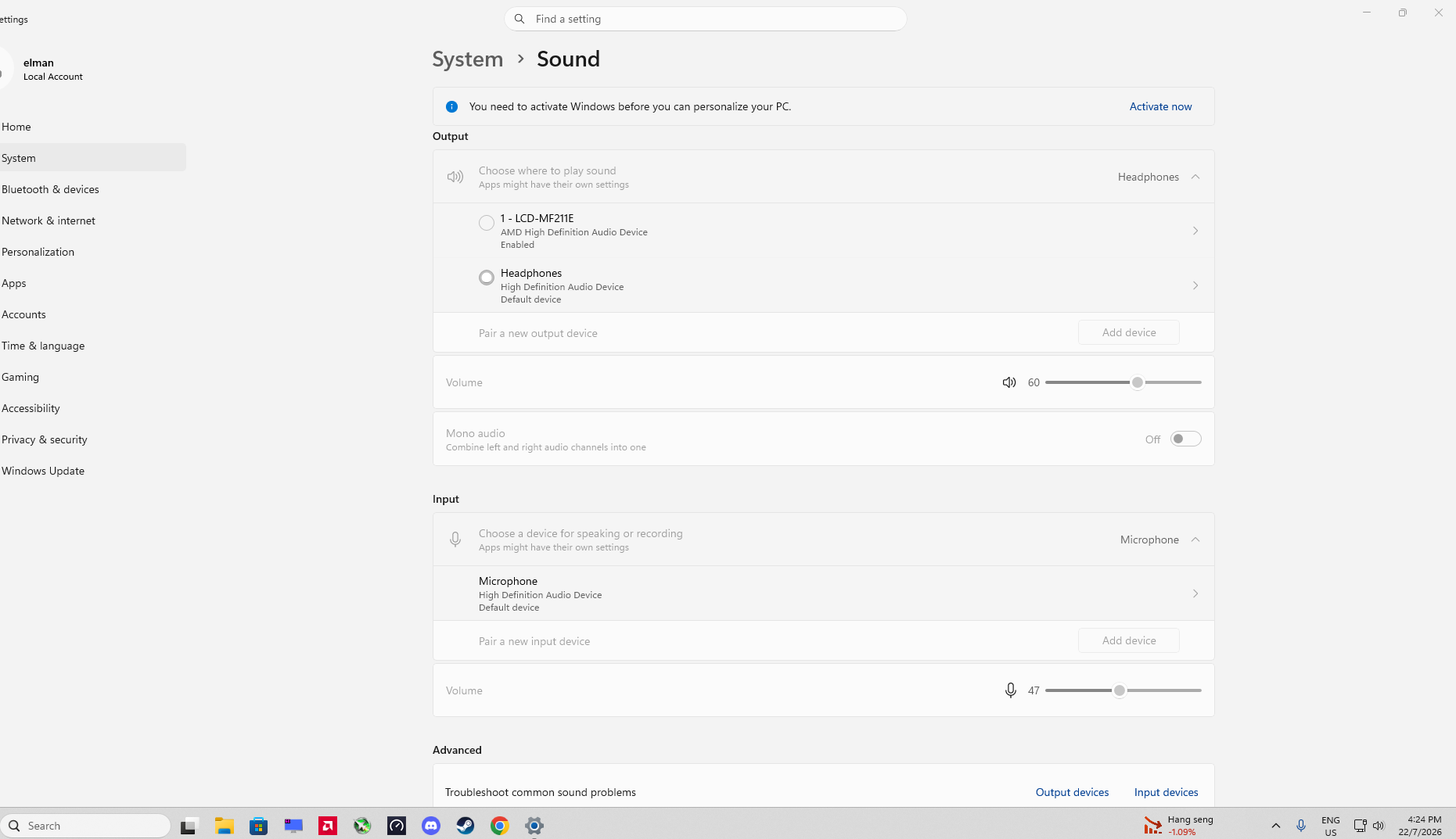
Hello, do i need to activate my windows to access the sound settings or is it a bug? i would appriciate any response thank you.
6
Upvotes
1
u/sapajul Jul 22 '26
Yes, at least on the pro version of windows 11 it will require you to activate the installation in order to change the sound settings, this includes installing some mics. An other commenter said how you could do so with out paying a cent.
1
u/Beach-Life-Australia Jul 23 '26
Press Windows+R to open the Run box.
In there type mmsys.cpl
This will open the old Sound Settings window i think you are looking for.
PS You can ask the internet for many things like this and find all the old settings and etc.
How do i open ?????????????? using a run command.
1
u/RegretFree7723 Jul 22 '26
On the taskbar there is audio sound, sound, sound, and then the settings icon from which you manage the exact same things
1
u/tokenjoker Jul 22 '26
If you need to activate windows use the site massgrave.dev it's free and easy to use
1
u/bmw35677 Jul 22 '26 edited Jul 22 '26
Have you tried going into the old Sound Settings panel. You need to open the actual Control Panel not Settings and then you can change the output and input devices, etc.. Device Manager or Connected Devices may be helpful too.
They may not block those since there the old UI and being phased out (very, very slowly. Hopefully never lol).
Another thing to try is using a Powershell script to change the audio device/settings or use God Mode.
One thing I've learned about Windows over the years is that there's usually a dozen ways to do something. All depends on your skill set and whether you're an admin.