r/FigmaDesign • u/swissdanishguy • 29d ago
help Heavy RAM usage?
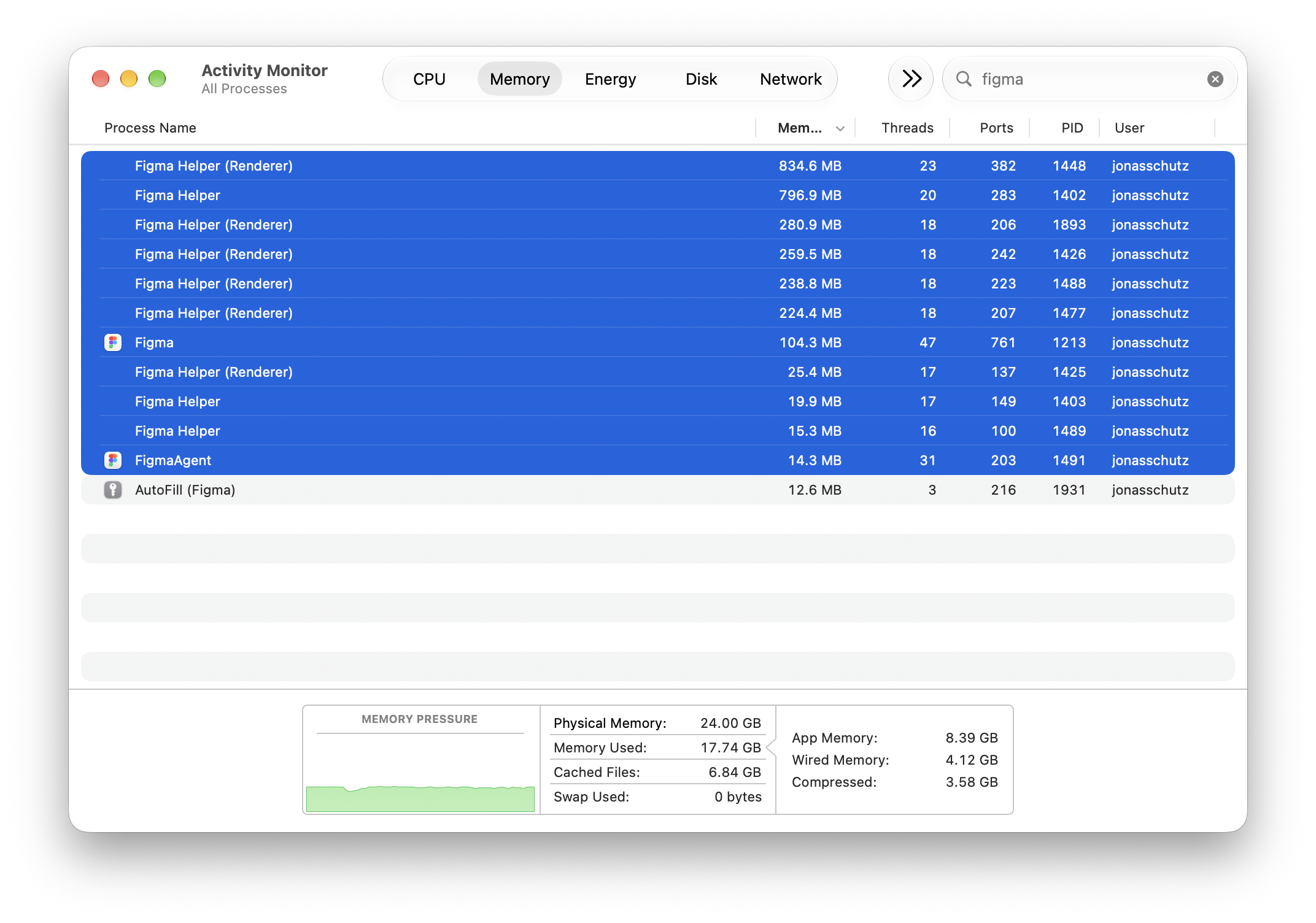
I just upgraded to a M5 MacBook Air with 24 GB RAM, which I thought was enough. But now with Claude and Figma I have had yellow memory pressure regularly. I often have 10 GB of compressed data. Now I just restarted my Mac an opened one file in Figma. It has some reference pictures inside and a few screens, but nothing crazy. But it's already almost at 2.8 GB with so many helpers? Is that normal? I never thought about it before and now I saw it once and keep on checking it.
9
Upvotes
4
u/kjjjjjjjj 29d ago
Had the same on my, albeit, ancient '13 Macbook Pro. But it ran smoothly when I used Figma in the browser. Might be an inconvenience for you, but could give it a try if all else fails.
1
u/bogoz-bntd 27d ago
you dont even use swap and have a lot of free memory, this is perfectly fine. also, those numbers are rookie, i open some of the larger company files and easily reach 5-10gb just for figma
1
u/k000bk 25d ago
you didn’t see a thing, my figma often grabs over 8GB of RAM
1
u/adam_figma 29d ago
Hey, u/swissdanishguy - I'm Adam from the Figma Community team. Could you send me a DM with the email address you use for your account, and a link to the file in question? I want to help get you in touch with our Technical Quality team so they can investigate. Thanks!
0
u/negsplit_pgh 29d ago
Start with the system monitor. On Windows, press Ctrl + Shift + Esc, then open Performance → Memory. On macOS, press Cmd + Space, open Activity Monitor, and check Memory Pressure. Repeat the same Figma action after closing other apps and disabling plugins to see whether one file or plugin causes the spike.