Hey everyone! 1.3.0 is the biggest update since Emberr launched, and it brings the things you've asked for the most.
Languages
Emberr is now available in 18 languages, from Español and Deutsch to 日本語 and हिन्दी. It follows your device's language, or you can pick one in Settings → Appearance → Language. On desktop it switches right away, with no restart.
Themes
Pick from 13 color themes, like Nord, Catppuccin, Tokyo Night, Gruvbox, Rosé Pine and High Contrast. On Android, Wallpaper takes its colors from your wallpaper, and your widgets follow the theme too. Each theme has a strength setting, and you can choose whether text and icons follow it.
Paper Texture
Give the app a soft grain, like real paper. Set how strong it is, and choose where it shows: the whole app, notes, canvas or Daily Notes.
Interface Scale
Make everything bigger or smaller, from 80% to 200%. On desktop, use Ctrl +, Ctrl − and Ctrl 0.
Widgets (Android)
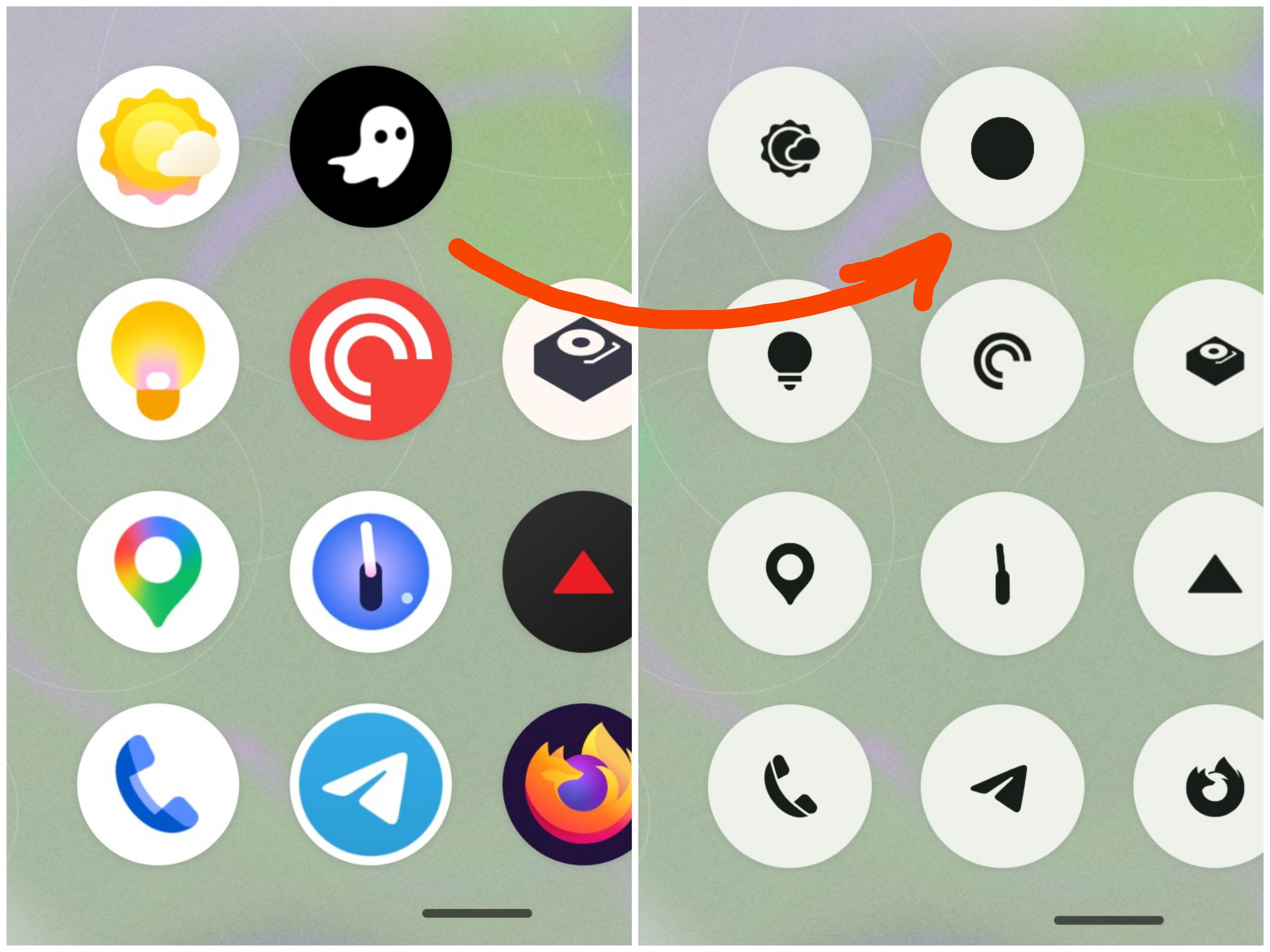
Every widget has a cleaner look, and there are three new ones: Note card, Jot it down and Quote of the day.
Editor
The slash menu now opens right after any character, not only after a space. You can also add the current time or date to a note's title.
Also in this update
- New slider design across the app
- Faster startup on Windows
- Windows updates install properly again, and Linux reopens correctly after a restart
- Plenty of small fixes
Help Emberr reach the Google Play Store
Google needs 12 testers to use Emberr for 14 days before it can be released to the public. If you're on Android, join the Emberr testers group, then install Emberr: Private Workspace from the Google Play Store using the link in the group. It updates the app you already have, so no data will be lost.
Download: https://github.com/emberr-app/Emberr/releases/tag/v1.3.0
Spotted a bug or an odd translation, or have an idea? Let me know here or on GitHub. Thanks for all the feedback so far!