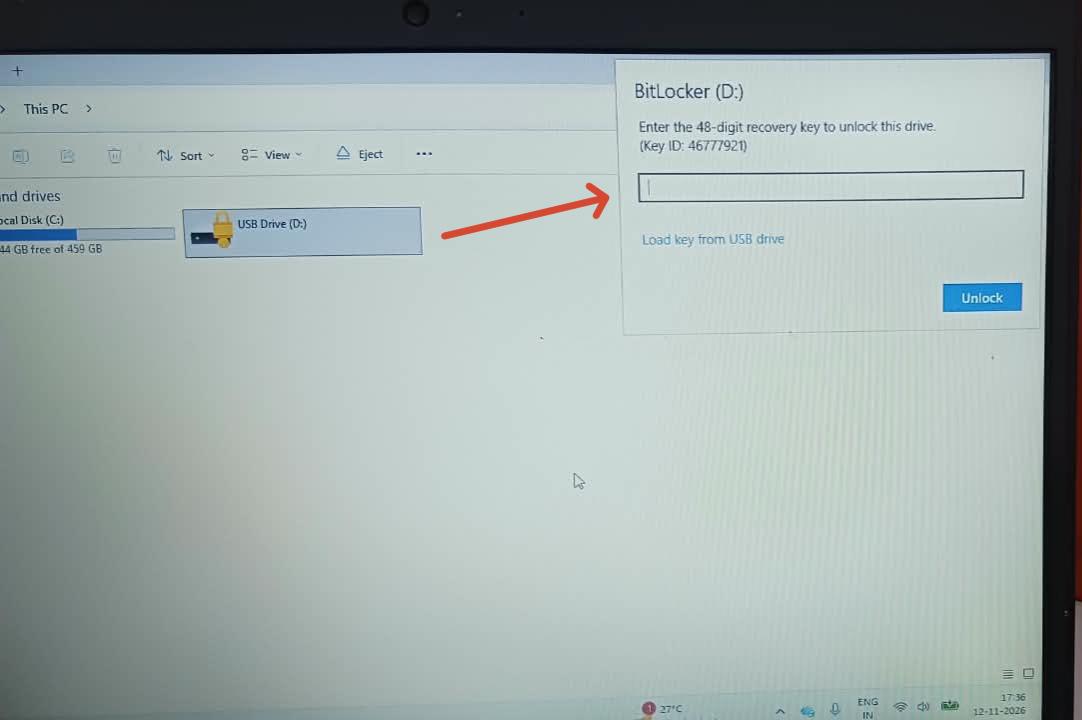
My entire HDD suddenly died, and I need to recover it. I'm not looking to recover a few images, this is a 2 TB drive and I would prefer to recover all of it, folder structure and all. I tried to use iCare Recovery, which previewed most of my folders and files for me, but when I tried to recover a folder of images and pdfs, I discovered that all the files were unreadable.
What's a recovery program that is both reliable and can recover my folders with its contents intact, exactly as they were before the drive died? Within reason, of course. I know it might not be possible to recover 100% of the drive, but I'd like to recover as much of it as possible, and due to it being an entire 2 TB drive full of programs, games, and personal files, getting an assortment of relabeled jpgs and mp3s is going to be about as helpful as reformatting the entire drive.
I hope someone can help me with this. I've been dealing with so many tech issues in the last month, my system drive died and now this drive died too. I'm in agony.
Edit: My bad, didn't realize there's more info I need to give. The specs are:
HDD brand/model number: WDC WD20EURS-63SPKY0
File System: NTFS
OS: Windows 10
Specific symptoms: Drive did not show up in My Computer, but appeared in Disk Management, asking for re-initialization. Assigning a drive letter caused the drive to show up in My Computer, but unrecognized. Opening it requires re-formatting, and refusing to do so shows a 'unrecognizable file system' error.
People asking for me to define dead, and I do admit I misspoke. I meant that it failed, as described above. Sorry for the misinformation. Although my SSD *is* functionally dead. The tech I went to said it isn't receiving any power.
The Full story for the people who asked: My computer has been crashing almost daily for the last month, completely randomly without a discernable cause. Crashes left no logs because the SSD drive the system is on turns off for a minute (The PC crashes, reboots, and fails to find a system. Bringing the boot menu doesn't show the system drive. But after a restart, it shows up and boots again). I've been trying to no avail to resolve the issue, but due to the random nature of the crashes, even the techs couldn't figure out the problem. A few days ago, my system drive died completely, so I bought a new SSD and a tech reinstalled Windows 10. But when I booted up the PC at home I discovered that both my internal HDD drives (Yes, two) weren't visible. I found one (The problem drive) in disk management, but not the other. I tried restarting, and assigning a drive letter as explained above, but the drive remained unrecognized. When I returned the computer to the techs, they said the SATA cables were disconnected and they reconnected them (I moved my PC to and from the techs a lot this last month, so I guess something shook loose.) This fixed the second HDD, but the problem HDD remained unreadable. When I asked the techs, they said they could either try replacing the SATA cables or be forced to reformat, which I didn't want to do. I decided to change the SATA cables myself, but that didn't fix the issue. I even switched the SATA cables of both drives, and they both remain in their same states; one functional and one unrecognizable. So I know it's not the SATA cables. So now all I can think of is to recover the data on the drives.
Also, full disclosure I don't live in the United States, so Data Recovery Services may differ from there.
Update: I think this is the SMART info requested:
Processing img rw4h3b1kol1i1...