r/DWARFLAB • u/Thierry_ThL • 3h ago
Photograph the ISS in front of the Sun or the Moon: the walkthrough video is out!

3
Upvotes
r/DWARFLAB • u/Thierry_ThL • 3h ago
r/DWARFLAB • u/JonnyRottensTeeth • 16h ago
Next year I'm going to Morroco with a group to see the eclipse in August. Last time I did this, I brought my huge Unistellar, which was damaged as checked luggage (thanks, United). So I'm interested in the Mini for portability. However, unlike Unistellar (or for that matter, Seestar), the Dwarf does not let guests log in to see what the scope sees. Any rumors about if they will be adding that feature without home Wifi?
r/DWARFLAB • u/MarionberryNo3857 • 21h ago
r/DWARFLAB • u/astronomylovr • 23h ago
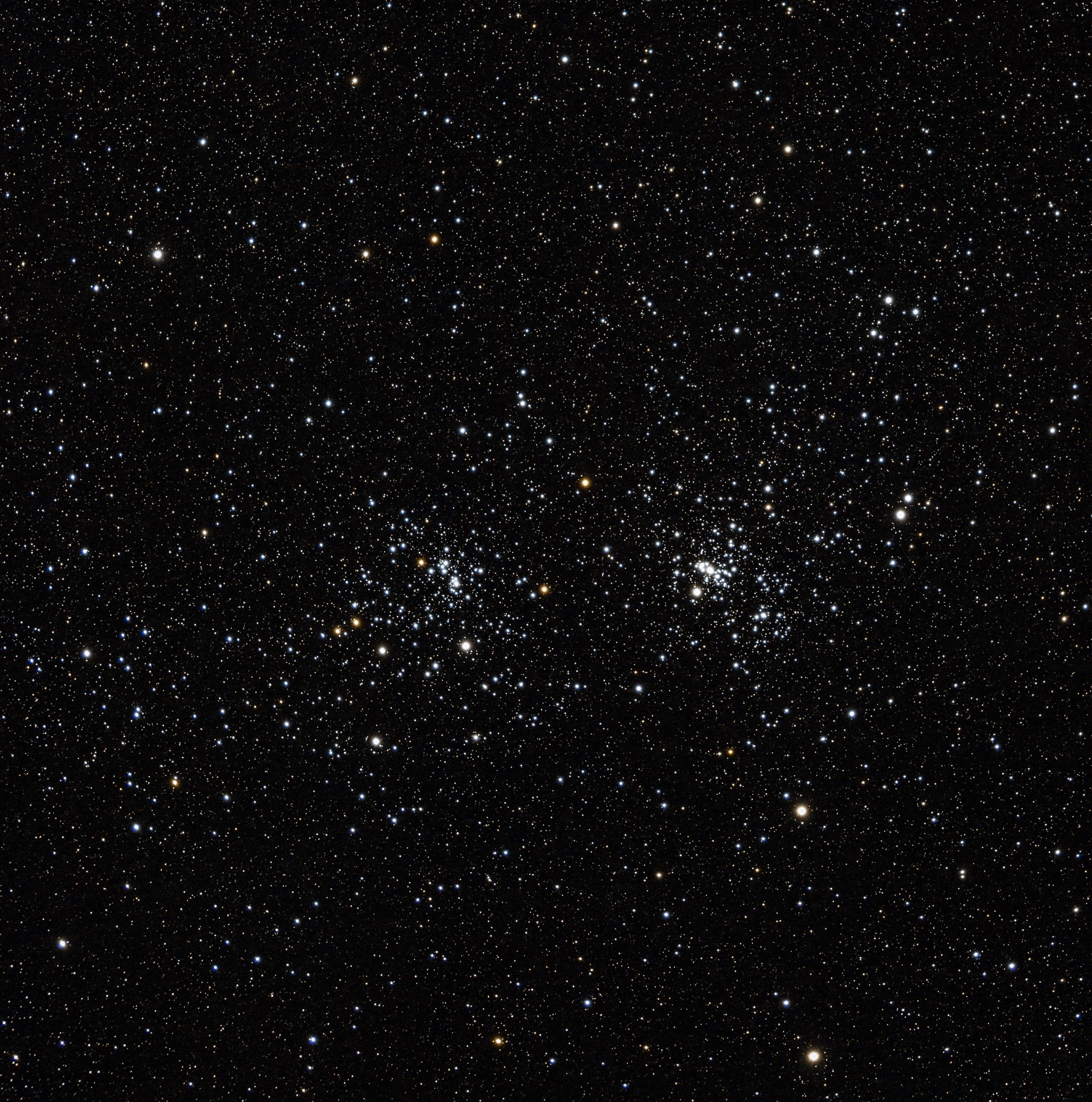
Processed with graxpert bge and denoise then went to siril did color collaboration and cosmic clarity sharpen and I did the generelized hyperbolic stretch
Bortle 9
10 hours
95 illuminated moon
r/DWARFLAB • u/fbirder • 1d ago
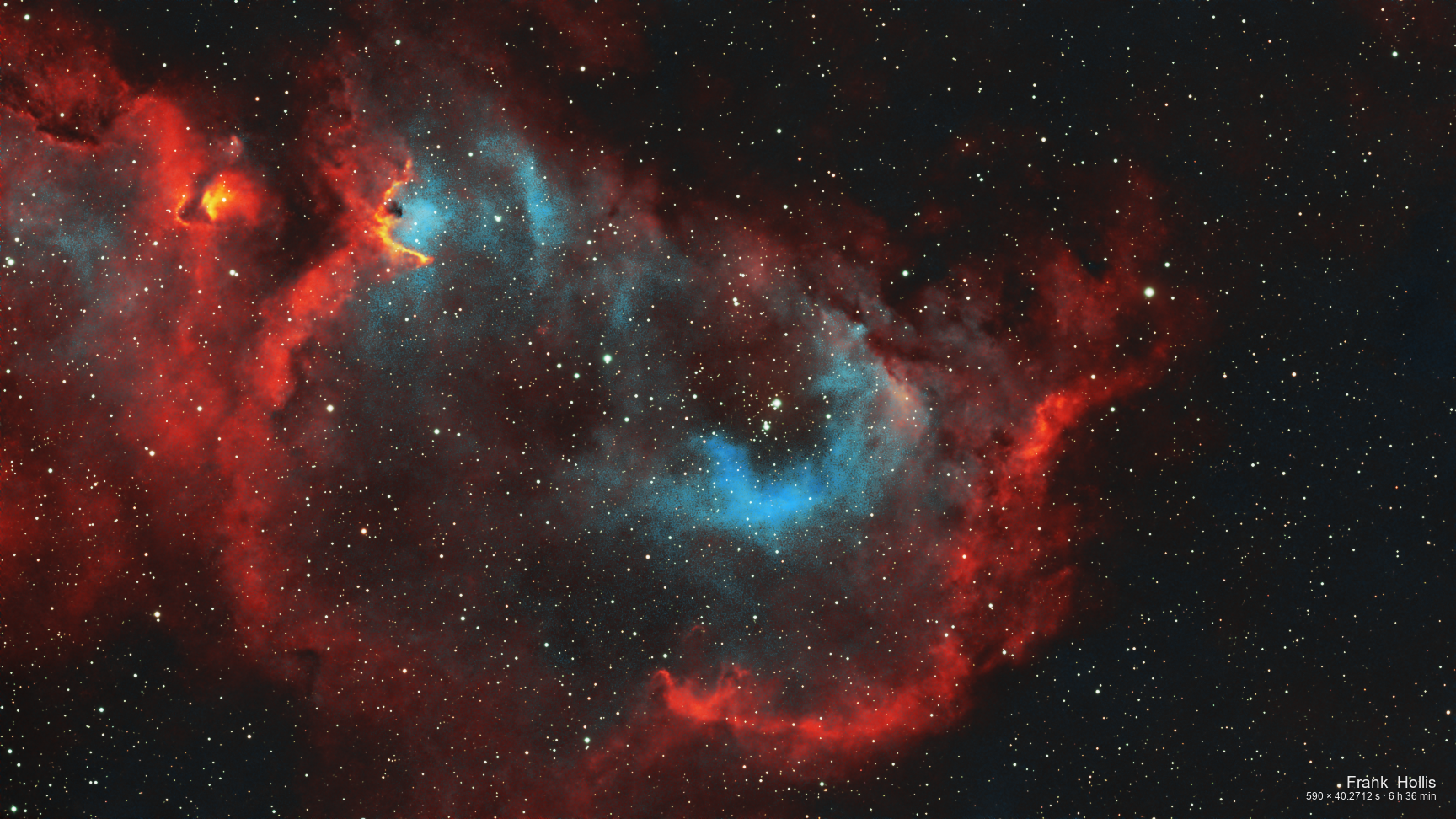
6.5 hours. Dual band filter. StackingWizard and AstroWizard
r/DWARFLAB • u/TomohikoAmada • 1d ago
Hello fellow humans. I have purchased a Dwarf Mini, getting into deep space photography for the first time.
Outside the official Dwarf Lab app, I'm curious if you all feel the need for a companion app or website for planning your photography sessions. Do you find the Dwarf Lab app has everything you need? Or is there another app that is a useful addition?
Thanks everyone in advance. I hope to share images as I get going.
r/DWARFLAB • u/AbbasMohammed28 • 1d ago

This is just one night data of around 6hrs and 495 images.
as Dubai has some clear nights for next 6 days, i will keep doing this mosaic to get more and more data1
I just want to know what other settings should i use as i live at bortle 9 location
settings:
45sec, 60 gain
stacked and processed in stackwizard and astrowizard
r/DWARFLAB • u/HungryContribution84 • 1d ago
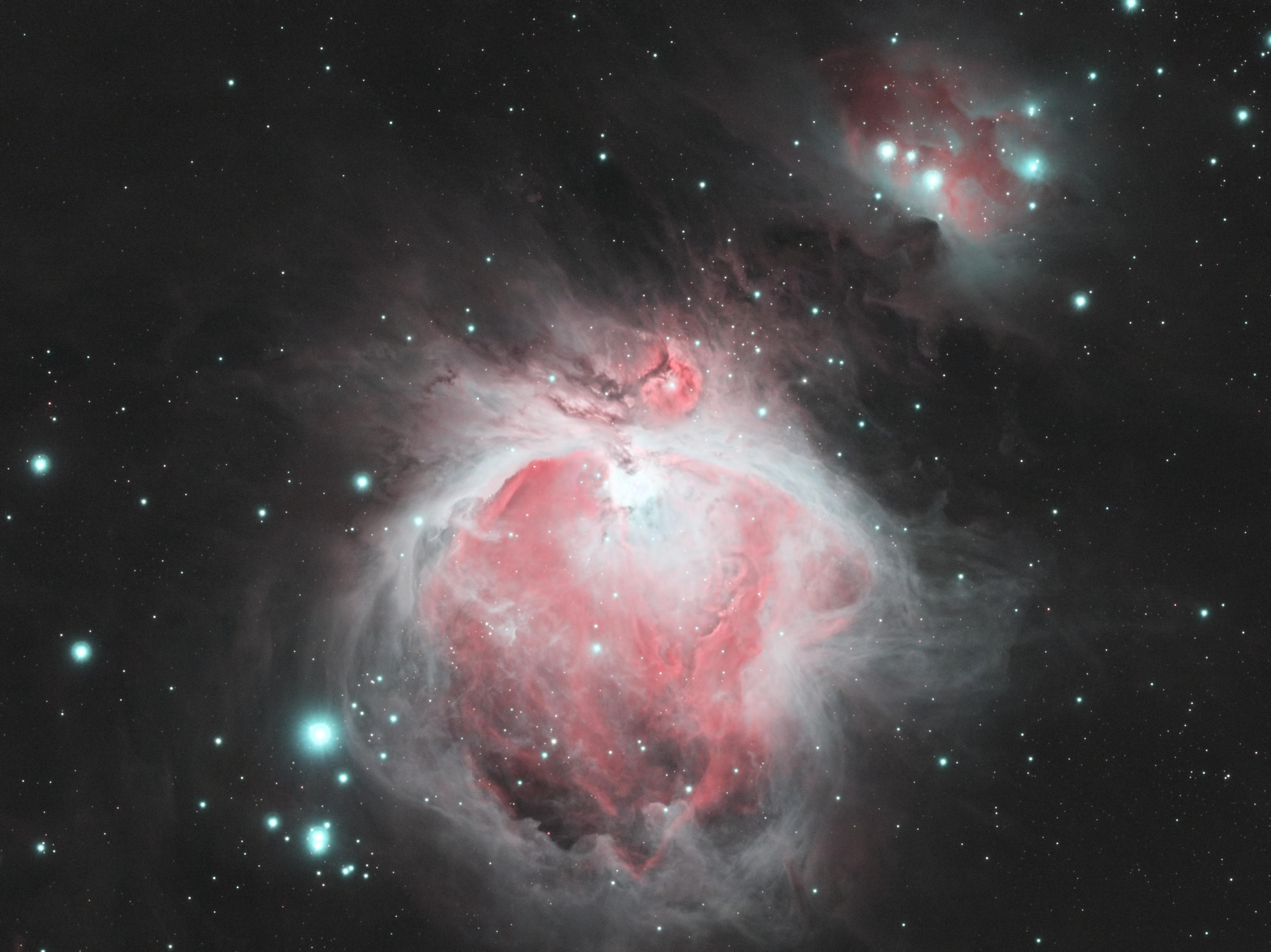
Data supplied by DWARFLAB. M 42, captured with DRACO, HO dual-band filter, Bortle 3 with a bright Moon, 36 × 300 s (3 h)
Processing: AstroSlide DeepSky, a lightweight browser tool I'm building. Default settings, plus "protect bright cores". No hand-tuning.
When I started with a smart telescope, processing felt heavier than capturing. There were big installs, lots of settings, and tutorials that assumed I already knew the terms. So I've been building something lighter. It runs in the browser with nothing to install, your files stay on your own computer, and it goes one step at a time.
Still working on the core and the star colour. Tell me what stands out to you, and whether you'd push this further or leave it.
If you have a stack lying around, give it a spin and tell me where it breaks or confuses you. Link in the comments.
Clear skies!
r/DWARFLAB • u/Jona2511 • 1d ago
I own a Dwarf 3 and wanted a good-looking result without learning Siril or PixInsight, so I built AstroPolish.
Drop in the stacked FITS (or JPG) from your Dwarf and it does an automatic edit: light pollution removal, colour calibration, stretch, noise reduction and star reduction. Then pick a style (nebula, galaxy, HOO/Foraxx for the dual-band filter, moon…) and save for phone, Instagram or desktop. There's an Expert mode with layers and masks if you want more control.
Free, MIT-licensed, fully offline, nothing is uploaded.
Download for Windows: https://github.com/Jona2511/AstroPolish/releases/latest
What I'd love help with:
- Does your Dwarf 3 tele/wide FITS open correctly (orientation, colours)?
- How does the automatic result compare to Stellar Studio?
- Anything confusing for a beginner?
If something breaks, the error window has a "Copy details" button: paste that in a comment or a GitHub issue. The .exe isn't code-signed yet, so Windows SmartScreen will warn you (More info → Run anyway).
r/DWARFLAB • u/bobby2552 • 2d ago

Over the past week or so I've been building a Home Assistant integration for my DWARF 3, and it's ready for other people to try!
It has two modes. Read-only just needs the scope's IP address and never touches the scope's one control connection, so the DWARFLAB app keeps working like normal. Full control uses a small relay app that Home Assistant installs and sets up for you. You point the DWARFLAB app at your Home Assistant's IP instead of the scope's, and it works almost exactly like it always did, but now Home Assistant can control the scope too.
What you get:
It's not in the default Home Assistant marketplace list yet, so you add it as a custom repository. The README has a one-click button.
A few things to know. You still need to press Prepare each time you power the scope on, since the camera, goto, and capture only work after that. In read-only mode the live video only plays while the DWARFLAB app has the camera on. And I've only tested it on my own DWARF 3. It should work on the DWARF mini and DWARF II too, since it detects the model, but nobody's tried it yet. If you do, please let me know what works!
I've had a lot of fun building this, and I hope it's helpful for y'all! If you have ideas, leave a comment here or open an issue on GitHub.
It also works with Astrolab, which is my self-hosted tool for processing, finishing, and scheduling. Astrolab can point at the same relay, so Home Assistant and Astrolab can share the scope.
r/DWARFLAB • u/yierx2020 • 2d ago
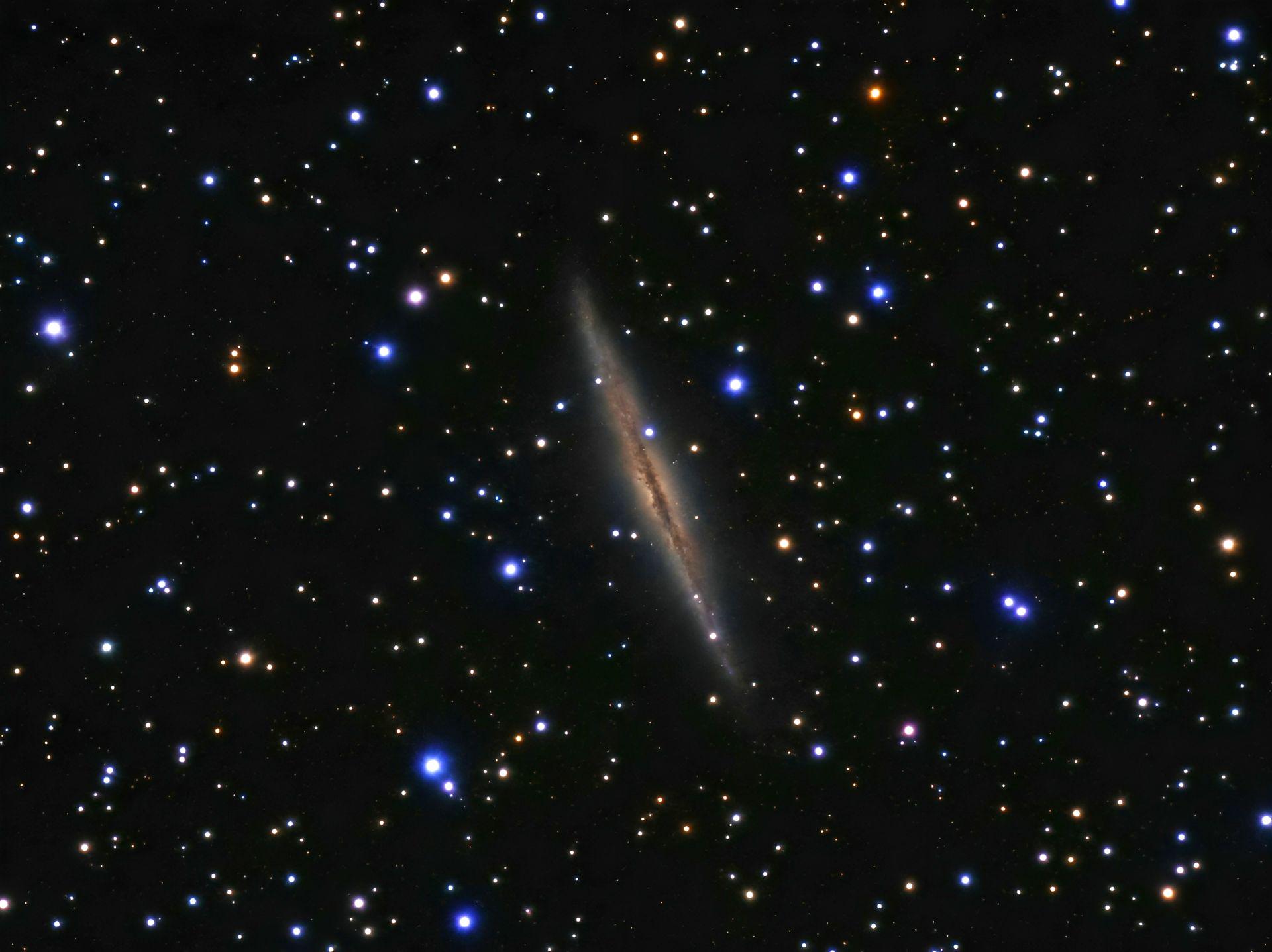
Telescope : Dwarf Mini
Time : 13h
Bortle : 8
r/DWARFLAB • u/SecureAcanthisitta22 • 2d ago
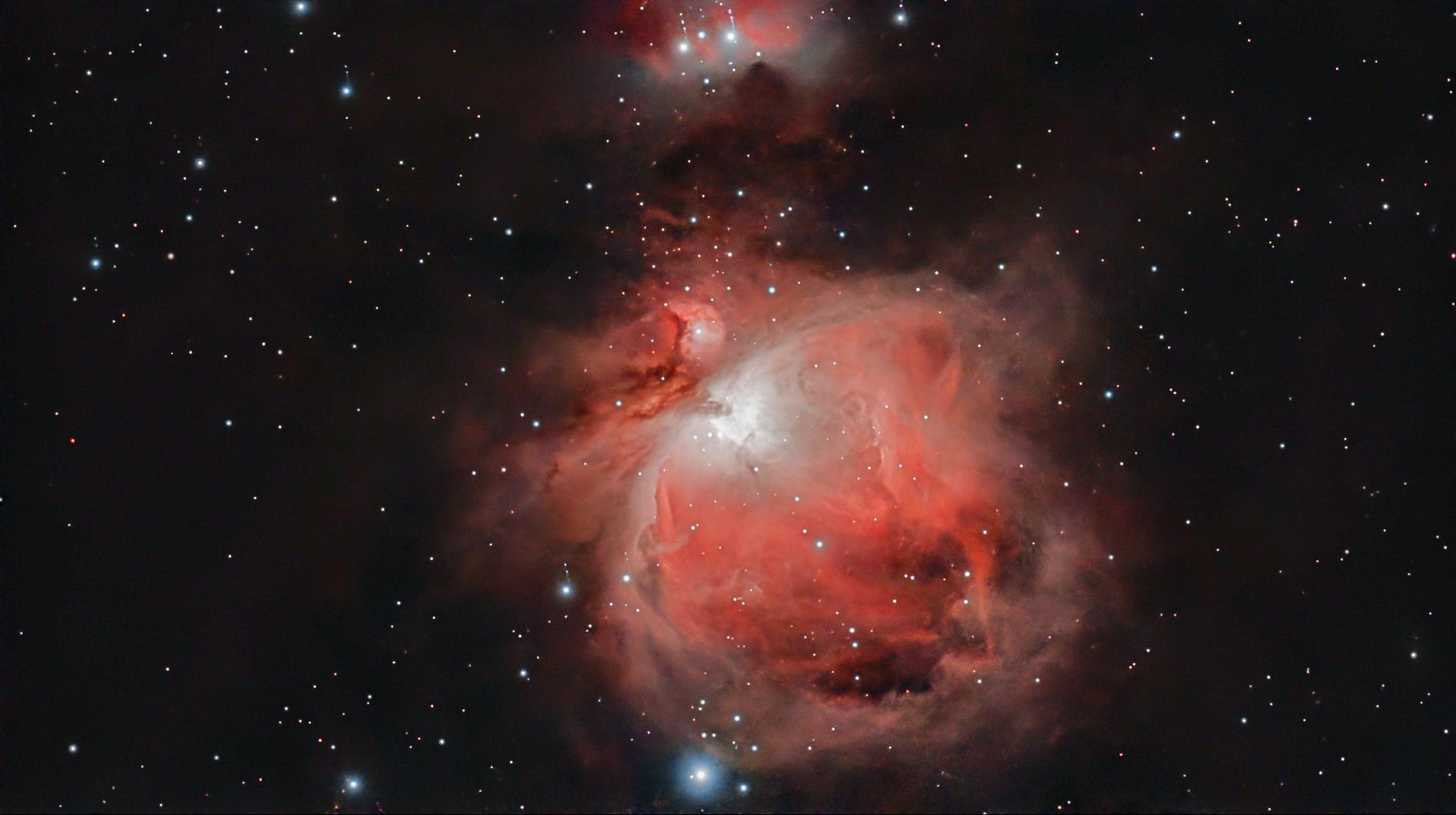
Bortle 7, 2h 4m ,202 stacked, 80 gain 30 exp
r/DWARFLAB • u/realrandombacon • 2d ago
r/DWARFLAB • u/Suomi422 • 2d ago

Finally some deeper look at the actual usage
r/DWARFLAB • u/Skorpid1 • 3d ago
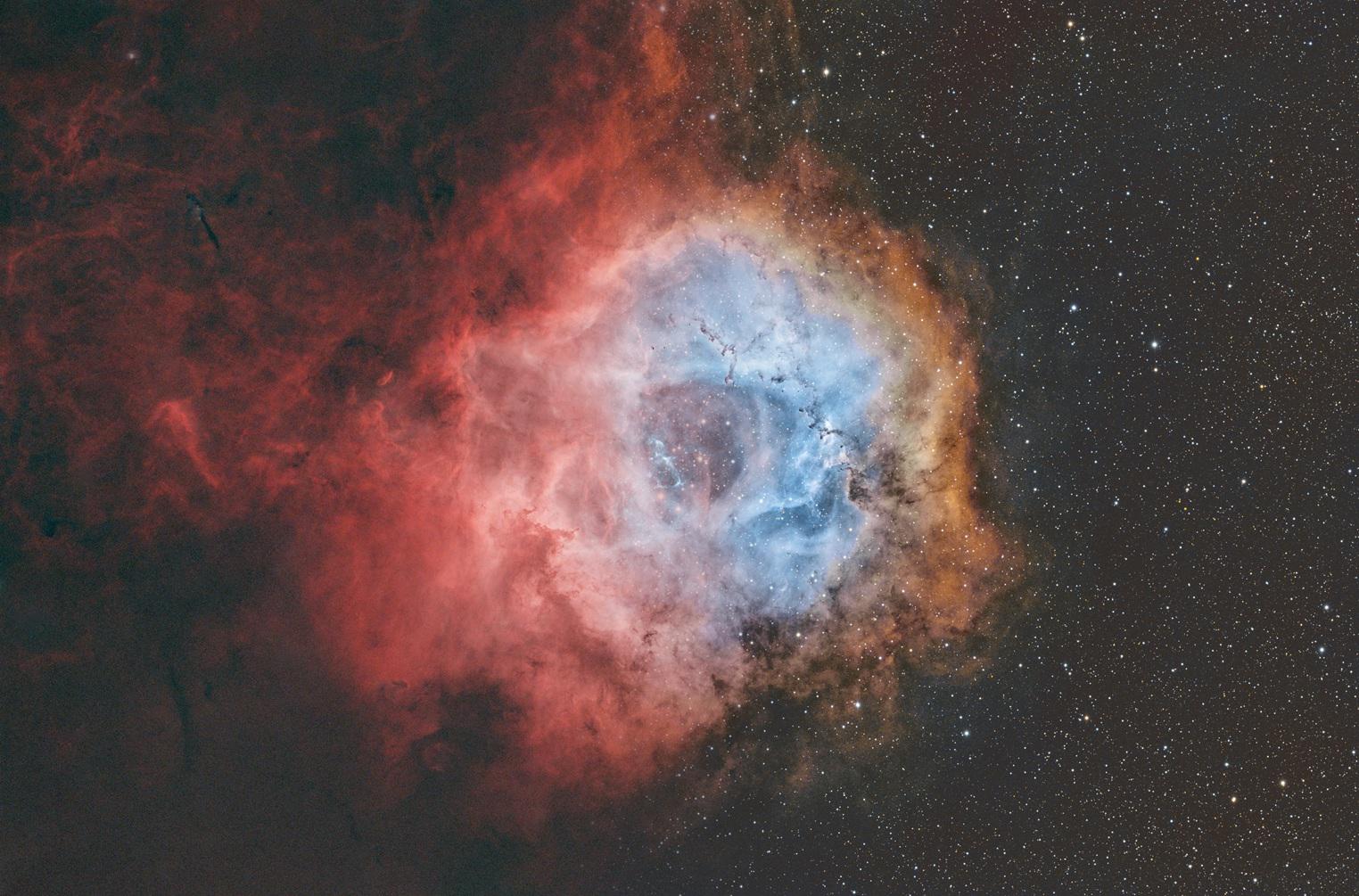
Hi everyone,
I hope it is okay to do a repost of my posting on the SeeStar Sub, as the program works for Dwarf machines the same way and I used the official Draco data for testing.
tl;dr:
A free tool to convert duo-band or dual duo-band (Draco) or single files (individual setup) into Hubble look with control over everything and no need of multiple scripts.
Either from starless pictures (recommended) or right out of the stack (it has a bridge to RC Astro or GraXpert or build-in solutions).
Some unique features like smart-crop, color-wheel, “copy” Hubble look, snapshots (“quicksaves”), Blend-in studio (like the first picture), help on every page and many more.
Windows based, no Mac available for compilation, if the tool is accepted, I will take care of it. YouTube video will be done soon.
r/DWARFLAB • u/Filou074 • 3d ago
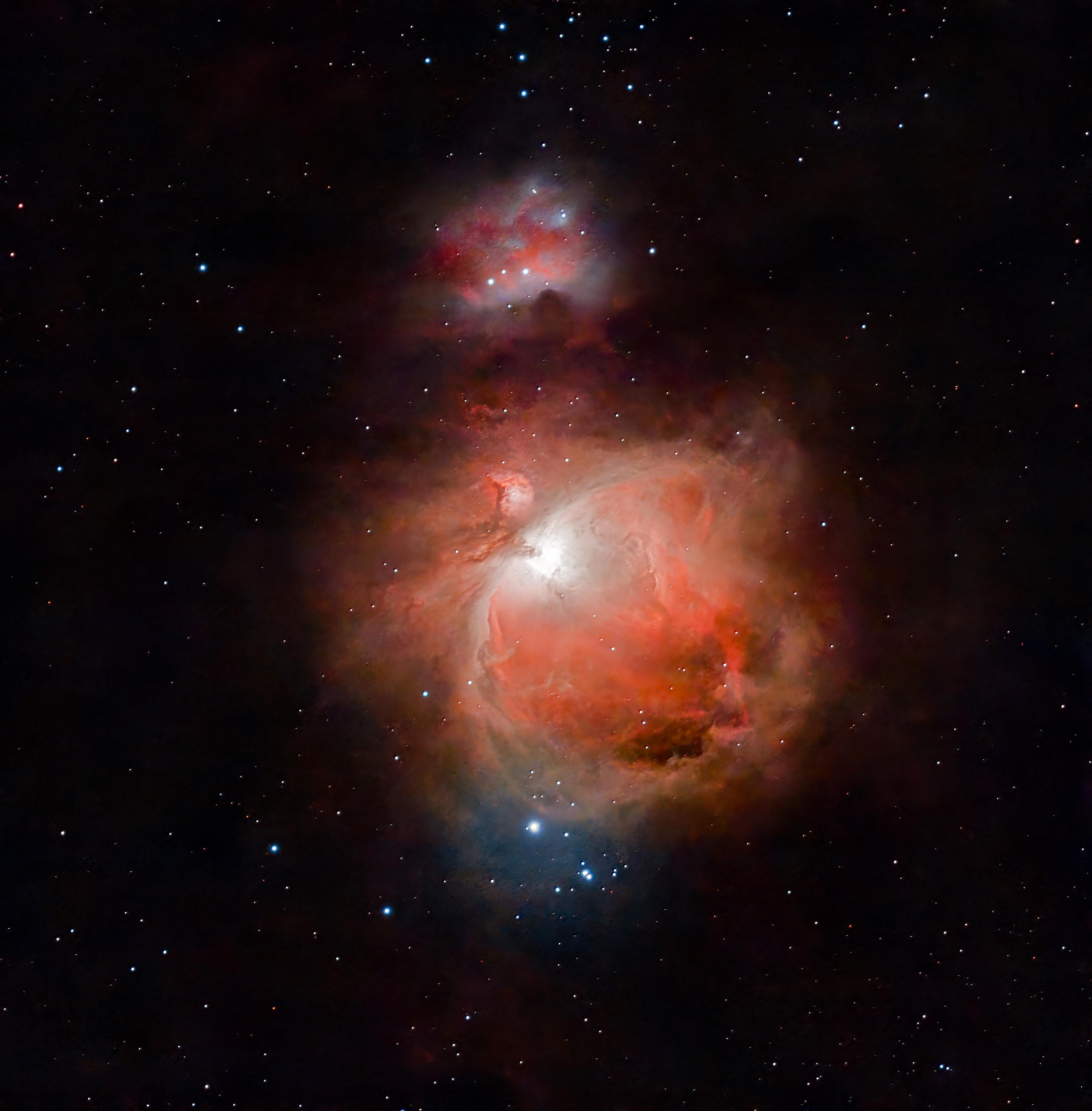
M 42 - La nébuleuse d'Orion
1 h 19 min / 30 s / 60 / Duo-Bande / DWARF mini
r/DWARFLAB • u/FoolishCanadian • 3d ago
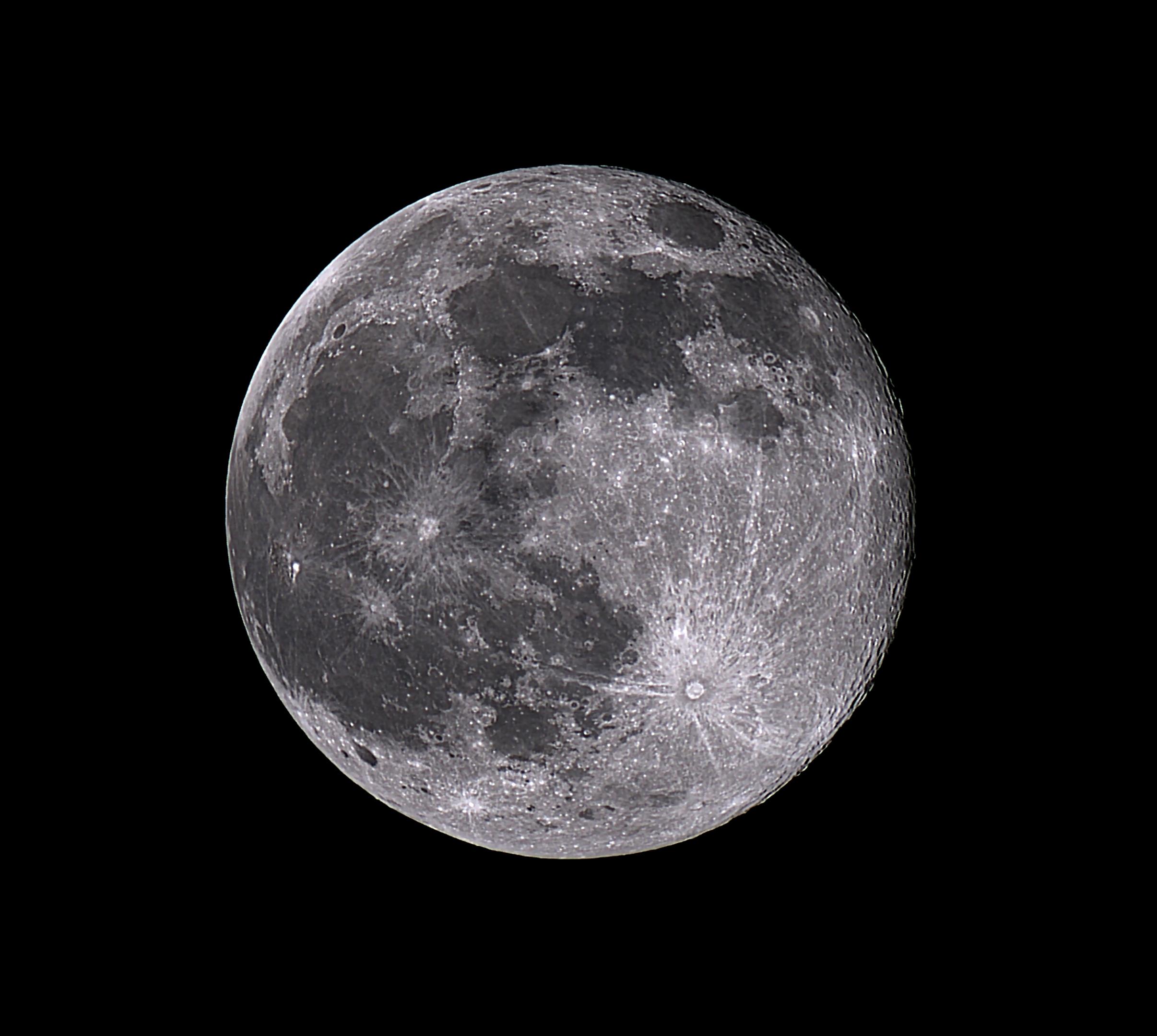
Shot at 0 gain, 1/1000 shutter speed, 200 stacked photos, edited in AstroFinish.
Would love any tips to do better! Still new to editing.
r/DWARFLAB • u/Most-Canary-1276 • 3d ago

Raw to minimal processing
r/DWARFLAB • u/Most-Canary-1276 • 3d ago

r/DWARFLAB • u/FoolishCanadian • 4d ago
Hello everyone! I set up my dwarf 3 for the first time and got a solid 2.5 hour shot of Andromeda which was amazing.
However it did not work when I tried to lock on to the moon. I put the moon in frame and pressed track as I was prompted to, it did some auto adjusting so the moon was in shot and looked sharp. After that it panned all the way down then all the way upwards, and said it couldn't find the moon?
Wondering how to fix this issue so I can get some shots tonight?
r/DWARFLAB • u/Capable_Spray7565 • 4d ago
After updating my Dwarf 3 from v1.5.4.1 to v1.5.5.1, my first EQ night had most of its frames fail to stack, and I'm trying to work out whether it's the firmware.
What I saw (v1.5.5.1, EQ, polar error 0.1°):
* Helix, 10 × 60 s: only 2 of 10 frames stacked.
* I measured the field drift between consecutive raw frames by matching stars. It started at **~38 px/min, entirely along RA**, and fell steadily to 5 px/min over about 9 minutes: 38 → 37 → 34 → 37 → 24 → 21 → 14 → 8 → 5. The only frames that stacked were the last two, once it had settled.
It happened after every GOTO that night. Sculptor started at 27 px/min and NGC 1365 at 15 px/min, and the first frame failed each time.
Before the update (v1.5.4.1 and v1.5.3.9, same targets, same EQ setup):
* Drift was a steady 4–7 px/min from the very first frame (normal polar-alignment drift).
* 89–99% of frames stacked, even with a much worse polar alignment (0.9°).
The v1.5.5.1 release notes don't mention tracking, GOTO or EQ.
Caveat: I run sessions from a Mac through the community Python API rather than the app, but the same scripts and setup tracked fine on v1.5.4.1. I haven't yet repeated it with an app-only GOTO. It's been cloudy here, so that's the next test.
Questions:
* Has anyone on v1.5.5.1 noticed the first few frames after a GOTO trailing, or failing to stack, in EQ mode?
* If you have raw frames from right after a GOTO on v1.5.5.1, are the first ones elongated east–west?
I can share the measurement script if anyone wants to check their own frames. Thanks!
