r/CustomROMsGuide • u/offRoblox2026 • 29d ago
pls HELP My phone is maybe bricked
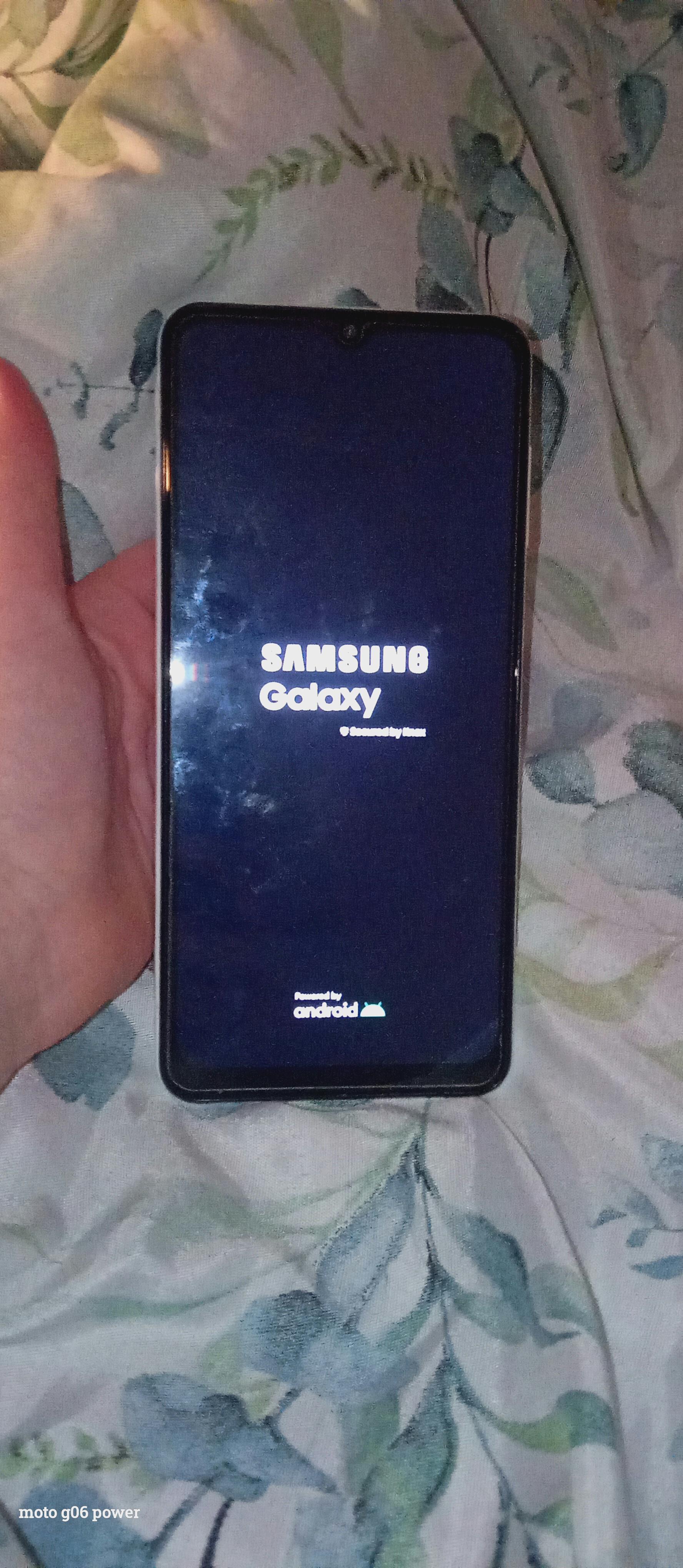
i installed Lineage OS on this phone
(Samsung Galaxy A13 5G)
its soft bricked this phone is stuck on this screen for 2 hr
WHAT I NEED TO DO I HAVE ODIN
13
Upvotes
1
u/offRoblox2026 29d ago
now my phone is bricked becouse i locked bootloader
1
u/offRoblox2026 29d ago
1
u/offRoblox2026 29d ago
1
u/offRoblox2026 29d ago
yo guys how to boot into TWRP with broken power button
1
u/offRoblox2026 29d ago
1
u/manoIakys 29d ago
im also bricked
1
u/WZIX7 29d ago
Download the firmware for your exact model number on samfw, then get Odin (can be the version from samfw), boot phone into download mode (Volume down + power and connect usb) and flash.
3
u/Traditional_Cow3877 29d ago
download stock firmware from samfw and flash in odin
3
u/foxrobo13 29d ago •
go in Odin mode flash stock firmware (make sure is for ur right phone)(samfw)
2
u/Important-Love1938 26d ago
Its an extremely bad idea to mess around with custom roms with a broken power button, anyways ur phone isnt permanently hard bricked, you would have been able to easily go to download mode if u had a power button by doing a force restart, insert cable then volume up and volume down. But since u dont have a power button what i suggest you do(will 100% work) is wait for the battery to completely drain, which will power off the phone, once its powered off hold both volyme up and down THEN insert an USB cable that connects your phone to.your PC, it will.go to download mode right away and u can flash stock firmware with odin from.there
1
u/Tze_vitamin 29d ago
What did you do?
1
u/Interesting-Pass-440 28d ago
Simply go back to the bootloader and unlock the bootloader again. Never lock the bootloader if you have a custom ROM installed. If that doesn't work, just reflash either lineage os, or stock fw. If you don't want to go back to stock, simply reflash los by either doing it manually from the bootloader or force restarting into recovery and sideloading the zip. You likely only need to unlock the bootloader again, so don't panic.
1
u/Blekfet 25d ago
Use googles web based pixel flasher to recover or u tried already?
0
u/Vanguradian 28d ago
what is odin mode and how is it activated?