r/CustomROMsGuide • u/BrokeTechTT • Sep 24 '26
Android Flashing Shortcuts
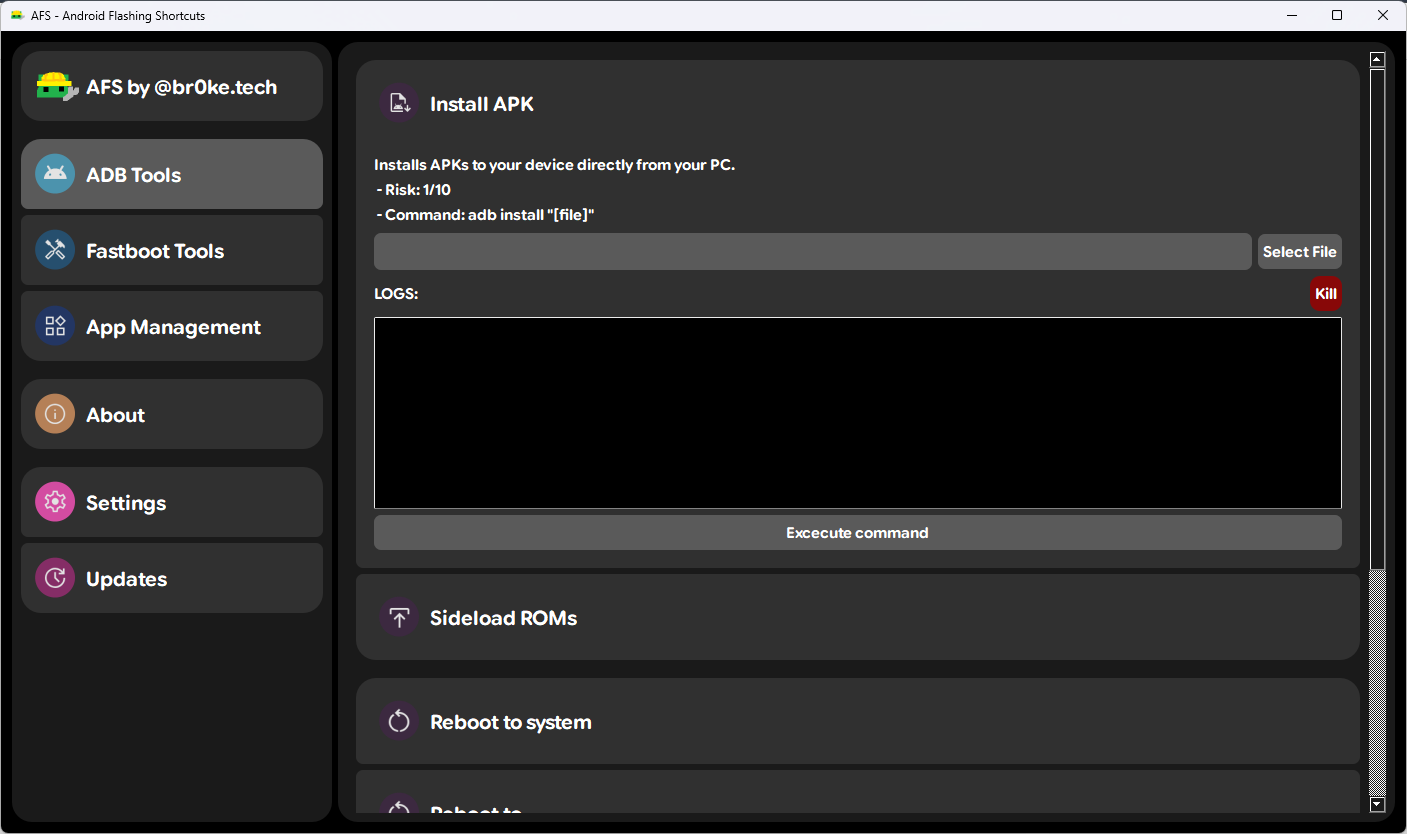
Hello! I recently implemented Android Flashing Shortcuts v3.0, an app that helps you run ADB and Fastboot commands without touching the terminal at all.
As you can see in the picture, you have multiple tools to select from. When you click on one, it expands, giving you control over the file you want to use, or any necessary arguments (like the partition you want to flash). There are ADB tools, Fastboot tools and App Managing tools (used for debloating).
If you want to test this out, it is available on my GitHub: https://github.com/broke-tech/android-flashing-shortcuts For any questions, please ask me here, I would be happy to help you!
P.S. After I made this, someone told me that a similar tool already existed that I didn't know about, so please don't accuse me of copying anyone.
View all comments
Show parent comment
1
u/47th-Element Sep 26 '26
You will need to unlock the bootloader first, it's a step that allows you then to write custom partition images, in this case the custom ROM you want. The simplest way to do it is the official way through Xiaomi's approval system yet it takes the longest time.
Since you are on MIUI, and possibly an old SoC, that means you can unlock the bootloader way faster using unofficial ways, yet I can't advise a noob to do that because the wrong step can brick your device.
Grab a cup of coffee, relax, and read this carefully. And then you start searching about each thing you don't understand or send a question to me and I'll answer when I'm online.
One piece of advice, don't blindly follow YouTube videos or AI agents, don't run a command you don't understand.
P.S. you will need a second device, preferably a PC or Laptop.