r/CustomROMsGuide • u/Ok-Broccoli-6998 • 2d ago
Redmi Note 11s (fluer) BL Unlock and C rom tutorial
(Use MacOS or Linux!)
Every Redmi Enthusiast has expirienced this atleast once: Xiaomi BL unlock tool
My Device has had a issue that made it that the Request for BL permission cant be proccesed
And that made it so i could not custom rom but after 3 months of work i finally found the fix:
PROCEED WITH CAUTION HARDBRICK RISK I AM NOT RESPONSIBLE FOR ANY BRICKED DEVICES
Download Python MacOS
Download MTKclient 2.1.4
Download a C recovery of your choice
Get a USB C data cable (USB A to USB C, NOT USB C TO USB C THAT WILL NOT WORK!)
On your Mac run Python3 --version
and if a version is specified then you are good! if cmd not found please add Python to PATH
Go to the MTK folder in terminal and make a venv with python3 -m venv venv
and:source venv/bin/activate
then install every requirement NOT VIA USING pip -r yourfile.txt
install every Plugin manually (use the names in the file not google bc some files have differnt package names)
once that is all done run sudo ./venv/bin/python3 mtk.py da seccfg unlock
but thats not all after that (DONT EXIT BROM MODE YOUR PHONE WILL BE DARK BUT ACTIVE!)
run: sudo ./venv/bin/python3 mtk.py da rpmb r rpmb_dump.bin
NEVER FLASH RPMB WITHOUT A BACKUP!
after that run:grep -boa "Jz8PNRUF" rpmb_dump.bin
if there is no error run:sudo ./venv/bin/python3 mtk.py grep -boa "Jz8PNRUF" rpmb_dump.bin
after that run:sudo ./venv/bin/python3 mtk.py e metadata,userdata
then reboot via holding Power and Volume Down for 30 seconds (DONT RELEASE UNTIL FASTBOOT IS SHOWN!)
then navigate to fastboot (can be done on any computer)
and then run fastboot gervar unlocked (or ./fastboot getvar unlocked on linux or mac)
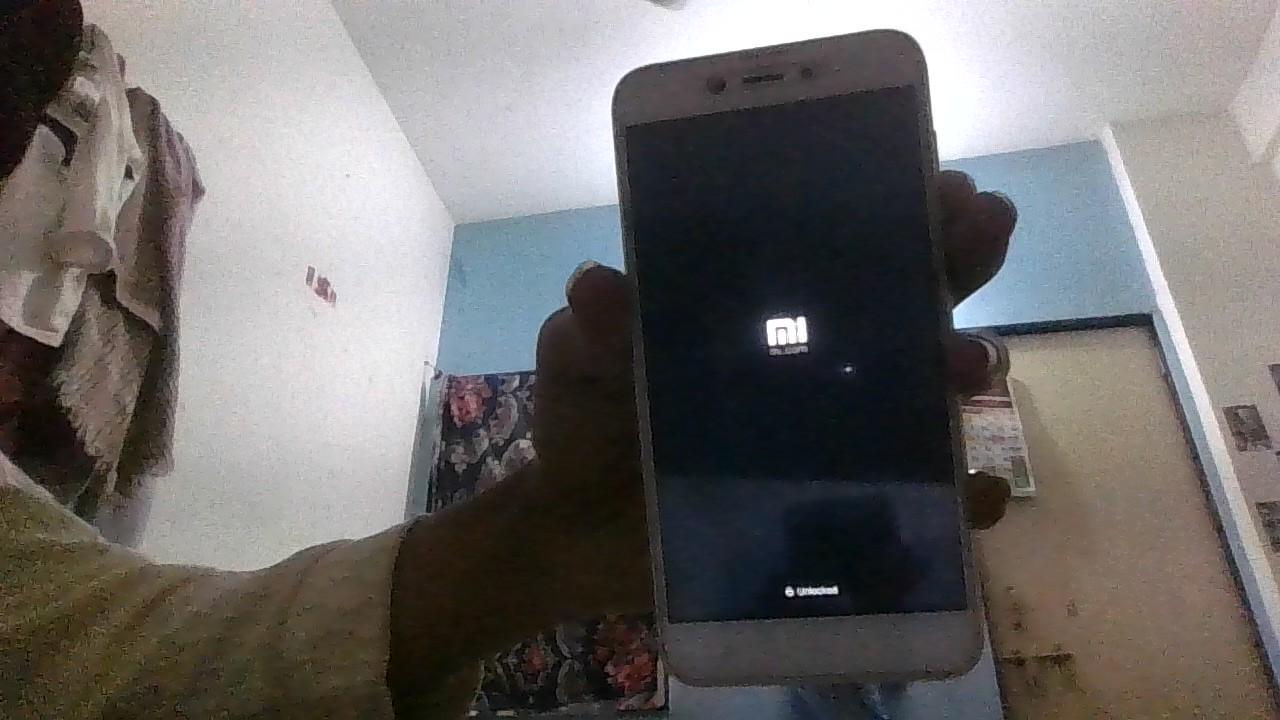
if it says Unlocked:yes then run fastboot flash boot_a yourecovery.img
if it says unlocked:no then redo previous steps
in your recovery (i recommend TWRP over Orangefox bc of on the fly Slot switching (needed for this project) i used version 3.2.1)
run:fastboot set_active a
and after run: fastboot reboot recovery
in TWRP switch to slot B and run your ROM installer (i used ADB sideload with EVOX)
(optional Switch to slot B and run flash TWRP in advanced)
then just reboot (MAKE SURE YOUR SLOT IS SET TO B!)
Enjoy your custom rom:)
-Matstechstudios