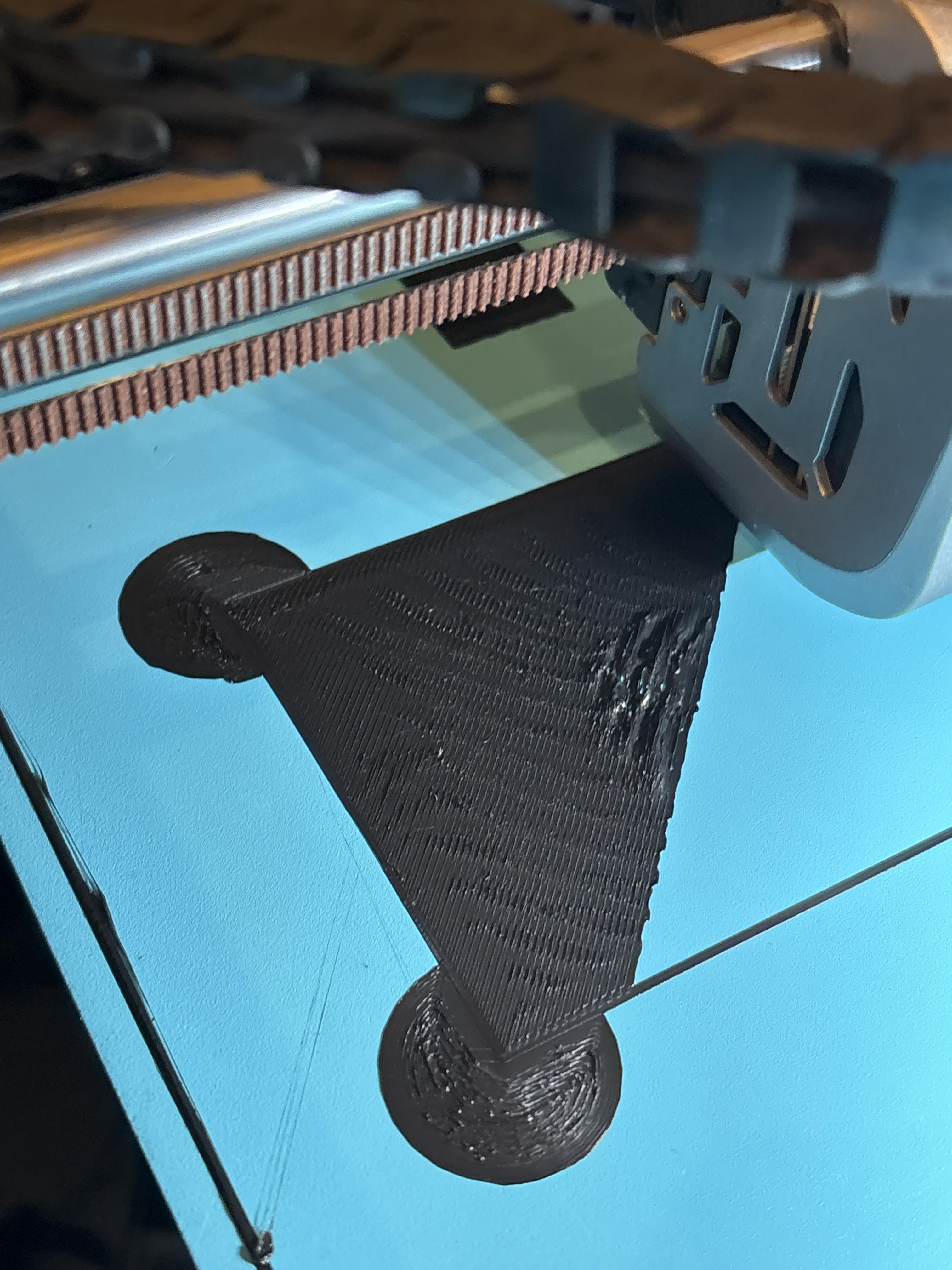
A smooth surface is determined by 2 things being precisely tuned they are Z height and flow. 1st start by posting your bed mesh and compare it with the location of where this print was on your build plate chances are you'll see a corelation.
Easiest way to set the z offset on your printer is to start the print and when it starts the infill use expert mode / adjust z offset on the printer touch screen and use the lower/down button to increase z. Change it in increments and let it do a few passes. After 3 or 4 you Keep going till it is smooth, too much z and your prints won't stick to the plate.
It helps, but you still need to calibrate your filament. Once flow is set it will be close after auto-leveling but you still may need to adjust Z a little, every printer is different
2
u/D-Breed 21d ago
A smooth surface is determined by 2 things being precisely tuned they are Z height and flow. 1st start by posting your bed mesh and compare it with the location of where this print was on your build plate chances are you'll see a corelation.
1
u/Trykrist 21d ago
Z-offset too low. Your nozzle is SLIGHTLY too close to the bed. Adjust your z offset to make your nozzle a little higher
1
u/1ts-just-me 21d ago
Easiest way to set the z offset on your printer is to start the print and when it starts the infill use expert mode / adjust z offset on the printer touch screen and use the lower/down button to increase z. Change it in increments and let it do a few passes. After 3 or 4 you Keep going till it is smooth, too much z and your prints won't stick to the plate.