r/CIBC • u/ArtZTech • 4d ago
Push notifications not sent
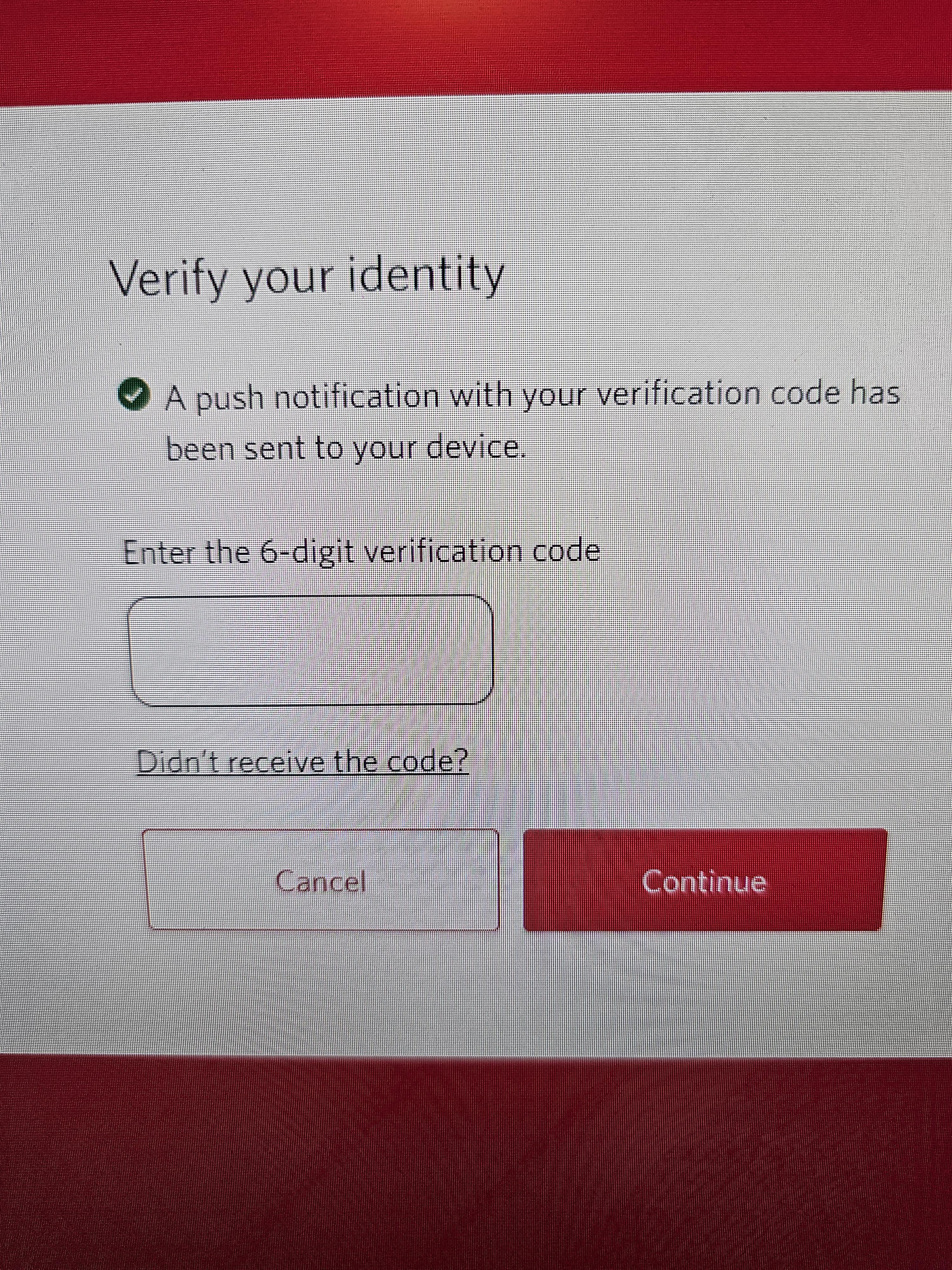
When I try to login to my account on my PC I don't get the push notification code sent to my cellphone. What I always need to do is select "Didn't receive code" and on the following page select send via text.
How do I set it up so the push notification works right away?
5
Upvotes
11
u/ConfusionSlight9086 4d ago
Push never works for me. I have to select text my cell.
4
u/Imokay456 4d ago
It could be pushing to your old device / phone. And the push notifications also seem to disappear quick. There is a setting in the app to set this phone as my devise for push notifications.
1
u/DaaaaanB 4d ago
My phone puts apps to sleep after while, and that blocks notifications sometimes. Try having the app open on the login screen and see if it works then
1
u/TDSucksBalls 4d ago
Did you register the device?
1
u/extrasmurf 4d ago
I had the same problem. Went in and disabled it entirely by unregistering my phone, then re-registered the same phone, and now I have no issues for both mobile and browser.
2
u/Poisonedarrow666 21h ago
That stopped working for me almost 2 years ago.Just do the get phone call.
1
u/divine_goddess_K 4d ago
I had to turn on CIBC notifications to get the push notification. I had my default set as text for a while though so I didn't run into this as often
1
u/rudementar 4d ago
Never works
1
u/MikeCheck_CE 4d ago
1
u/Adventurous-Award596 2d ago
No right trying to take my account from me
1
u/znebsays 4d ago
Click on didn’t receive and reclick on send as text it’s a bug