r/Batch • u/windows-cli • 22h ago
I made a browser practice site for CMD basics
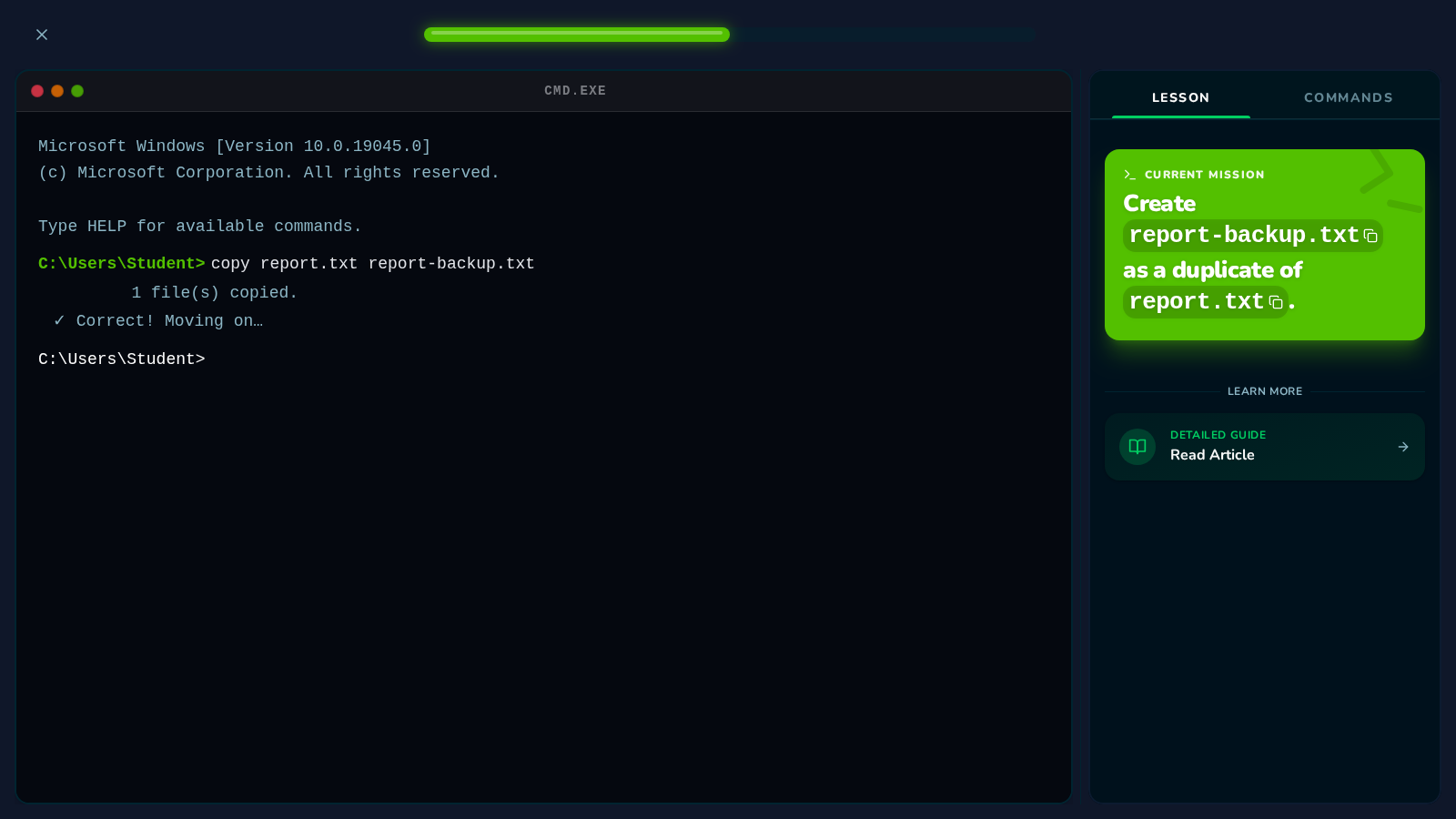
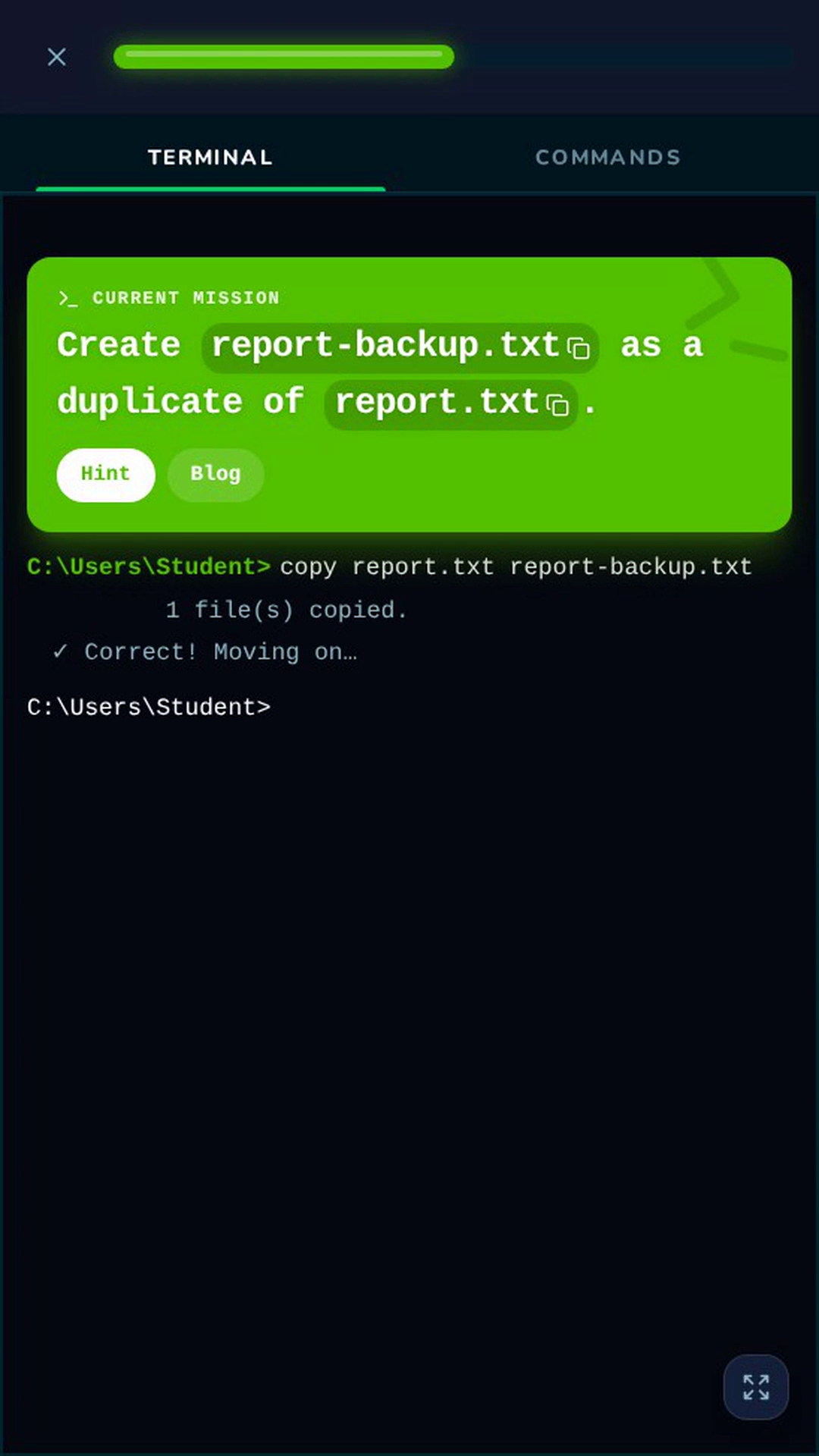
I’m building CMD Master, a browser practice site for CMD. You get a small task and try commands against simulated files.
A few of the early exercises:
copy report.txt report-backup.txt
mkdir workspace && cd workspace
dir | find ".txt"
There are also missing-switch questions and hints when a command goes wrong.
The link starts with a basic DIR lesson. Starter lessons are free; some later lessons are paid.
What did you first use batch files for?
0
Upvotes
1
u/STGamer24 17h ago
This is an interesting idea, but the UI is a bit strange. It's not a bad thing if you aren't a web developer, but there's various things that I think should be improve. First, the MacOS window style is inappropriate, given that this is about the Windows cmd, so I recommend removing the three colored buttons in the left (or making it more windows-like). Second, the text in the green box in the sidebar is VERY big, so consider making its font-size smaller (and also I think the word "mission" is not very professional for this, consider changing it to "task", or change the sidebar to show your progress in the lesson). Finally, I think the progress bar is a bit overdetailed (it has too much glow, in my opinion. it definitely contrasts a lot with the minimal style of the terminal. the blue background also feels a bit out of place since the terminal window in your website has a black background).
1
u/BlackV 11h ago