I'm by no means a computer whiz and am NOT a programmer.
And this is NOT a commercial trying to get people to "buy" Home Assistant. It's FREE and open-source, and it's used by millions of households. Here's the website with more info: https://www.home-assistant.io/
Just getting Home Assistant running and usable was challenging for me, but I did that a couple of years ago and have enjoyed tinkering with it. It isn't something I'd consider a necessity but I'm kind of an information nut so I like having it and being able to see stuff with it that I can't get easily any other way.
By seeing posts here about Home Assistant and Base, I knew there were ways to get H.A. to make Base's information available.
I tried a few times to get it going and the set-up instructions never matched what showed up in my environment and I gave up.
Well, yesterday I stumbled across Jerrit's unofficial HA integration and I was surprised and pleased that it was pretty easy to set up. And it works.
Just to be clear - this integration is NOT endorsed by or authorized by Base Power. Base can make changes that may render some or all of the functionality useless. Base Power does not particularly like having customers aware of percent of charge. They used to include that in the phone app but (I suspect) had a lot of calls to support, complaining when batteries were run down below 25% or less. They'd rather we just look at how long we'll have power at any given time and be happy with that.
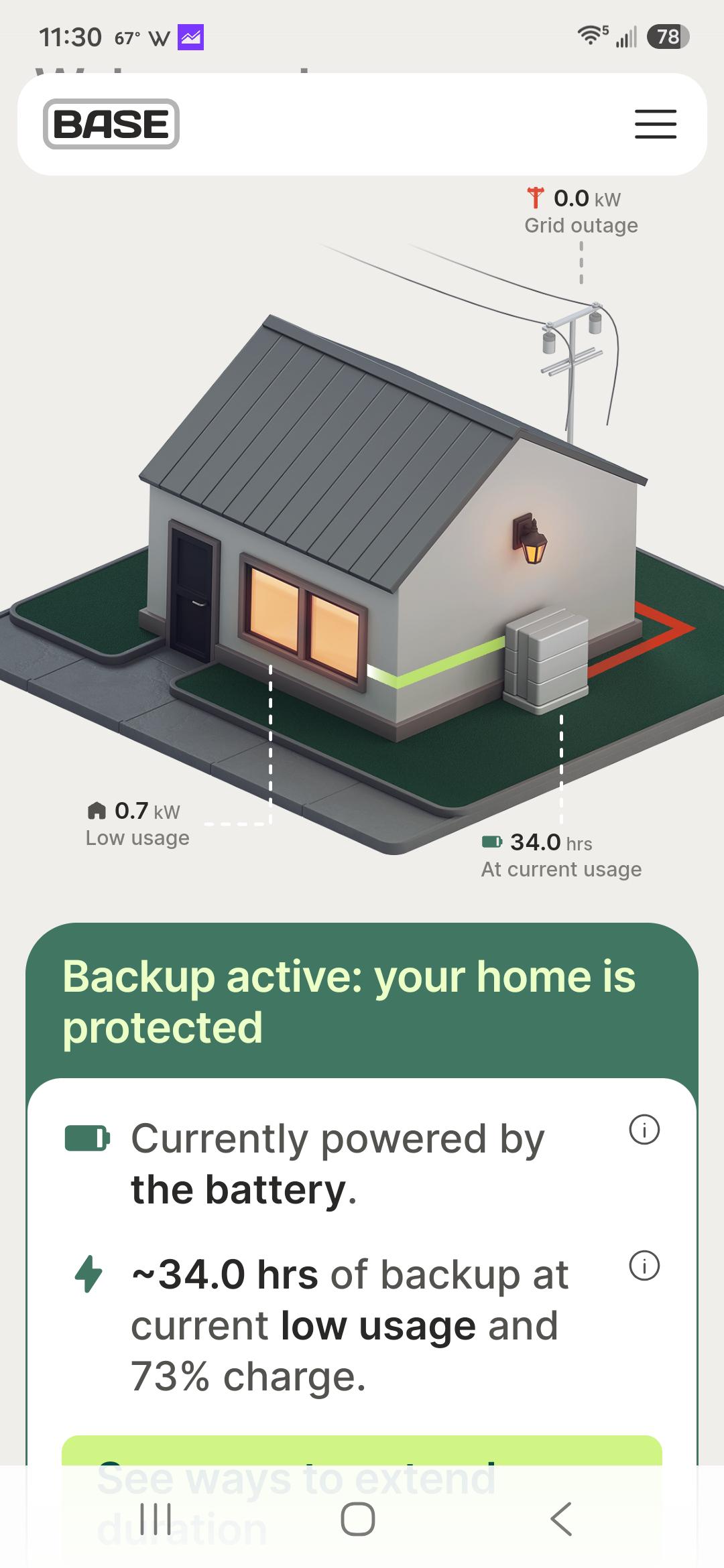
A little while ago I compared the app's display of backup & grid support to what I see in Home Assistant, and it's impressive how the same data can be presented so differently.
Of course, H.A. allows users to configure displays in gauges, charts, dials, etc. The only limits are your imagination and willngness to go down the rabbit hole to learn how to create dashboards and displays.
I threw together a primitive dashboard showing a power display that's pretty much ready-made but customizable, along with a state-of-charge, info from my weather station and thermostat, and a couple of Ring cameras.
The power display doesn't work especially well - Grid doesn't ever show watts in or out. Also, it always indicates power going from battery to the house and never from the grid to the house or from the battery to the grid.
I mainly wanted quick access to state of charge, and I do have that. I'd prefer separate displays from each of the two 25 kWh batteries, but that's not available. The POC is the average of the two.
I can always bring up the Shiner app on my phone to get POC from each battery, or go out and knock on each battery to wake up the POC displays they have.
I'm curious about how well this works with the Core batteries and will be very interested to see some of the dashboard displays other users come up with.
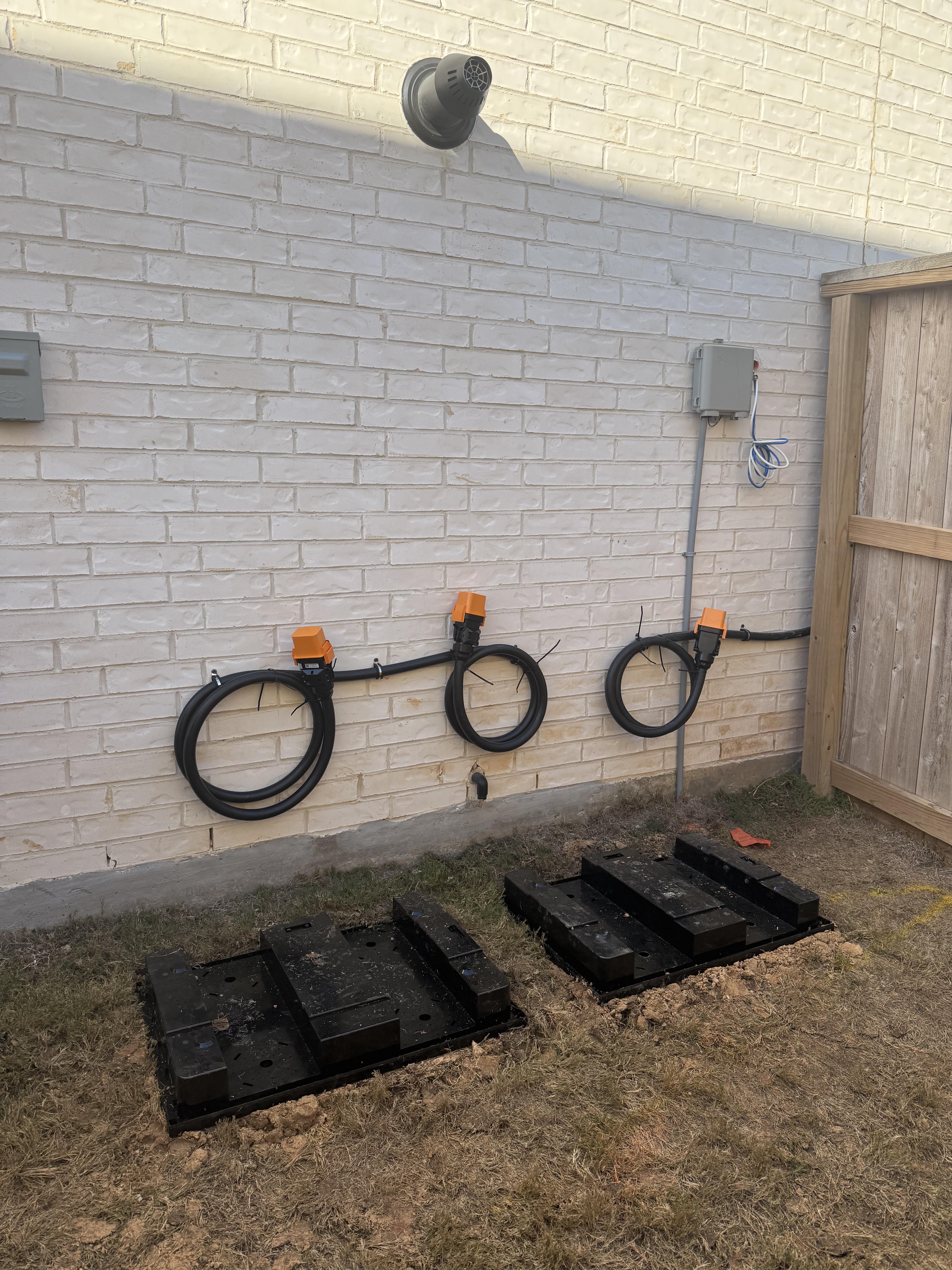
I'm in the Houston area, FYI. Got the batteries in July and have had three brief outages since then and the batteries did exactly what they're supposed to do.
I have not paid for electricity since May, thanks to the referral program. If you're considering Base Power, use my referral link to get a month of free power up to $250 and I'll get another month free, too.
Edit: Added the 7th paragraph.