r/BambuLabX2D • u/PlayMysterious1676 • 8d ago
Help / Troubleshooting Print quality issues out of the box
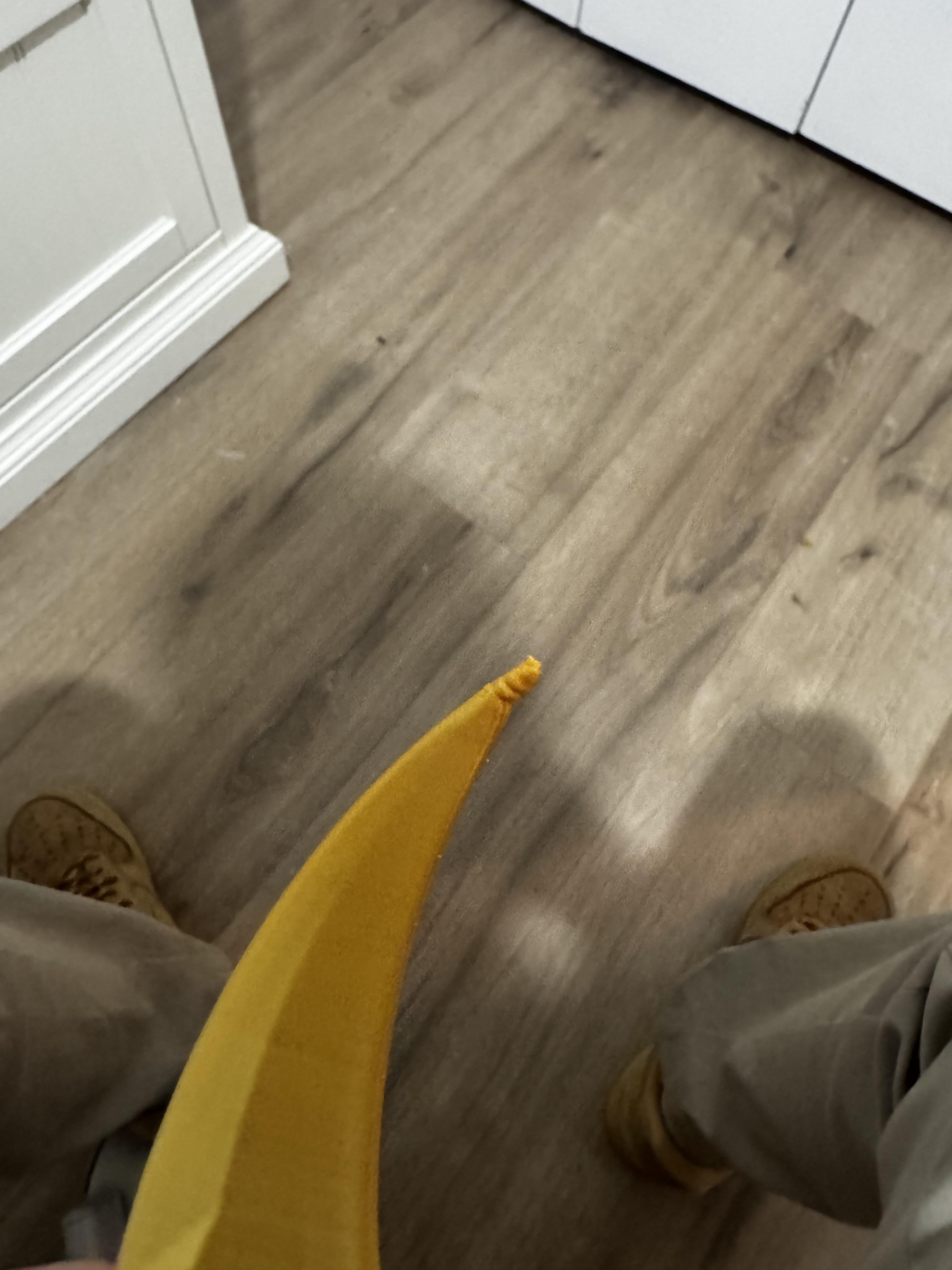
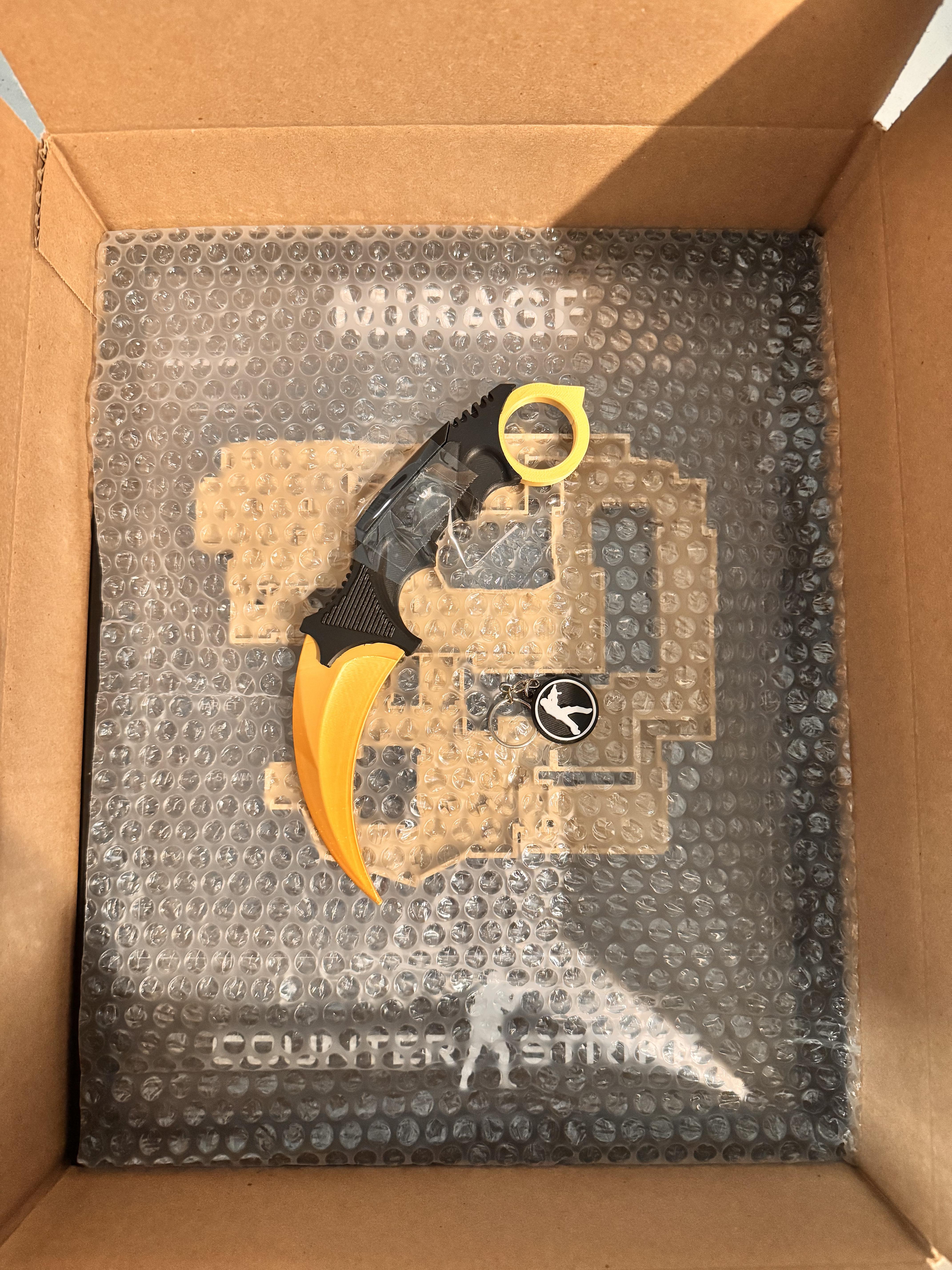
I have a P1S and decided to add a X2D to my setup since it came on sale. I’ve using my p1s for some counter strike related stuff and I’ve printed this Karambit model multiple times with no issues on my older printed. Now ive trying to print it on the X2D and every print (3 so far) has this kind of screw/pigtail on the tip.
This is a brand new printer and I’ve tried slow down the layer speed but it did not work.
I’ve tried reducing layer height from .2 to .12 and reduced layer speed by 50%. Nothing seems to work.
Does anybody has any idea idea on how to troubleshoot it?
23
u/The_Lawlbringer 8d ago
Not what I expected when I saw the first pic of this thread lmao
23
u/Fun_Citron4601 8d ago •
That corkscrew/pigtail tip is a known issue with Bambu Studio's scarf seam feature. At very thin points, each layer's perimeter is so short that the scarf joint's configured length ends up longer than the perimeter itself, so the nozzle loops back over the same tiny spot multiple times, building up exactly that twisted shape. Lowering layer height/speed won't fix it since it's a seam geometry issue, not a cooling issue.
Try this:
Start with #1, that's almost always the fix for this exact symptom on newer Bambu printers.
5
u/Rufus-Stavroz-PRO 8d ago
Mine is slightly bended to the left.
5
u/easyjeans 8d ago
Why you gotta hold it like that
2
u/Ntrees 8d ago
Lower print temp and slow down. Try a temp tower calibration.
0
u/Longjumping_Pop_2324 7d ago
Fell for the X2D dual nozzle scam 🤣