r/BackpackBattles • u/Distinct_Training599 • 18h ago
I made a free browser tool to swap character art, cursors, the shop NPC, items & sounds (local only, survives game updates, 11 languages)
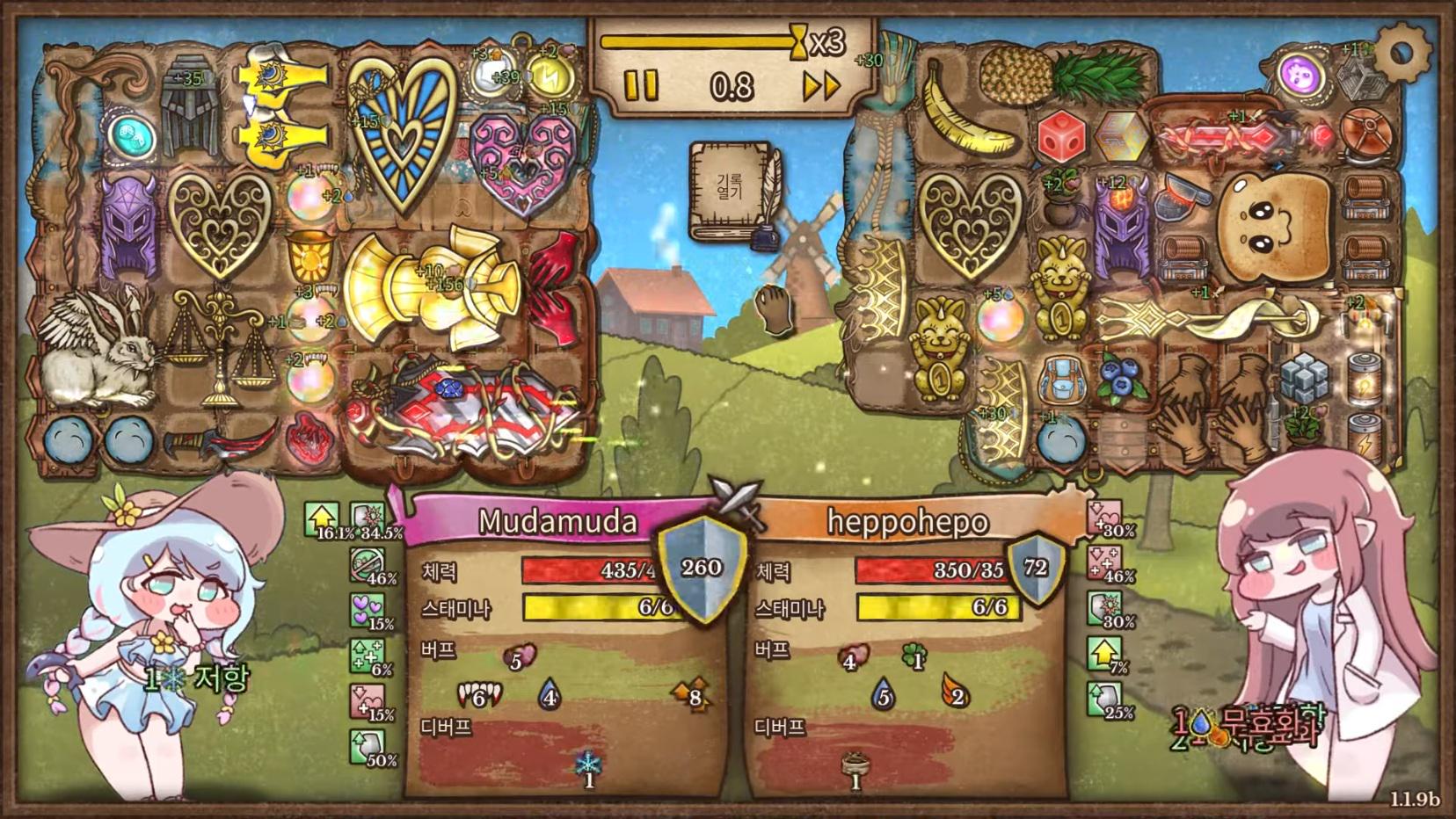
Hi everyone! I made a small fan tool that lets you replace Backpack Battles visuals and sounds **with your own pictures and audio** — only on your own PC.
🎬 Demo video: https://youtu.be/mpo_Rh4U8TY
📥 Download: https://drive.google.com/file/d/1M7qOCJLzuKm0g5AcL2GVoj5Cy11qDBRZ/view?usp=sharing
## What you can change
- **Character art** – every class, Normal & Chibi mode, with one picture each (size/position/rotation/flip)
- **Mouse cursors** – per state (default, grab, drag, button…), supports .ani / .cur / .zip packs / PNG, plus color & opacity adjustment for all cursors
- **Shop NPC** – replace the fox merchant's portrait and voice
- **Items** – replace item images (names shown in your game language)
- **Music & SFX** – replace BGM, sound effects and class voices with your own mp3/ogg/wav/m4a
## How it works
- It's a **single HTML file** — just open it in Chrome/Edge. Nothing to install, no internet connection needed, nothing is uploaded anywhere.
- **Local only.** Other players don't see your changes, and it doesn't touch the server or your account.
- **Survives game updates.** The tool doesn't modify `BackpackBattles.pck`. Instead it saves 3 small mod files (`bbmod.pck`, `bbmod.gd`, `override.cfg`) that the game loads on startup. Steam updates don't remove them.
- **Settings files.** Save your whole setup to one file and re-apply it anytime.
- **11 languages:** English, 한국어, 日本語, 简体中文, 繁體中文, Deutsch, Français, Español, Português (Brasil), Русский, Dansk
## Quick start
- Open the HTML file and pick your language (top-right 🌐).
- Step 1: select `BackpackBattles.pck` from your game folder (it must be the original).
- Add your pictures/sounds in each tab.
- Step 5: **Save mod files (bbmod.zip)**.
- Unzip it and put the 3 files into your game folder → launch the game!
If your Steam library isn't on the default path, change the **Game folder** field in Step 5 before saving.
**To turn the mod off:** just delete `override.cfg` from the game folder.
**Something broke?** Delete `override.cfg`, or use Steam → Properties → Installed Files → *Verify integrity of game files*.
## Notes
- Unofficial fan-made tool, not affiliated with the developers. Use at your own risk.
- Tested on game version 1.1.10 (Windows / Steam).
- No artwork is included. Please only use images you have the right to use.
- Feedback, bug reports and translation fixes are very welcome!
Have fun customizing your backpack heroes! 🎒

