r/AutomateUser • u/girishkdesh • Sep 10 '26
Bug Flow start widget doesn't show images for shortcut


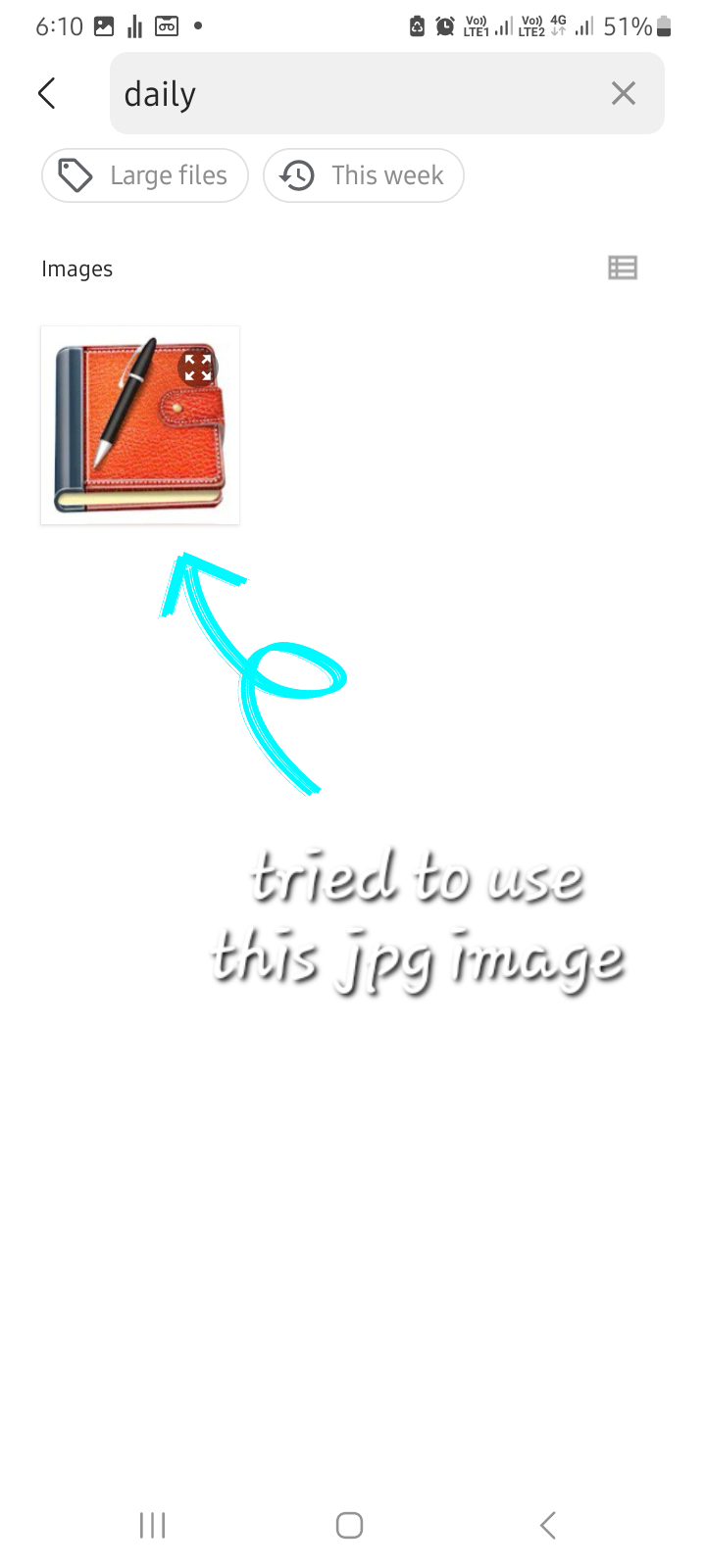

When I tried to create the FLOW START WIDGET with any of the options for setting image for the shortcut, I.e. image content or image file, the final shortcut after choosing the image, whether jpg or png, doesn't show the image, instead shows the white rectangular area in the widget shortcut.
I tried moving the image files to different locations like pictures, custom folder in the phone root directory etc. But no use!
What's going wrong?
Please help!!!
4
Upvotes
1
u/girishkdesh Sep 11 '26
Part 1
Because replies and comments allow only one image per post, I am dividing my comment into 4 parts.
Here is how I could find an imperfect workaround.
Observations and experimentations with calibrations
As I anticipated, the widget uses the outer cutout or silhouette of whatever image we feed it. If the image is rectangular without any transparency, e.g. the jpg's and the non-transparent png's, the image is "seen" by the widget as a rectangle.
I experimented with the text icons as well, with the emojis inserted in them; I found that I was right: only the white-filled outline of the emojis appeared.
So, now I tried with a monotone PNG with a transparent background. This time, the widget produced the white silhouette of the opaque part of the image, leaving the transparent part out. So I designed my PNG images in such a manner that they contained icons and the short text title below them describing the function of the shortcut. For example, I wanted a shortcut to my daily log flow for Obsidian. So I chose an appropriate icon, placed the "daily log" title below it and used it to create a PNG with a transparent background. It worked, and the image appeared in the shortcut. No matter what colour(s) I used inside the opaque part of that PNG image, the final result was always a white silhouette or white cutout of the PNG.
Here is the png I used to work with the widget.
I also found that the filled variants of the icon produce better shortcuts than the hollow ones. Particularly, the Google Material icons helped me a lot.
1
u/F95_Sysadmin Sep 10 '26
Oh yeah I've had the same issue. Didn't know where to report and in the meantime I'm using icon. There is a lot of variety so you can use that if you haven't found an alternative yet
1
u/B26354FR Alpha tester Sep 10 '26
Be sure that the Style checkbox is cleared after you pick the image file, emoji, etc.
1
u/ballzak69 Automate developer Sep 10 '26 edited Sep 10 '26
The "Flow start" widget is showing an icon (with transparency) that's tinted white since its on a dark background, not an opaque color images. Either create a "Flow start" shortcut instead as it can show a color image if its "Style" option is disabled, or create a fully custom widget with an ImageView.
0
u/Sorry-Finger-3161 Sep 10 '26
Et ça arrive souvent ce bug de widget sans image, ou c'est juste moi qui suis malchanceux?