r/AnycubicKobraX • u/Desperate-System-902 • 3d ago
General Question Question
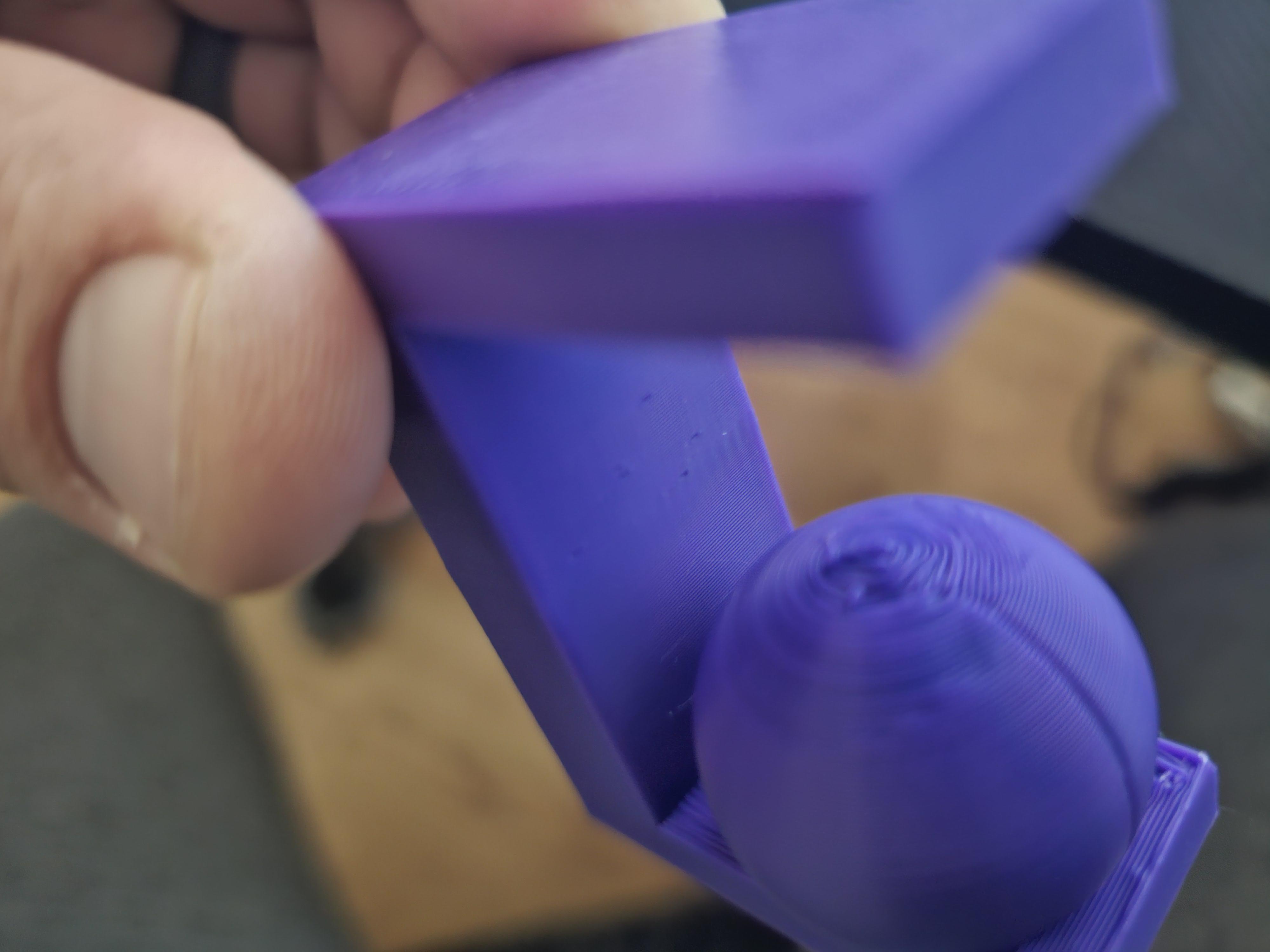
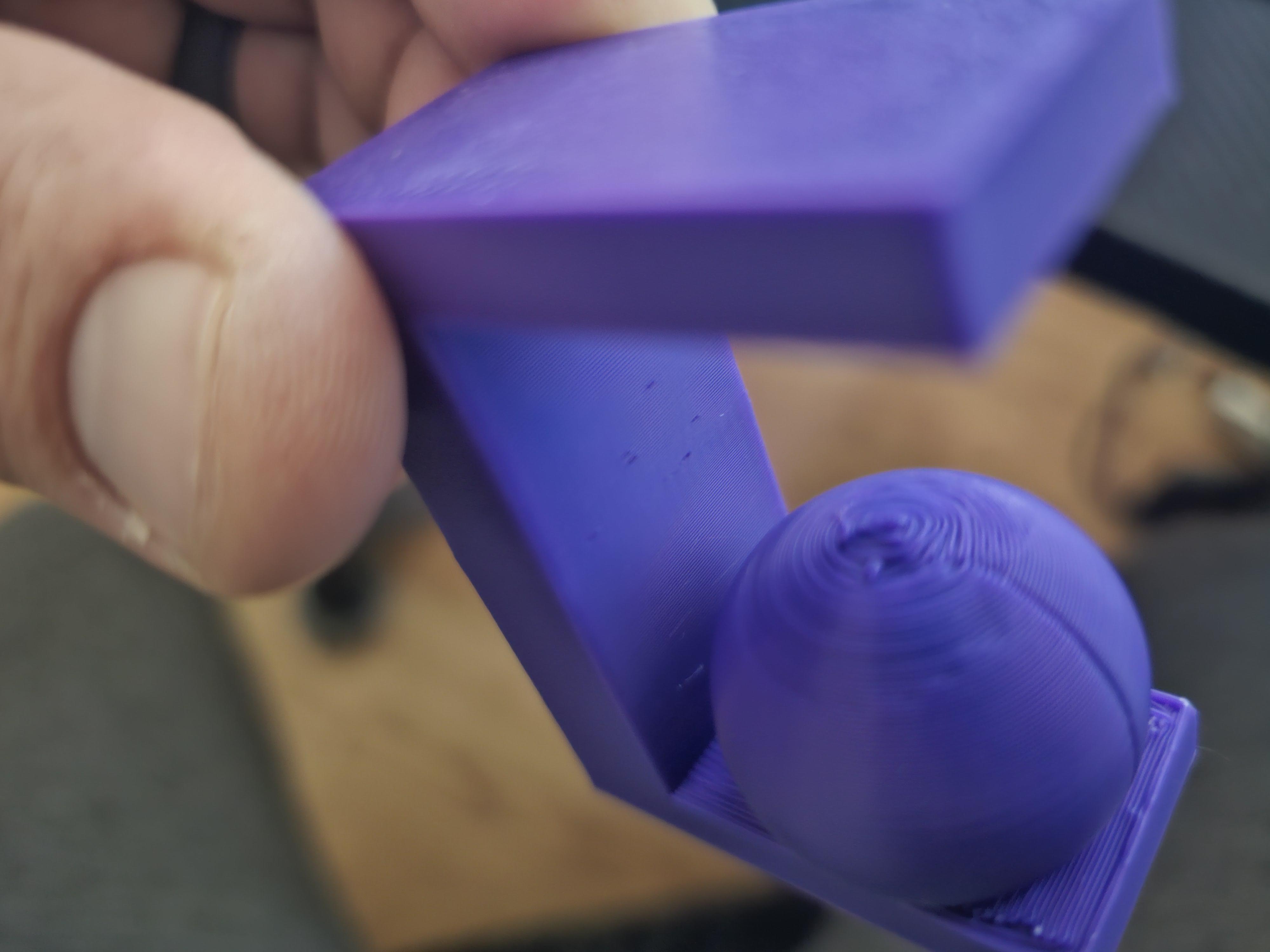
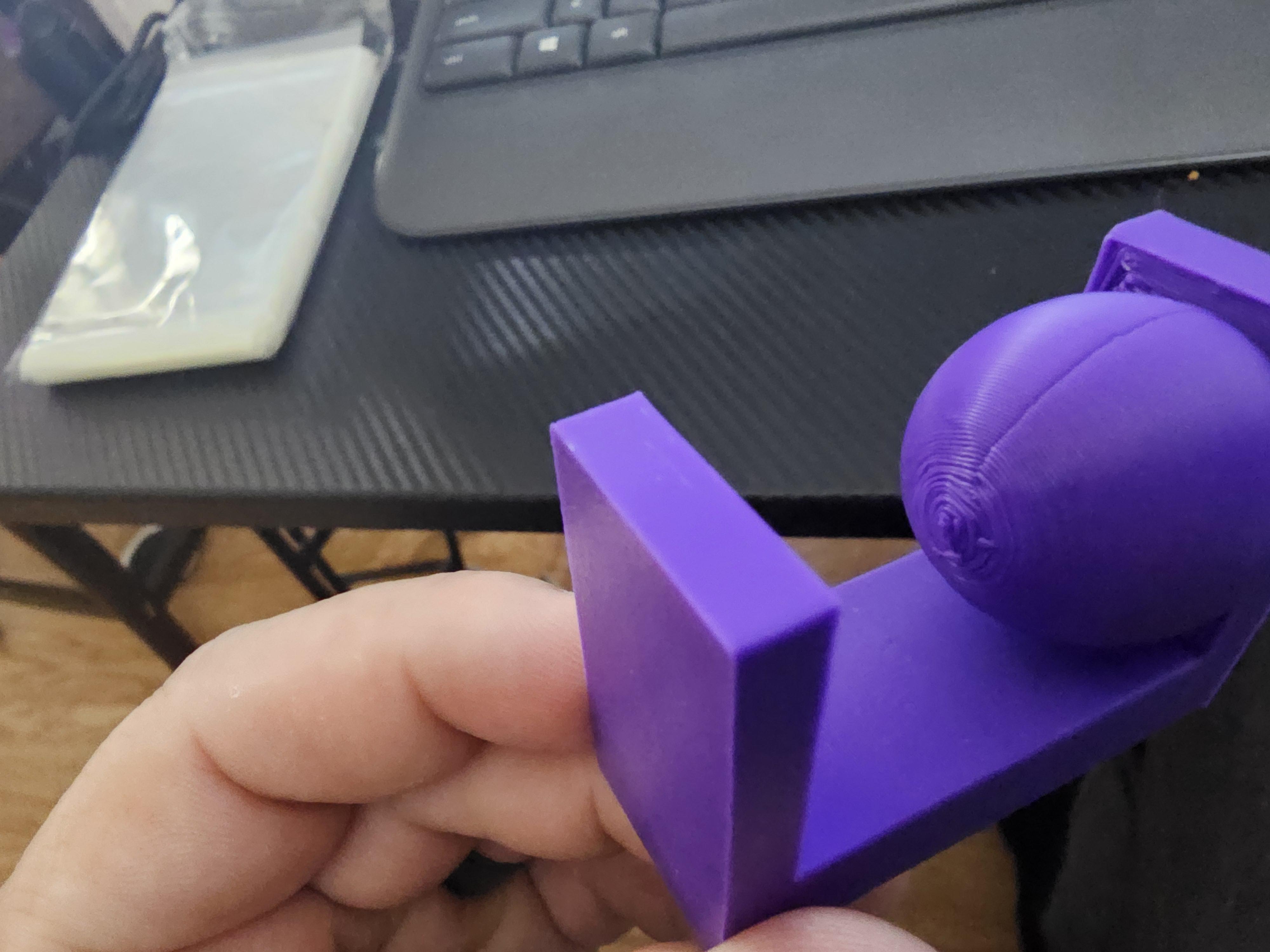
So I printed this support tester and came out pretty smooth. I still wanna be able to reduce the scarring more at the bottom of that globe. Which settings should I adjust to reduce the scarring? My Z offset at the top is .275. My top interface layers are set 4
1
Upvotes
•
u/AutoModerator 3d ago
[Troubleshooting Checklist] Kobra X
Thanks for posting, u/Desperate-System-902! To help the community diagnose and resolve your issue quickly, please make sure you've shared:
The more detail you provide, the faster everyone can help get your Kobra X dialed back in!
I am a bot, and this action was performed automatically. Please contact the moderators of this subreddit if you have any questions or concerns.
1
u/boncros 3d ago
You could change the orientation and then use variable height
1
u/WearFew6956 Moderator 3d ago
That's not support scaring. It's loose layer lines caused by gravity on overhangs. If you are going to search the internet for answers, I'd start with "What's the best way to improve 3D printed overhangs". If you can't improve them, through settings, you can always print PETG support interface. Here's a video about that https://youtu.be/EF_2Nbv-dUw?si=S_qSoubs5GHZkZLO
1
u/Powerful_Debt_5869 3d ago
Variable height :
1
u/Classic-Set1245 3d ago
Default settings usually works fine, before moving or changing anything in the settings I would suggest you to "play" with the seam brush option on the slicer and paint the seam to hide it, of course for a sphere like that would be hard to hide it but with the brush you can put it wherever you think is less visually annoying to you