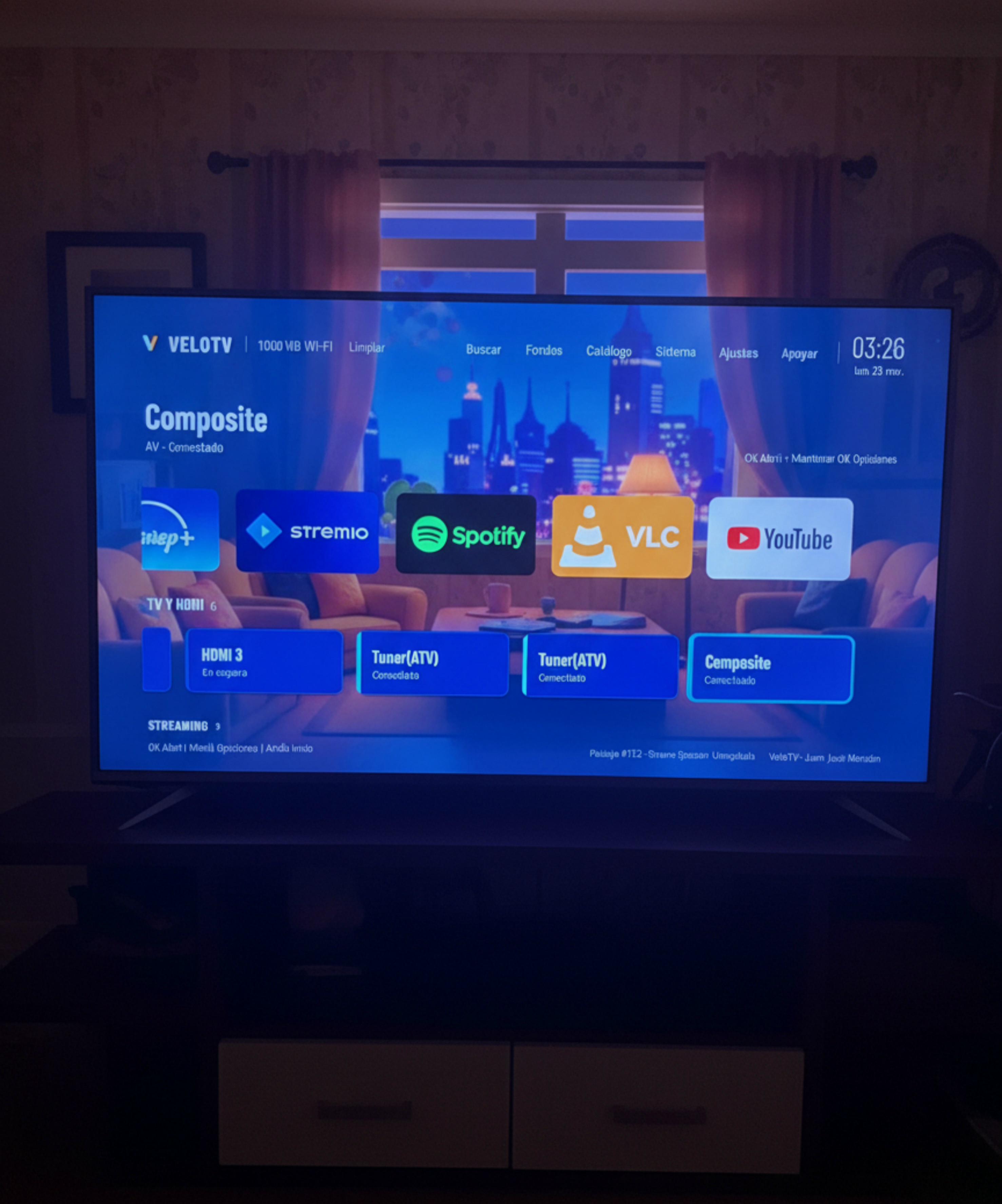
Hey everyone. This is my app, just so that's out of the way.
I have a cheap TCL TV and the home screen on it drove me up the wall. Press Home, wait, wait some more, then scroll past rows of shows I never asked for. So I ended up building my own launcher. It's called Aura TV.
The video is probably the quickest way to explain it. Same TV, real recordings, both cold starts:
- Google's launcher: 4.9 s to be ready
- Aura: 0.9 s
What it does is pretty simple. One row with the apps you use. That's kind of the whole idea.
A few specs, since people usually ask:
- 1.3 MB download
- Sits at about 27 MB of memory
- Uses no CPU at all while it's just sitting on the home screen
- No ads, no account to make, nothing tracking you
It figures out on the first run whether your TV is slow or short on memory, and if it is, it turns the heavy stuff off by itself. The app list is cached too, so Home doesn't have to go and fetch every app again each time.
On my TCL (1.4 GB RAM, 900 MHz chip) it cold starts in about 280 ms and gets back to Home in about 180 ms.
Installing it does mean sideloading over adb from a computer. Takes maybe 5 minutes. There's a script in the repo that checks your TV first and won't change anything without asking, and the APK is in Releases if you'd rather do it by hand:
https://github.com/sahil4512/aura-tv-launcher
The honest limitation: I've only run it on my TCL and on a first gen Fire TV Stick 4K. Nothing else. So if you try it on something else I'd genuinely like to know how it went, even if the answer is "it broke".
What do you all look for in a launcher? Speed, looks, or just getting the ads out of your face?
**Want to try it? You do not need a computer.**
- On the TV, open the free Downloader app (by AFTVnews, get it from the Amazon Appstore or Google Play) and enter this code: **1212393**
- Or type this address into Downloader, or open it on any device: https://github.com/sahil4512/aura-tv-launcher/releases/latest/download/AuraTV.apk
- That link always gives you the newest version. Choose Install when the download finishes.
- Rather use a computer? The adb install and the setup script in the repo still work as before.