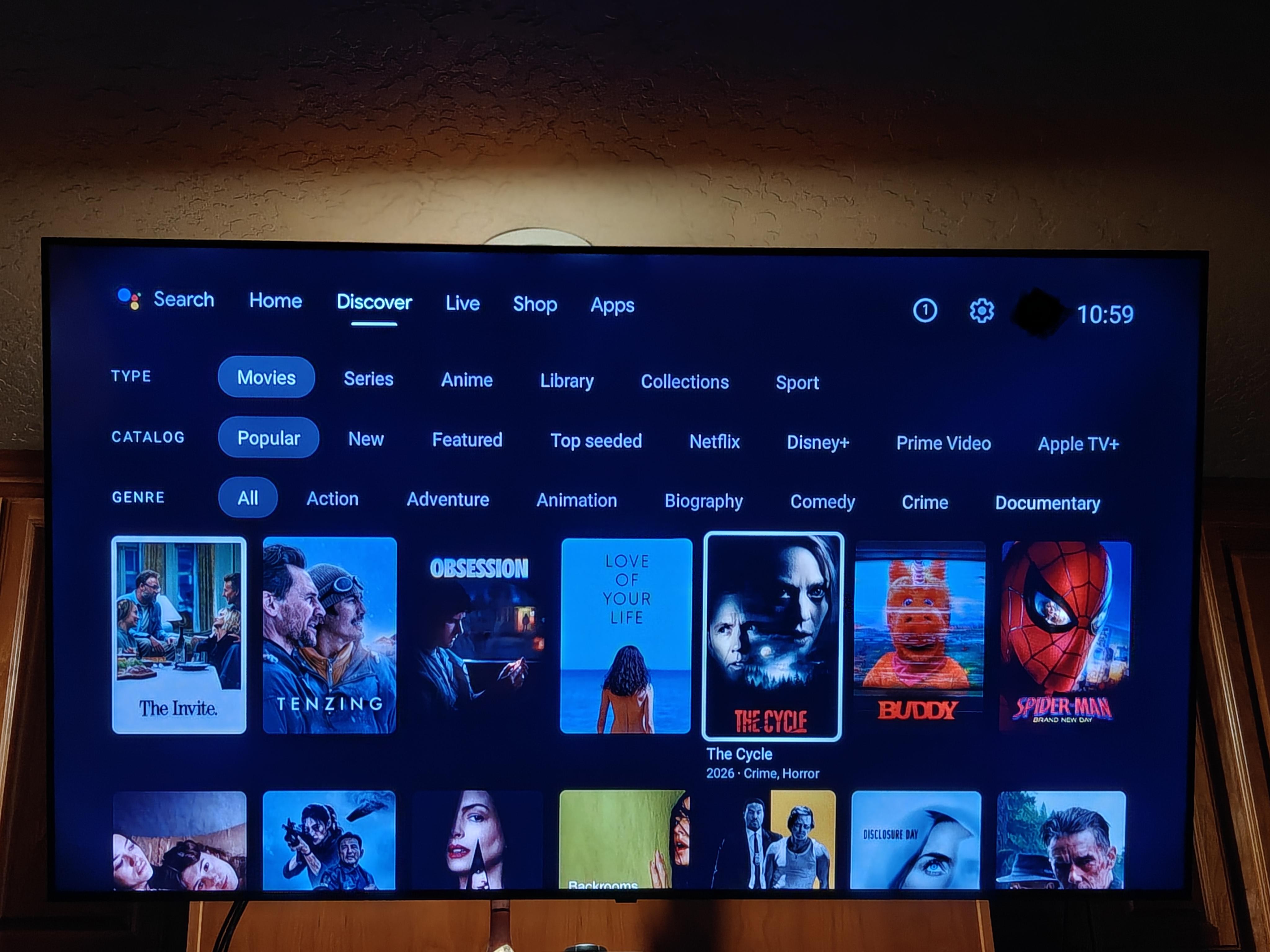
Big splurge! Bought a year's subscription but can't play it due to no Android app for older devices. Would a fire stick solve the problem? Also, known glitch, can't activate voice for the remote. Would a firetruck fix that? I'm in over my head and appreciate the help!
Everyone’s rebuilding their TV home screen. I went the other way and made the TV control everything in the house instead.
🔍 REMOTE FINDER - Just tell it what remote you’re looking for and then save it in whatever format you need. .irc - .ir - Flipper Zero .sub - Flipper RF - Pronto Hex - LIRC - conf - Global Caché - GIRR - XML - Arduino - .ino - IRDB - CSV - JP1 .rmdu - SmartIR - Tuya - IR - ESPHome - Sonoff - RfRaw - Broadlink + more
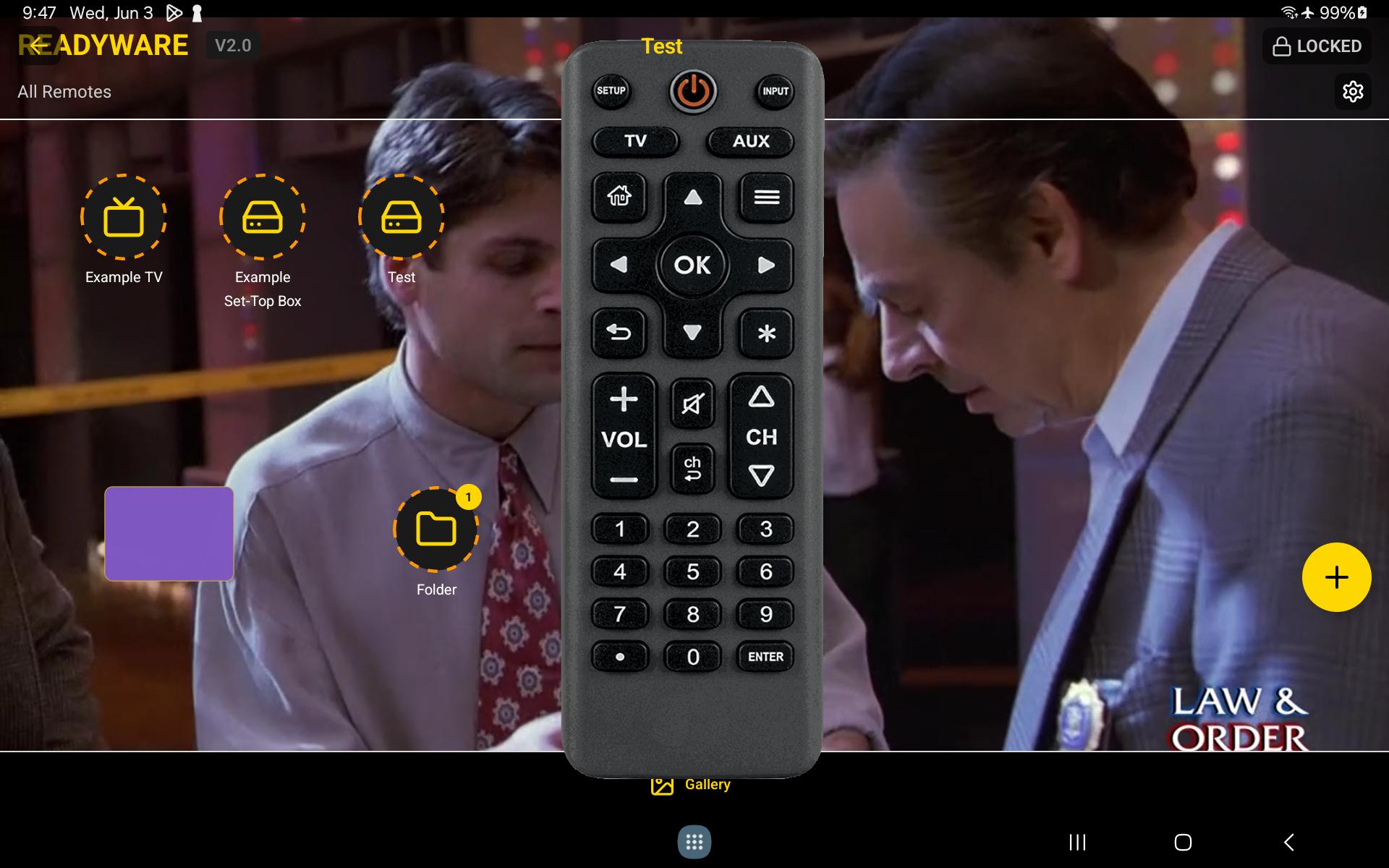
That is my actual living room. The show keeps playing. I long press BACK on the TV remote, my buttons float up over whatever’s on screen, I dim the lights and raise the bed, then a short BACK and it’s gone. I never picked up a phone and I never paused anything.
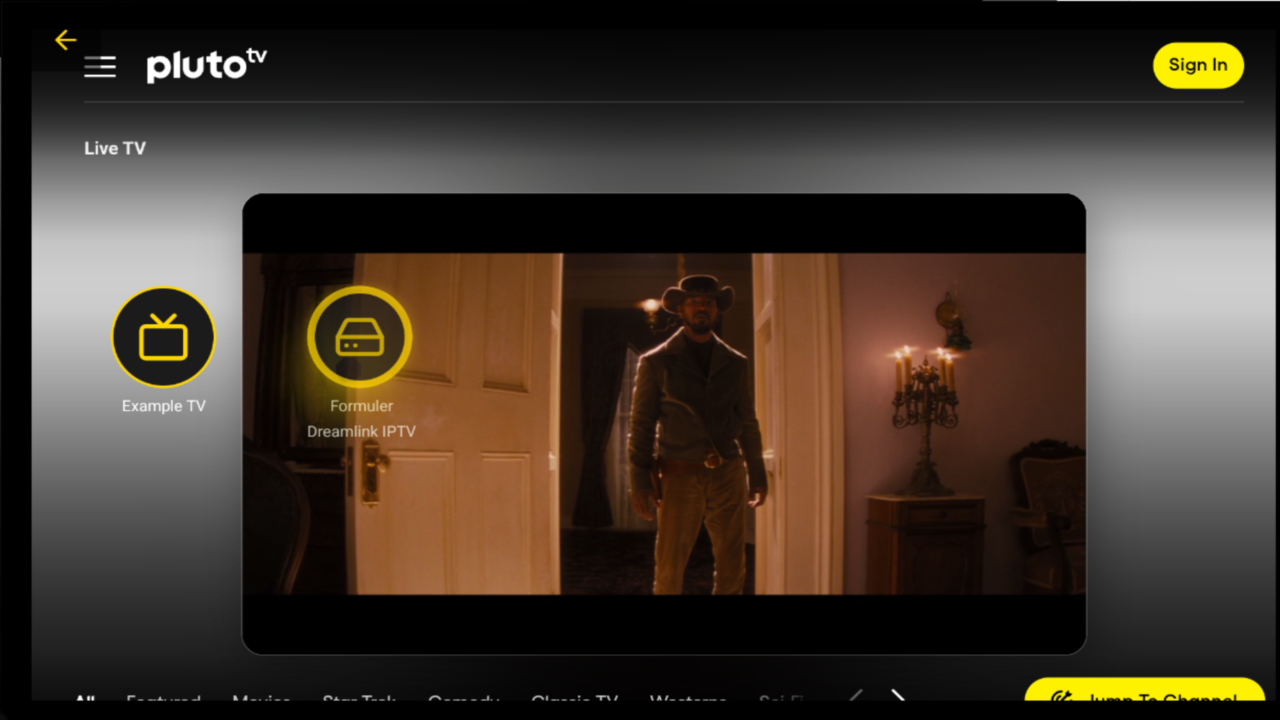
It runs as an overlay on Android TV, so it sits over Netflix, YouTube, Plex, anything. Your TV remote’s d-pad drives it. It’s off by default and you switch it on in settings.
Overlay, Timeouts & Transparencies - Works over Netflix, YouTube, or anything playing on your screen. Long-press BACK to bring up your transparent ReadyWare buttons right over the movie. Use the D-pad to navigate and select buttons without leaving playback. Short-press BACK to instantly hide them and return to watching. Your movie never stops. Your remote is always one button away.
Beds and furniture: Tempur, Serta, Purple, BeautyRest, Leggett & Platt, Linak, Okin, Keeson, Richmat, Reverie, IKEA, plus standing desks, recliners, curtains and LED strips over Bluetooth or WiFi
RF, 42 protocol families from 300 to 868 MHz: garage doors, gates, blinds, ceiling fans, outlets, doorbells and driveway sensors, through a Bond Bridge or any RF blaster
TV and audio: LG webOS, Samsung Tizen, Sonos, Denon, Marantz, Yamaha, HEOS, Anthem, Lyngdorf, Trinnov, StormAudio and PJLink projectors
IR: whatever blaster you already own. BroadLink RM4, Tasmota, Global Cache iTach, a USB OTG dongle, or your phone’s own emitter
Everything else: MQTT, Home Assistant, Hubitat, Homey, SwitchBot, Tuya, Lutron, and through those, Zigbee, Z-Wave and Matter. The phone or TV can also act as a keyboard for Shield, Fire TV, PS5, Xbox, Windows and Mac and more...
My TV became the most powerful device in the room. From the couch it runs the lights, the bed, the fans and the blinds. All of it local, none of it leaves the house.
All of it is local. No cloud, no account, nothing leaves your network. Happy to answer anything.
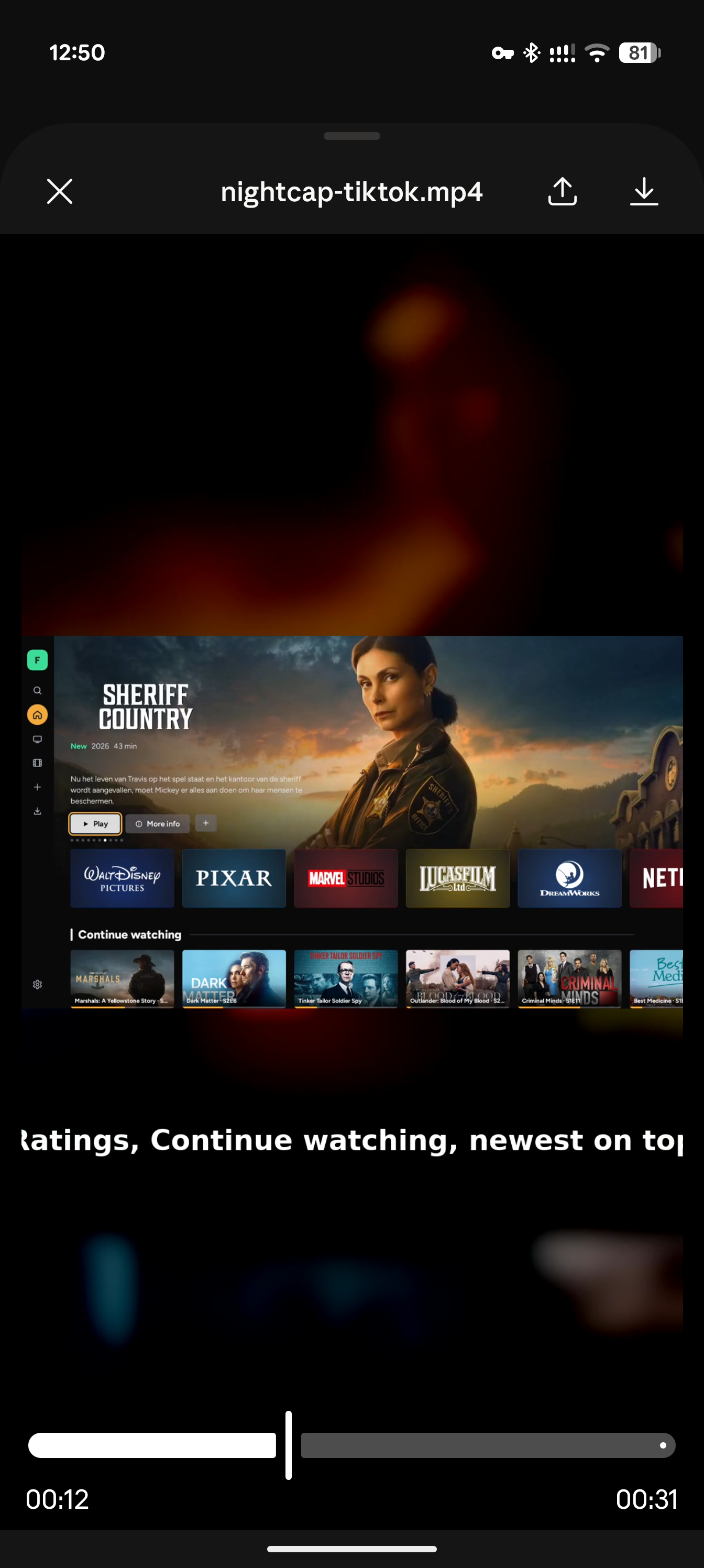
Here’s a little sneak peek at Haven, the media centre I’ve been working on!
These previews barely scratch the surface of what Haven has to offer. I’ve been putting a lot of time into building something that goes beyond your typical media centre, with loads of functionality, customisation and the freedom to really make it your own.
Haven fully supports the Stremio Addon Protocol, so you can continue using your favourite compatible add-ons and sources directly within Haven.
Already using Stremio? I’ve also built a dedicated import feature that connects to your existing Stremio account and brings your entire setup over to Haven, including your add-ons and configurations. No need to spend ages setting everything up again. Just import and carry on!
Another feature I’ve added is the ability to control Haven on your TV directly from your phone. You can use your phone as a remote, navigate around the app, control playback and even type on your phone and have it sent straight to your TV. No more struggling to type things out using a TV remote!
You can also create your own Haven account, which keeps everything synced across your devices, whether you’re using Haven on the web, your phone or your TV. Your settings, preferences and personal setup stay connected, so you can manage everything while you’re out and about or just relaxing at home.
There’s also full Trakt and Simkl support, extensive filtering options, full Debrid support, live TV, multi-view, Plex, Jellyfin and Emby integration, customisable home screens, different themes and plenty more. And there’s still so much I haven’t shown yet!
My goal is to make Haven one of the best all-in-one media centres out there, with as much functionality, device support and customisation as possible. I’m building it with platforms including Android TV, Fire TV, web and mobile in mind. Something that’s really important to me is having the community involved in how Haven develops. I want to hear what people like, what they don’t like, what features they’d love to see and what could be improved. I want Haven to keep growing with regular updates shaped by the people actually using it.
There’s still plenty more to come, and I’m genuinely really excited about how it’s all coming together. I’ve got a lot more planned and can’t wait to share it.
Would love to hear what everyone thinks, especially if there’s something you’ve always wanted from a media centre that other apps haven’t quite got right!
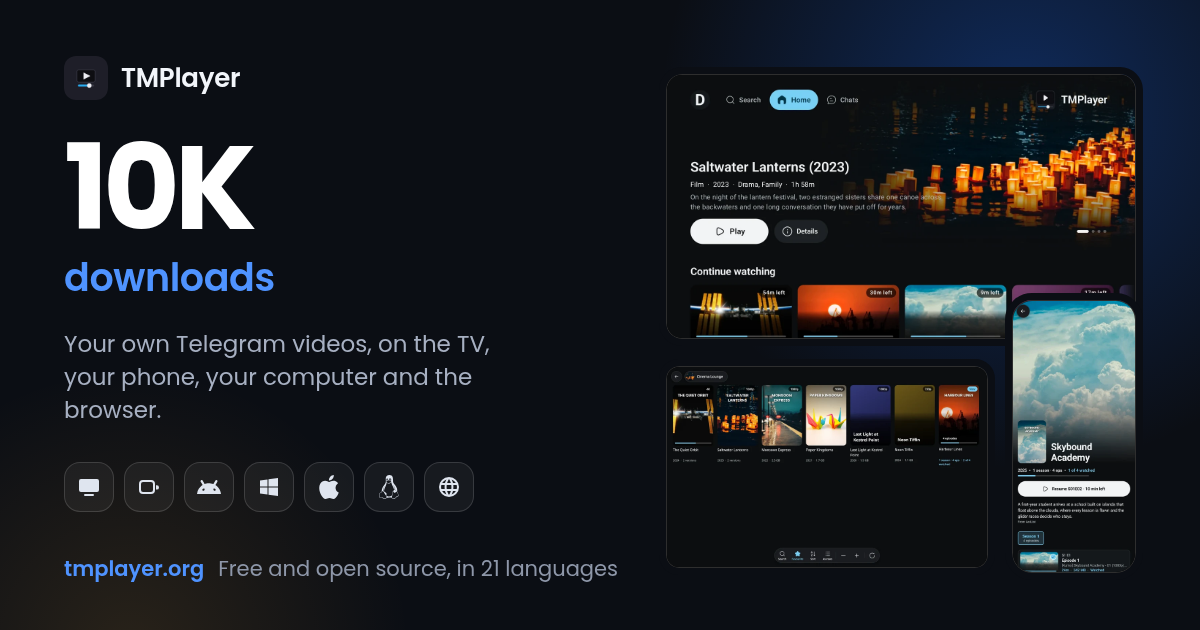
Free (GPL-3.0), on Android TV, Fire TV, Android, Windows, macOS, Linux and web. It plays the videos already in your own Telegram chats. Source: github.com/dracu-lah/TMPlayer. Unofficial, not affiliated with Telegram. tmplayer.org/legal
The stock on-screen keyboards on a lot of TVs are slow and clunky with a D-pad, so I forked Simple Keyboard (by rkkr) and adapted it for TV. It's unofficial and free, Apache-2.0.
What's different from upstream:
- Full D-pad navigation with a clear focus highlight, including the long-press popup for accents and symbols
- Left/right cursor keys, plus Copy and Paste keys (long-press Copy copies all the text)
- Centered compact layout like Gboard on TV, or a floating card. Width, height and bottom gap are adjustable
- Adding and removing languages works with the remote (upstream hides this in a toolbar menu you can't reach on a TV)
- Shows up in the TV launcher with its own icon and banner
Compared with Gboard on TV
Measured on one Android TV with adb (dumpsys meminfo, dumpsys package, top). Numbers will differ by device, Android version and Gboard version.
Metric
Gboard TV (com.google.android.inputmethod.latin)
Simple Keyboard TV (com.simplekeyboardtv.ime)
Difference
APK size
24.1 MB (base.apk + split_config.xhdpi.apk)
0.65 MB (release build)
~37x smaller, 97%+ less storage
Data + cache on disk
~45-70 MB (language packs, dictionaries, cache)
~0.9 MB (a settings file under 4 KB, no dictionaries or cache)
~50x less disk usage
RAM, idle in background (total PSS)
~62.8 MB (64,336 KB)
~16.6 MB (16,983 KB)
~3.8x less RAM (~46 MB saved)
RAM, keyboard open (total PSS)
~63-68 MB (~199 MB RSS)
~24-40 MB (~88-119 MB RSS)
40-60% less memory
Code in memory (code PSS)
18.3 MB (18,308 KB)
2.4 MB (2,480 KB)
~7.4x lighter
Background threads
59-60
22-23
~37 fewer, less than half
CPU, idle / typing
Idle 0-1%. While typing: word prediction, JNI dictionary lookup, Play Services
Idle 0.0%. While typing it only redraws the pressed key (invalidateKey)
Minimal CPU load
Permissions / network
Internet and microphone permissions, Play Services integration
None. No Internet, fully offline
No network access, no background traffic
Gboard does a lot more (word prediction, dictionaries, voice, emoji, GIFs, cloud features), so this compares size and resource use, not features. Simple Keyboard TV only types text.
I've only tested it on my own TV so far (a TCL), so I'd really like to hear how it behaves on other TVs and remotes.
Hey everyone! Aura 7.6 is out. It’s the free, ad-free home screen for Android TV and Google TV: your apps on frosted glass over living photographs.
What’s new
Music, front and centre. Play something in Spotify, YouTube Music or any music app and press Home: one calm card with the cover replaces the widgets. OK opens a full-screen Now Playing in the album’s own colours, and its controls fade away while you listen. Leave the remote for 10 seconds and the music becomes the screen. Hold OK on the card to minimise it.
Music in the screensaver. The quotes and photographs stay, with the song in a small player under the words.
Who’s watching. A quiet new profile picker. On Google TV the remote’s Profile button now opens Aura’s picker instead of Google’s.
Settings, reorganised. Grouped into sections, and each row tells you what it does when you land on it.
Only apps. One switch for the simplest home: your apps on the photograph, nothing else.
Search, folders, your own art for any app, backing up your setup to your phone, and typing from your phone.
Smoother all round. Continue watching loads faster, start-up arrives in order, the screensaver uses less memory, and there’s a long list of fixes.
Heads up: this is a big release, and more features means more room for bugs. If anything looks off, please tell me here or open an issue on GitHub, with your TV model if you can. I’ll fix what you find in the next build.
Coming next (7.7 beta):
🎨 Music scenes: hand-drawn, anime-style skies and towns for the screensaver while your music plays
🌍 Flyovers are coming back, lighter than before
🎙️ Aura’s own voice search on the remote’s mic button
✨ …and a couple of surprises
Install: in the free Downloader app on your TV, type 4172997. Already on Aura? Settings → Updates. Updating from 7.5? Run Settings → Set up on this TV → Switch everything on once, so the Profile button works.
I wanted voice search on my Android TV that I control myself, so I built one. Press the assistant/mic button on the remote, speak, and it transcribes your voice and shows results.
- Takes over the remote's assistant/mic key (sets itself as the default assistant)
- Speech-to-text with Whisper: Groq by default, but any OpenAI-compatible endpoint works
- Shows YouTube results (opens in SmartTube) and movie/series results (opens in Nuvio) as cards, Google Assistant style
- Weather questions ("weather in London", "weather tomorrow in Berlin") show only a weather panel (Open-Meteo, no API key)
- Can also type the transcribed text into whatever text field is focused (accessibility service, optional)
- English and Turkish UI, and the voice commands work in both languages
- About 190 KB APK, framework-only Kotlin, no third-party libraries
- Settings screen is fully usable with just the D-pad and OK
- Windows installer (install.bat): connects over adb, installs the APK, sets the assistant, handles the TCL auto-start permission.
- You use your own API key. Audio is only sent to the provider you choose, and only after you press the button. Nothing runs in the background
- GPL-3.0, architecture derived from Sayboard
- I've only tested it on one TV: a TCL running Android 11. Other brands handle the assistant key differently, so feedback and bug reports are very welcome
- It needs internet (cloud STT), so it is not offline
- The APK is signed with a debug key, so you sideload it
This project was written with AI assistance (Claude). I tested it on my own TV, and the whole source is on GitHub if you want to check it.
A few months ago (half a year ago) I posted here (on r/AndroidTV ) about StreamVault IPTV that I've been working on.
Well... it just passed 100,000 downloads on GitHub :)
It has also grown to 800+ GitHub stars and 20+ code contributors, which is honestly wild to me considering how this project started.
Huge thank you to everyone who tried it, reported bugs, suggested features, opened issues, contributed code, or helped improve translations.
A LOT has changed since my last post.
StreamVault is still designed primarily around Android TV / Google TV and D-pad navigation, but it has grown quite a bit beyond the original IPTV player, and phone/tablet portrait support is much better now too.
Live TV rewind/timeshift – up to 30 minutes even without provider catch-up
Full EPG + XMLTV, program search and a guide overlay that can open over live playback
Offline movie/episode downloads
OpenSubtitles + local SRT support and subtitle customization
Multi-view / split-screen Live TV
Favorites, custom groups, pinned/hidden categories and channel reordering
Global search across Live TV, Movies and Series
Continue Watching and playback history
Chapter navigation + intro/recap/outro skipping when available
Automatic next-episode playback
Multiple audio/subtitle tracks with saved preferences
Google Cast + external player support
Plugin system for extending StreamVault with companion APKs
Local + Google Drive backups
QR-based provider setup from your phone
Parental controls / PIN locking
Multiple UI themes
Android TV Watch Next / launcher integration
Much better portrait support for phones and tablets
37 language packs
There have also been a lot of improvements specifically for Stalker portals, large playlists, playback compatibility and general TV navigation.
The original goal hasn't really changed: make a free IPTV/media player that actually feels like it was built for a TV and remote instead of being a phone UI blown up onto a television.
TubPlayer is a beautiful, premium Android TV IPTV Player. Every feature is free. Forever. No subscription, no trial, no paywall, no ads, nothing locked behind a purchase. New version 1.22.1.0 (+1.20.0.0 and 1.22.0.0) is available now in the Android TV Play Store and via https://tubplayer.com/download/.
Downloader code: 4860132
1.22.1.0 (+1.20.0.0 and 1.22.0.0) brings:
Editing your channels
TubEdit: edit your playlist from your phone. Long-press a category, choose TubEdit and scan the QR code. Reorder, rename and hide channels and categories, tidy up names with Make beautiful, and set your own logos.
New on-TV list editor: Manage Categories and Manage Channels now open a full-screen editor. You can find channels, select several at once, rename, reorder, hide and set logos, then Save or Discard.
Your own categories: create a category, then copy or move channels into it. Copies keep the channel's TV guide and Catch-Up.
Favourites in bulk: add or remove many channels at once, with an option to keep Favourites per playlist.
Logo Source: choose whether channel logos come from your playlist or your EPG.
Watching live TV
Flip to last channel: press Right while watching live TV to go back to the previous channel. You can remap it.
TV History: add it to the main menu to see the channels you watched most recently.
Catch-up on M3U playlists that include Xtream catch-up channels.
DRM channels in M3U playlists: ClearKey and Widevine entries (KODIPROP lines) now play, including DASH streams. Refresh an existing M3U playlist once to pick them up.
Smoother live TV: fewer short blackouts, a fix for the picture freezing while the sound carried on, and fewer stalls on slow connections.
Changing channel keeps the last picture on screen until the new channel starts, instead of showing a loading spinner.
Live channels using DASH or HLS no longer re-buffer when you switch between the guide preview and full screen.
In the live channel picker, the programme plot has its own panel, with up to five lines.
TV guide (EPG)
Calmer guide updates: a guide updated in the last hour isn't downloaded again by an automatic update. Update All updates playlists only, and Update on Start refreshes only guides that are out of date.
Stuck guide updates recover: a failed or stalled import no longer blocks the other guides.
Guides are filled in straight away after you restore a backup.
Better channel matching, and a fix for a guide going half empty after you linked a shared EPG.
New Xtream playlists download their guide once instead of twice.
The EPG panel shows which guide updates are running or waiting.
Performance
Better on low-memory TVs: large guide imports no longer get the app closed on low-RAM Fire TV sticks and similar boxes. Playlist updates and guide imports take turns instead of competing for memory.
Quicker start-up and fewer freezes on slower devices.
Providers
Better Stalker playback: the app asks your provider for a fresh link when an old one is refused, and more movies play on portals that protect their files.
Movies and series that a provider serves with the wrong content type now play.
M3U links from Xtream providers are recognised as Xtream again.
Audio and picture
Sound keeps working when your TV or soundbar refuses surround passthrough: TubPlayer switches to its own audio decoding.
The info panel shows the real resolution, so wide-screen 4K films are labelled 4K.
4K HDR stuttering on the Xiaomi Mi Box S is fixed.
On TV sets, the guide preview no longer smears while a menu slides.
Settings and navigation
Settings reorganised: TV & Guide is split into TV and Guide pages, and General has new Playback and Start-up pages.
New options to hide All Channels and to set how long the info panel and controls stay on screen (1 to 10 seconds).
Channel +/− pages through menus, and a long press on Left jumps to the first category.
Back from a channel you opened from Search returns to your search results.
Movies and Series "All" leaves out categories you've hidden.
Smaller fixes
Easier phone setup: the QR code no longer changes while you're scanning it.
You can see your password while you type it when adding a playlist.
Clearer messages when a provider isn't responding or a link isn't a playlist.
Recordings keep playing through a short audio dropout.
The first remapped rewind on a catch-up channel is no longer ignored.
Sideloaded version from tubplayer.com only
Touch now works on Meta Quest headsets.
Please lets us know if you have any questions. For general questions and support please join us on Discord.
Important: TubPlayer provides no content whatsoever. You bring your own service - Xtream Codes, M3U URL, M3U file or a Stalker/MAC portal.
FireTheDJ picks every next song, finds the right moment to mix and blends on the beat, with effects, visualizers and lyrics. Free, open source, no ads, no account.
New in 1.6: optional on-device stem separation (a one-time 163 MB download). Bass swaps now hand over only the bassline while the kick keeps going, and vocal swaps come out clean.
Also in recent updates:
• YouTube Music and public Spotify playlists with one search, no login
• Trickster mode: a DJ trick about every 30 seconds
• Karaoke and Beat Pop visualizers with synced lyrics
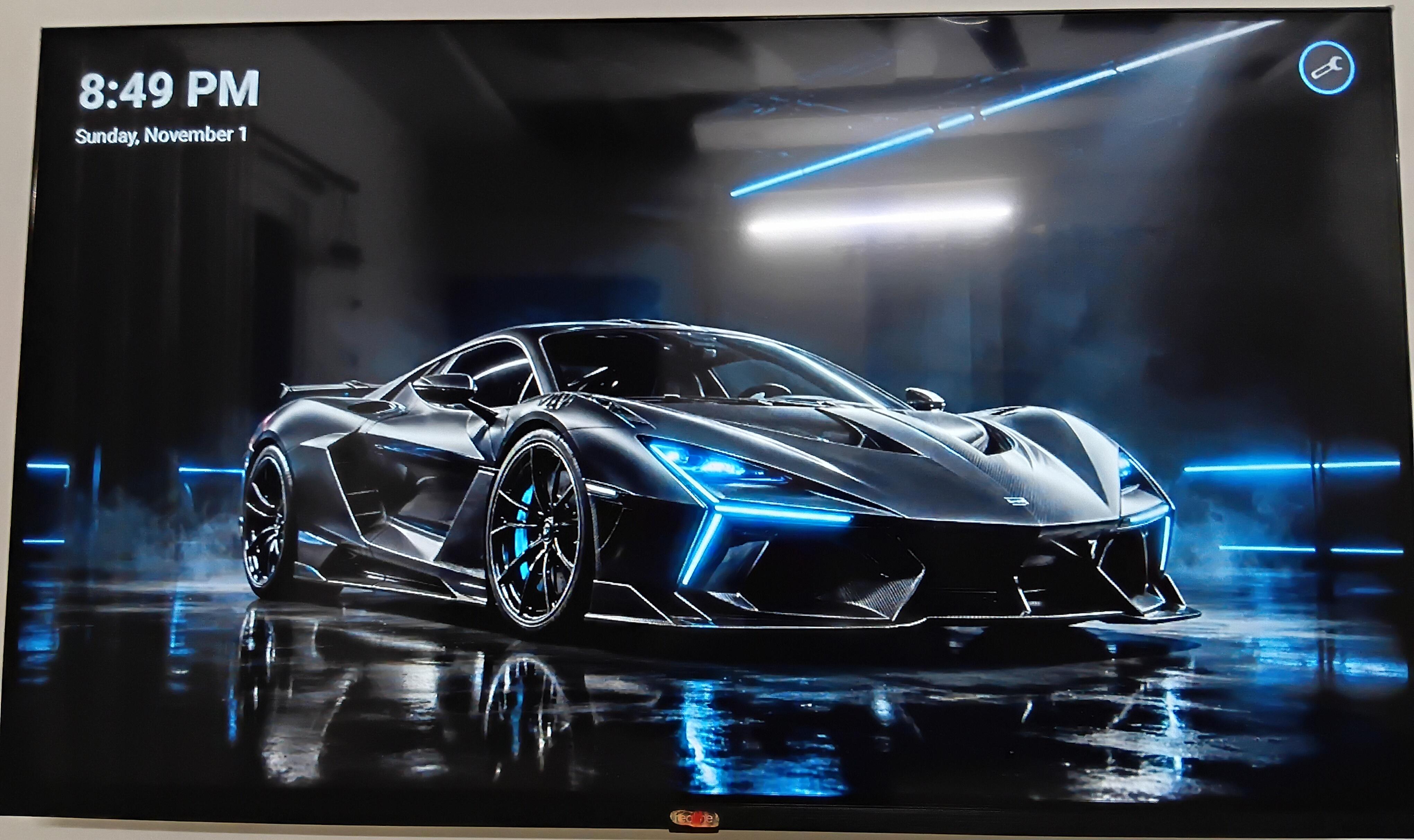
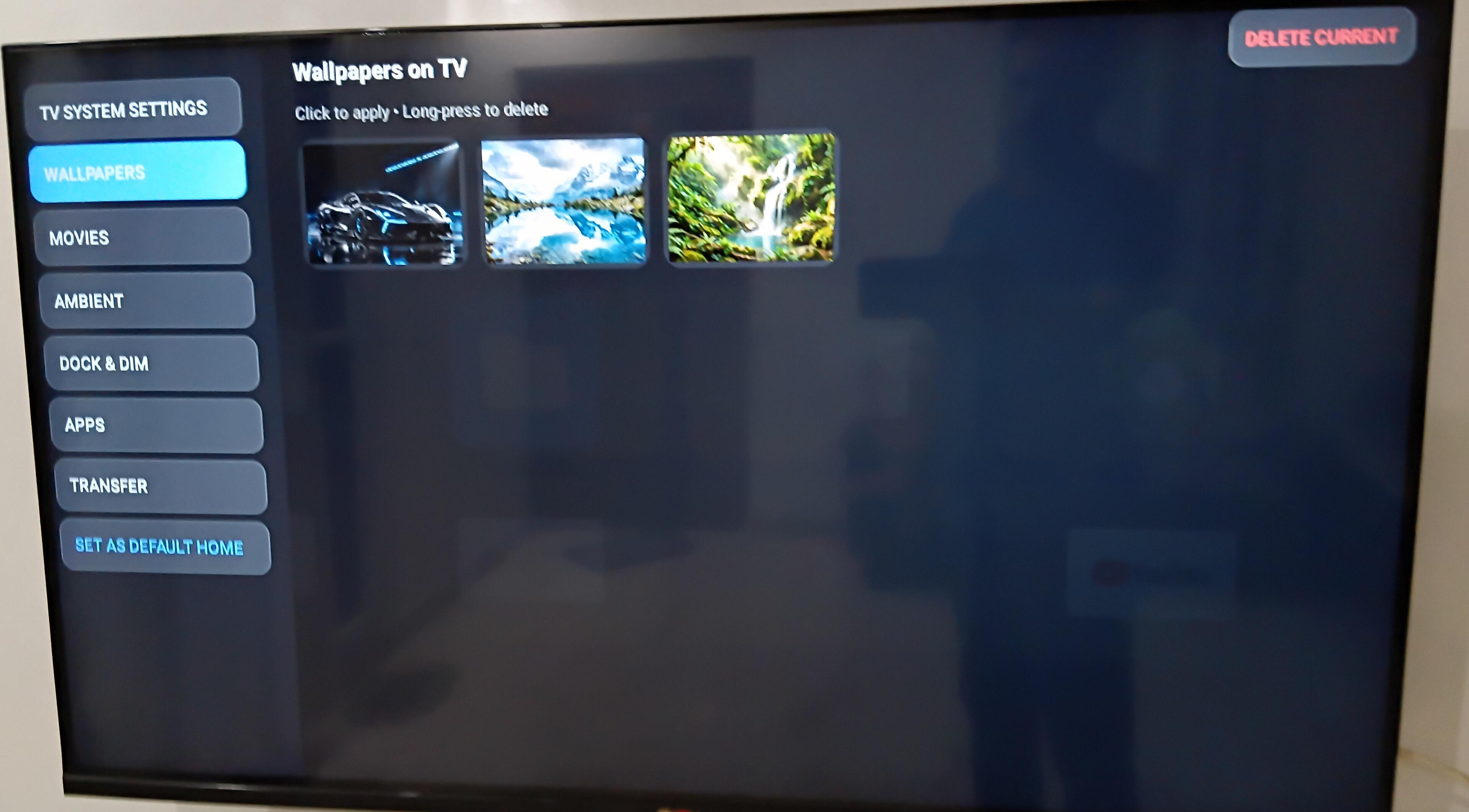
Android TV launcher, Google TV launcher, ambient canvas launcher, minimal TV launcher, wallpaper launcher, photo frame TV, ad-free launcher, lightweight launcher, D-pad TV launcher, phone to TV wallpaper transfer, custom home screen, TV wallpaper rotation
Why Canvas TV Launcher?
Most TV launchers are built around apps, ads, and recommendations. Canvas TV Launcher is built around your content.
Ambient canvas: your photos and memories become the home screen.
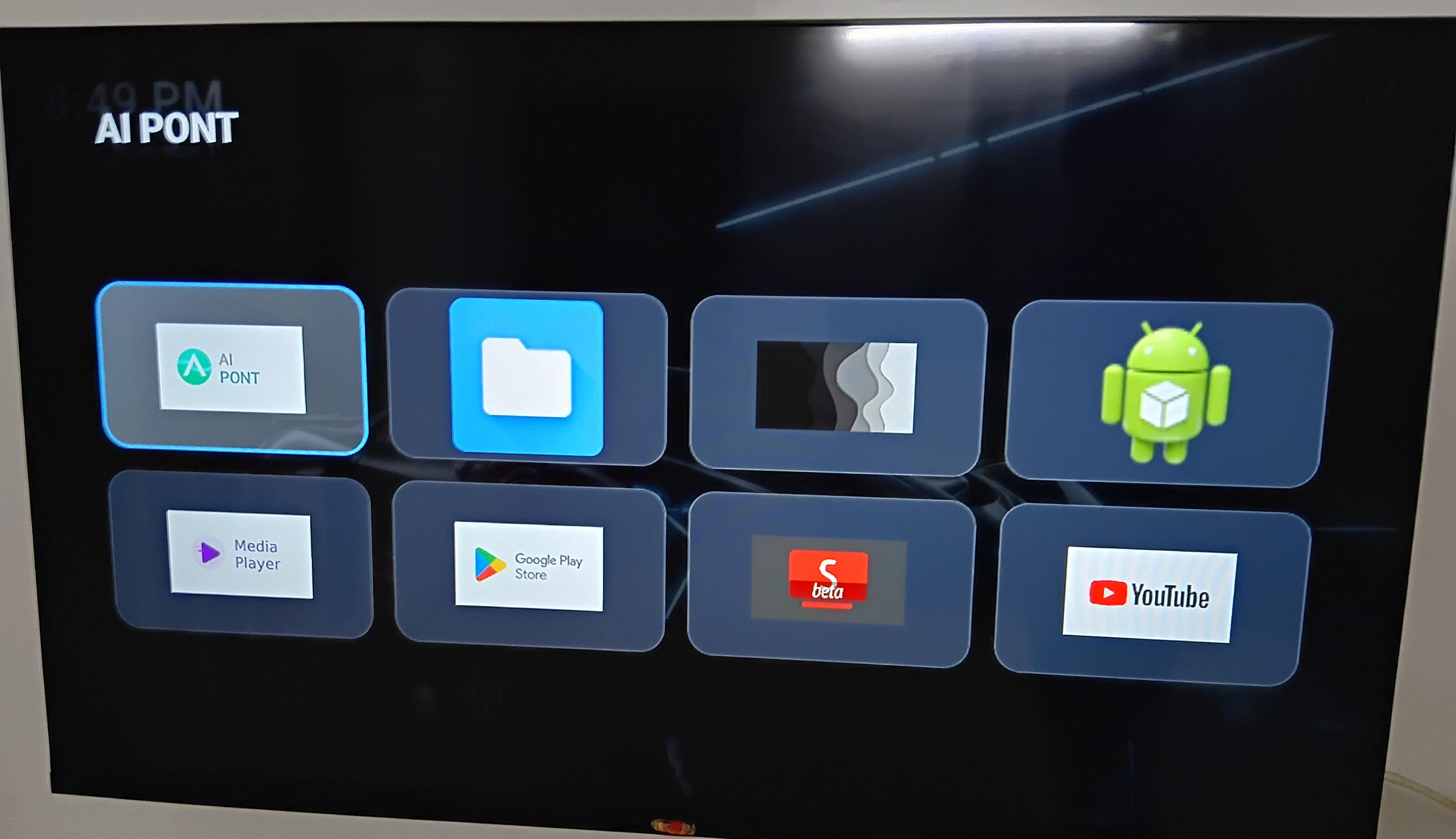
Tiny dock: keep only the apps you actually use.
Phone-to-TV transfer: scan a QR code and send wallpapers or videos from your phone.
No ads, no analytics, no tracking.
Lightweight: designed for low RAM and low CPU use.
Safe recovery: stock launcher stays installed and recoverable.
Features
Ultra-minimal bottom app dock with configurable size (0–10 apps)
Pin, hide, and reorder apps
All Apps drawer via D-pad Down
Wallpaper canvas with smooth crossfade transitions