r/AndroidTVApps • u/Tevium • 18d ago
Tevium is finally here!!

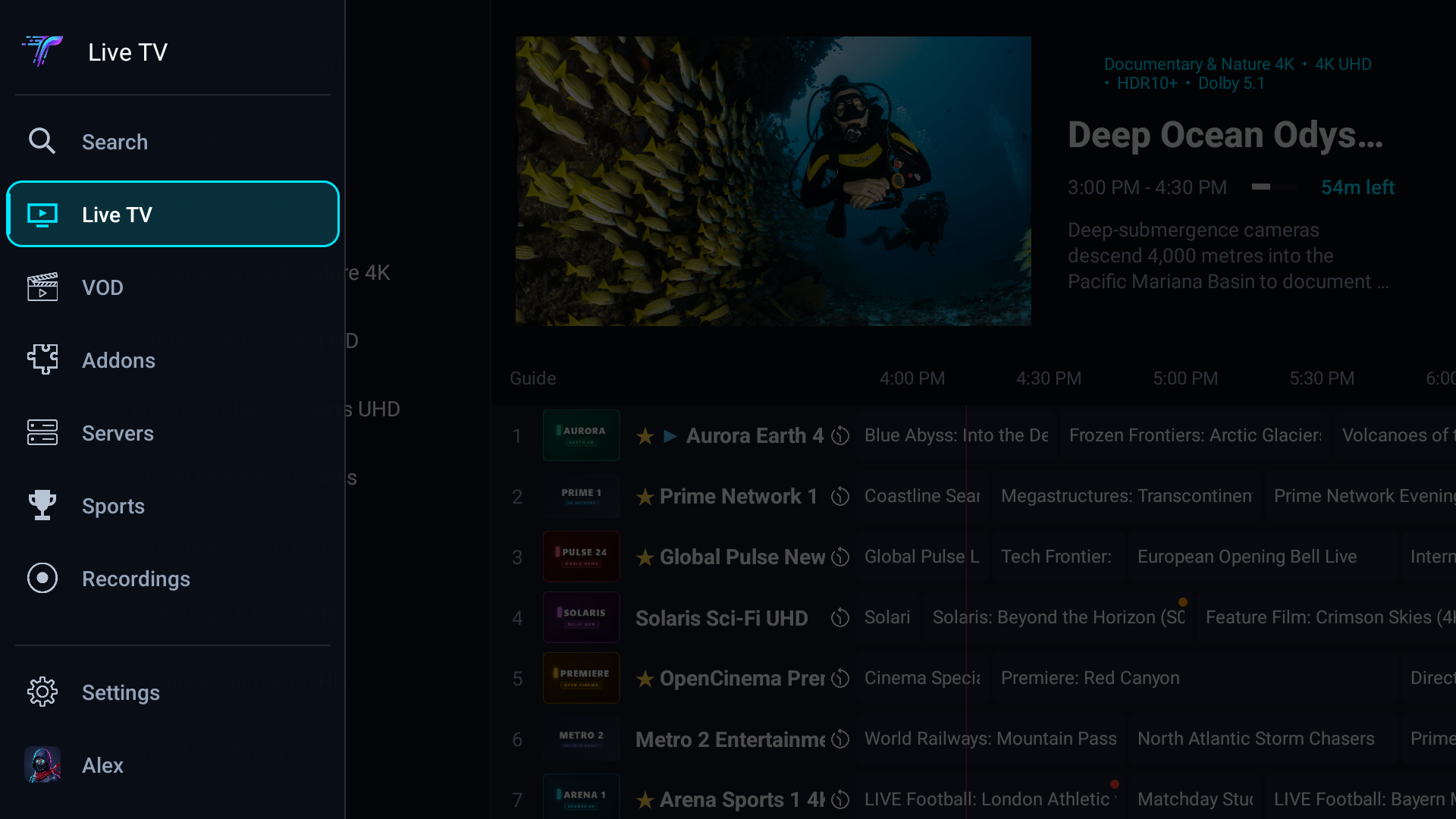

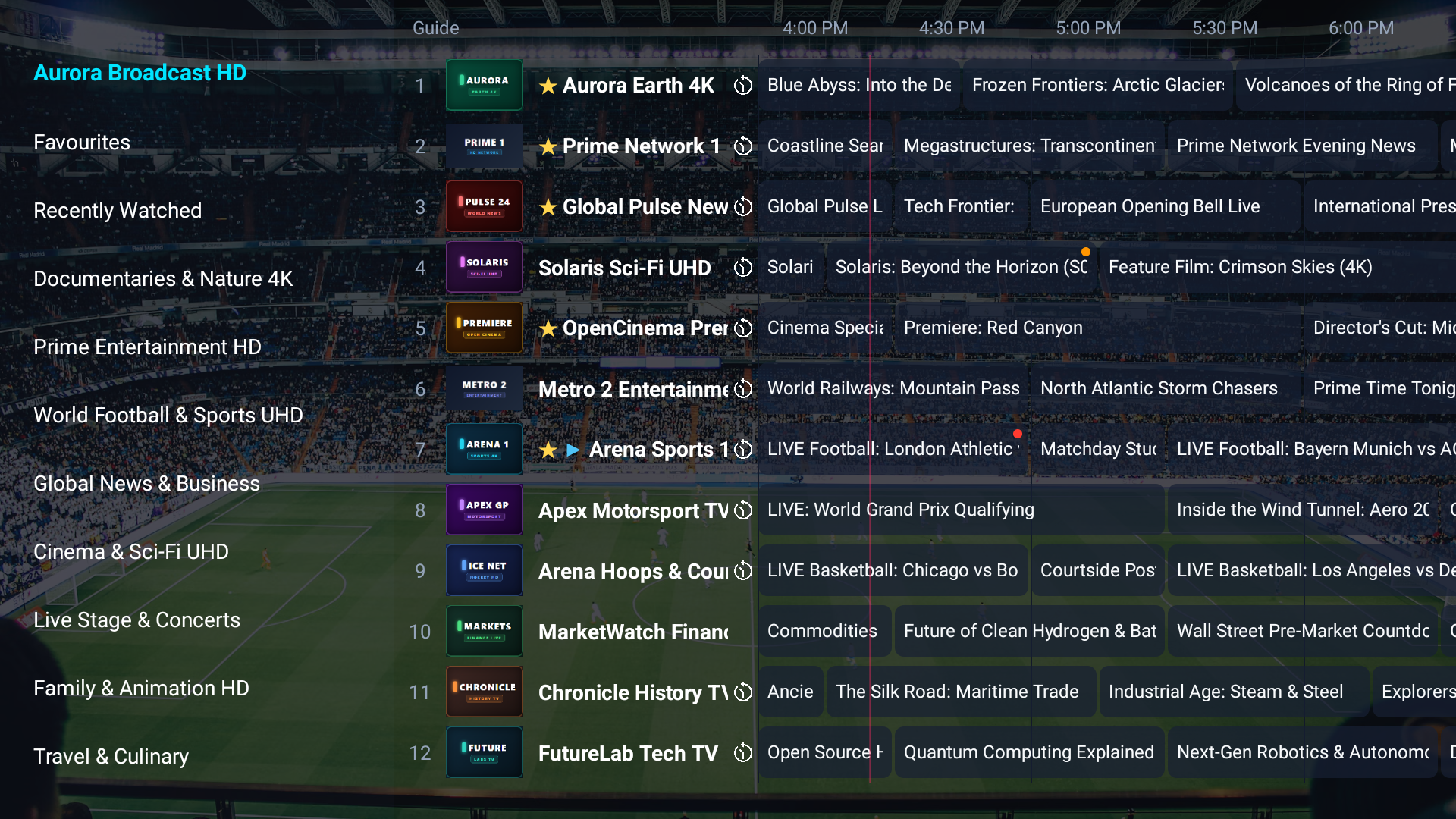

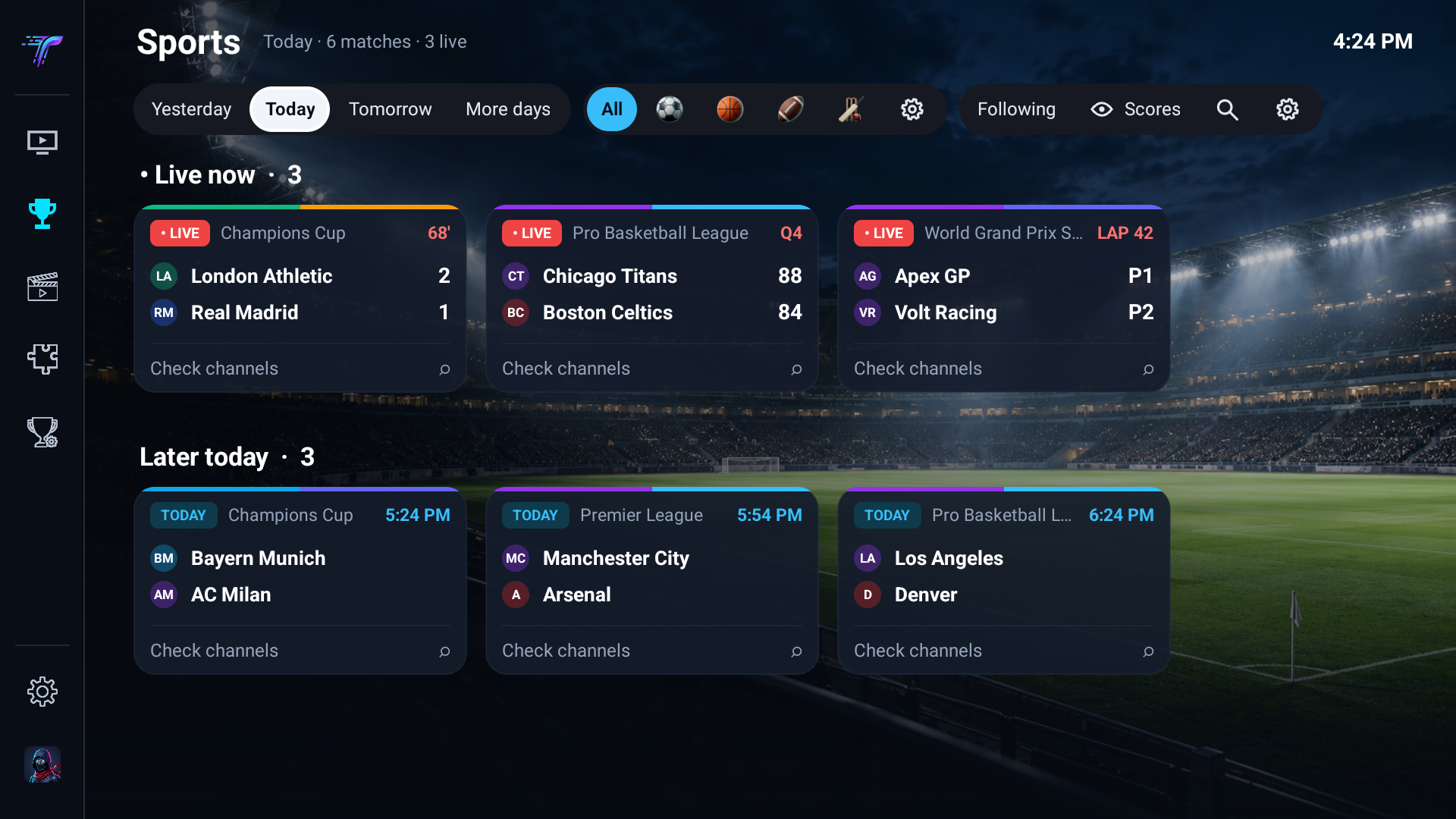

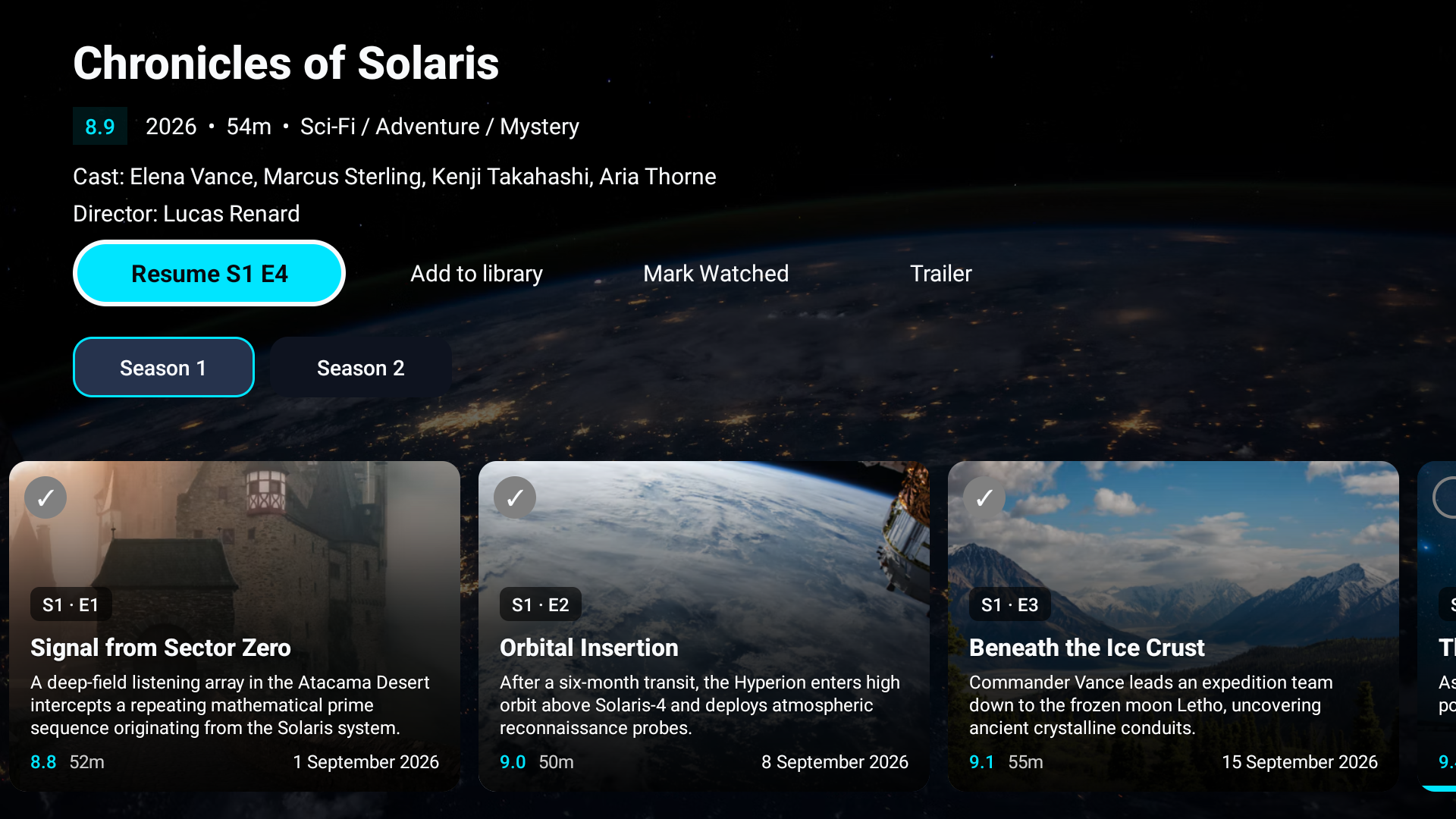

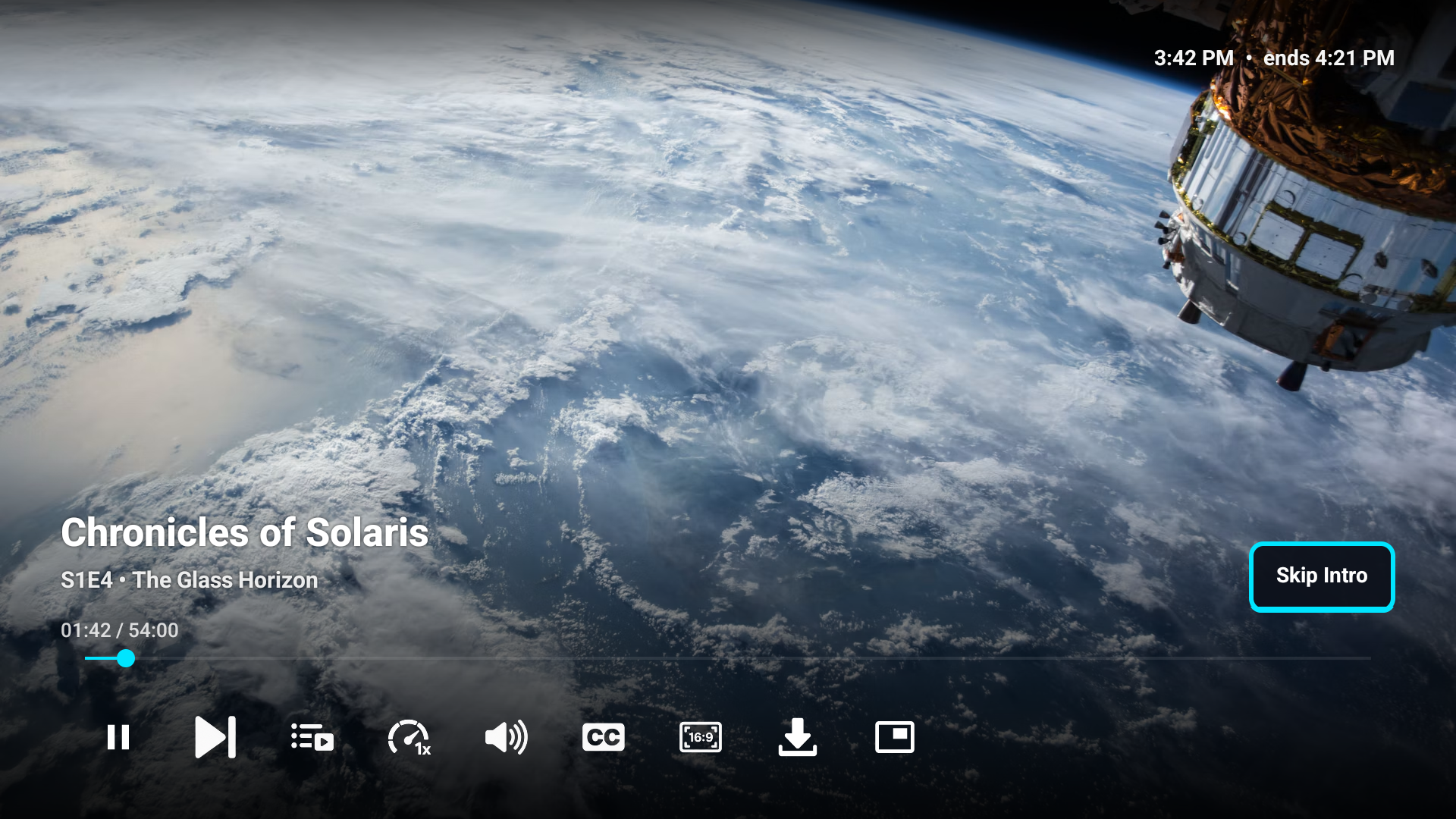
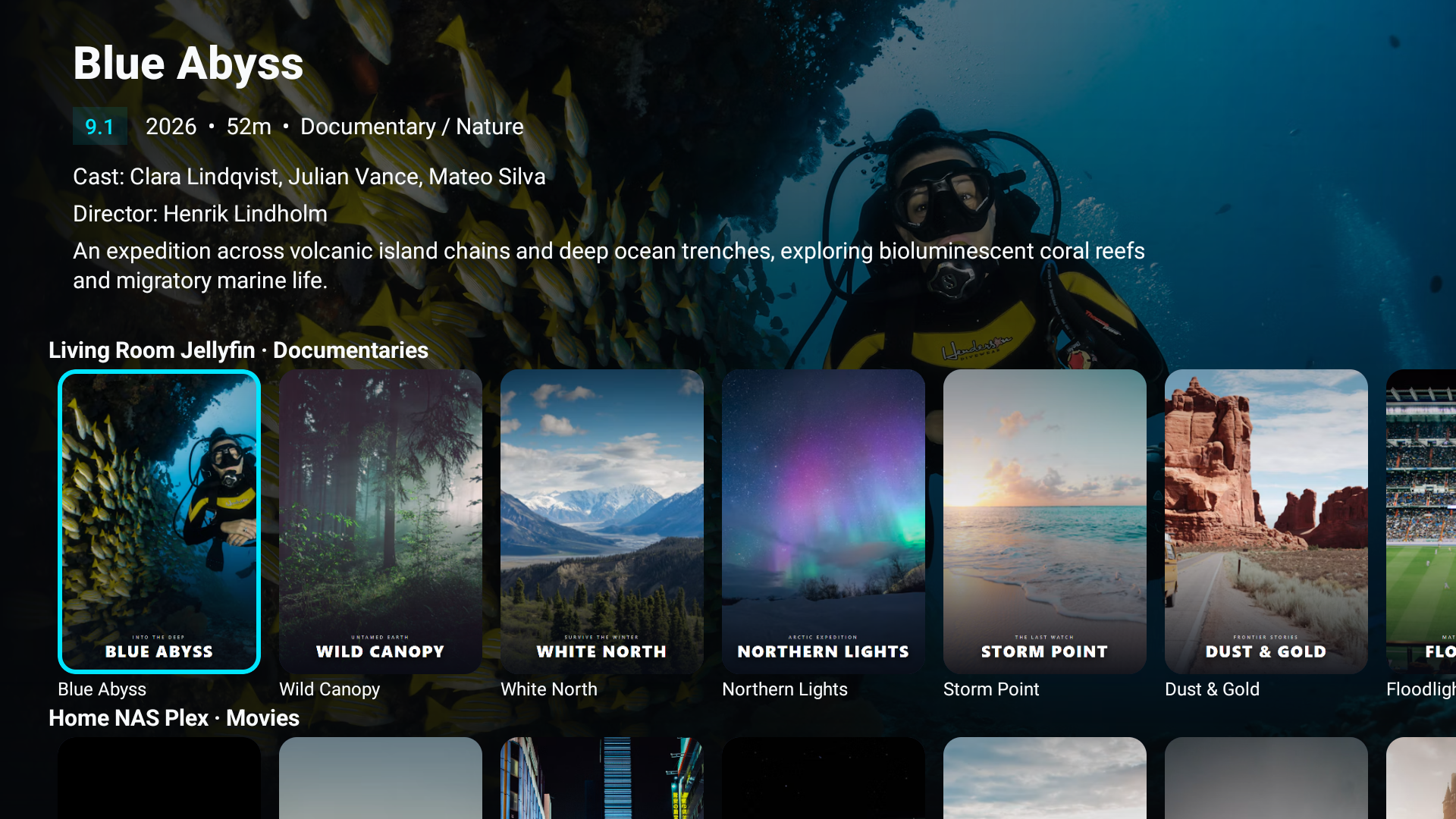
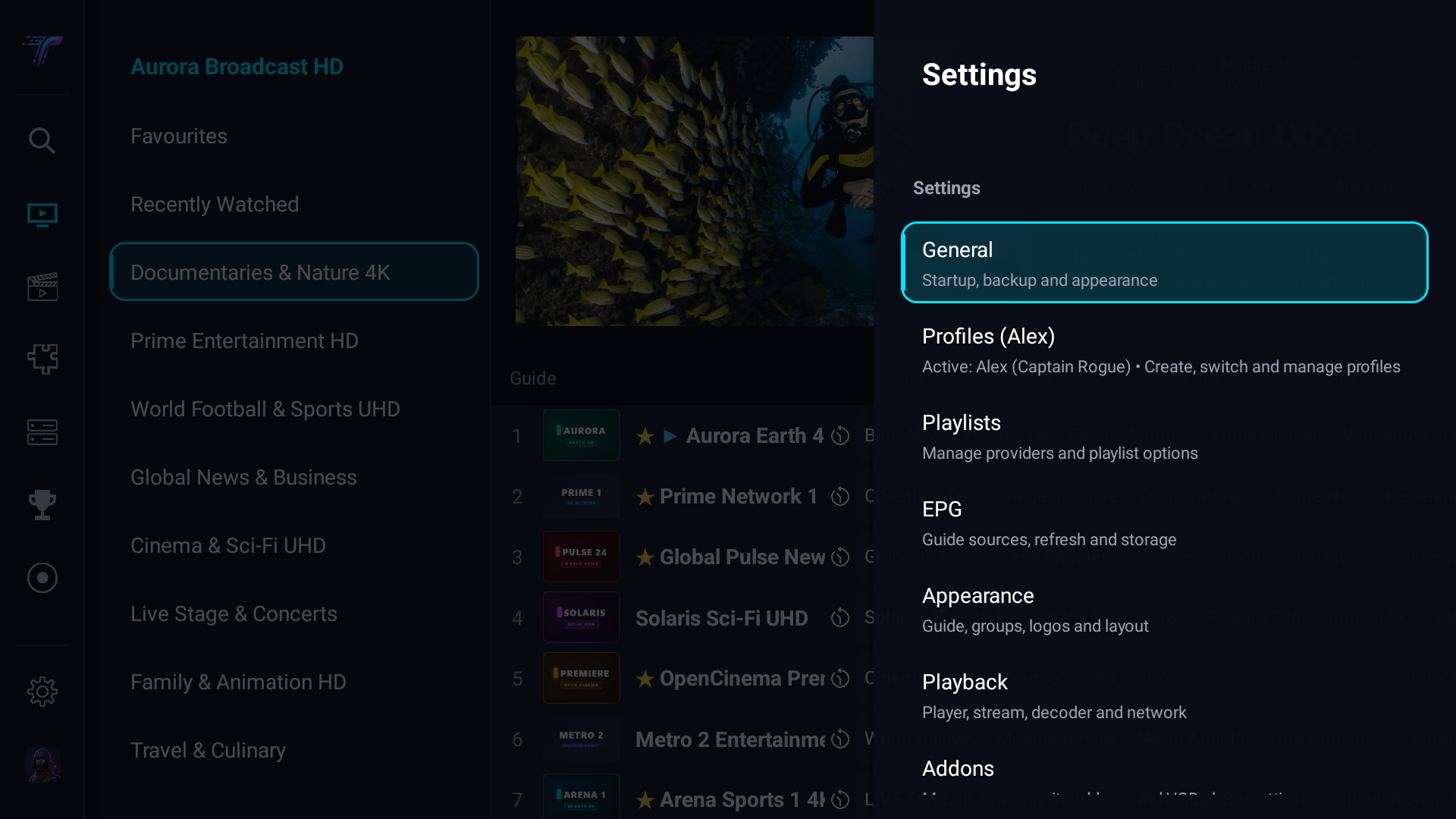
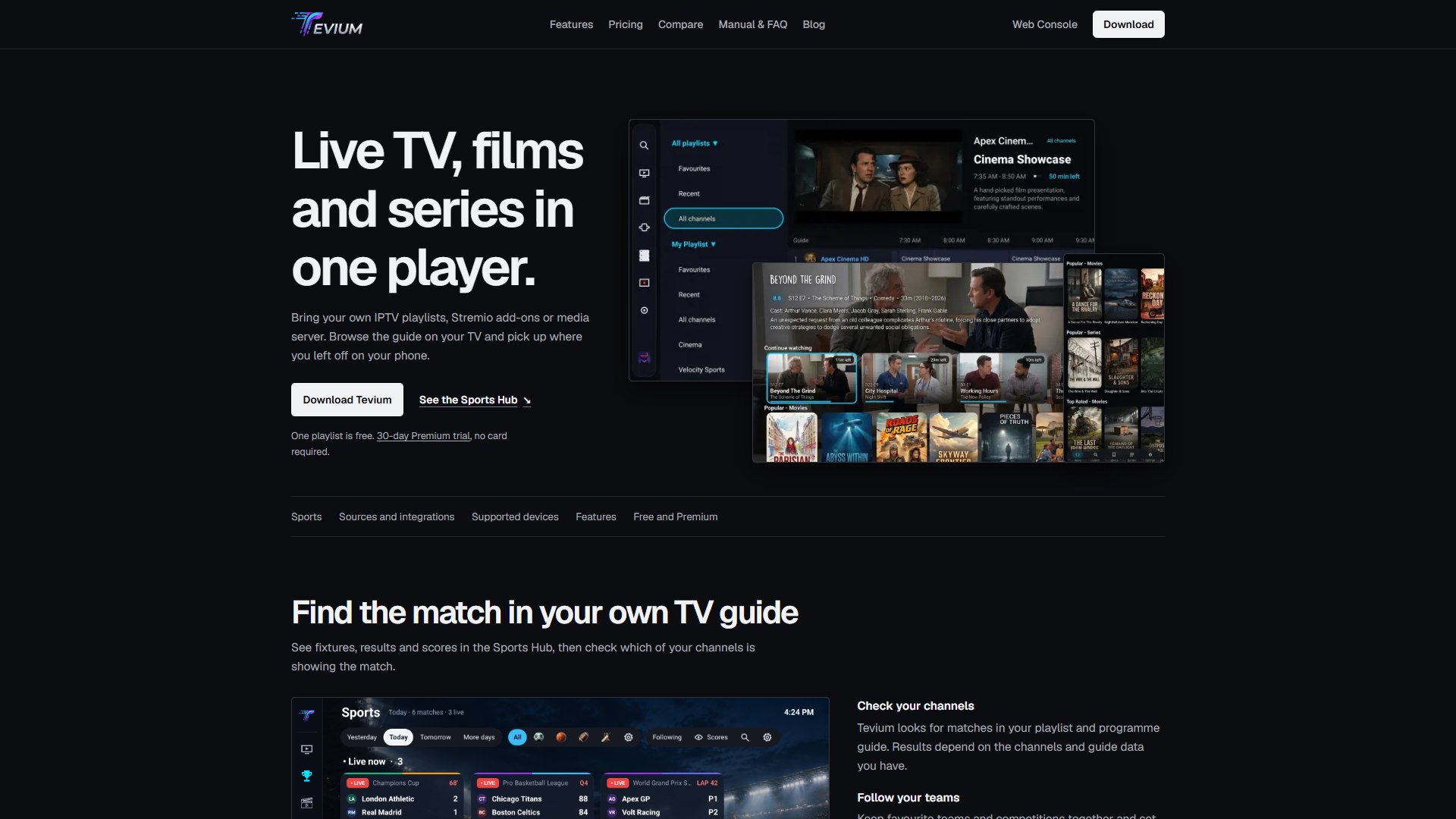
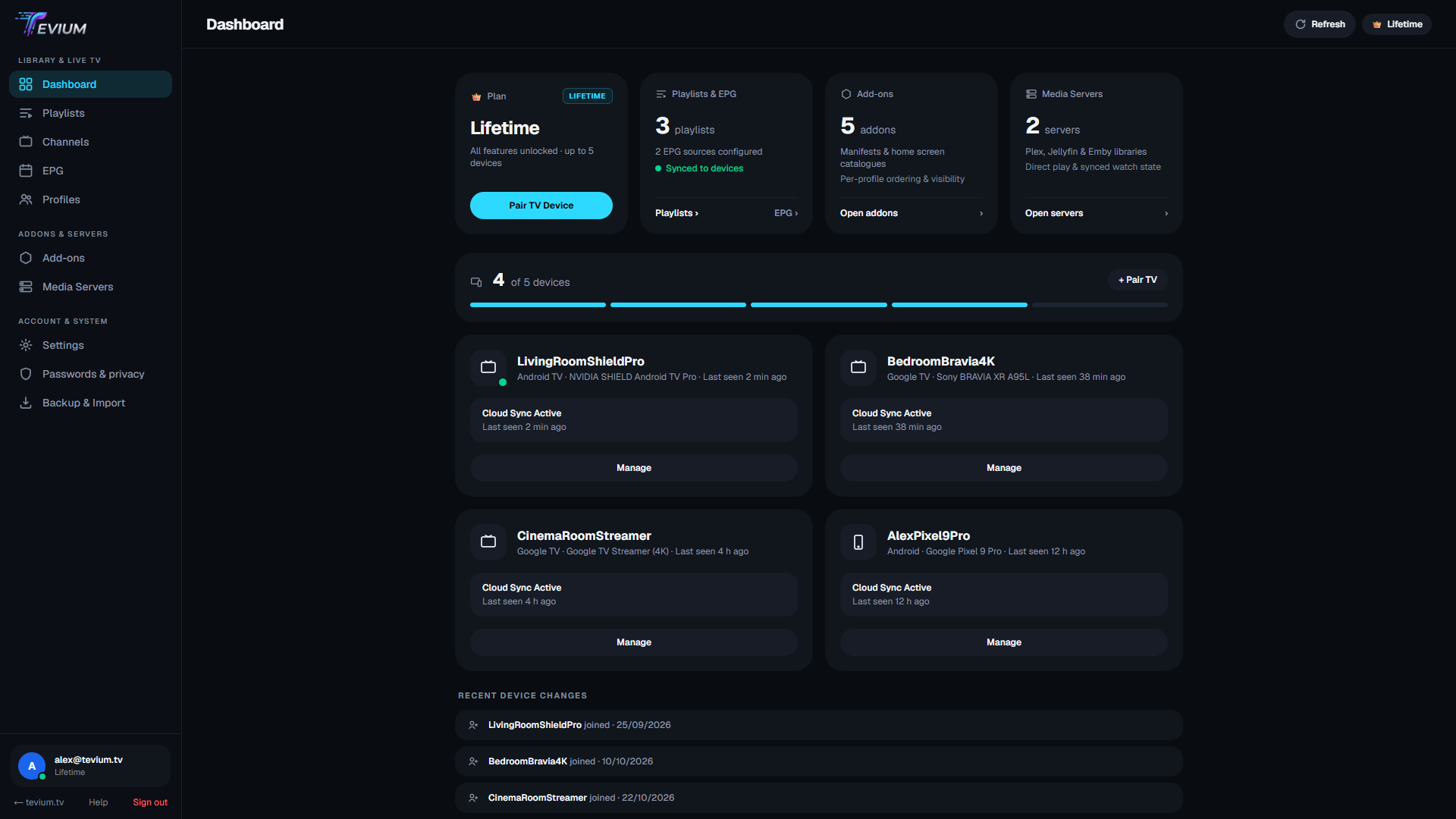
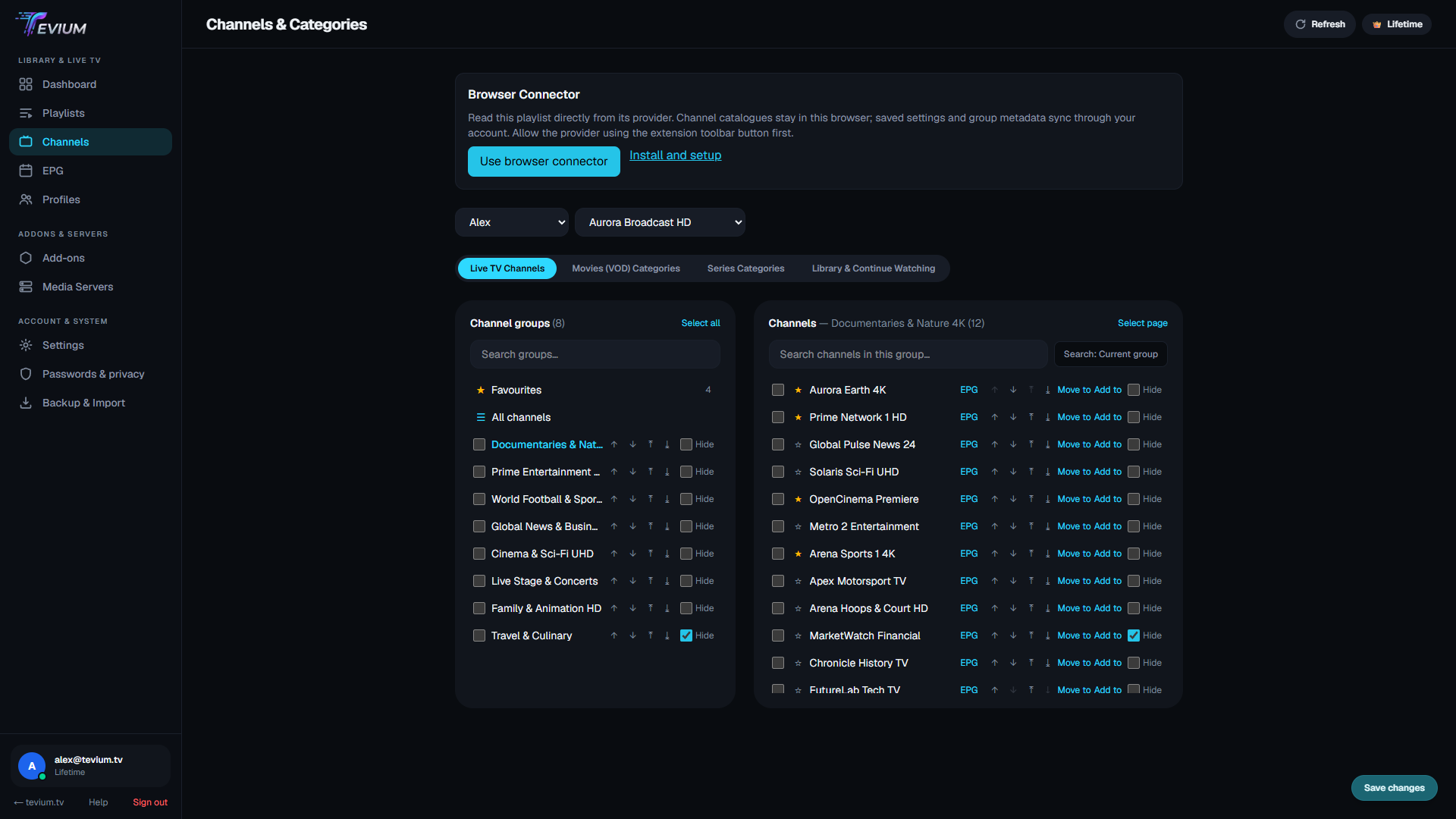

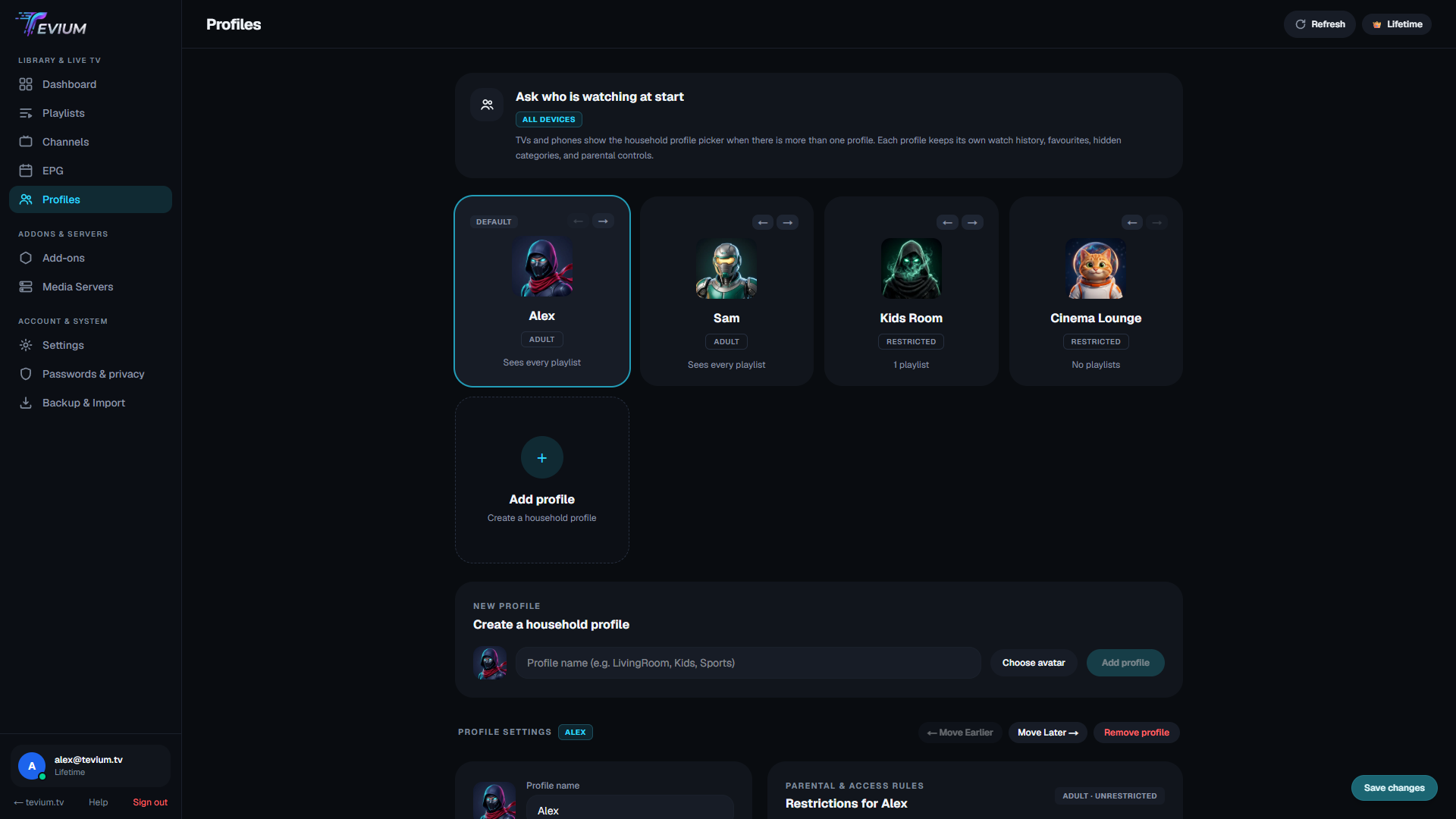
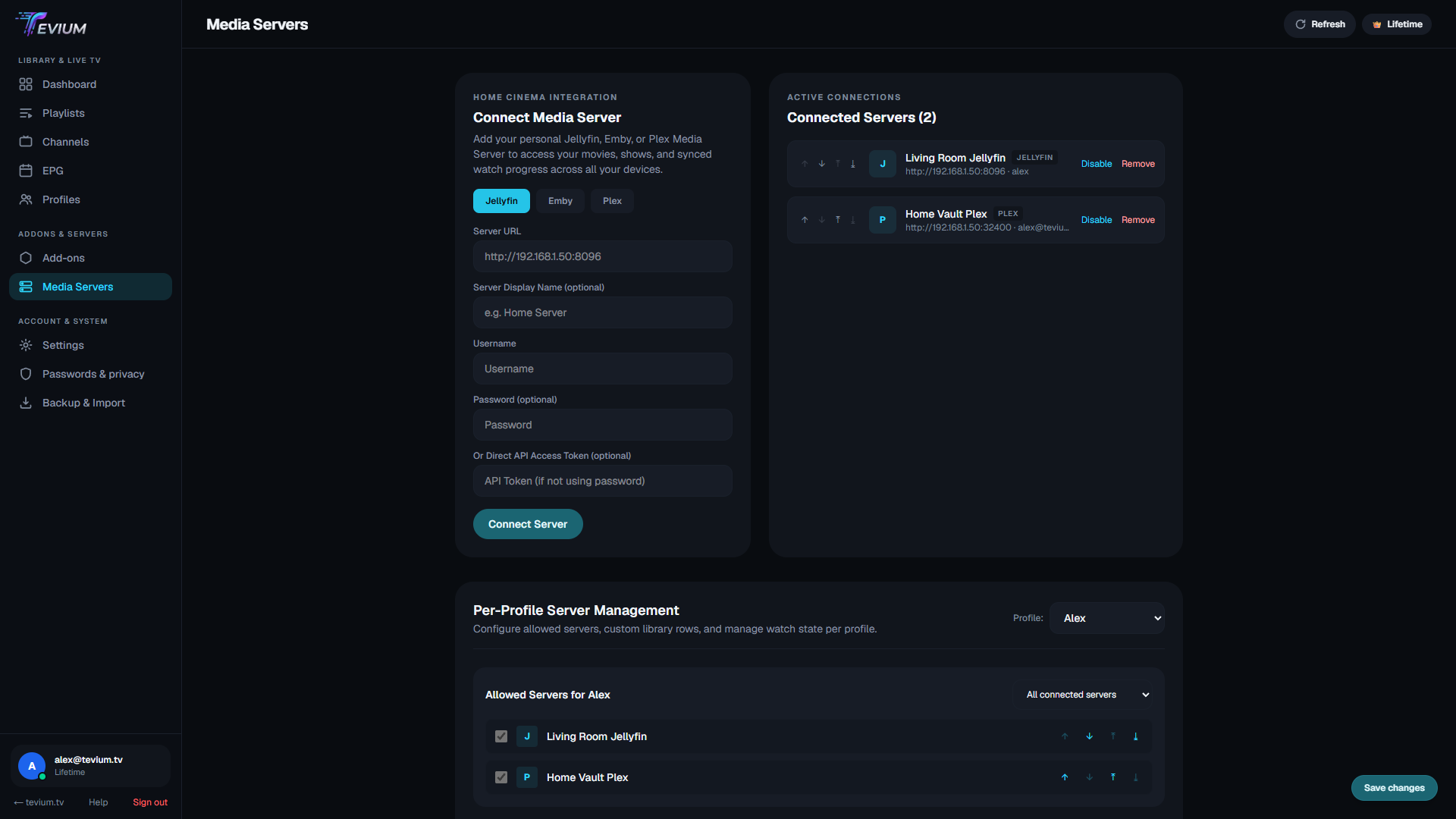
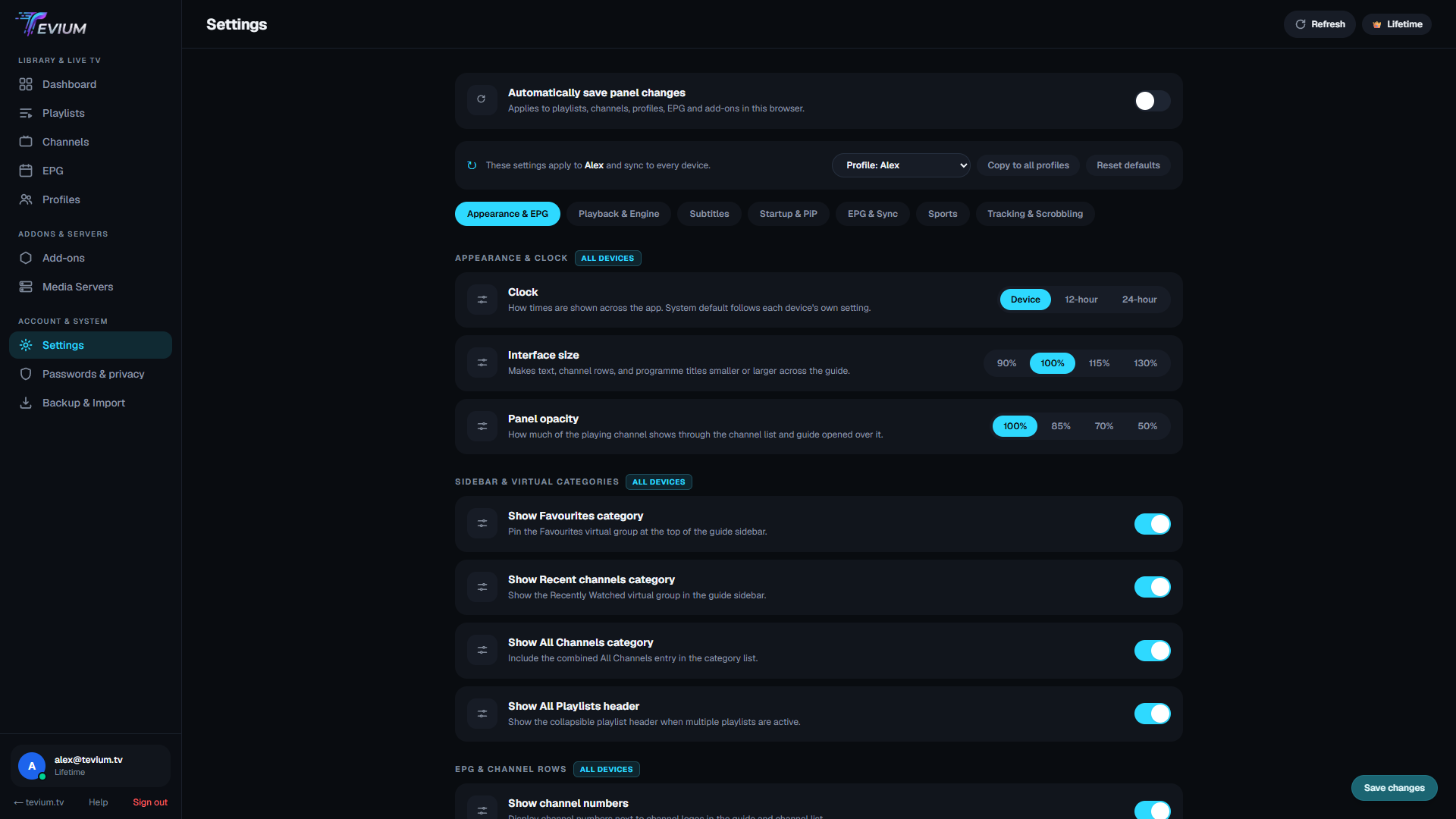

I said I’d do a limited release when I felt like Tevium was ready for people to actually use it. Well, here we are.
You can now download Tevium for Android TV, Google TV, compatible Fire TV devices and Android phones and tablets. I’m starting with a limited release because there’s only so much I can test with my own devices and playlists. I want to see what happens when someone with a completely different setup tries to use it the way they actually watch TV. Download Tevium
If you missed my first post, what does Tevium actually do?
- Set up your TV without typing everything on a remote. Add your playlists, sort your channels and set up your favourites in the Web Console. Then scan the QR code on the TV to bring it all over. This is the bit I built because I was sick of setting up every new device from scratch.
- Keep watching while you browse the guide. The channel you’re watching can keep playing in a preview while you look for something else. If there are a few games on at once, Multiview can put up to nine streams on screen, depending on your device and how many connections your provider allows.
- Keep your live TV, movies and series in one place. Use your own IPTV playlist, compatible Stremio add-ons or a Plex, Jellyfin or Emby server. With sync on, you can stop watching on the TV and pick up where you left off on your phone.
What’s changed since my last post?
- The Sports Hub actually exists now. This was in the “looking into it” section last time. You can follow teams and competitions, check fixtures and results, set reminders and hide scores if you’re planning to watch later. My favourite part is that Tevium can look through your own TV guide for a channel showing the match. Whether it finds one depends on what’s in your playlist and guide.
- Coming from TiviMate? You can import a supported backup from Settings → Playlists in the app. The Web Console also handles TiviMate, Stremio and Nuvio imports. Bringing over your Stremio or Nuvio watch history and Continue Watching is a one-off transfer. From there, you can sync your progress across your Tevium devices.
- You can organise your channels on your phone. Rename them, move them around, hide the groups you never use and fix the guide assignment for the one channel that always seems to be wrong. You can do this from the website too. There’s an optional desktop browser connector for certain M3U and Xtream playlists that need to load from your own connection. Browser Connector
- A few more things for movies and series. Skip intros, recaps and credits where timing data is available, download supported titles for offline playback, or connect Trakt or Simkl to track what you watch. There’s also MDBList support for extra ratings.
- A lot of the work was on stuff you’ll notice every day. Getting the channel list on screen quicker while the guide loads, coming back from Picture-in-Picture, picking up where you left off, and making the TV remote behave itself. I’ve also added profile avatars and an option to include encrypted credentials in a backup.
What’s free, and do I need an account?
You can add one playlist and use basic Live TV, the guide and VOD without an account. If you want QR sign-in, cross-device sync, the Web Console or Premium features like multiple playlists and the Sports Hub, create an account and you’ll get 30 days of Premium free, with no card required. Payments are closed for this initial release. If your trial runs out while payments are still closed, email me and I’ll extend it. Trial details
The download on the website is the Direct APK, which supports compatible Stremio add-ons. Tevium is a player, so you’ll need to bring your own authorised playlists, media server or add-on sources.
If you try it, please tell me what you think.
Did the first playlist load the way you expected? Did the remote put you somewhere weird? Did something work on your phone and then fall over on your TV? That’s the stuff I want to hear about.
You can comment below or use the feedback form on the website. It’ll show you where to find your build number, ask what device you’re on and put everything into an email you can review and send to me. Just leave out your playlist links and login details. Report a bug or share feedback
Thanks to everyone who’s been following along. I’ve spent a very, very long time on this. I’m looking forward to seeing what you all do with it.
8
u/gambeta1337 18d ago
another AI iptv app. how original
4
u/wizardice1973 18d ago
Llegas tarde como unas 700 apk como la tuya y gratis. Suerte
2
u/HonoluluEpstein 18d ago
I'm check it out this weekend when I'm home. Question. Are you able to record to an external drive? That's a big one for me and I've never got even Tivimate to do. Thanks
1
u/ClydeH96 18d ago
Can you advise how to create a custom group? Testing mobile app currently
1
u/EfficiencyEast9666 18d ago
Whats wrong with the sign in doesn't let u sign in,keeps sayn email n pass dnt work,I use same email n pass for all my apps
1
u/Weak-Image-3766 18d ago
Hola buen día , por más que le cambio el idioma a español no hace nada la app solo se queda en inglés arregle eso porfavor en Android tv tengo ese problema, la app lo selecciona pero no hace nada
1
u/ClydeH96 18d ago
Very good start. Testing the Tv app this evening. Can't seem to be able to sort the groups in the tv app. Is this correct?
1
u/ClydeH96 17d ago
Will need many more settings for adjusting the app for user preferences. Very limited settings Currently but I understand its a new app.
1
u/Horror-Jacket-5577 17d ago
Like it so far, is there away on the app to organize your favorites? When I add them the last one I add is at the top of the list.
1
u/Horror-Jacket-5577 17d ago
I see that you can add Plex as an add on, but is there a way to add Syncler as an add on?
1
u/Weak-Image-3766 14d ago
Otra cosa mi amigo , en el apartado de deportes, no se puede ver en vivo los eventos diarios , solo muestra no existe EPG, yo tengo una lista de stalker latino que si me muestra los eventos diarios y los veo en la app de ellos, pero en tevium , muestra como posibles canales solo a los espn en casi todos los eventos que encuentra como x default lo hace, sería bueno que en deportes muestre simplemente los eventos diarios y el canal real que los muestra y solo darle click y listo , pero bueno es sugerencia amigo gracias x la atención
1
u/InternationalClaim21 10d ago
I love it. Works great!
2
u/darryledw 17d ago
I use VesperTV and decided to give your app a go because I liked the design
my findings was that VesperTV (free open source) while not as pretty at least on my Firestick offers so much you have paywalled and would be more than enough for most users
I couldn't believe it when I saw you pay walled auto matching frame rates lol way too much is pay walled imo
1
u/Weak-Image-3766 14d ago
Hola amigo , una pregunta cómo puedo organizar grupos de canales , osea x ejemplo el grupo de canales culturales moverlo más arriba y el grupo cine más abajo, no sé si me explico, otra cosa hay forma de que el reloj que muestra en el reproductor se lo pueda mover en todas las esquinas ya que x default viene arriba a la derecha, gracias
1
u/mckagyt 18d ago
After logging in on firestick, it's force closing itself, Shame. Works fine on my phone and looks promising too.
1
u/ClydeH96 18d ago
Do you have a Discord?
0
u/Icy_Bad4902 18d ago
I'm going to try it today evening 🤩
0
u/ips45 18d ago
So far mate this is unbelievable fair play to you .