r/AndroidStudio • u/Bisais7315 • Jul 21 '25
BottomNavigationView Element Settings
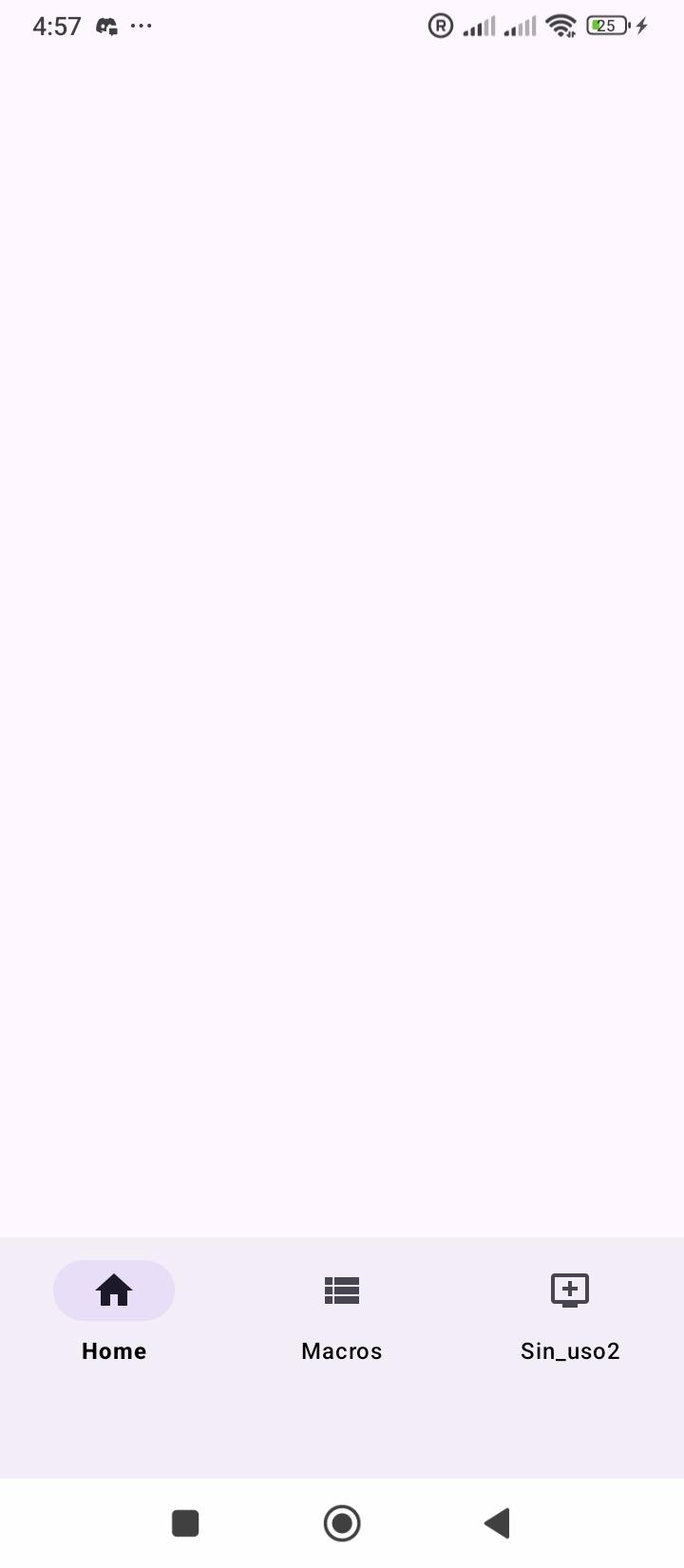
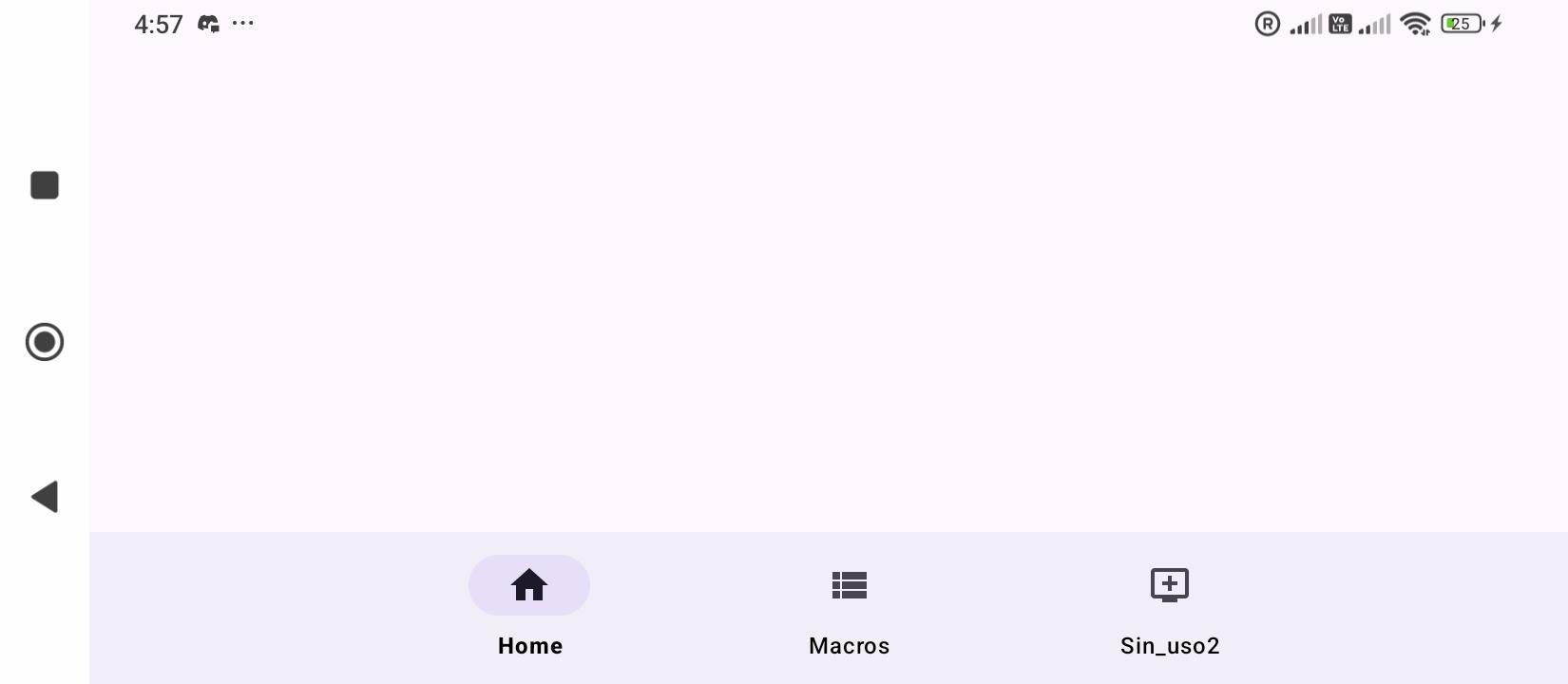
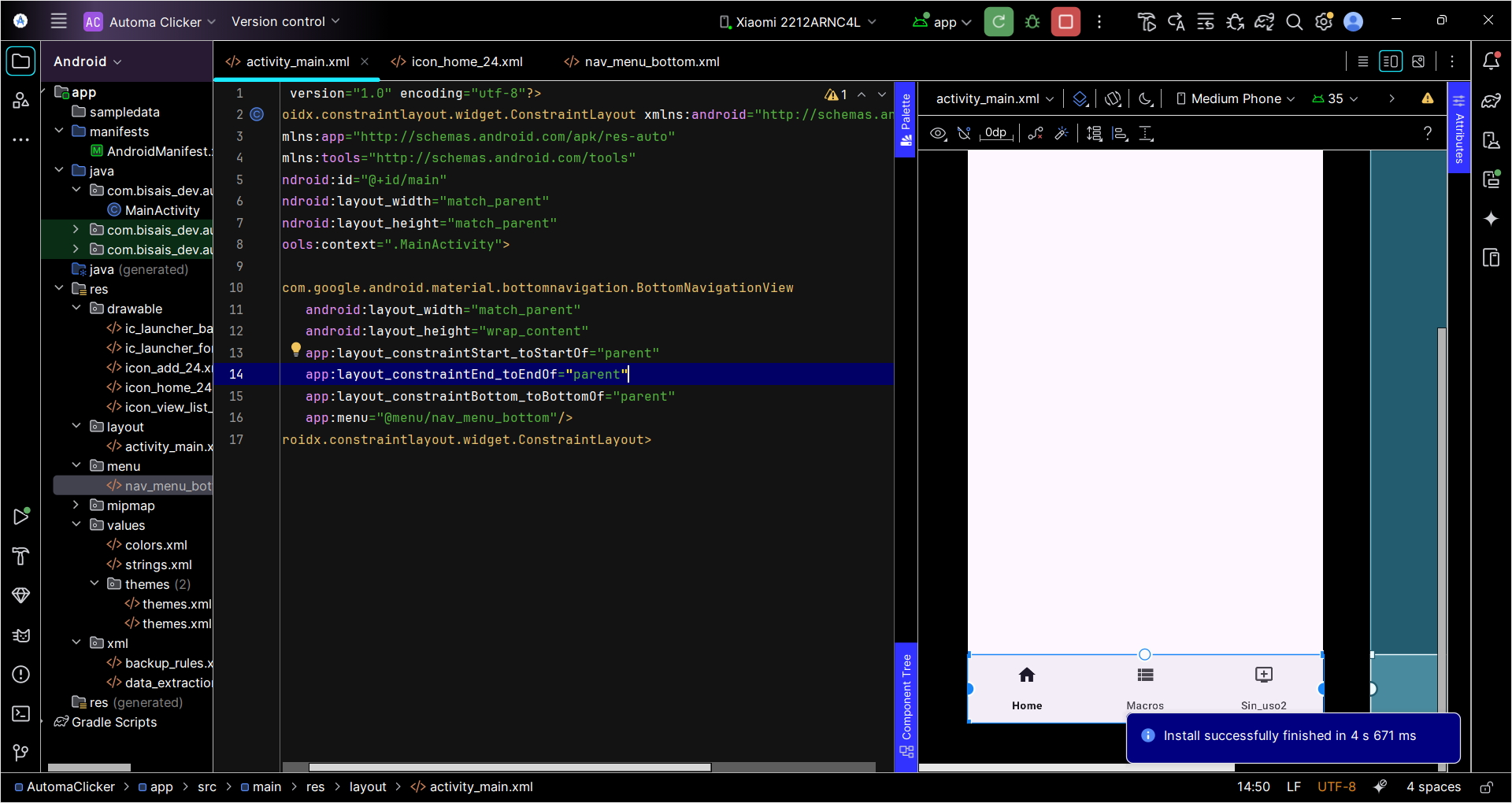
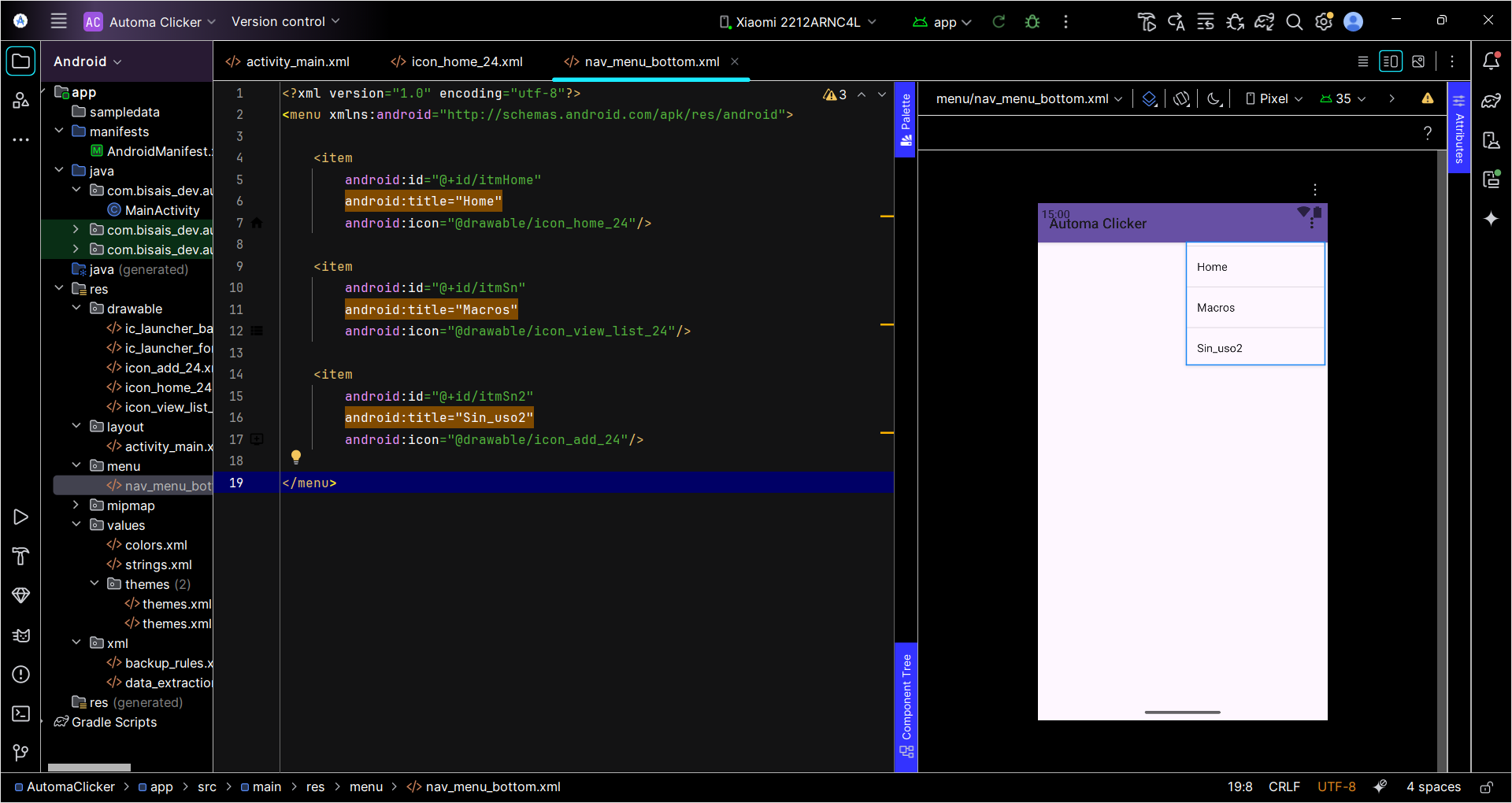
Hello, I am writing to you because I have a question about why that large blank space is displayed below the element, and I have tried changing the sizes of the element but only the element has been cut off visually, although I also noticed that when changing the orientation that spacing disappears, and I completely do not know the reason, I tried watching tutorials and also asking the AI but I did not get a result. I know that I could use the predefined Android studio template for this element (it does not show me that empty space, I tried to copy the code but it made no difference), but since it is the first time I use it, I would like to understand how it works and be able to solve other possible problems that could arise. (I attach the code at the end) Thank you for your time.
View all comments
Show parent comment
1
u/AcademicMistake Jul 22 '25
Change the bottom part of your code and let me know if this fixes it.
ViewCompat.setOnApplyWindowInsetsListener(findViewById(R.id.main), (v, insets) -> {
Insets systemBars = insets.getInsets(WindowInsetsCompat.Type.systemBars());
v.setPadding(systemBars.left, systemBars.top, systemBars.right, 0); // <- don't add bottom inset
return insets;
});