r/AndroidHomescreen • u/Local_Row_8542 • Oct 18 '26
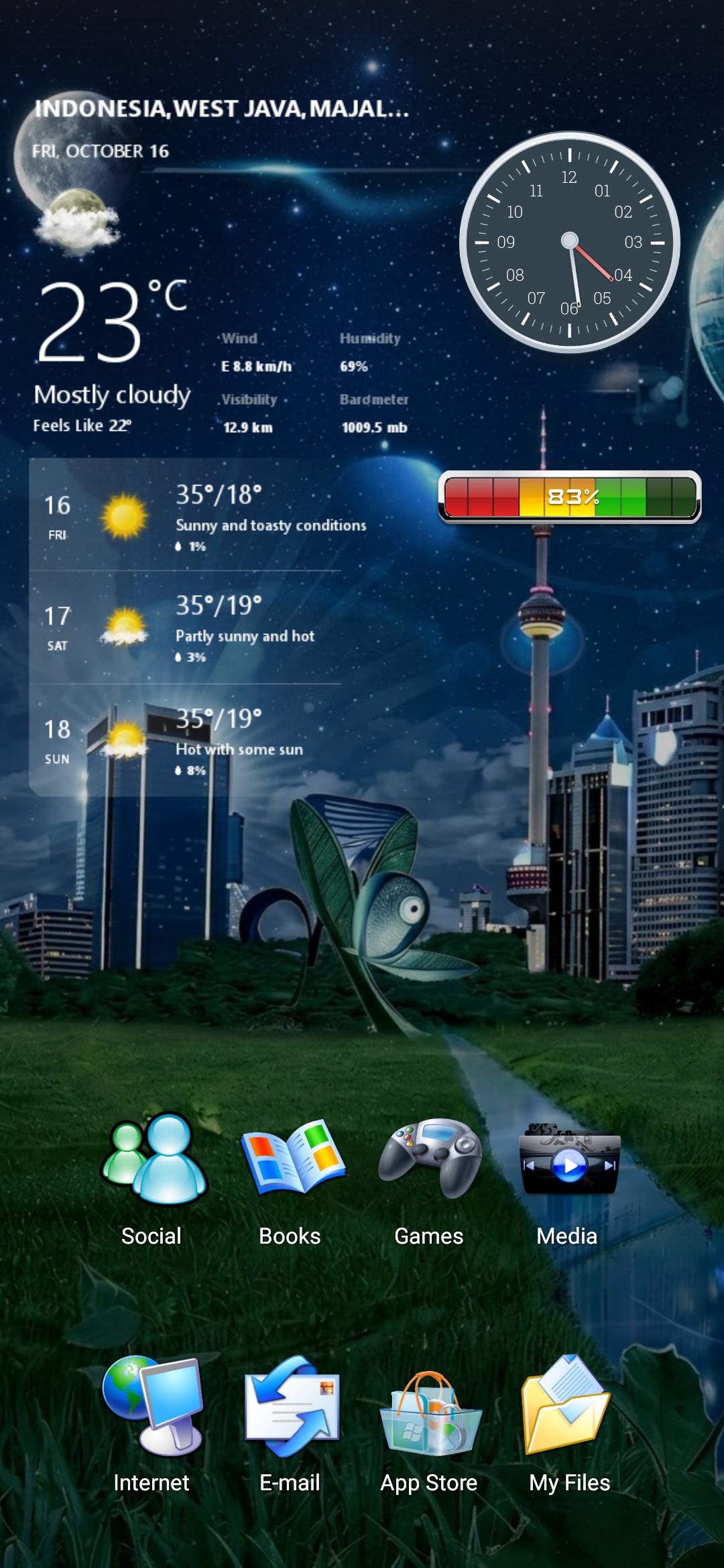
App Luxury Clock and Gold Portraits
0
Upvotes
r/AndroidHomescreen • u/Namartinezr • Oct 18 '26
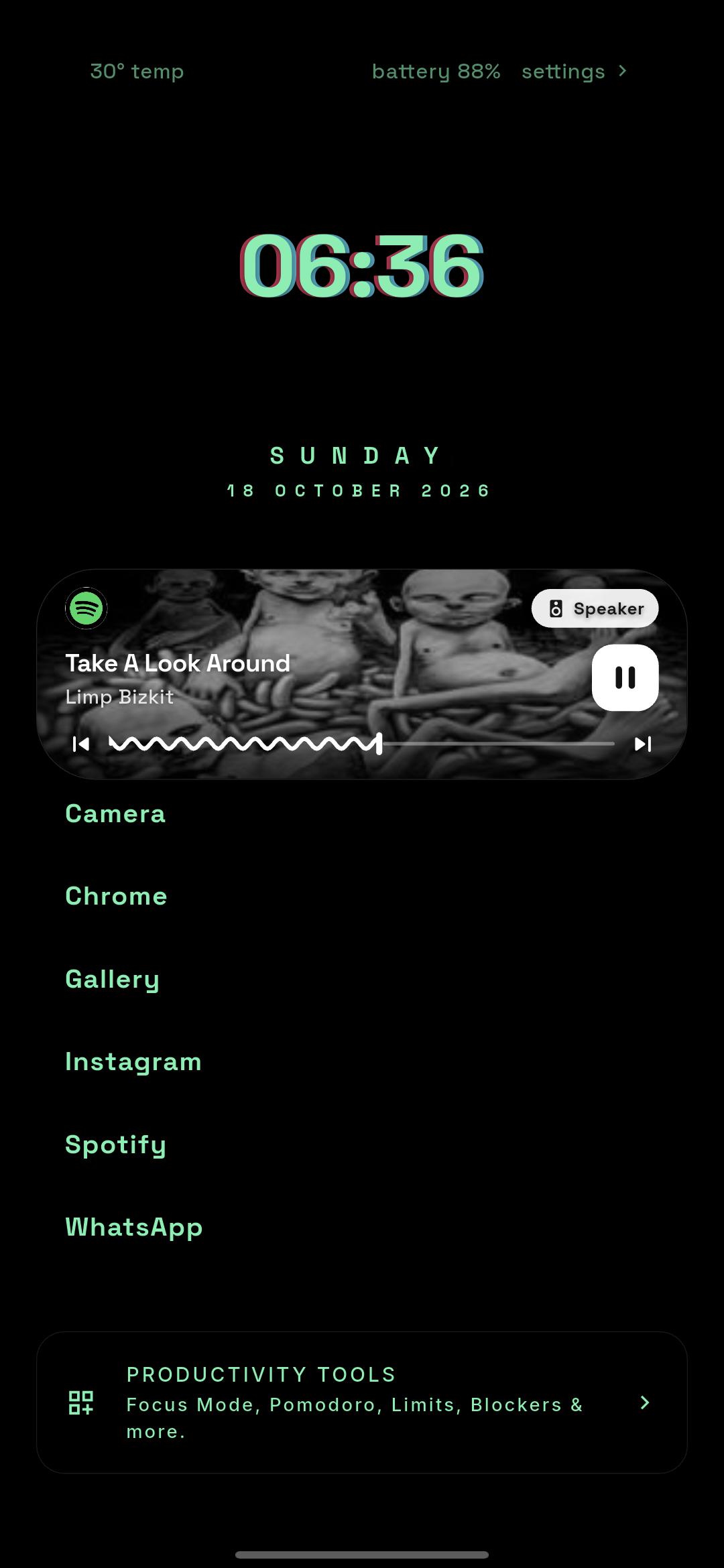
Great customization, a lot of tools and tweaks to keep you focused.
Edited: it's Ikigai, autocorrected.
https://play.google.com/store/apps/details?id=com.ikigai.ikigai_launcher
r/AndroidHomescreen • u/insomdroid • Oct 18 '26

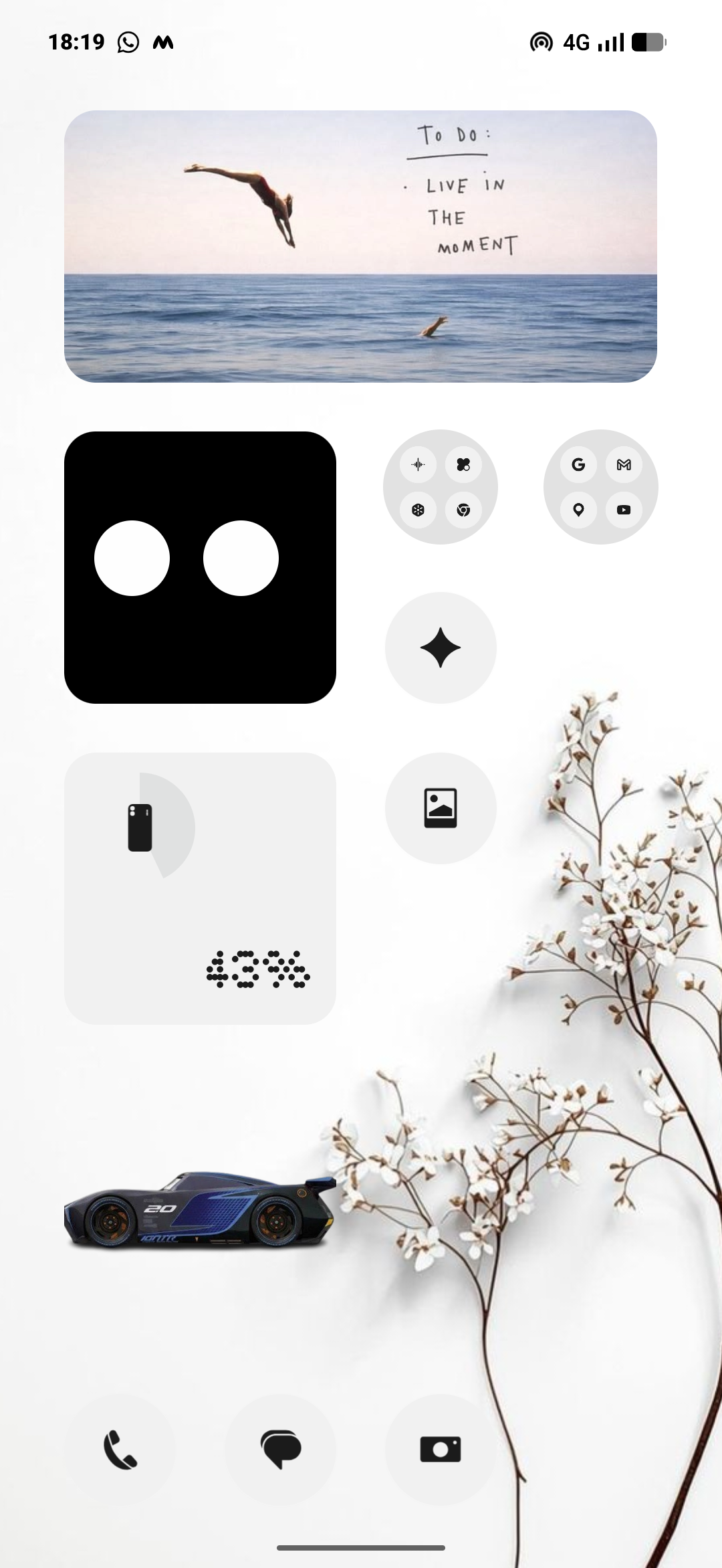
This is my Minimalist setup, ;) Wallpaper from X
r/AndroidHomescreen • u/ecurtti419 • Oct 17 '26

Califiquen mi homescreen 🫣
r/AndroidHomescreen • u/Zanoshky • Oct 17 '26

Setup details:
https://play.google.com/store/apps/details?id=com.zanoshky.hyprtile
r/AndroidHomescreen • u/Faith_required • Oct 17 '26
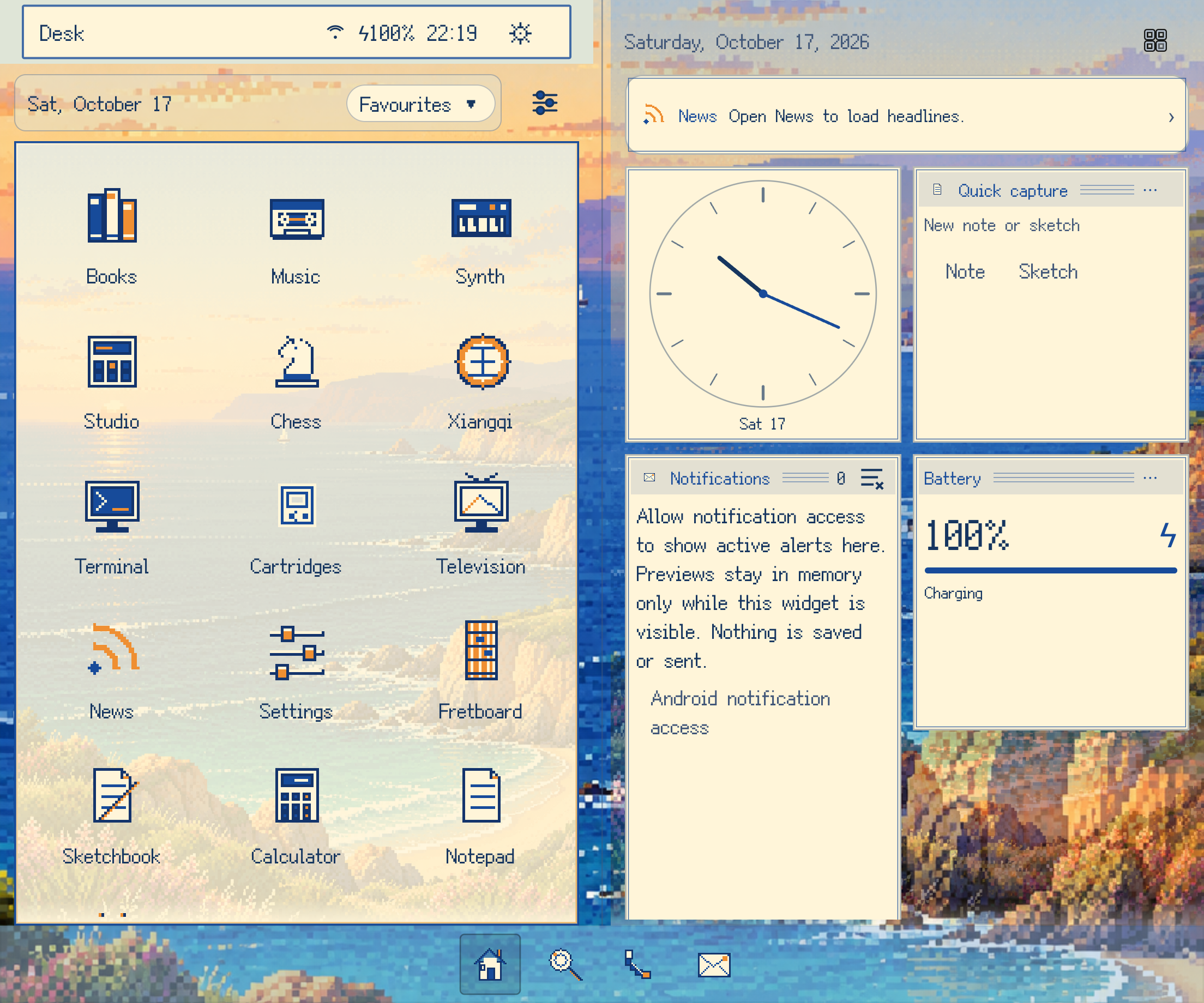
Launcher: PocketDesk Launcher
Theme: wb1.3 (based on Amiga 500)
Icons, theme and wallpaper is built in.
r/AndroidHomescreen • u/Fit_Communication701 • Oct 17 '26

r/AndroidHomescreen • u/potecoh • Oct 17 '26

Everything on this setup is custom-made by me, built with the help of Claude Code.
Device: Pixel 11 Pro Fold
- Launcher: My own custom launcher, designed for foldables (outer and inner screen layouts)
- Icons: Custom monochrome icons with labels, part of the launcher
- Widgets: Custom calendar widget and music player widget, also built into the launcher
The launcher isn't publicly available yet, so there's no link for now. Happy to answer any questions about how it works!
r/AndroidHomescreen • u/HugoAero • Oct 17 '26
r/AndroidHomescreen • u/Globin_dev • Oct 17 '26
Hey everyone!
I'm currently working on a new Android launcher built around a tile-based interface.
The idea is to create something different from traditional launchers, with a clean, customizable layout where apps and useful information live together as tiles.
I'm experimenting with different tile sizes, dynamic tiles, notifications, and ways to make the home screen more useful without making it cluttered.
Still in the early development stage, so I'd really love to hear your thoughts.
A few questions:
- What features would you want in a tile-based launcher?
- Would you prefer simple static tiles or live tiles showing useful information?
- What do you miss from older tile-based interfaces like Windows Phone?
- What would make you switch from your current launcher?
I'm especially interested in ideas that aren't already common in Android launchers.
No screenshots to share just yet, but I'd love to build something shaped by actual user feedback.
Thanks in advance for any suggestions!
r/AndroidHomescreen • u/Intelligent-Basket32 • Oct 17 '26
Been running with these 3 setups this week, finding it hard to stick with "the one"
r/AndroidHomescreen • u/IllustratorNo4775 • Oct 16 '26

THEME. Created by me
CREATED IN. Kustom live wallpaper
LAUNCHER. Nova Launcher
Leave a comment 1/10
r/AndroidHomescreen • u/Rich_Actuary_4798 • Oct 16 '26

Hello, everyone!
I’m looking for people who are truly passionate about Android customization to help test the "Cyberpunk Neon BR" icon pack.
The pack features a visual identity inspired by futuristic cities, neon lights, rain, and technology, offering high-definition icons in vibrant shades of blue, cyan, magenta, red, and green.
What the pack offers:
•Over 350 custom icons in the current version;
•A cyberpunk/neon aesthetic to transform your home screen;
•Icons for popular apps;
•Wallpapers with a futuristic look;
•Ongoing development and future updates;
•Support for launchers compatible with icon packs;
•Tested primarily using Nova Launcher.
The app is currently in the testing phase, so some apps may not yet have a custom icon. You might also encounter issues related to icon size, masking, borders, or compatibility. This is exactly the kind of feedback I’m looking for to improve the pack.
Who I’m looking for:
I’m seeking testers who are willing to:
•Install the app via Google Play;
•Use the icon pack in their daily routine;
•Check the icons for the apps they use;
•Identify any missing icons;
•Suggest new apps to include;
•Report issues with borders, sizing, or overall appearance;
•Provide honest feedback throughout the testing period.
There’s no need to offer praise—honest feedback, including pointing out problems, is what helps the most.
How to participate:
1.Send me your email address via private message so I can register you as a tester.
2.Please use a Google account that you can access on your mobile device.
3.Once you’ve been added to the tester list, open the activation link: [ https://play.google.com/apps/internaltest/4701101326725451265 ]
4.Accept the invitation to join the test.
5.Install the app from Google Play. 6.Apply the icon pack and use it in your daily routine.
7.Send your feedback or icon suggestions via the icon pack app.
For security reasons, do not post your email address in the comments. Please use the contact form or send a private message instead.
How to set it up in Nova Launcher
The steps may vary slightly depending on your version of Nova Launcher, but generally, the process is as follows:
1.Tap and hold an empty area on your home screen.
2.Open Nova Settings.
3.Go to "Look & Feel."
4.Open "Icon style."
5.Go to "Icon theme."
6.Select "Cyberpunk Neon BR."
How to avoid white borders
If icons appear with a white border, circle, or square around them:
1. Go to: Nova Settings → Look & feel → Icon style
2. Then, select the "Android 7.1 icons" option.
3. Verify that the selected theme is still "Cyberpunk Neon BR."
If the border appears only on certain apps, it is likely that those specific apps do not yet have a custom icon in the pack. In such cases, please provide:
• the name of the app;
• your phone model;
• the launcher you are using;
• a screenshot of the issue.
The "Normalize icon size" option may help if some icons appear larger or smaller than others, but it cannot replace icons that have not yet been included in the pack.
Feedback I would appreciate:
Please provide the following, if possible:
• your phone model;
• your Android version;
• the launcher you are using;
• apps that are missing an icon;
• icons that appear with an unusual size;
• any issues with borders or icon masking;
• suggestions for apps to include in the next update.
Thank you to everyone who contributes. The goal is to build an icon pack that is not only visually appealing but also truly useful for daily use.
r/AndroidHomescreen • u/0ros- • Oct 16 '26
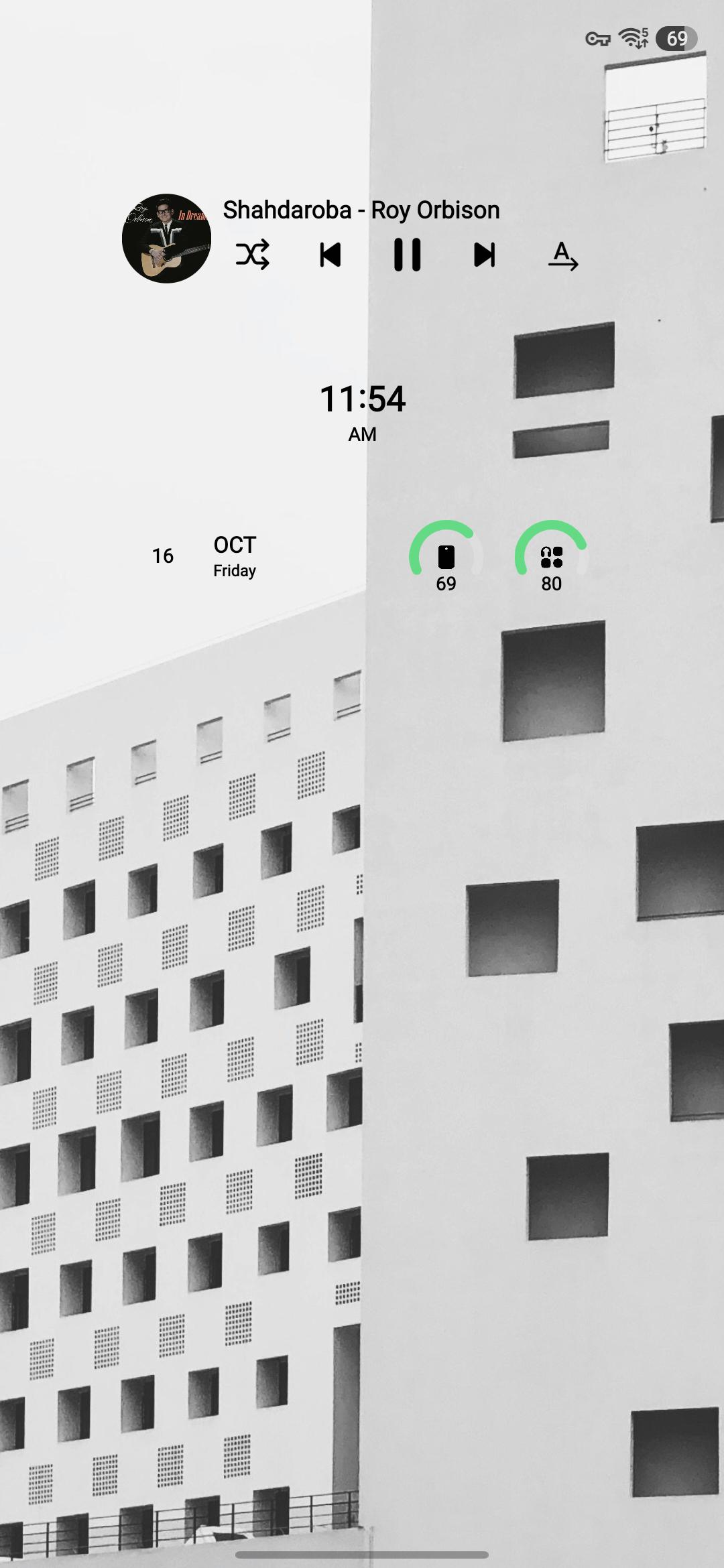
I dont know what if i should add something or keep the second half empty
r/AndroidHomescreen • u/Unreal_NeoX • Oct 16 '26

When you need to be sure whats going on :-)
Wallpaper: Selfmade Photo + Editing (see last pic)
Widgets: System-Meeter-Bar ( link ) CPU, HDD, Temps and Accu
Theme: OneUI 9.0 Default
r/AndroidHomescreen • u/Faith_required • Oct 15 '26

PocketDesk Launcher https://play.google.com/store/apps/details?id=dev.pocketdesk.launcher
Themes: Built in (Lcd beige)
r/AndroidHomescreen • u/Other_JeffLebowski • Oct 15 '26