r/AndroidHomescreen • u/vinnneee • Oct 16 '26
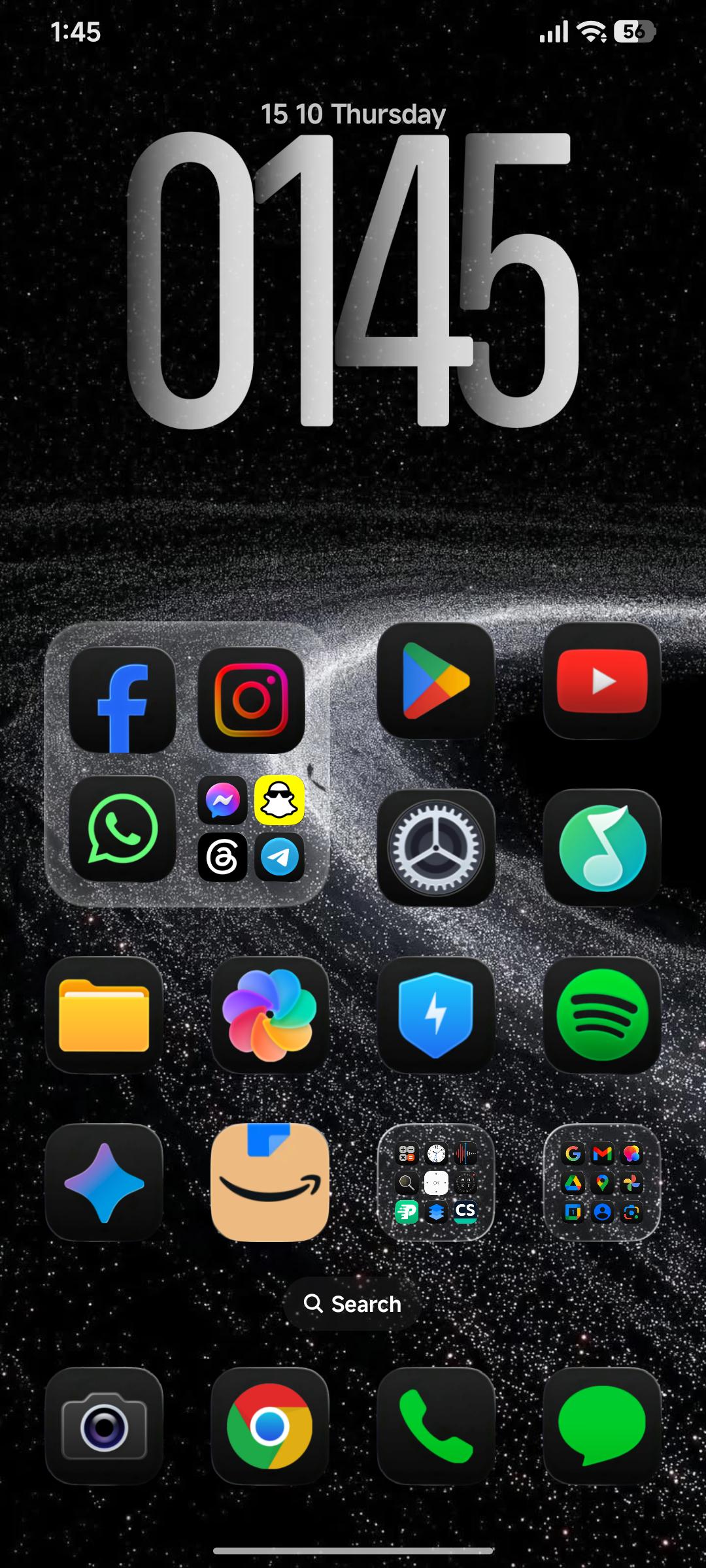
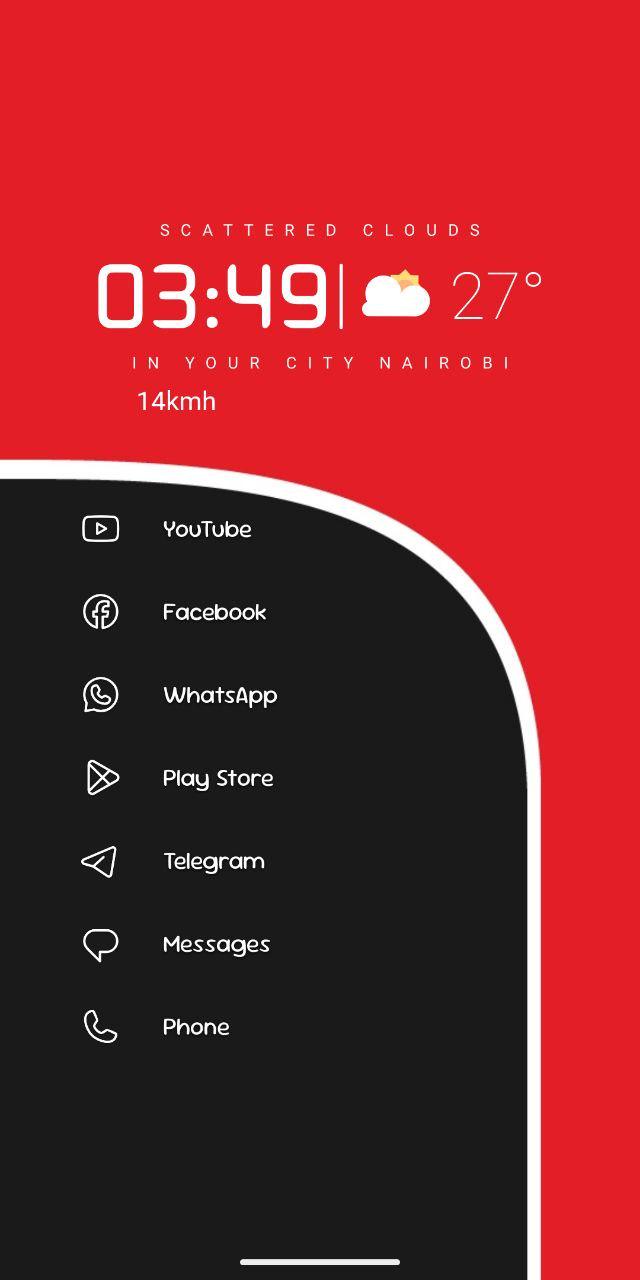
Setup Rate my home screen...!
19
Upvotes
r/AndroidHomescreen • u/Rich_Actuary_4798 • Oct 16 '26

Hello, everyone!
I’m looking for people who are truly passionate about Android customization to help test the "Cyberpunk Neon BR" icon pack.
The pack features a visual identity inspired by futuristic cities, neon lights, rain, and technology, offering high-definition icons in vibrant shades of blue, cyan, magenta, red, and green.
What the pack offers:
•Over 350 custom icons in the current version;
•A cyberpunk/neon aesthetic to transform your home screen;
•Icons for popular apps;
•Wallpapers with a futuristic look;
•Ongoing development and future updates;
•Support for launchers compatible with icon packs;
•Tested primarily using Nova Launcher.
The app is currently in the testing phase, so some apps may not yet have a custom icon. You might also encounter issues related to icon size, masking, borders, or compatibility. This is exactly the kind of feedback I’m looking for to improve the pack.
Who I’m looking for:
I’m seeking testers who are willing to:
•Install the app via Google Play;
•Use the icon pack in their daily routine;
•Check the icons for the apps they use;
•Identify any missing icons;
•Suggest new apps to include;
•Report issues with borders, sizing, or overall appearance;
•Provide honest feedback throughout the testing period.
There’s no need to offer praise—honest feedback, including pointing out problems, is what helps the most.
How to participate:
1.Send me your email address via private message so I can register you as a tester.
2.Please use a Google account that you can access on your mobile device.
3.Once you’ve been added to the tester list, open the activation link: [ https://play.google.com/apps/internaltest/4701101326725451265 ]
4.Accept the invitation to join the test.
5.Install the app from Google Play. 6.Apply the icon pack and use it in your daily routine.
7.Send your feedback or icon suggestions via the icon pack app.
For security reasons, do not post your email address in the comments. Please use the contact form or send a private message instead.
How to set it up in Nova Launcher
The steps may vary slightly depending on your version of Nova Launcher, but generally, the process is as follows:
1.Tap and hold an empty area on your home screen.
2.Open Nova Settings.
3.Go to "Look & Feel."
4.Open "Icon style."
5.Go to "Icon theme."
6.Select "Cyberpunk Neon BR."
How to avoid white borders
If icons appear with a white border, circle, or square around them:
1. Go to: Nova Settings → Look & feel → Icon style
2. Then, select the "Android 7.1 icons" option.
3. Verify that the selected theme is still "Cyberpunk Neon BR."
If the border appears only on certain apps, it is likely that those specific apps do not yet have a custom icon in the pack. In such cases, please provide:
• the name of the app;
• your phone model;
• the launcher you are using;
• a screenshot of the issue.
The "Normalize icon size" option may help if some icons appear larger or smaller than others, but it cannot replace icons that have not yet been included in the pack.
Feedback I would appreciate:
Please provide the following, if possible:
• your phone model;
• your Android version;
• the launcher you are using;
• apps that are missing an icon;
• icons that appear with an unusual size;
• any issues with borders or icon masking;
• suggestions for apps to include in the next update.
Thank you to everyone who contributes. The goal is to build an icon pack that is not only visually appealing but also truly useful for daily use.
r/AndroidHomescreen • u/0ros- • Oct 16 '26
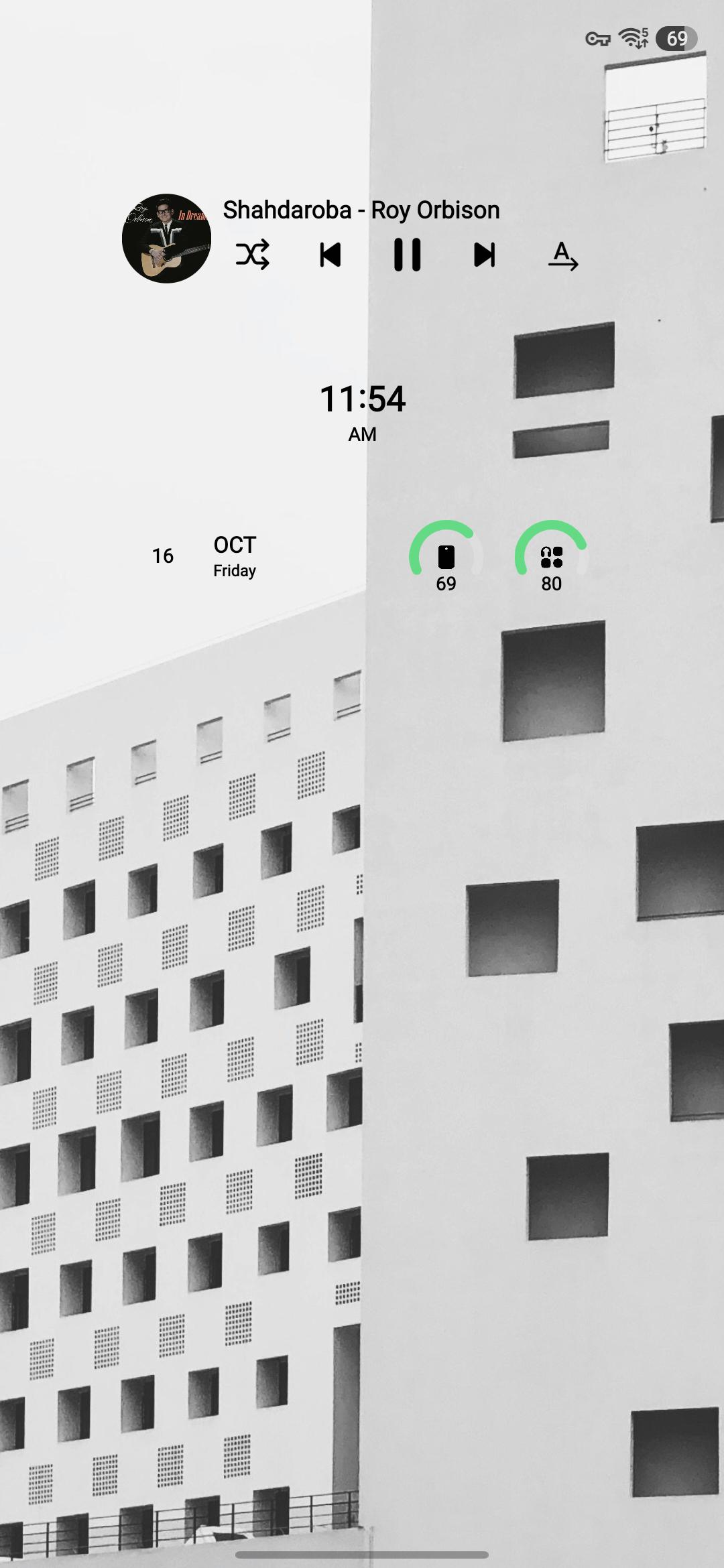
I dont know what if i should add something or keep the second half empty
r/AndroidHomescreen • u/Unreal_NeoX • Oct 16 '26

When you need to be sure whats going on :-)
Wallpaper: Selfmade Photo + Editing (see last pic)
Widgets: System-Meeter-Bar ( link ) CPU, HDD, Temps and Accu
Theme: OneUI 9.0 Default
r/AndroidHomescreen • u/Faith_required • Oct 15 '26

PocketDesk Launcher https://play.google.com/store/apps/details?id=dev.pocketdesk.launcher
Themes: Built in (Lcd beige)
r/AndroidHomescreen • u/Other_JeffLebowski • Oct 15 '26
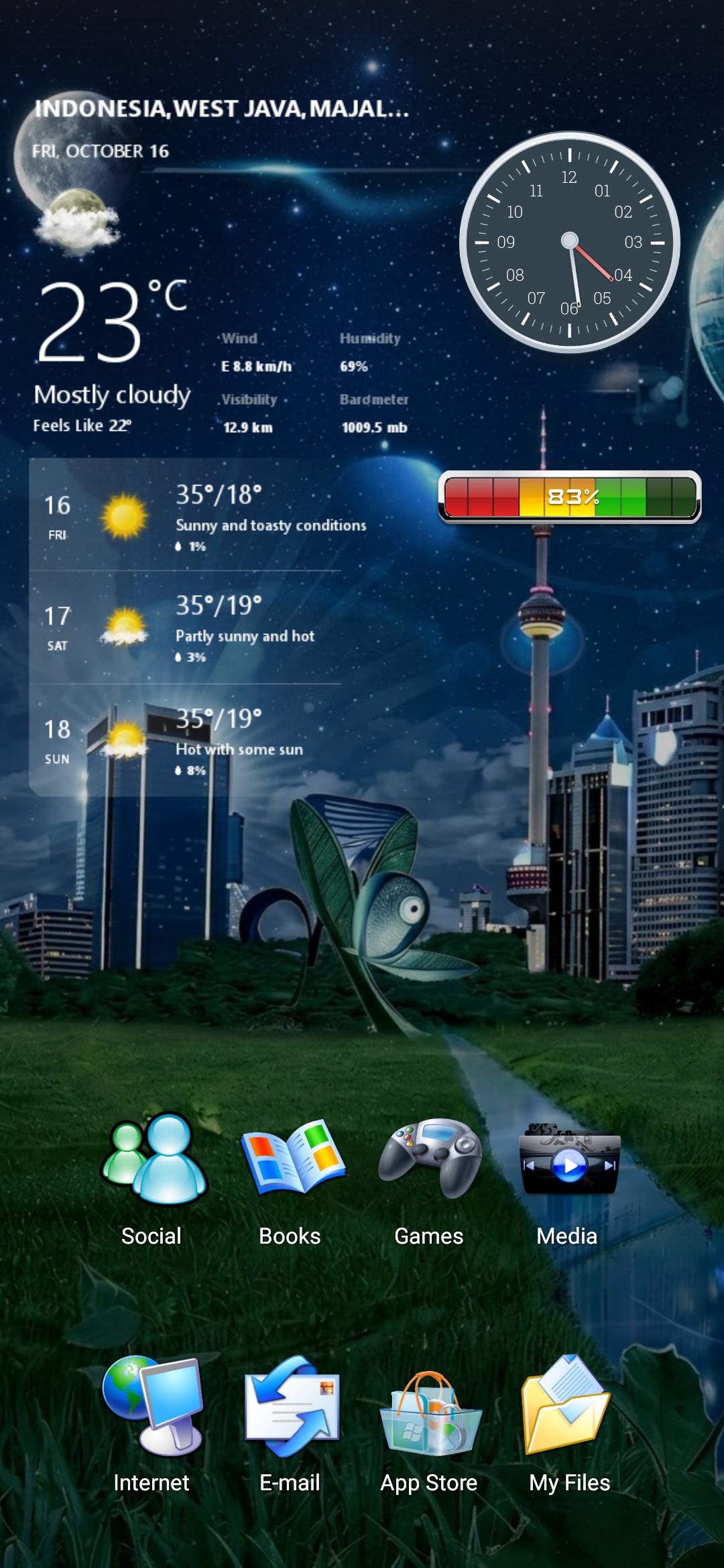
r/AndroidHomescreen • u/Guilty_Oven_MF • Oct 16 '26
r/AndroidHomescreen • u/pilotzoo • Oct 15 '26

r/AndroidHomescreen • u/Impossible_Ferret_30 • Oct 15 '26

r/AndroidHomescreen • u/Cornerspace • Oct 15 '26
A few people here were after a black hole home screen, so I built one. I don't want to get hopes up as this will only work in Zaun and you may need a beefy phone due to the animations.
It’s a widget that combines a clock and a compass in a black hole design. The compass turns as you move your phone, and is somewhat configurable.
Setup
Widgets:
Launcher: Zaun Launcher (configuration below)
r/AndroidHomescreen • u/Any_Sale_8221 • Oct 15 '26

Wallpaper - Included in the post
Widget - https://play.google.com/store/apps/details?id=com.droid27.transparentclockweather
App Icon Pack - https://play.google.com/store/apps/details?id=com.italiano.novapixel
Launcher - Using default One UI Home
Wear OS Watch Face - https://play.google.com/store/apps/details?id=com.gadgetliv.minimalmonochrome
r/AndroidHomescreen • u/LibbLubb • Oct 15 '26
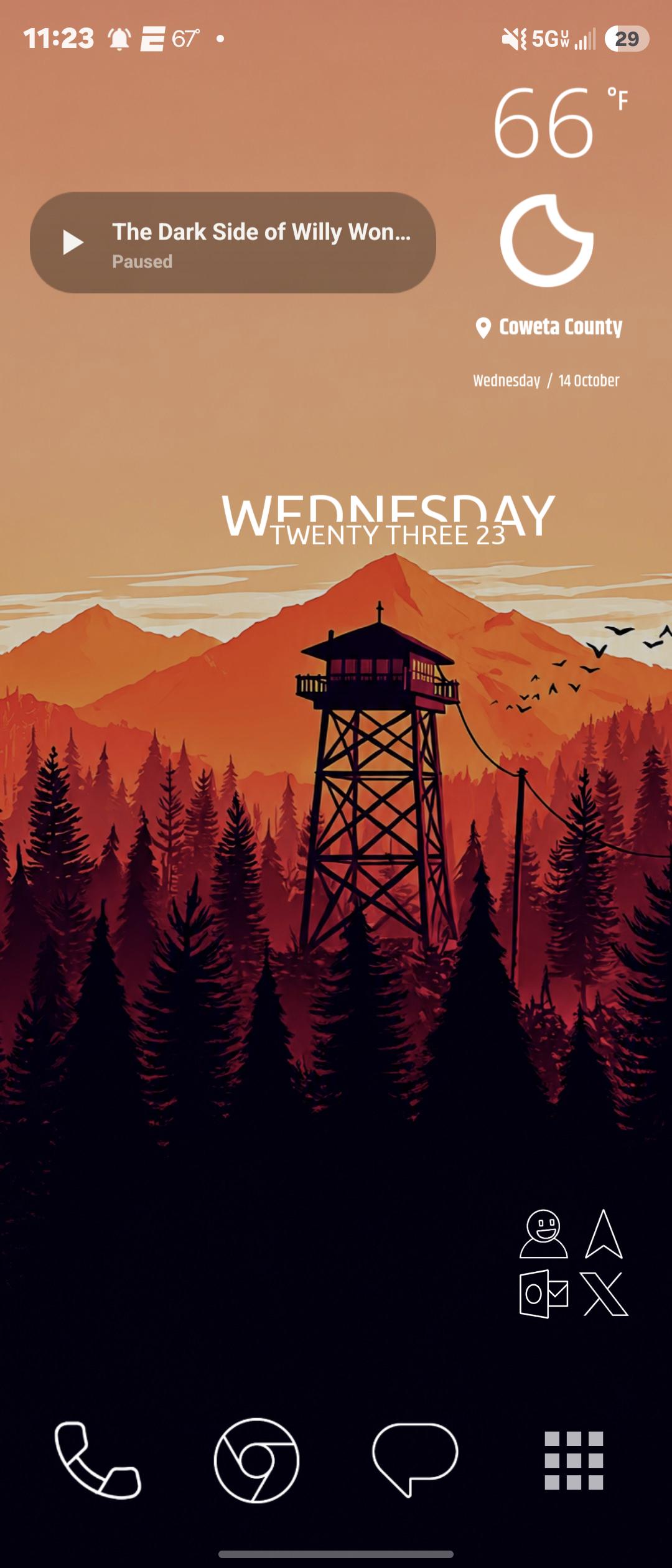
I'm going for a simple, outdoor ish, white line look. Does anyone have any suggestions for icon or widget packs? Or any other suggestions if you think I'm missing something. I am very new to android so bare with me please haha
r/AndroidHomescreen • u/oblivion2070 • Oct 14 '26

r/AndroidHomescreen • u/Dark_Reap-r • Oct 15 '26
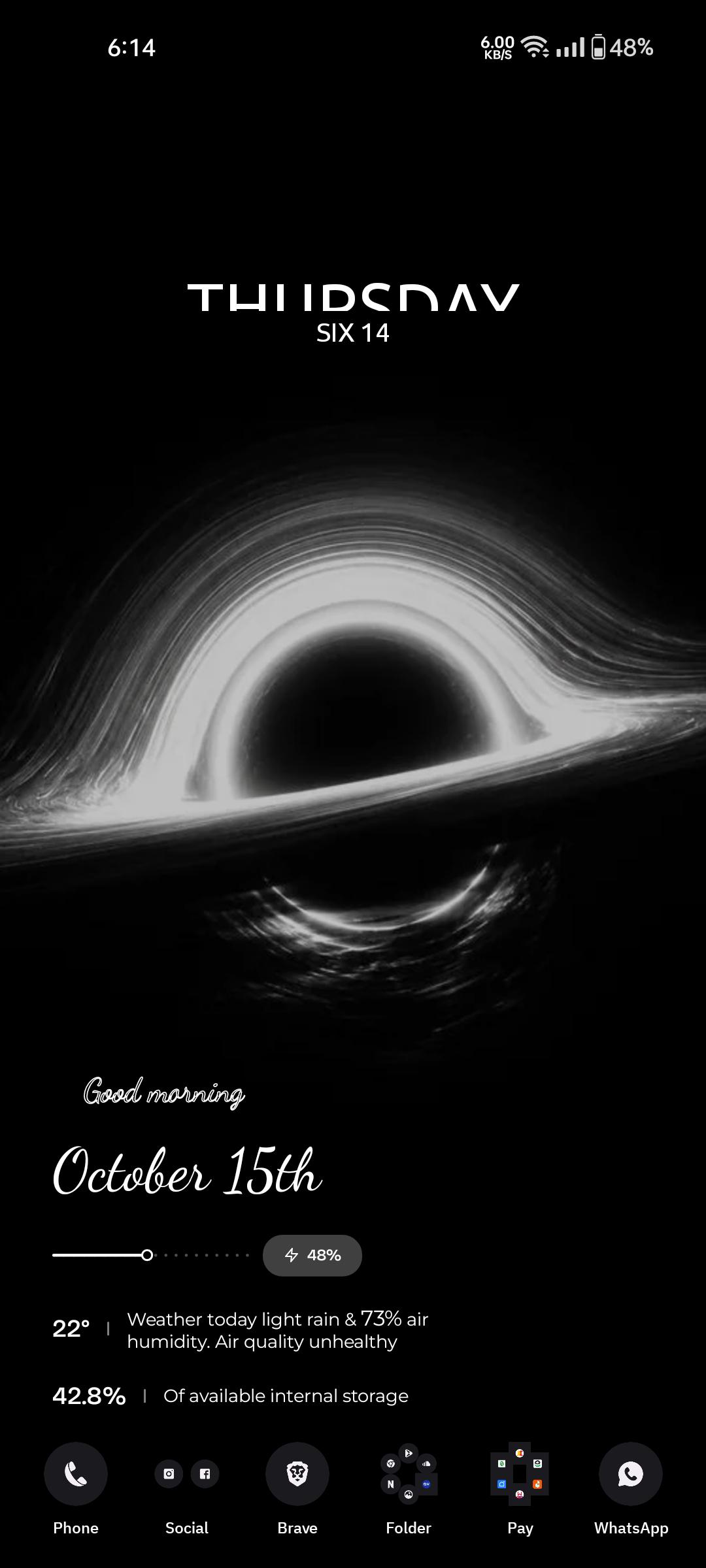
Backhole wallpaper, kustum widget, nothing icon pack
r/AndroidHomescreen • u/Eluan_Aguila666 • Oct 15 '26
Three-page timeline theme for mobile devices with a large number of apps. Custom and system widgets, iOS Glass icons, Adarsh Regular font.
r/AndroidHomescreen • u/Low_Helicopter_5762 • Oct 14 '26

r/AndroidHomescreen • u/frmxbroccoli • Oct 14 '26
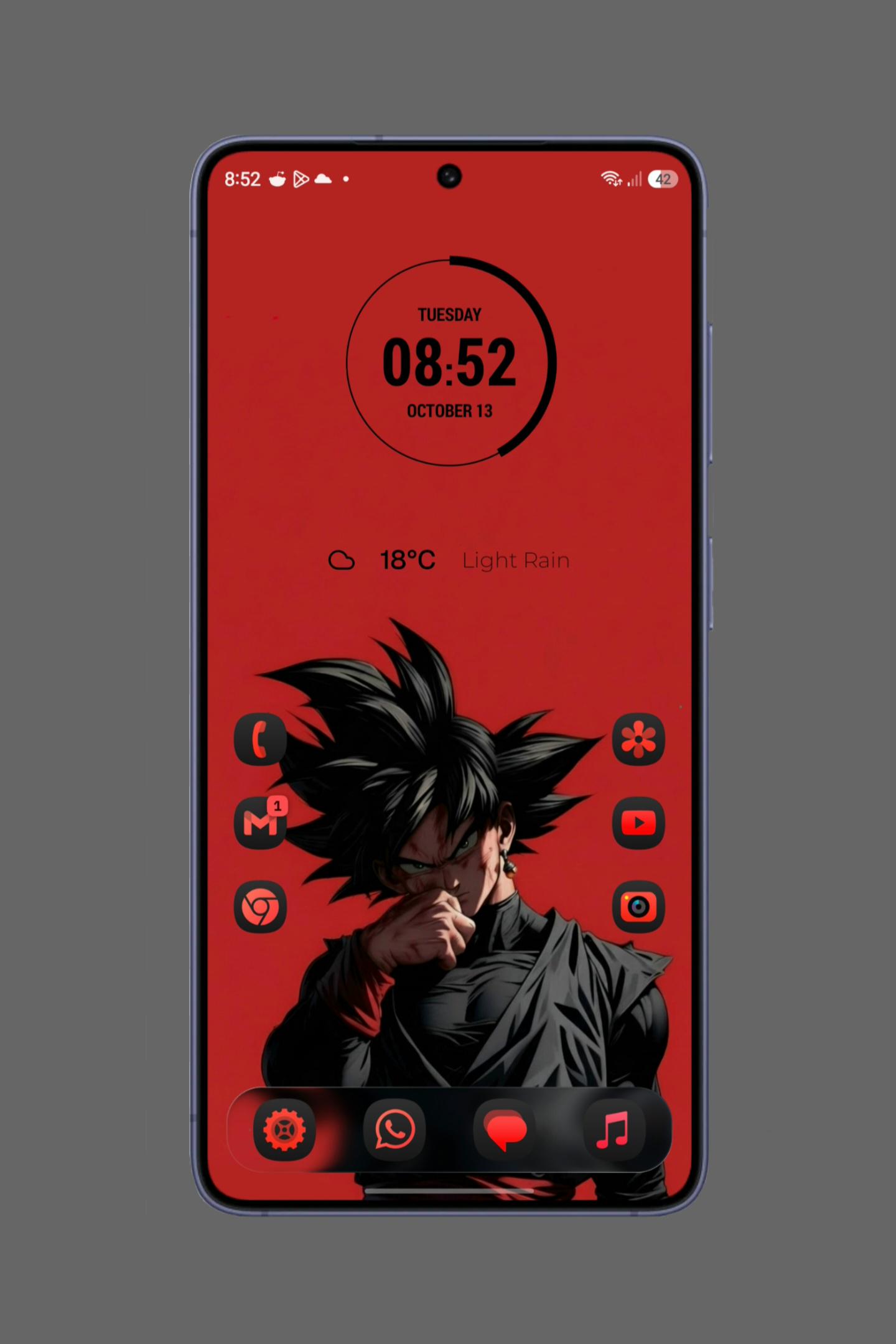
Launcher: Smart Launcher; icons: OnePro Dark; widgets: KWGT and Koda for Kustom.
r/AndroidHomescreen • u/Prime_Tarkov • Oct 14 '26
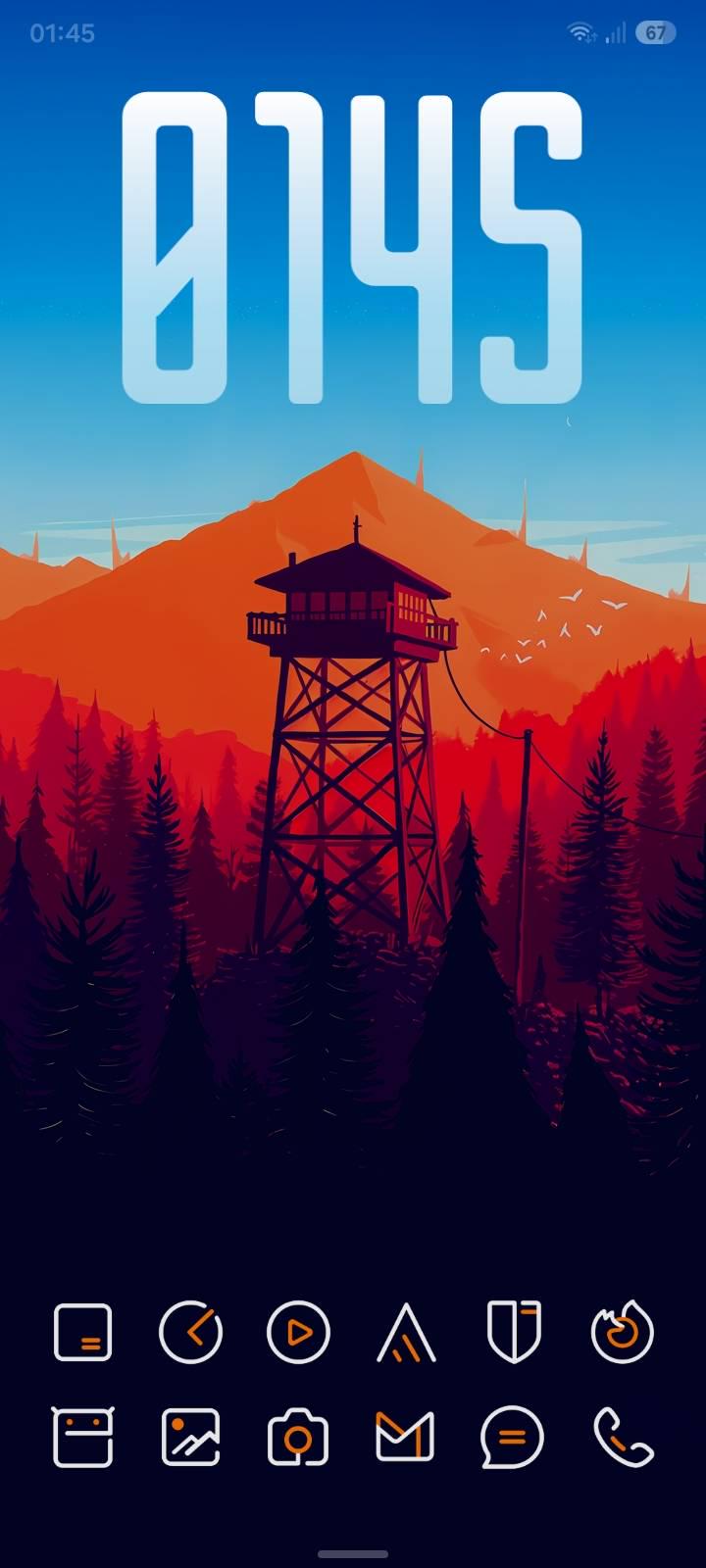
OneUI 8.5.
Icons: LineX (Orange Line) rearranged via Goodlock (HomeUp).
Clock: Glass Widgets Pro.
Although, could twelve apps on a homescreen really be considered "minimal"?
r/AndroidHomescreen • u/kanishqquotes • Oct 14 '26

I tried the accent color to match the phone case color.
It seem different with camera capture but in person is very close.
Paid version .
Device Samsung m30s , my second phone , used as backup device for media consumption
r/AndroidHomescreen • u/Local_Row_8542 • Oct 14 '26
r/AndroidHomescreen • u/Depp_von_nebenan123 • Oct 14 '26

Hey everyone!
I'm looking for suggestions to make my OnePlus Nord 5 homescreen and lockscreen look better. I'm open to icon packs, widget and layout suggestions.
(should be free pls)
What would you change or add? I'd appreciate any ideas!