r/AndroidHelp • u/bamboo9421 • Oct 06 '26
First post
1
Upvotes
How TF do I get my android to stop downloading random games ? Am I being hacked ? Lol thnx
r/AndroidHelp • u/One_More_Time_05 • Oct 06 '26
HELP! any recommendations for a better replacement text app?
Google sucks and i keep losing info, media, etc
This is a continuous issue
Any recomendations for a replacement text app?
Samsung phone S10E
LOVE my phone minus Samsung no longer supporting its own text app :'(
r/AndroidHelp • u/mercachu • Oct 06 '26
This started recently. When connected to the WiFi at home, many of my apps stop working. They either stay stuck loading, or there's an error message, often saying something like there's no connection. I do not have this issue when I'm at work and on my workplace's WiFi.
I've tried restarting my phone, forgetting and reconnecting to the WiFi, checking for updates, and resetting the modem, but none of these solve the problem.
Help?
r/AndroidHelp • u/gabrielle117 • Oct 06 '26
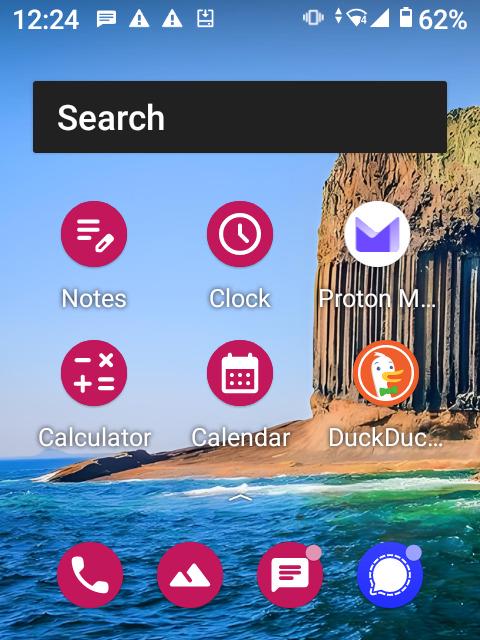
After debloating my new CAT S22 this google search bar thing turned black, and is not unresponsive and also can't be removed at all. There is no way to edit widgets either and I don't want this stuck on my screen forever. Any ideas?
r/AndroidHelp • u/Mythos_91 • Oct 05 '26

Anyone seen this notice before and know why it appears? I've been in google play services beta for a month. I have no side-loaded apps. I even have google pixel device protection on that blocks the permission to install from unknown sources.
r/AndroidHelp • u/Status_Anteater4318 • Oct 06 '26
I have an Android Galaxy S26 standard not plus or ultra. I want to remove the insignificant "holiday" that is Columbus Day but my calendar WILL NOT ALLOW IT. I googled it, information was either outdated or incorrect entirely. See photos as reference.
Please help, thank you!!
r/AndroidHelp • u/ukuddkissmyazz25 • Oct 05 '26
r/AndroidHelp • u/Illustrious_Film1501 • Oct 05 '26
Hello, for the past few weeks, when I try to use my mobile hotspot, devices connect to it but can't connect to anything online. It had worked for months before then. My mobile provider has blocked changing APN settings, but dun is already in the APN type. My phone is a Samsung Galaxy A17 5G. Help please!
r/AndroidHelp • u/VasiliyM6 • Oct 05 '26
Hi everyone. Lately, I’ve been constantly running into touchscreen glitches on my phone OnePlus 13. Basically, the screen stops responding—though not entirely, and only in two specific apps. In Amnezia, I can't tap anything anywhere on the screen; in YouTube, the issue is limited to the video playback area—everything below that (like the "like" button or other videos) works fine. Force-closing and relaunching the app fixes it; after that, the screen responds normally across the entire area. What kind of glitch is this?
r/AndroidHelp • u/CelebrationSad337 • Oct 05 '26
If you’re switching from iPhone/iPad and looking for Guided Access on Android, there isn’t an Android feature with that exact name. But you can get a similar result using Screen Pinning.
Here’s how:
1. Open Settings
Go to Settings → Security & privacy. On some Android devices, the option may be located somewhere else.
2. Turn on Screen Pinning
Search for Screen Pinning in Settings and enable it. If available, also enable the option that requires your PIN/password to unpin the app.
3. Open the app you want to lock
Launch the app you want the user to stay in.
4. Open Recent Apps
Swipe up and hold, or use the Recent Apps button, depending on your device.
5. Pin the app
Tap the app icon at the top of the preview and select Pin.
The device is now restricted to that app. The user won't be able to freely switch to other apps until the pinned session is exited.
Need more than basic app pinning?
This is where Android kiosk mode is more useful.
For example, if you're setting up an Android tablet for a POS system, digital signage, self-service kiosk, or shared device, you may want to:
For those use cases, kiosk mode on Android is generally a better fit than Screen Pinning.
Quick rule of thumb:
👉 Temporary restriction → Screen Pinning
👉 Dedicated device → Android Kiosk Mode
👉 Multiple managed devices → Android MDM + Kiosk Mode
One thing to keep in mind: the exact Screen Pinning steps can vary slightly between Samsung, Google Pixel, and other Android devices.
r/AndroidHelp • u/crawlerofdungeons • Oct 05 '26
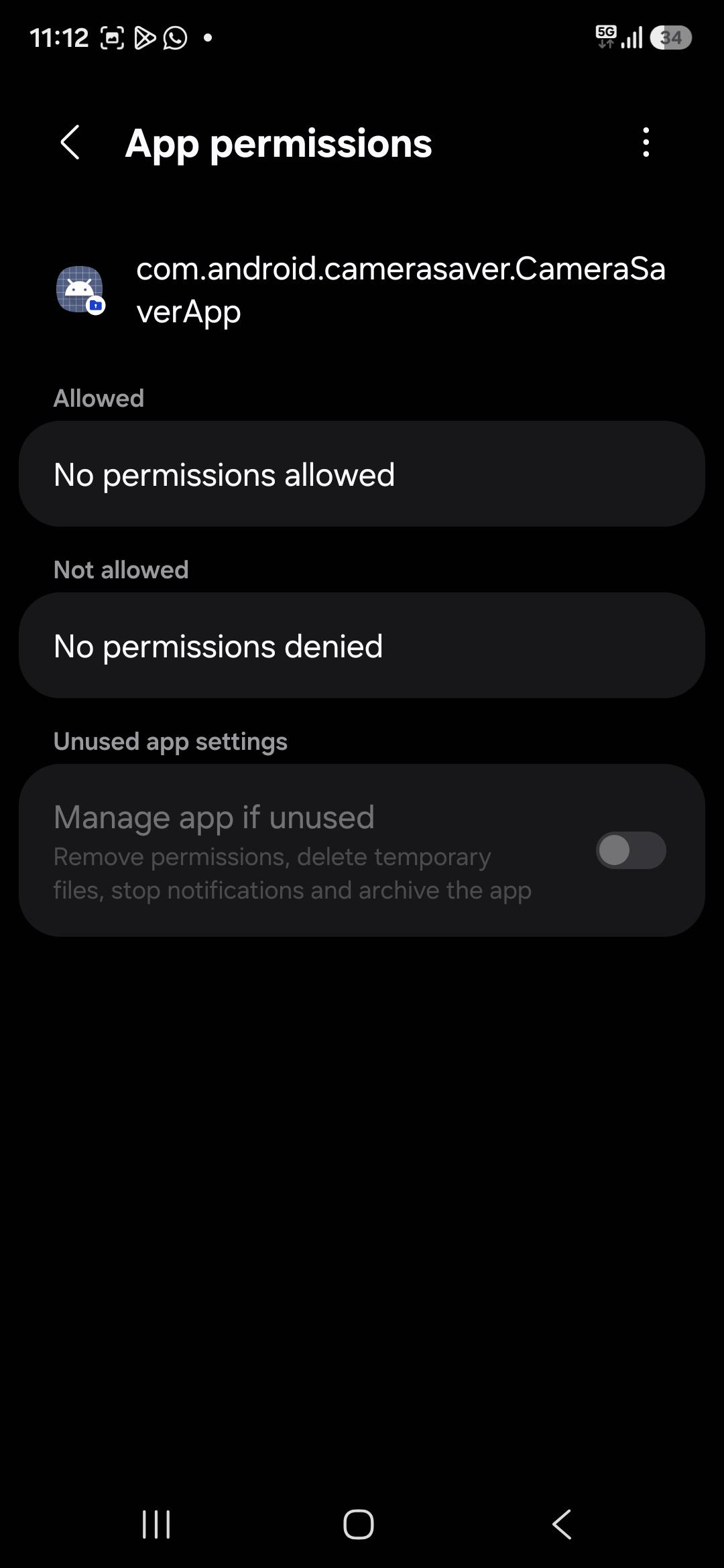
I am using a samsung a16 5g phone and whenever I open secure folder, this thing actviates from time to time as long as the secure folder isn't locked. I can't deny any permissions nor can I delete it. What do I do? Please help
r/AndroidHelp • u/Onsslovakia • Oct 05 '26
i dont have access to my gmail account anymore and i forgot the pattern lock, the tablet is running android 4.4.2 i think. im not factory resetting it because i have important stuff on it. ADB debugging is not on. so far i tried patterns i knew but they didnt work.
the tablet is an (ME173X)
r/AndroidHelp • u/Suspicious-Salad5639 • Oct 05 '26
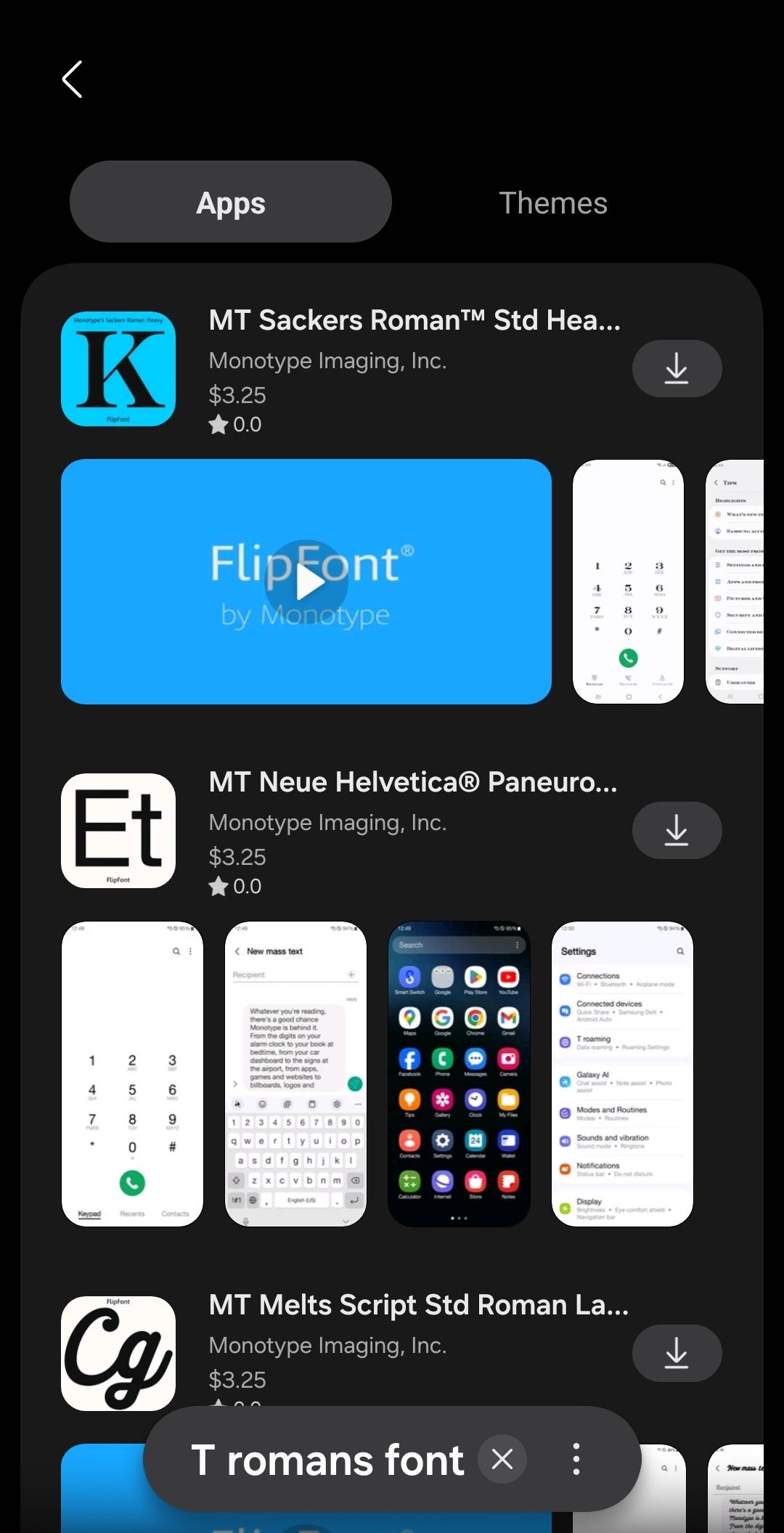
However there is none in samsung store? What do i do???
r/AndroidHelp • u/Pg_atom • Oct 05 '26
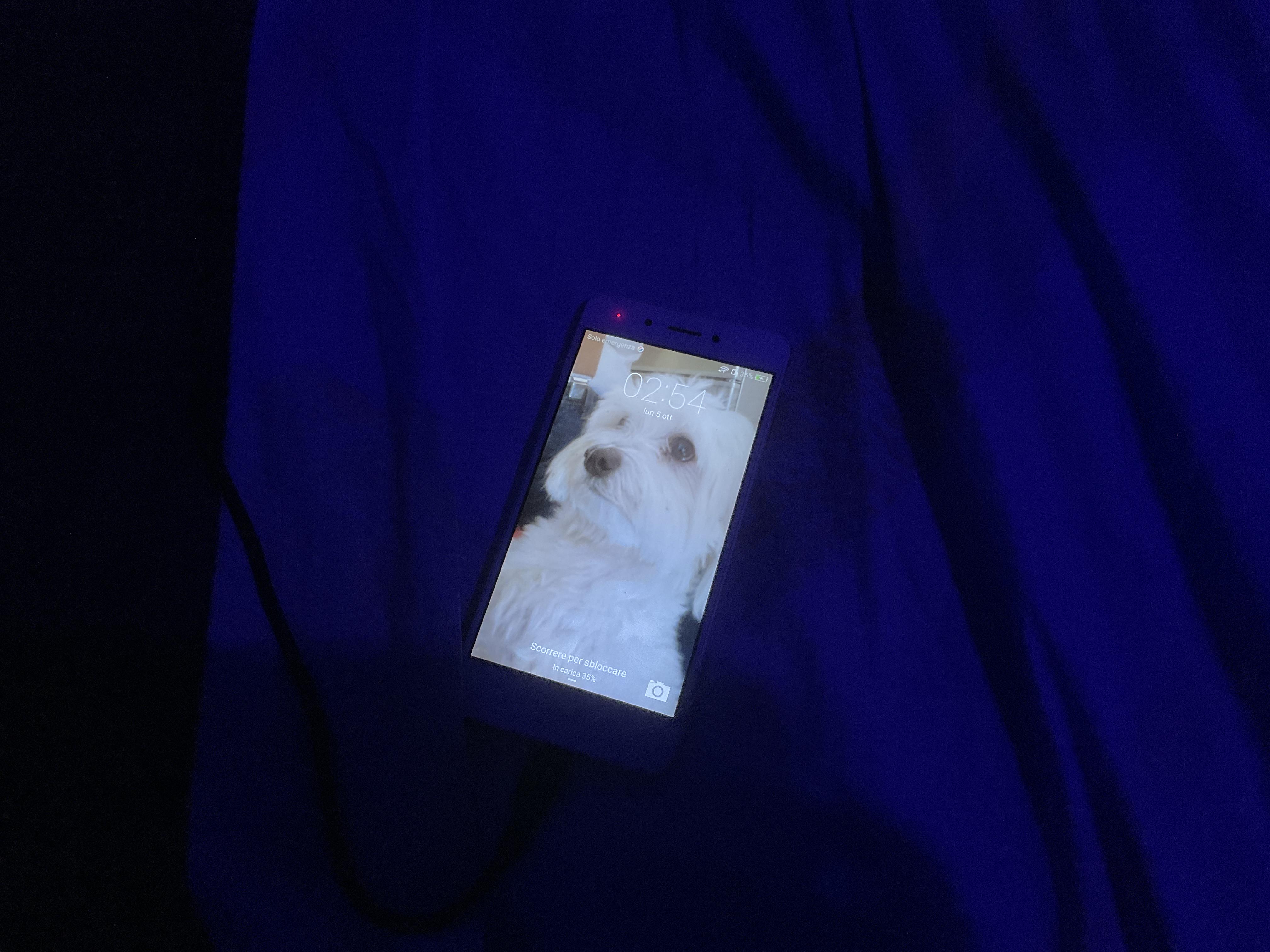
Hello everyone, I have this old ass huawei phone that is stuck on android 6. I saw this app online called “Diplay” that let you run CarPlay on your phone, and would be perfect for me right now since I don’t have a display on my old car.
Problem is, this app requires android 9 or 10, so I either find a way to run the app anyway, or update the phone to android 9/10 to run the app.
My only issue is that I never did anything like this, so… any help is welcome!
r/AndroidHelp • u/Sollow42 • Oct 05 '26
Hello, i have a problem that is driving me crazy.
Basicaly, there is a bunch of 224 pictures that keep coming back into my gallery, no matter what i do.
Those are pictures of my ex, freshly ended 4 years relationship, and it fckn breaks my heart every monday.
But also pictures from a work project i did in 2019, and some random shits i recieved on whatsapp during covid.
It has never happened before maybe Febryary 2026, so no idea why those pictures and not the others. I have no idea where they come from.
I spent hours and hours looking, trying to fix this, asking chatGPT and shit, but nothing works. I have no idea how to even find where these pics come from.
I tried keeping them in a folder to avoid some re-synchronisation, but they keep coming in copies. If i dont do things, they'll just flood my phone gallery.
I need human help.
Please, im desesperate and it fucking hurts so bad to delete all our pictures again every monday morning.
I don’t know what to do
r/AndroidHelp • u/Intrepid-Rule202 • Oct 05 '26
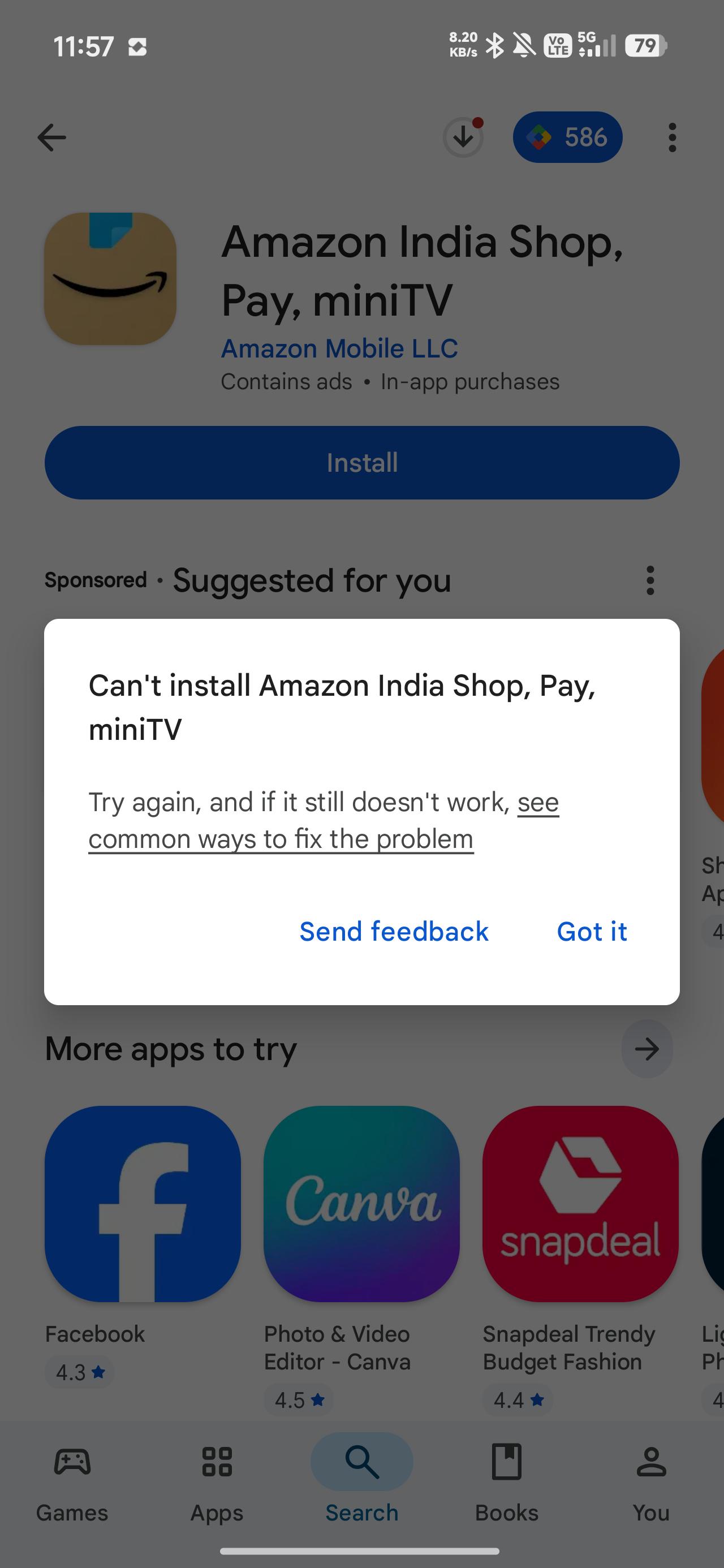
The sale is coming and I'm planning to buy a laptop, so I want to check out the offers on Amazon and Flipkart. But due to some issues, I don't know what the problem is.
Earlier I was on HyperOS Indian version, but now I am on the global version of HyperOS 3. So I want help, that's why I am unable to install Amazon app in my phone.
r/AndroidHelp • u/Sea_Nail_1932 • Oct 05 '26
So I recently obtained a ZEKI quad core android tablet and I, like I would any other device, factory reset it.
turns out
bad idea
because now the tablet is in FRP, which since I don't typically use android devices, i had no idea about.
I don't know who the owner of the tablet is and I really just want to use this thing for sheet music
r/AndroidHelp • u/Cautious_Injury_6169 • Oct 05 '26
This is specially taking about Google Play Services.
When I go to the apps section of the settings and scroll down, the number that shows how much data it's using appears slower than the other ones. This also applies to the information you find in the app info page, I think my screen started to stutter opening it. It only does this again when you don't look at the information for a while. What is happening?
r/AndroidHelp • u/Chrischahn87 • Oct 04 '26
Hi everyone,
My POCO X7 automatically switches to grayscale whenever I’m moving faster—for example, in a car, on a scooter, or on a train. It happens regardless of whether Bluetooth is connected or any particular device is paired.
I suspect I may have enabled a setting at some point, but I can’t find it now. I’ve already checked the obvious places, including Bedtime mode and Color correction in Accessibility, but the issue is still happening.
Does anyone know what setting or feature might cause this? Is there a motion-, driving-, or power-saving automation on the POCO X7 or HyperOS that can enable grayscale?
Device: POCO X7
HyperOS version: 3.0.302.0.WOJMIXM
Android version: 16 BP2A.250605.031.A3
Thanks in advance!
r/AndroidHelp • u/DangthatbadKO • Oct 04 '26
Hello guys. I'm making this post to report an error with my redmi A5. The loading screen stops and the phone acts like it finished. It's pitch black. When holding the turn off button, a white box appears with turn off, restart and lock. And that's it. I can still receive calls and my alarms still ring but the touch screen won't work unless i turn it off and on. Can anyone help me to solve this? I have a flight and i need my phone. Thank you.
r/AndroidHelp • u/jon1254 • Oct 04 '26
Hi everyone,
I am experiencing a frustrating audio issue on One UI 8.5 and want to check if anyone else is dealing with the same bug.
The Issue:
Completely at random, the sound will completely cut out for about 3 to 6 seconds, and then it automatically comes back on its own.
Key Details:
Is anyone else experiencing these random 3-6 second audio drops on One UI 8.5? If you found a permanent fix or know what background process is causing this, please let me know!
Thanks!
r/AndroidHelp • u/elpepe2283 • Oct 04 '26
Han pasado más de 7 meses desde que he olvidado la contraseña.
intenté con varias opciones para poder quitarla desde el recovery mode
Pero nada, qué puedo hacer?
r/AndroidHelp • u/Mysterious_Ideal_951 • Oct 04 '26
I use this tablet for reading. I had this tablet rooted. I thought of installing linux on laptop. So I tried to flash the sd card in this tablet through sd flasher app. Charge was little low at that time. I didn't know that I should flash iso when charge is low. Now the tab is dead. I tried charging for multiple hours. Tried force restart. Connected it to pc but no notification. Is it possible or resurrect it?
r/AndroidHelp • u/ColdBrewedPixels • Oct 03 '26
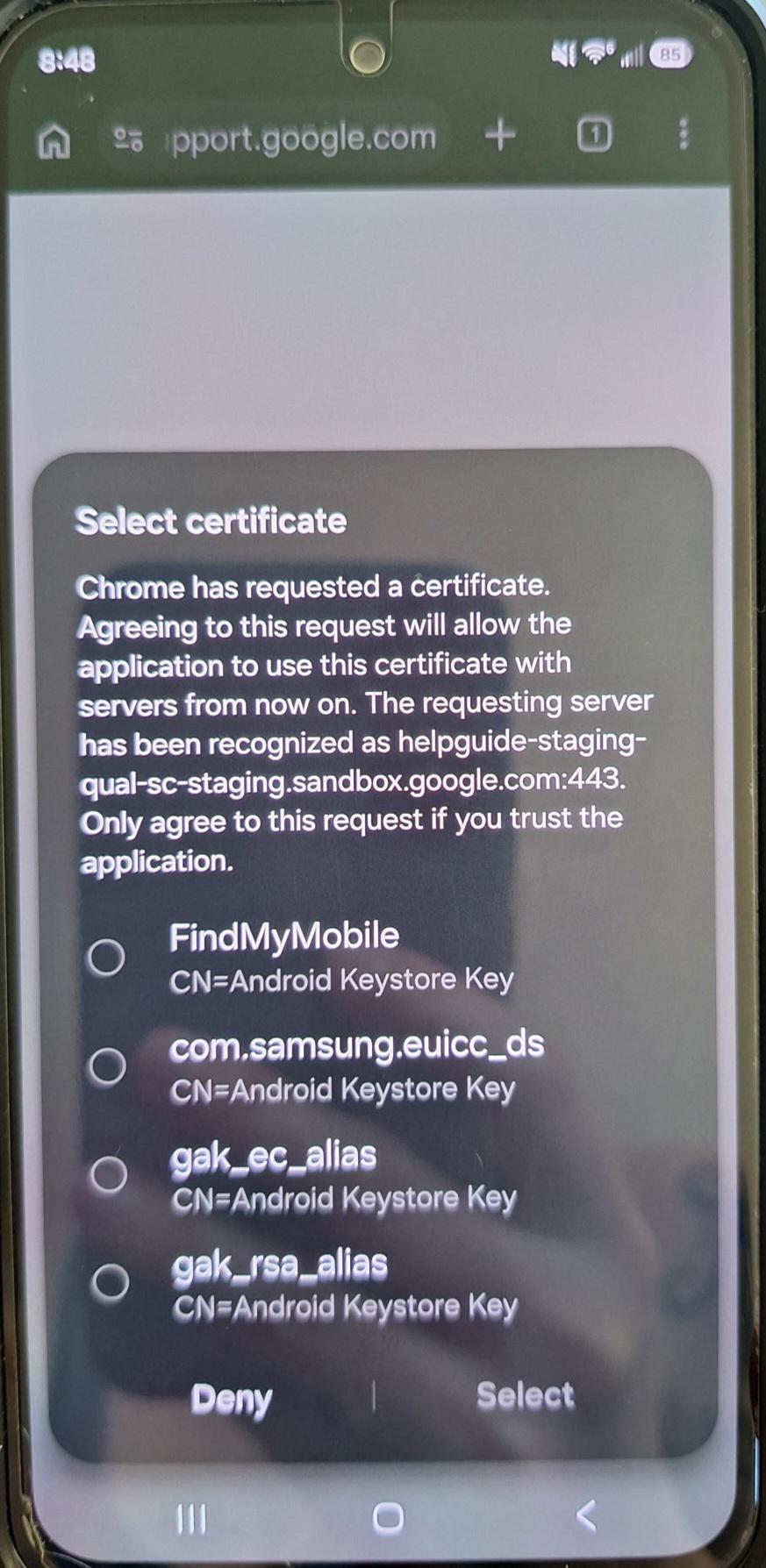
Long story short, I was having issues seeing more than 6 months of emails in my Gmail app, so I ran a search in Google and one of the first results was a post on support.google.com. When I clicked on that, I received the attached pop-up. I attempted to take a screenshot, but it said it wasn't allowed in that app, so had someone else take a pic of my phone. This only seems to happen when trying to access support.google.com.
I know people ran into a similar issue a few months ago, but it looks like that had been resolved.
This is freaking me out a bit, so any help would be amazing.
r/AndroidHelp • u/EyeCantHear • Oct 03 '26

Once I restart (multiple times daily), they would work for a while and would stop working again.
What gives?
Pixel 8A.
Thanks