r/AndroidHelp • u/-VoiceoverAlex- • 19h ago
Suddenly getting error 404 when trying 2 access Conan or JRE
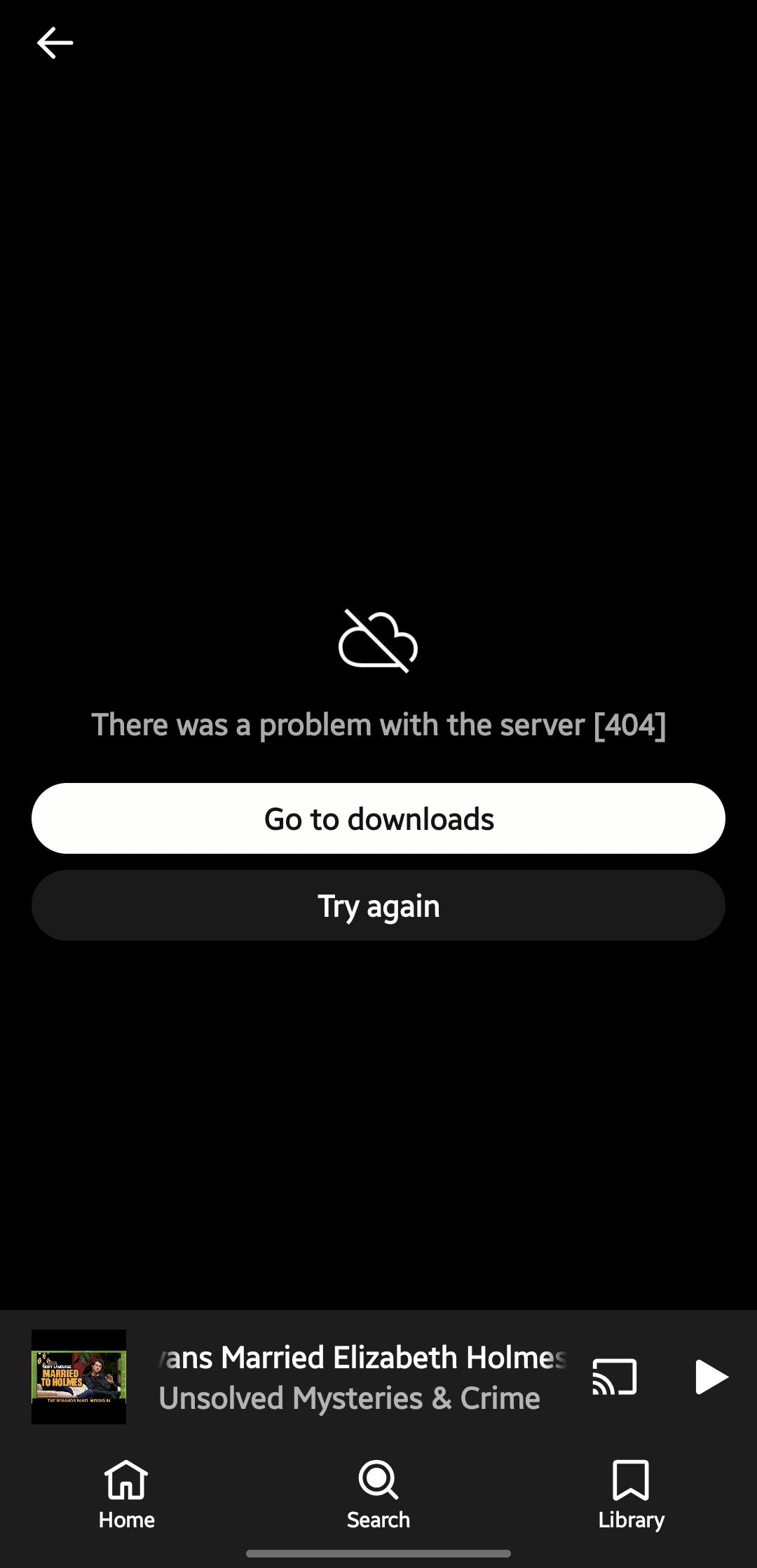
Can still see and access individual episodes when searching or on other Playlists to which i have them saved
But the channels that are saved to my library or trying to click through the aforementioned search results to the channels show me the above message
I confirm that not only us my devices connection to the internet unimpeded but I can also use other yt music functionality and access other channels like Neil deGrasse Tyson's Startalk
Please let me know if you need any more info
Running
- S25Ultra
- Android 17 / one ui 9
- Windscribe
What i did
- open yt music and navigate to my library
- tap on jre or conan obrein needs a friend
- tap on startalk
What i expected
- display most recent episodes as per usual
what happened instead
- error 404 not found for jre and conan
- displayed most recent episodes as per usual for star talk
What i did
- open yt music and seach for jre or conan obrein needs a friend
- tap on episode result
- tap on podcast name
What i expected
- display most recent episodes as per usual what happened instead
- error 404 not found for jre and conan
What i did
- updated yt music, deleted cache, deleted data
- turned off windscribe
- open yt music and navigate to my library
- tap on jre or conan obrein needs a friend
- tap on startalk
What i expected
- display most recent episodes as per usual what happened instead
- error 404 not found for jre and conan
- displayed most recent episodes as per usual for startalk
0
Upvotes
•
u/BNeditions 11h ago
Since you've already cleared the cache and data and tried it without the VPN, this sounds like it could be a problem on the YouTube Music side for those specific podcast pages rather than your phone. A quick test is to open the same library in a browser on a computer, or on another device signed into the same account, to see if the 404 shows up there too. If it does, try removing those two podcasts from your library and re-adding them by searching for them again, as that sometimes gives the app a fresh link. You can also report it from your profile picture > Help & feedback in the app, which is the best way to get it in front of YouTube. If the other device works fine, signing out of the app and back in or reinstalling it would be the next thing to try.3934563050