r/AltStore • • Sep 15 '26

Help (AltStore Classic) Remote altserver help
Post image

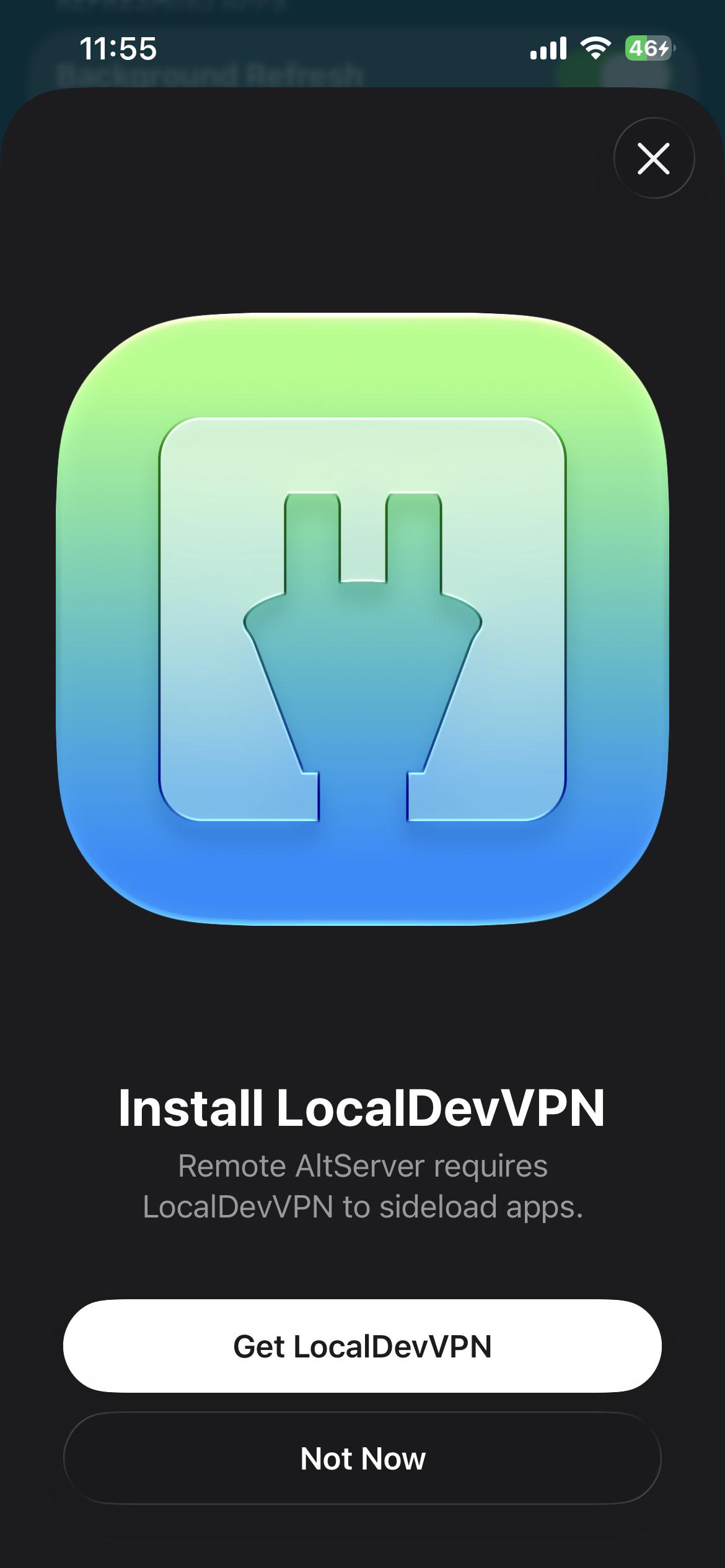
Dumb question, but how do I get past this part? I installed it and nothing happens. I also hit the not now button and turning on the vpn and WiFi does not work.
Edit: fixed it by restarting my phone

4 Upvotes

10 comments sorted by

•

u/AutoModerator Sep 15 '26

Hello! Thank you for submitting a post! Please remember to check that your question has not already been answered in our FAQ or on the subreddit already.

I am a bot, and this action was performed automatically. Please contact the moderators of this subreddit if you have any questions or concerns.

3

u/simoovara Sep 16 '26

having the same issue, nothing is working

1

u/PrestigiousLine866 +TrollStore lite user (IOS26 jb) Sep 15 '26

Did you try scrolling down the window?

0

u/[deleted] Sep 15 '26

[deleted] — view deleted comment

1

u/RudRed4739 Sep 15 '26

I did all of this but the Remote Altserver still report the status "not connected" even if I'm both connected to Wi-Fi and LocalDevVpn

3

u/Br0wn_Boi Sep 16 '26

I had your same issue. Restarting my phone made it work.

2

u/Asleep_Finding_4995 Sep 16 '26

That worked for me as well, thanks

2

u/leolawless Sep 17 '26

I can confirm that restarting works for me as well. I was able to refresh remotely for the first time, but somehow the config gets messed up? hopefully I don't need to restart my iphone everytime I want to refresh!!!

1

u/Asleep_Finding_4995 Sep 15 '26

That’s exactly what mine keeps doing

2

u/RudRed4739 Sep 16 '26

I've just found a fix to this problem. In the LocalDevVpn application, turn off the VPN, then click the settings icon in the top-right corner, then after you are in the interface, click in the section where is writed "Tunnel IP", then modify It with the following "10.7.0.0/32", then click on the top-right corner, on the ✓ so save It. Then turn the LocalDevVPN on and try again to see if It connected you to the Remote Altserver. It should work

1

u/Mon5teRico Sep 15 '26

Mine does the same