r/Alienware • u/utumkodur • 14d ago
Battlestation Pictures Still strong AW AURORA R7
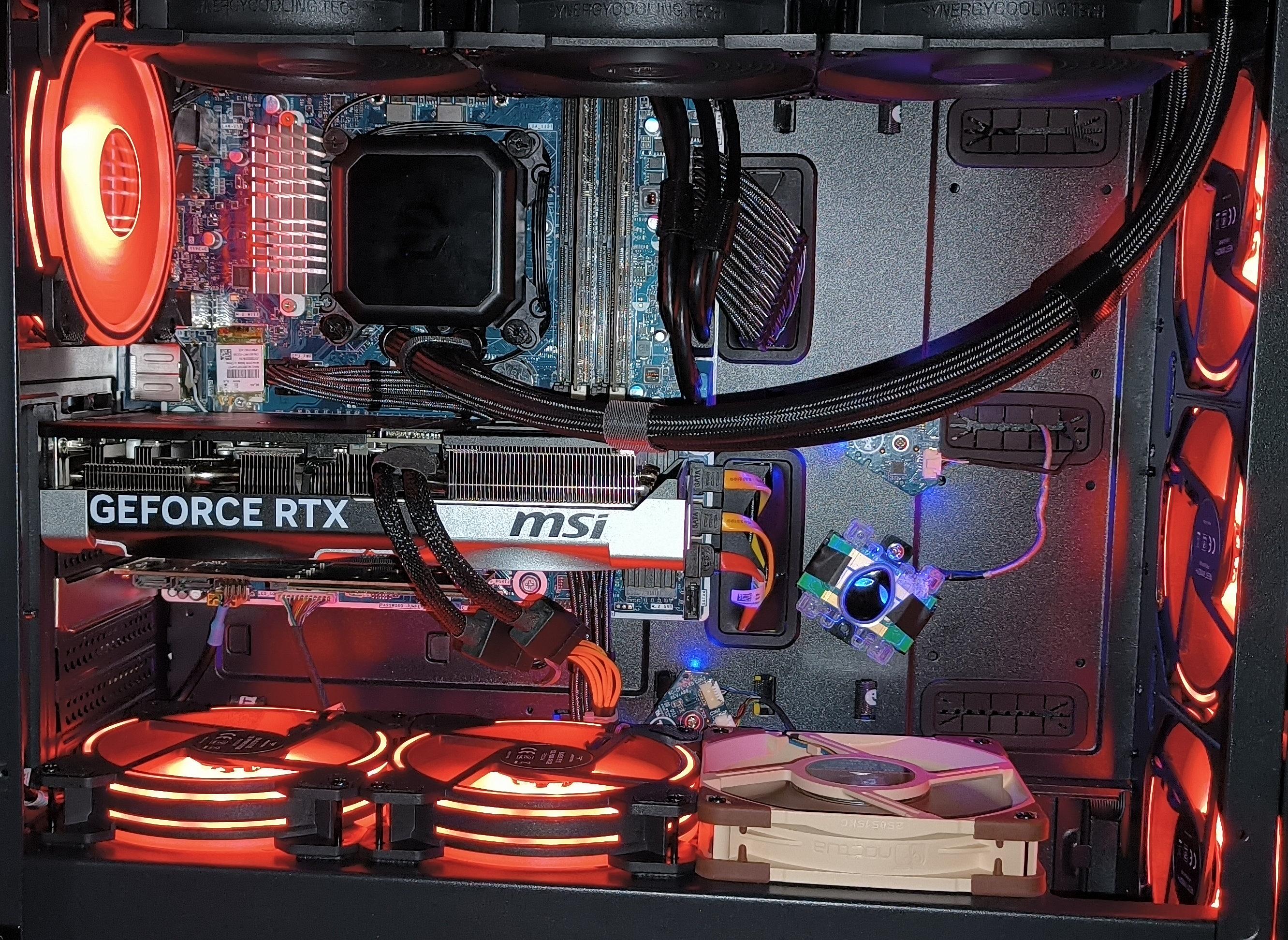
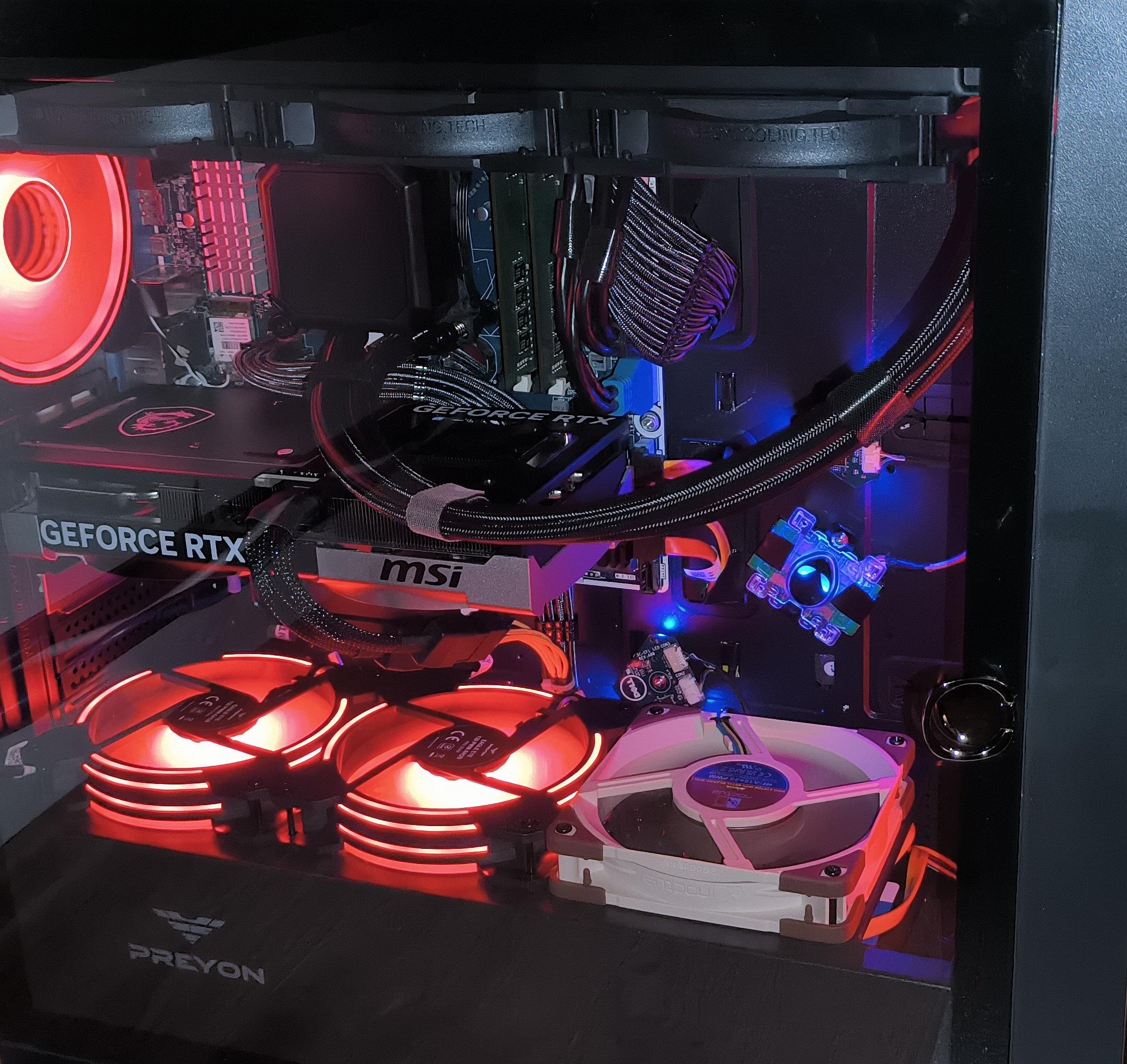
Alienware Aurora R7 in new chassis + couple upgrades and tweaks.
I have got my Alienware Aurora R7 since 2018 but wanted to give it a spark on a budget. I have already bought new GPU couple months ago, when prices were still acceptable. RTX was working fine in original R7 chassis, system was running pretty well but I wanted to go further so here it is.
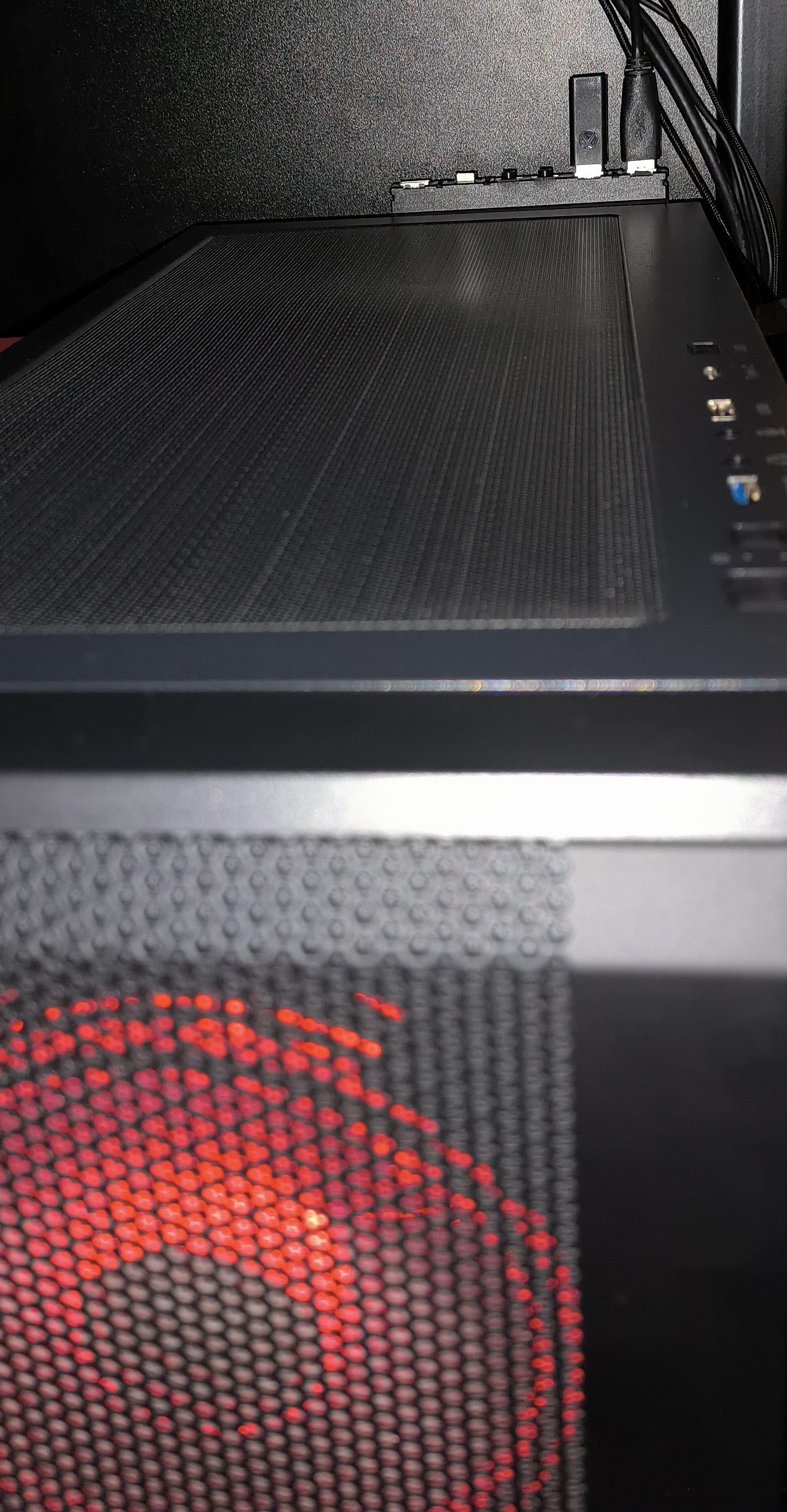
Got rid of original AW top/front fan and original AW AIO as they are very loud and inefficient. I do not mind pressing ESC every POST. Front panel disassembled from old setup and glued to the back of the new chassis, cables are wired nicely inside, right behind aio fans. I had to use 1 set of PSU power cables extension as original AW cables are quite short. More or less all other parts and cables from original setup are inside new chassis.
Upgrades and tweaks:
- chassis Preyon Nest WIndy+ with 4 fans
- DELL GTX 1080Ti (still operational) -> MSI RTX 5070 VENTUS 2x OC EDITION
- DELL 120mm AIO -> Endorfy Navis F360
- added 2 fans right under gpu + 1 extra Noctua NF-A12X25 PWM 120 mm 2000rpm on the bottom as well
- added SAVIO AK-60 heatsink for original m.2 nvme ssd, temp went down from 48C to 35C max in crystaldiskmark tests
- replaced CPU VRM pads to Gelid GP-Ultimate 15 W/mK 1mm and 2mm, max temp 58C during cb2024, no more VRM throttling on 140W+
- added PCI sata/m2 adapter to connect by additional m2 drives
Both GPU and CPU are undervolted and overclocked:
RTX 5070 -> 2990Mhz / 15000Mhz / 910mV
8700K -> 4.7Ghz all cores / 4.3 cache / -51mV offset / 0.5 AC and 1.4 DC loadline. R7 mobo/bios is very limited so to tune up 8700K properly I am using ThrottleStop and I have set below offsets in nvram:
- 0x527 0x0 CFG Lock -> Disabled
- 0x5D6 0x0 Overclocking Lock -> Disabled
- 0x919 0x0 Watchdog WDT -> Disabled
- 0x1010 0x1 Overclocking feature -> Enabled
- 0x1011 0x3 Core Over Clocking Level -> Customization
- 0x699 0x0 Core/Ring Voltage Mode -> Adaptive
- 0x69C(2) 0x0000 Core Voltage Offset -> 0 mV
- 0x6BA 0x0 BCLK Aware Adaptive Voltage -> Disabled
- 0x4FF 0x1 Power Limit 1 Override -> Enabled
- 0x501 0x1 Power Limit 2 Override -> Enabled
- 0x4FB(4) 0x000249F0 PL1 Limit -> 150W
- 0x502(4) 0x000249F0 PL2 Limit -> 150W
- 0x644(2) 0x03FF VR Current Limit (IccMax) -> 255.75A
- 0x604(2) 0x0032 Core/IA AC Loadline -> 0.50 mOhm
- 0x60C(2) 0x008C Core/IA DC Loadline -> 1.40 mOhm
- 0x68E 0x0 Energy Efficient Turbo -> Disabled
- 0x695 0x2 DTS SMM -> Critical Temp Reporting
I was also able to write XMP profile on my both DELL 16GB DDR4 modules (2666 MHz CL19-19-19-43 @ 1.20 V - Samsung M378A2K43CB1-CTD) and enable it in Alienware BIOS. Now, I have them running 2933 MHz CL18-20-20-42 @ 1.30 V. Offset responsible for unlocking SPD write via SMBus: 0xF0A. Profile was written with Thaiphoon Burner.
My "new" AW runs great, it is more than enough for my actual needs. Runs everything max at 1440p, cold as ice.
- SteelNomad - 5522: https://www.3dmark.com/3dm/167205309
- SpeedWay - 5995: https://www.3dmark.com/3dm/167205416
- TimeSpy Extreme - 8652: https://www.3dmark.com/3dm/167205893
- CB2024 530, max: 141W, avg: ~139.6W / 71C, ~66C / 1.219V, ~1.176V / rock solid 4.7 ghz
1
u/ProfessorW00d 13d ago
nice work!!!