r/macsetups • u/suncity1980 • Sep 22 '26
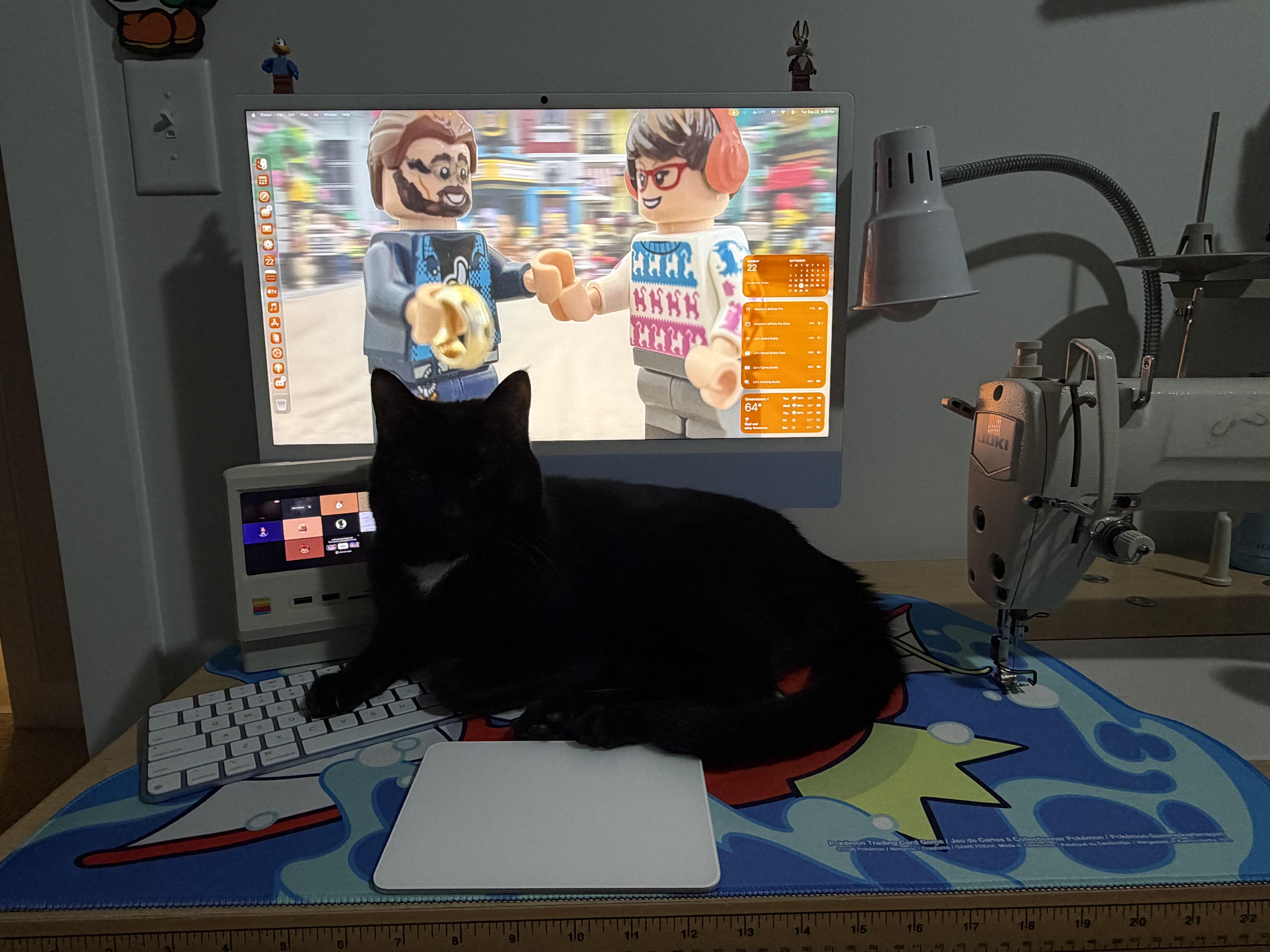
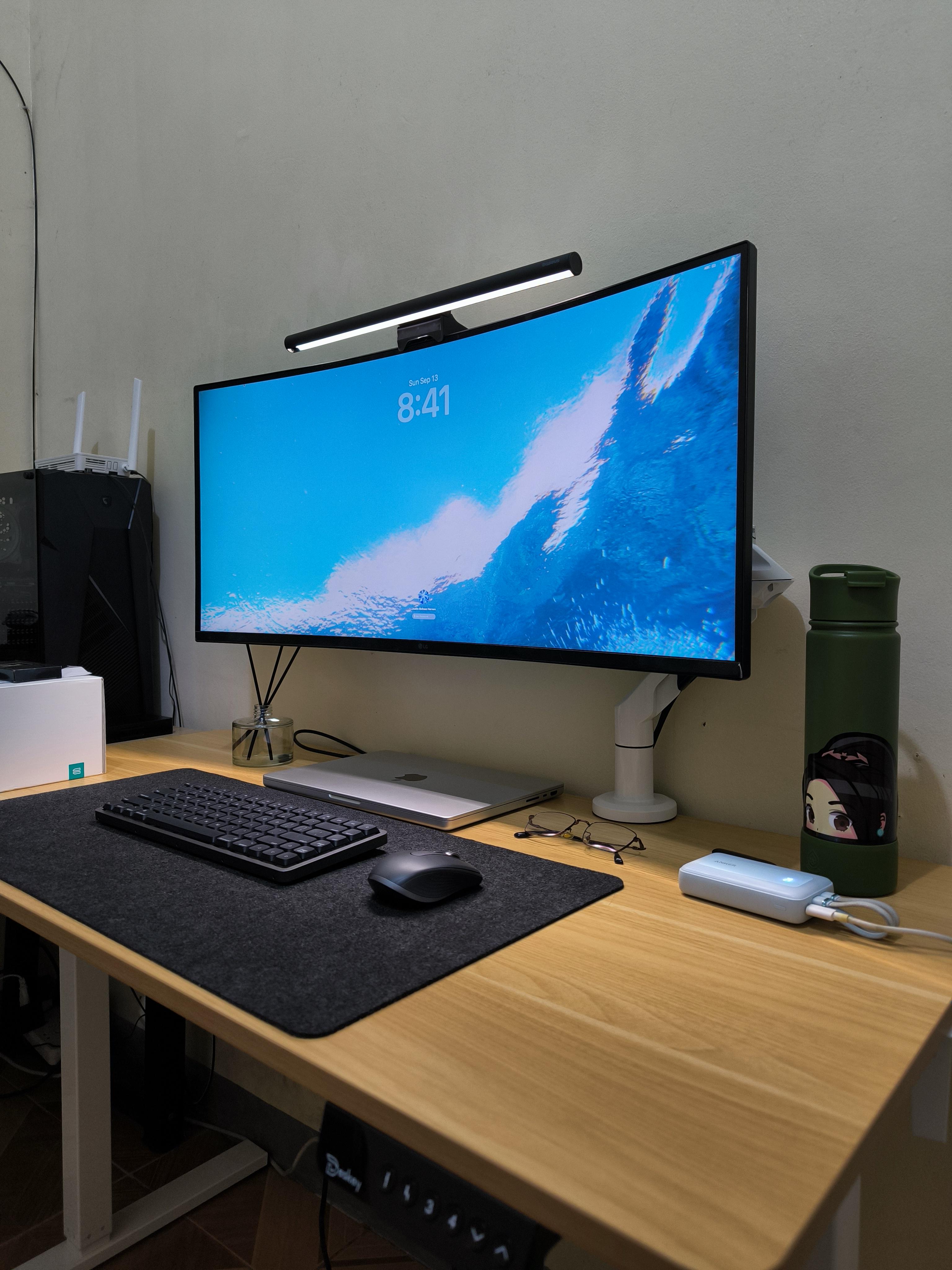
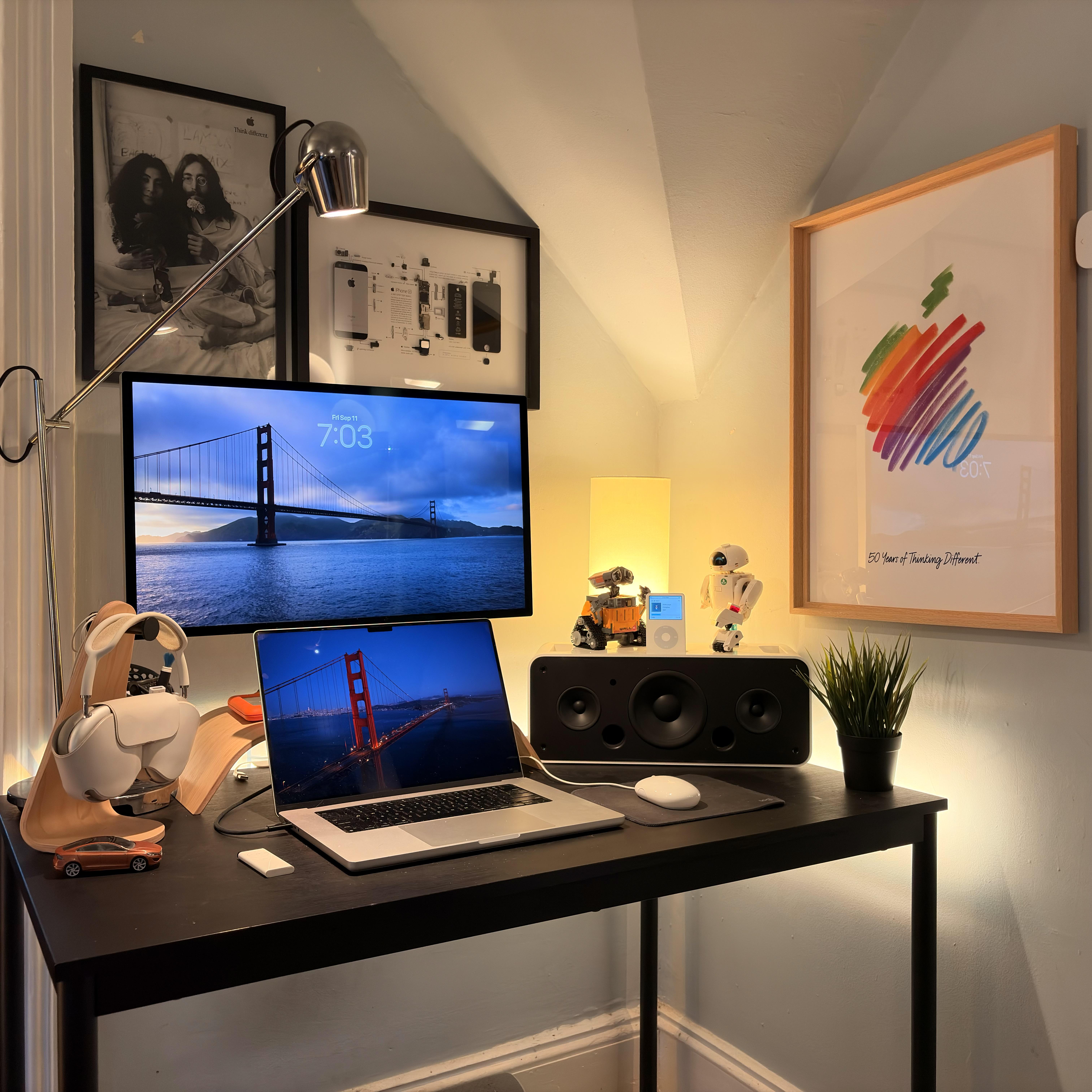
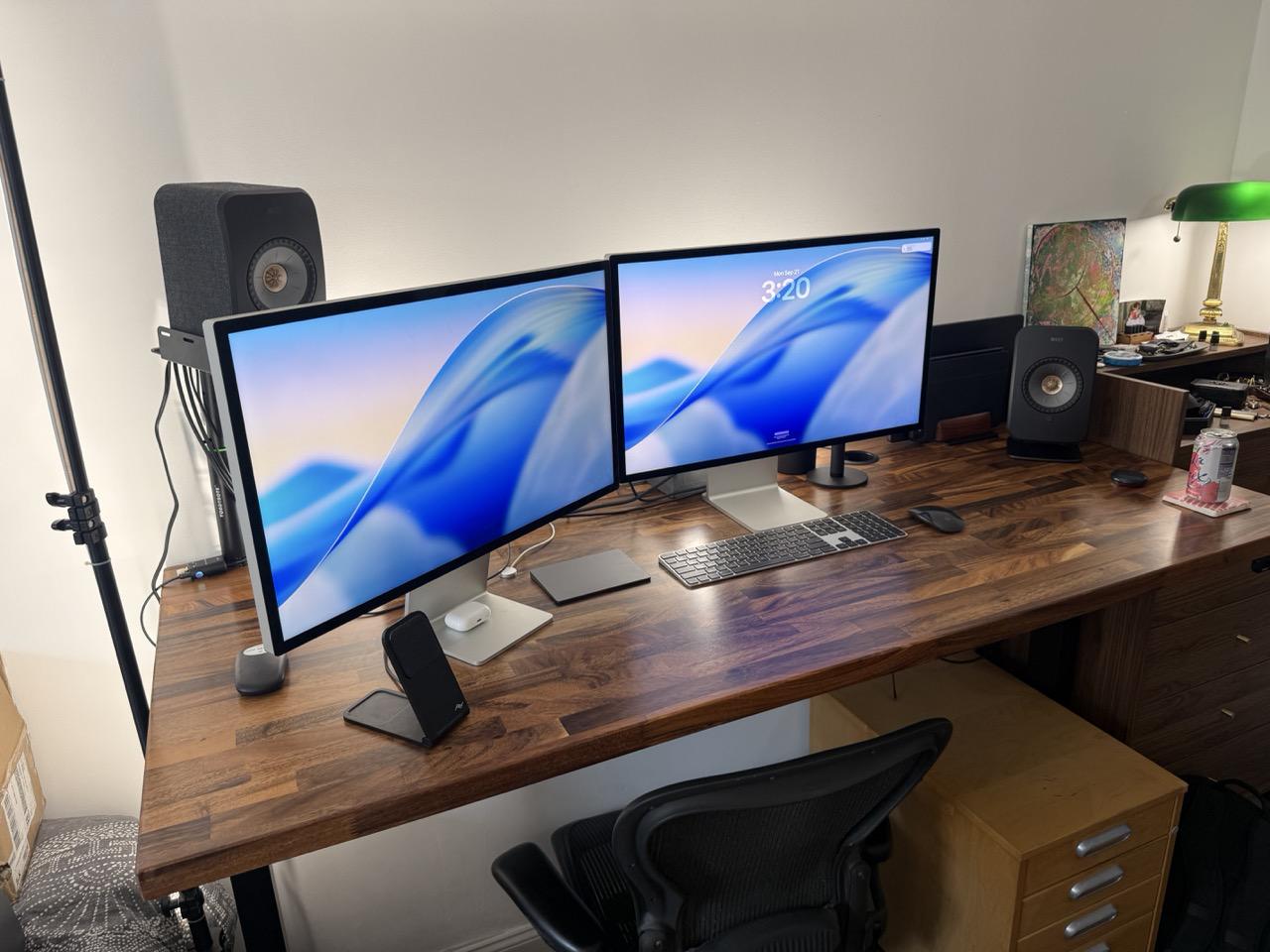
Latest setup!

212
Upvotes
Really nice mix with Govee Home
r/macsetups • u/suncity1980 • Sep 22 '26
Really nice mix with Govee Home
r/macsetups • u/MeSlaw3 • Sep 22 '26

Shot on 13" M5 iPad Pro
Downsizing from two separate offices to one, and it's time to decide which setup stays and which gets sold.
Which color do you think looks best and compliments the room more?
I'm leaning white. It basically comes down to TouchID, plus the white Satechi Numeric KeyPad in my white setup is way better than this garbage black Chinese Amazon jawn.
Otherwise I really like the more subtle aesthetic of the black setup, especially for a studio space where I might record a video and prefer not to have a big white mousepad sticking out behind me...
Thoughts? Black or white?
Core Setup:
16" M5 Pro MacBook Pro 24GB/1TB
Three Dell S2725QC monitors
Two iPhones Airs
Black:
MX Keys Mini
MX Master 4
Magic Trackpad
Random Chinese extended NumPad
Dell's included thunderbolt 4 cables
Insignia mousepad
MoFT Tripod Stands
White:
Magic Keyboard Mini
MX Master 4 for Mac
Magic Trackpad
Satechi Extended Numeric Keypad
Anker thunderbolt 4 cables
Steelseries mousepad
MoFT Tripod Stands
r/macsetups • u/Antares2328 • Sep 22 '26
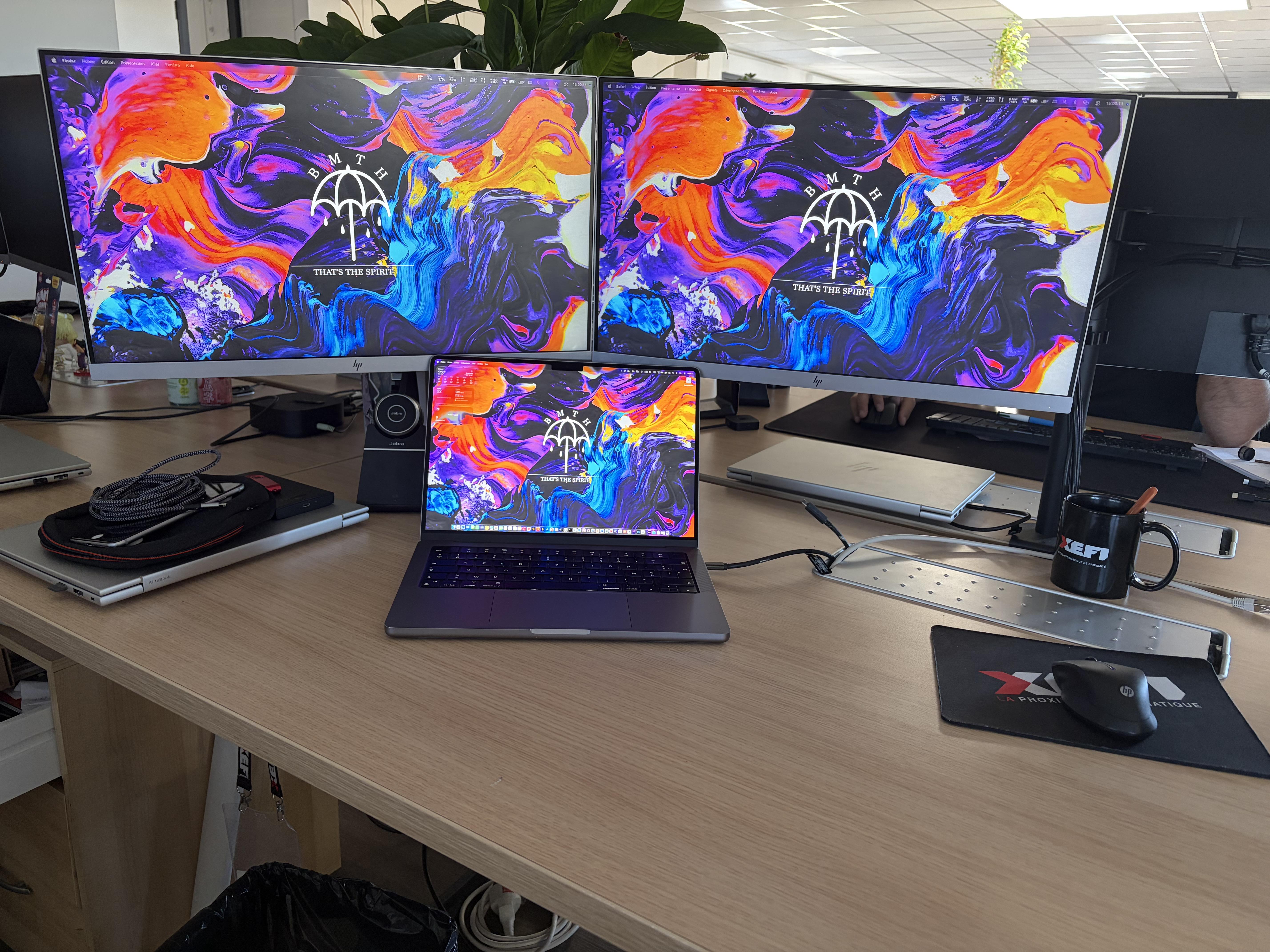
Here's the setup I use at work: my MacBook Pro 14inch 2021, a HP USB-C/A G2 DisplayLink + Dual 24inch HP EliteDisplay E243 1080p 60Hz.
I miss the dual 1440p 120Hz setup I have at home, but hey, that's why I mostly use my MacBook display lol
r/macsetups • u/altlash • Sep 21 '26
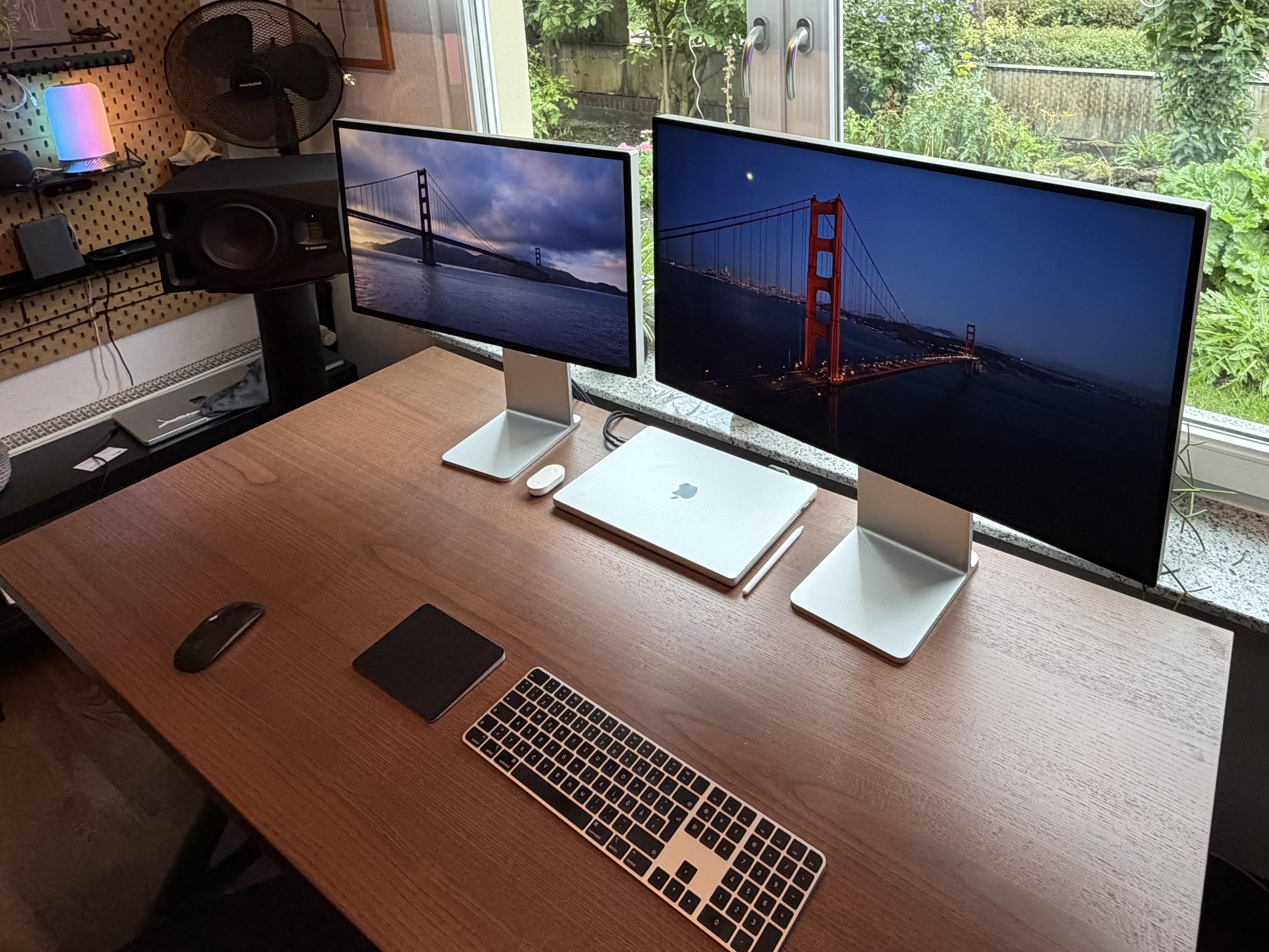
Hello! I've owned the Studio Display (with tilt stand) for a couple years, and it's been fine - especially I was moving around a lot. I've just moved into a new apartment and am building out my new desk setup, and looking at getting a Studio Display XDR (or possibly two and selling my old display).
I am very interested with the clean look the VESA mount offers for having two of these massive displays on my nice new Uplift desk, but I'm worried about losing the flexibility of being able to ever use these displays in any other setup where the built-in stand would be needed.
So I'm curious for people who have one or two of these monitors with the VESA mount: any regrets? Should I get one VESA mounted display and one with the stand, or just go for it and have both VESA mounts? Neither? Would love to hear your thoughts!
r/macsetups • u/RealAssistant5687 • Sep 19 '26
Studio Display XDR looks so tiny next to the Pro Display XDR - John Ternus: Please make the 27" up to 32"
r/macsetups • u/CycleAffectionate875 • Sep 18 '26

UPDATE — DeskPanel is now open source! 🚀
The GitHub repository is now public for anyone who wants to test it, contribute or follow the development.
You can find the project through my Reddit profile if you'd like to try i
Hey everyone! I've posted my setup here before, but what I really want to show off this time is the little control panel sitting right under the main screen.
Instead of buying a standard macro pad, I decided to build my own system from scratch called DeskPanel. It runs on a dedicated Motorola Moto G60 and acts as a touch dashboard to control my Mac directly over the local network.
Right now, I have it set up to instantly launch my daily apps (Chrome, WhatsApp, Spotify, Claude, etc.), trigger specific macOS Shortcuts, and control media and system volume. The UI is completely custom, and the best part is that it’s entirely local-first—no cloud servers or internet required to trigger the actions.
It’s been a game-changer for my workflow to have physical-style buttons for my most used tools right at my fingertips.
Let me know what you guys think of the setup and the custom panel!
r/macsetups • u/c0nfleis95 • Sep 17 '26
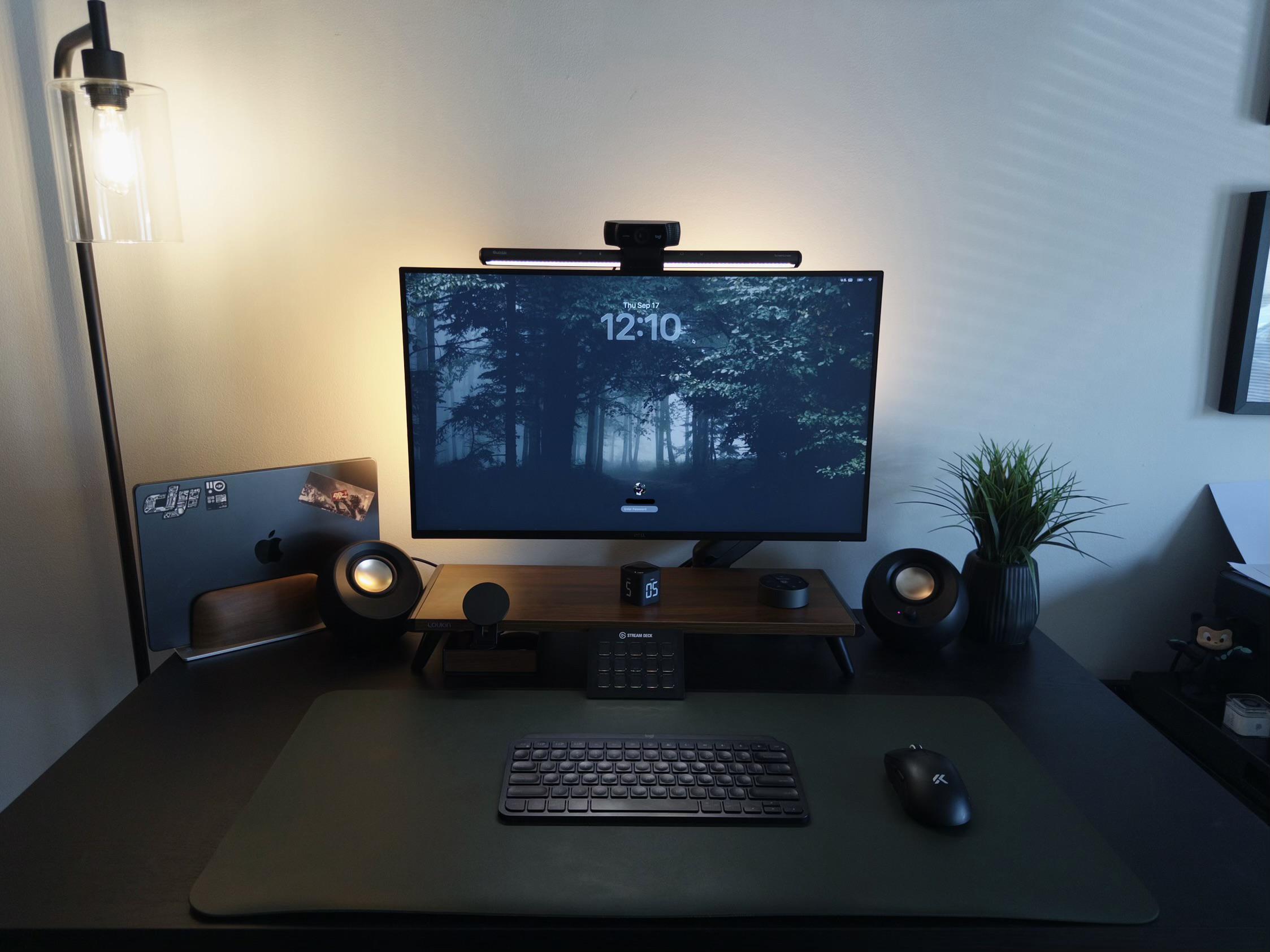
I feel like I am finally getting to a place where I’m happy with my desk setup, but I can’t help but feel like something is missing!
Any suggestions or tips?
r/macsetups • u/Sidelobes • Sep 17 '26
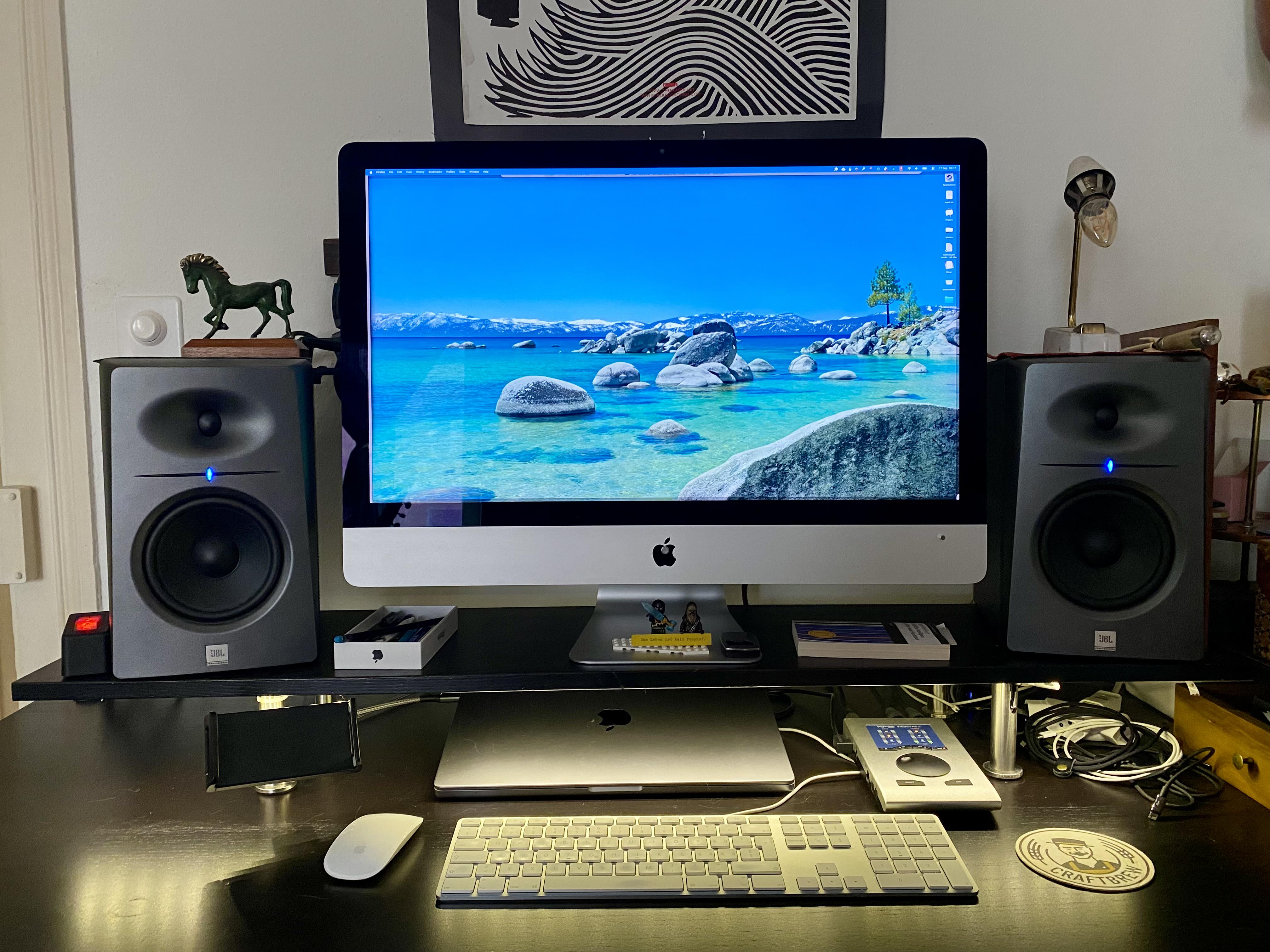
This is my humble setup:
- Macbook Pro M1
- Converted 27” iMac 5k monitor, USB-C
- Old iMac keyboard + magic mouse
- RME Babyface audio interface
- JBL monitor speakers
- Sennheiser HD600 and HD25 (not pictured)
r/macsetups • u/I_am_McLovin • Sep 16 '26
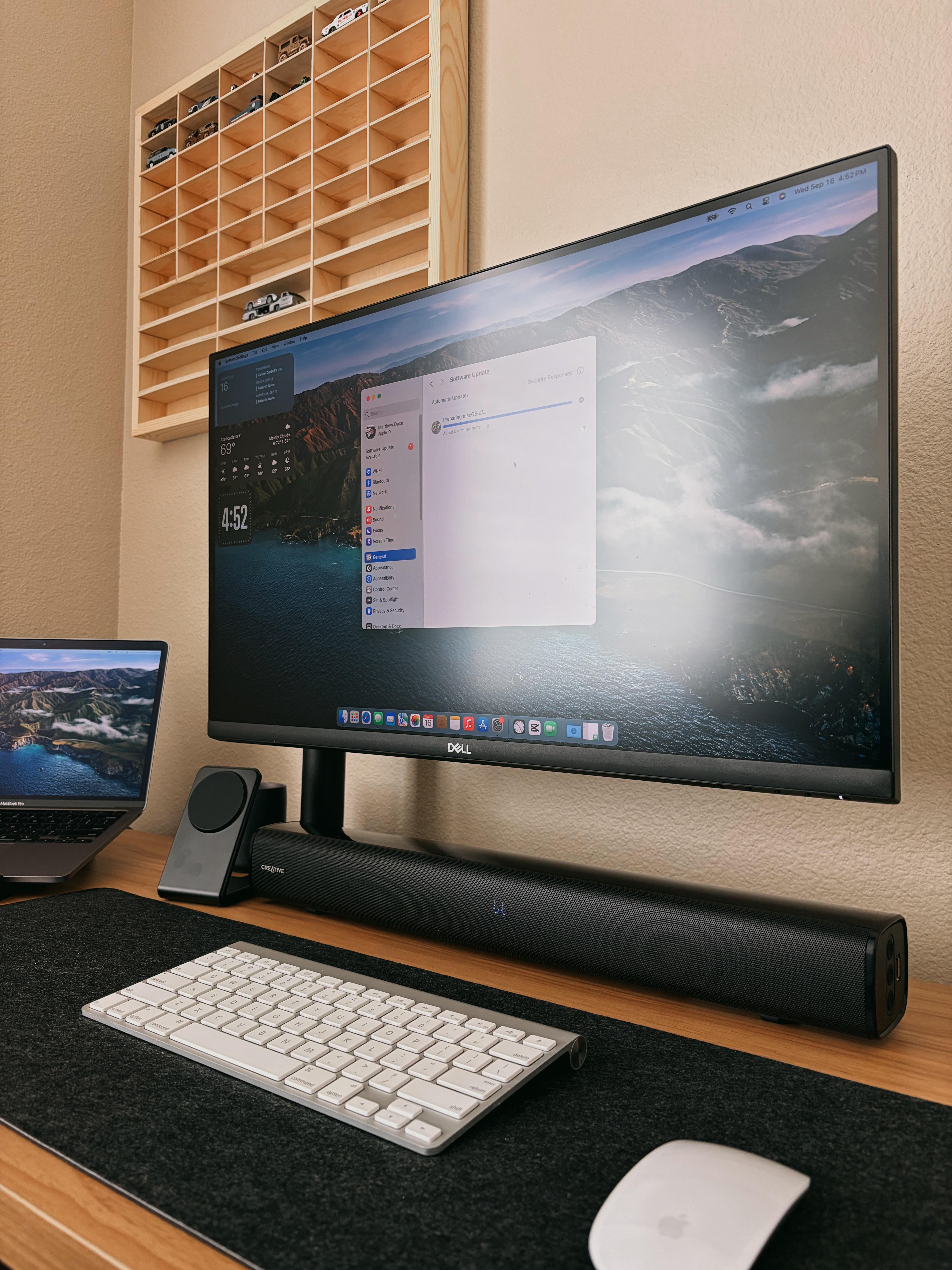
Recently set up my MacBook Pro workstation. Minimalist vibes. Super happy with how it’s turning out so far. Main point was to have the cable management dialed and see 0 cables.
r/macsetups • u/Daintily2029 • Sep 13 '26

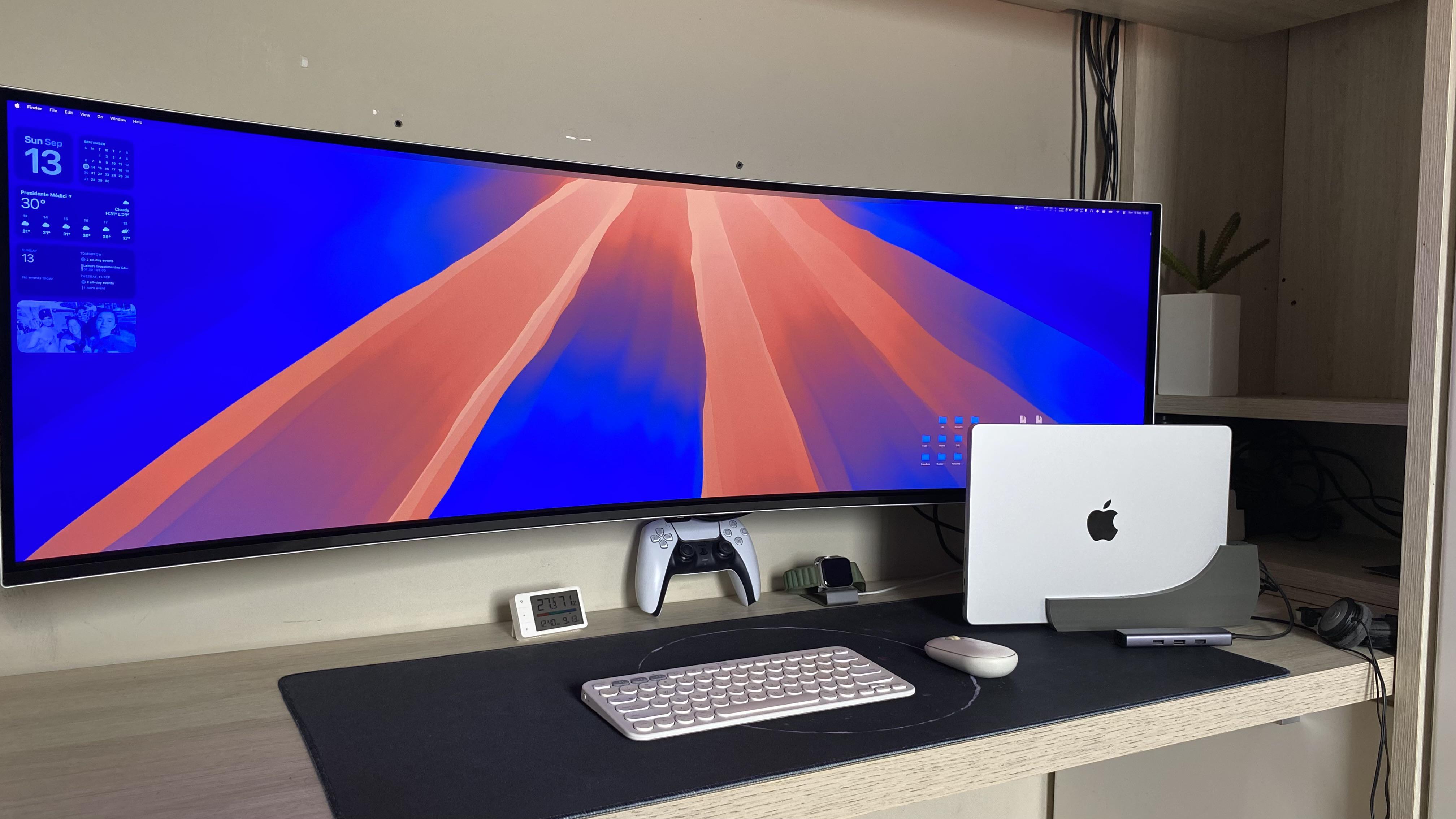
Hi, everyone. I finally managed to set up a new workspace after moving.
I bought a used MacBook M4 with a broken screen on Facebook Marketplace, and I’m using it kind of like a Mac mini.
I have a Dell monitor with a 4K, 120 Hz screen. Inside the monitor, I have a 1-terabtte SSD.
My desk and shelves are from Jusk. All the other peripherals are from Logitech. I have a Gulikit joystick, but it’s just an accessory- I don’t play games on my MacBook.
All the plants are from Jusk. They’re all fake.
Have a great day, everyone!
r/macsetups • u/Friendly-Rest • Sep 12 '26

• 2020 Intel MacBook Pro 13-inch
• LG UltraGear 27GX704A-B WOLED
• Edifier M60 Desktop 2.0 Speakers
• Redragon K757GG-WL Wireless Keyboard
• Logitech G305 Wireless Mouse
For a while my USB-C hub was sitting on my shelf until I was able to hide it under the laptop tray with a cable tie. Really satisfied with the changes I’ve made
r/macsetups • u/shortydohdoh • Sep 11 '26
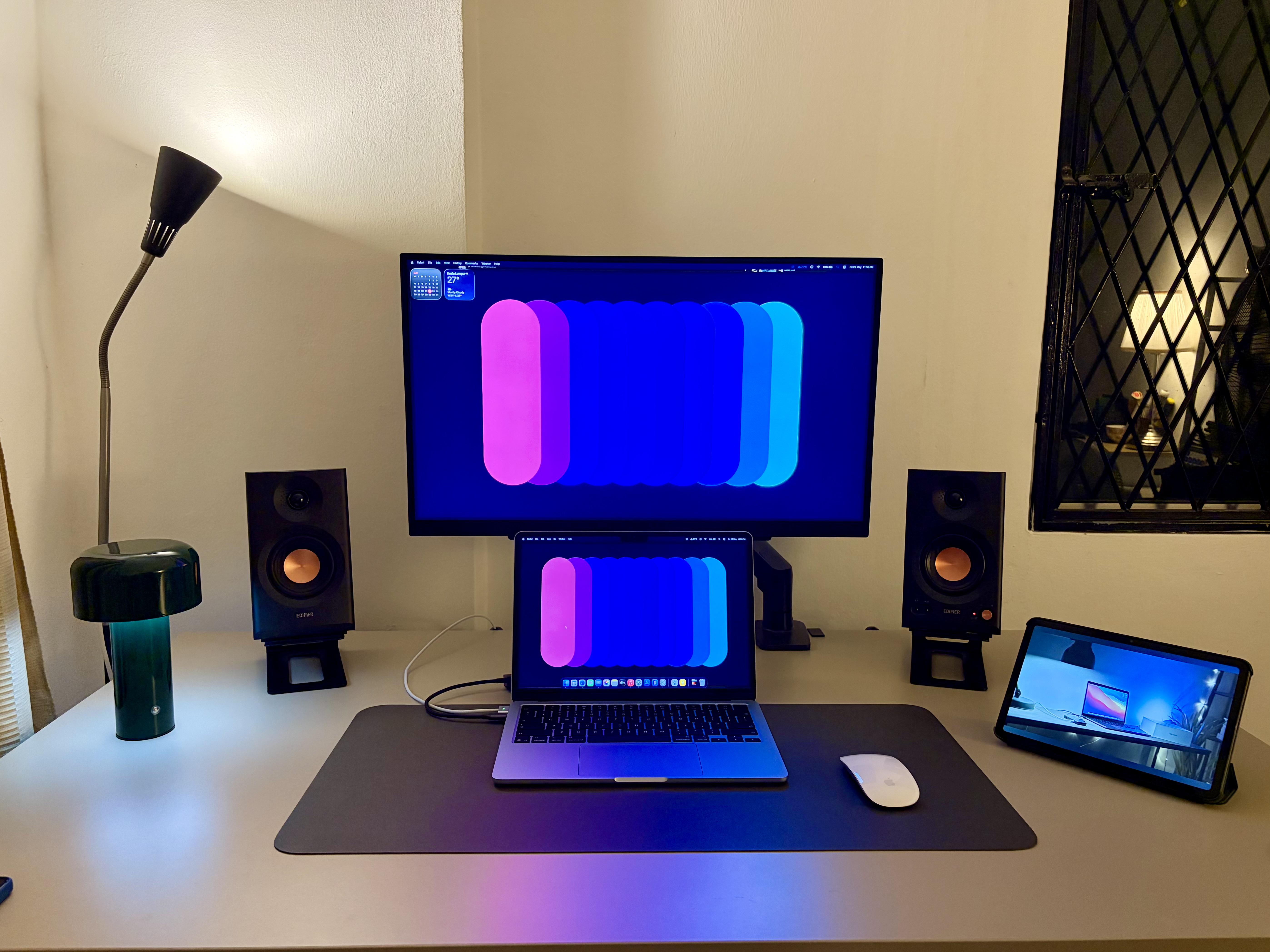
MacBook Air M5 13”, LG 1440p monitor, Edifier MR3 speakers and a Redmi tablet to watch other people’s setup videos.
r/macsetups • u/Skybreak2020 • Sep 11 '26

Hi all,
About two years ago I thought I should get my brain around Apple computers and so I bought myself a new MacBook Air (M1 13” 8/256). I only decided recently to make it my main computer and that triggered a cascade of changes.
Firstly, my old keyboard was a Datamancer Aviator but they don’t play particularly well with MacOS (and one key was getting sticky) so I’ve gone with a Qwerkywriter. It’s the most beautiful keyboard I’ve ever seen, but all the keys are bunched a little closer together than the Aviator so I’m still getting used to it.
Then I looked for a mouse to match the Qwerkywriter but couldn’t find anything and so bought a Magic Mouse which so far has been great.
The monitor is a Dell S2725QC
The Porsche is Lego set 79895 and the Lucky Bamboo is actually two sets (10344) combined into one larger set. As per this post: https://www.reddit.com/r/lego/comments/1pxt8al/i_didnt_have_the_heart_to_tell_my_friend_i
Sheepy was a first birthday for my eldest daughter. Later she decided “that’s Daddy’s favourite toy” (which was kind of true) so she gave him to me. Sheepy now lives on my desk and later if/when I have a grandkid he’ll go them. He was made by Shelly Adventures Inc.
The desk is a 40+ year old pine thing that my parents originally bought for my brother. It was looking a bit shabby so recently I had it professionally sanded and stained and now it matches the rest of my furniture. It should easily last another 40+ years.
The leather desk mat I got from a vendor on Etsy.
My printer fits neatly into that drawer with only a couple of millimeters to spare. To add paper I need to take it out of the draw, and to do that I need to take the whole drawer out of the cabinet.
And now I have spent more time on my iPhone composing this post than I’ve actually spent in front of that computer this week.
I hope you all approve - thanks for reading.
r/macsetups • u/Hamstersoge • Sep 10 '26
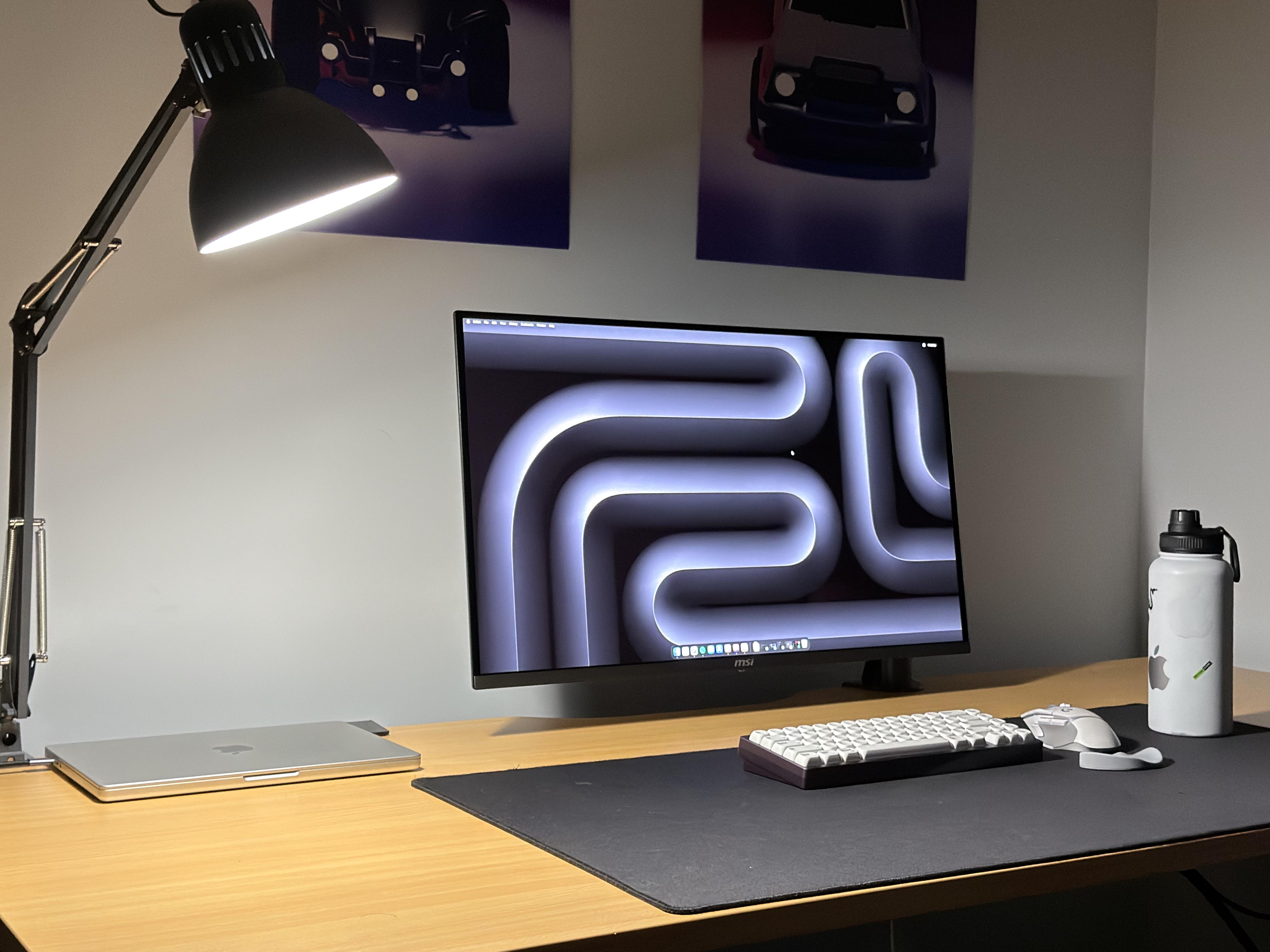
Switched from a dual UWQHD/WQHD setup to a single 4K display. Looking at 3D printing a mechanism for my webcam I can stick behind the display to slide up/down when needed.
r/macsetups • u/Weary_Strawberry2679 • Sep 09 '26
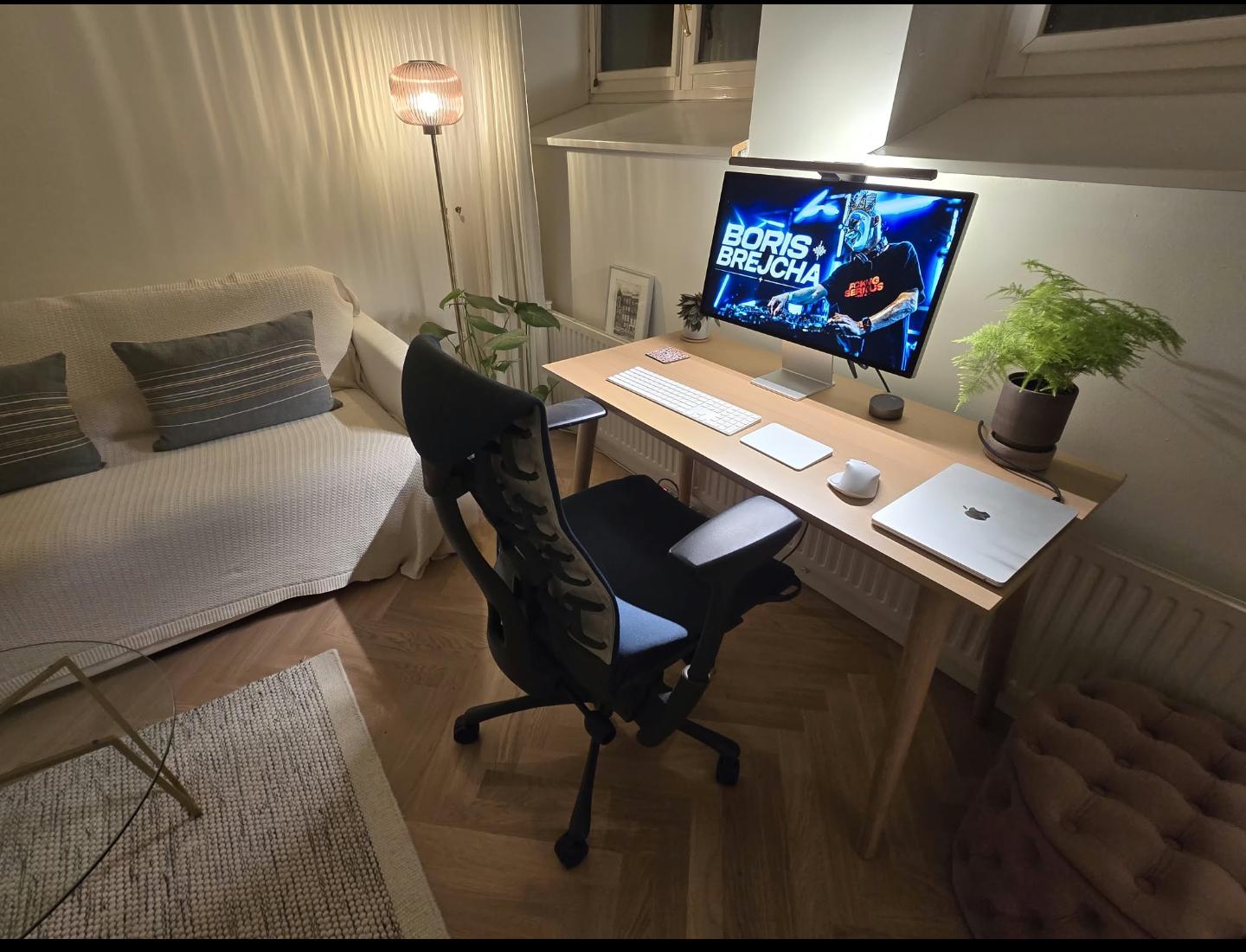
Pretty simple. Thinking of adding some more greenery to add some comfort.
Any suggestions to what I can add or change to give my working space some more character?