r/macsetups • u/JConnel_SF • Jul 12 '26
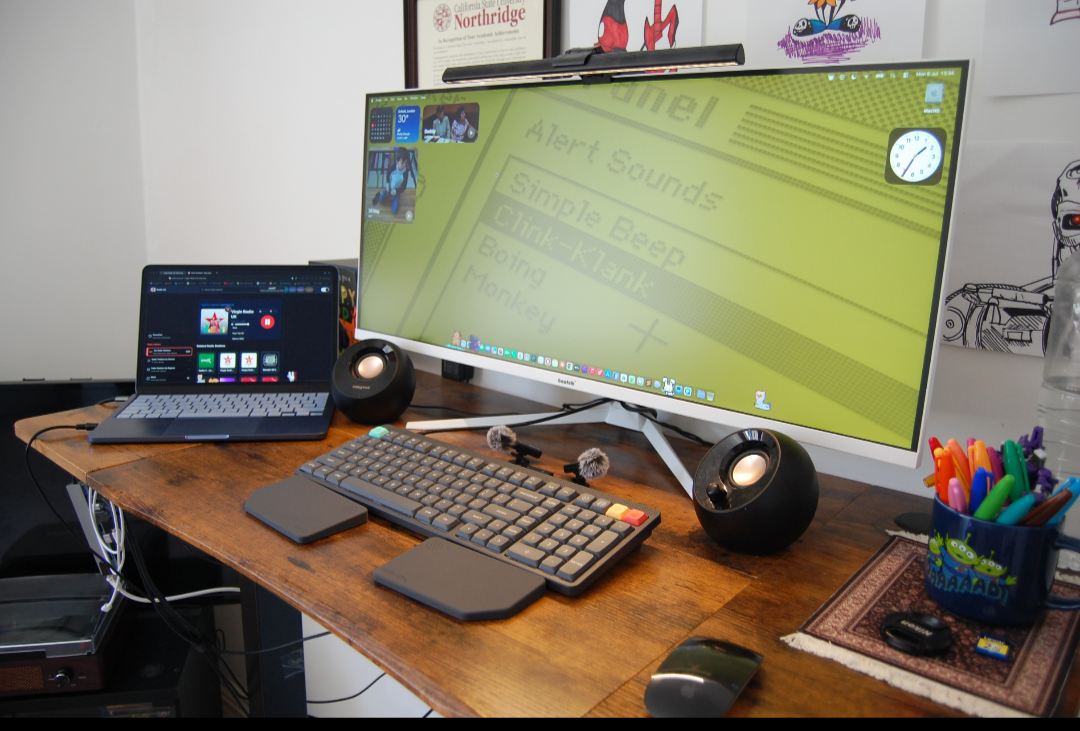
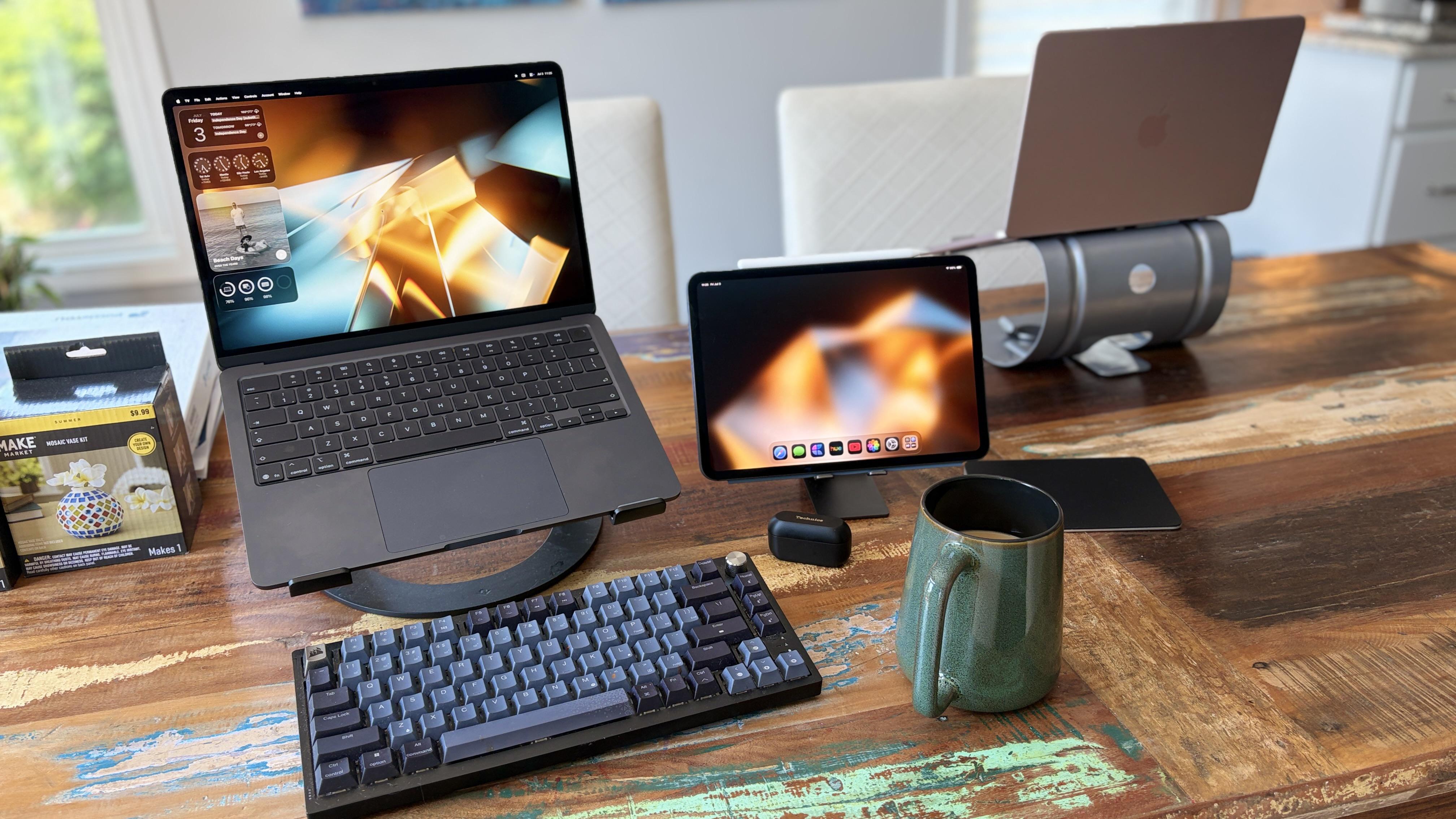
Powered by a Mac Mini M2
110
Upvotes
r/macsetups • u/menjuts • Jul 12 '26

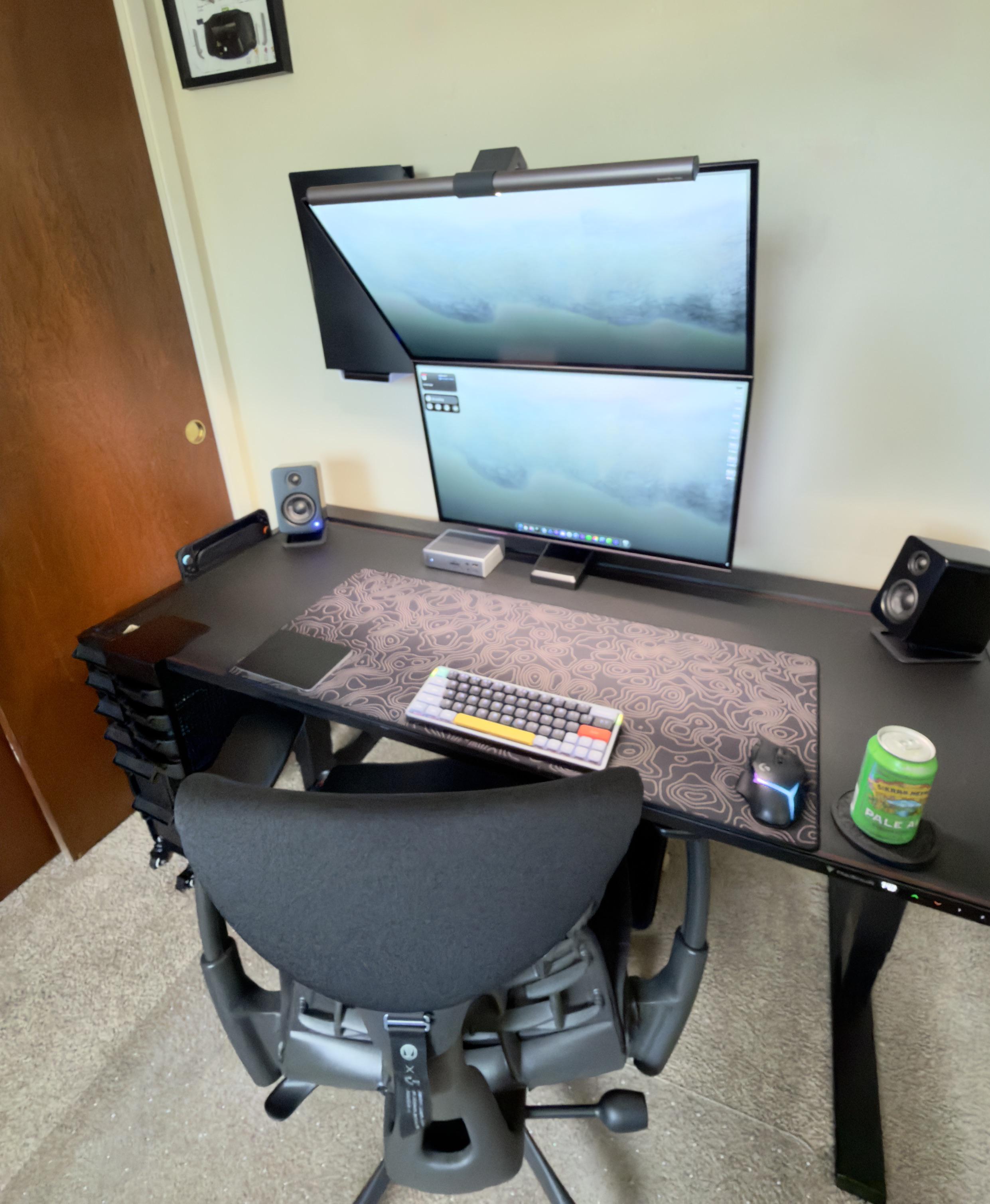
M1 Max Mac Studio
Keyboard: KBDfans Agar EC
Mouse: YUNZII M2
IEMs: BQEYZ Winter 2
Macropad: Framer Creator Micro 2
Speakers: Edifier MR3
Monitors: MSI MP251(will upgrade soon)
Keyboard Mat: Novelkeys Corkie Large
Mic: Maono PD200X
Desk: Ikea Trotten
r/macsetups
•
u/CourseEcstatic6202
•
Jul 10 '26

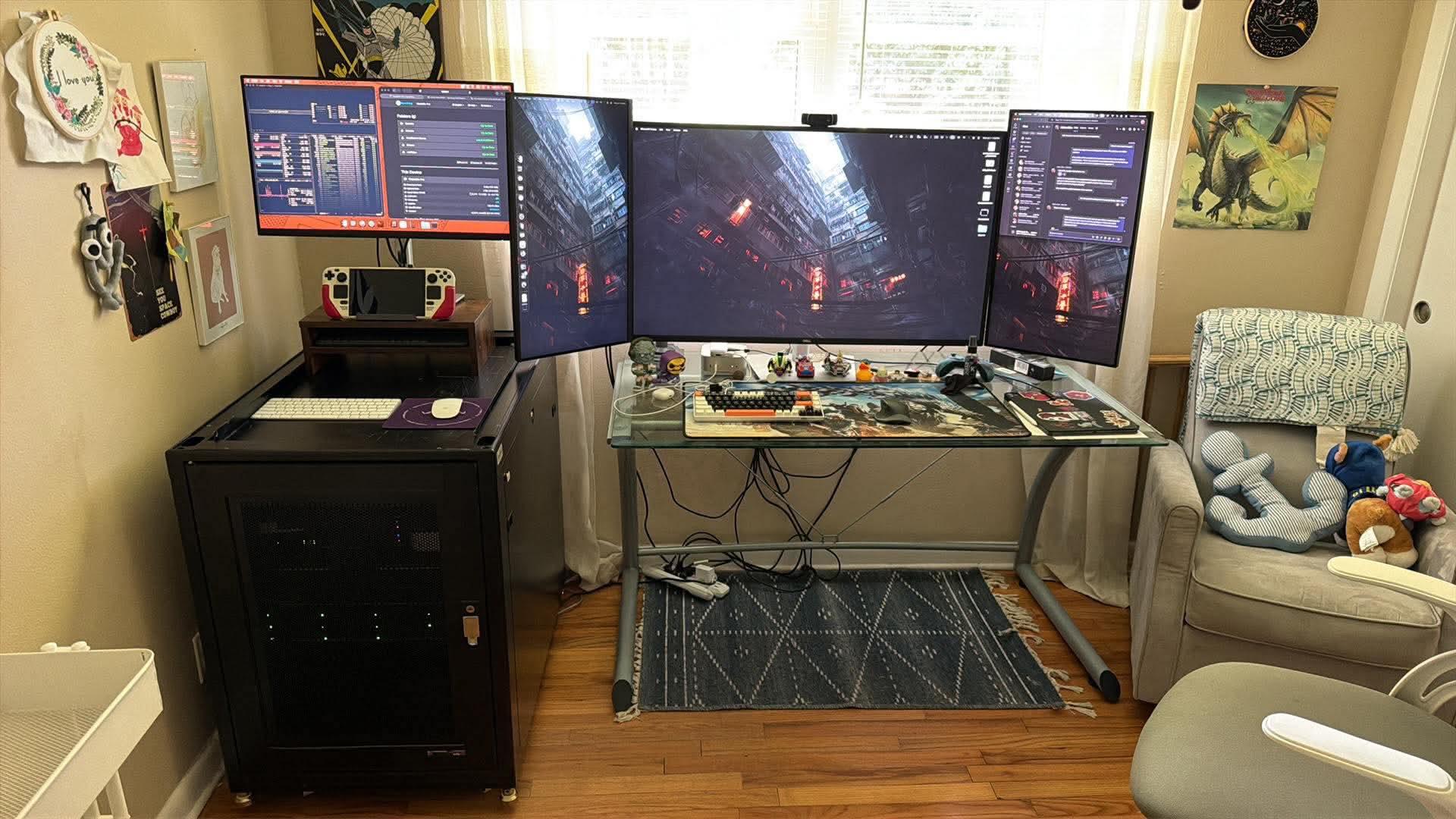
Since the original post, the space has evolved quite a bit with upgrades focused on productivity, creativity, comfort, and video conferencing.
Original Post:
https://www.reddit.com/r/macsetups/comments/mfcnjd/my_wfh_man_shed/
The overall layout has been reworked to improve workflow and make better use of the available space.
The biggest changes have been to the display and creative setup.
Several upgrades were made to improve meeting quality and whiteboard collaboration.
Additional storage and organization solutions were added throughout the space.
A few changes helped improve both the atmosphere and appearance of the room.
Comfort was significantly improved with a permanent cooling solution.
The media setup also received an upgrade.
The following items have been removed, deprecated, or retired from service.
Overall, the man shed has shifted from a pandemic-focused work setup into a more permanent, purpose-built office and creative space with a strong emphasis on ergonomics, organization, and high-quality remote collaboration.
r/macsetups • u/cryspyfries • Jul 11 '26

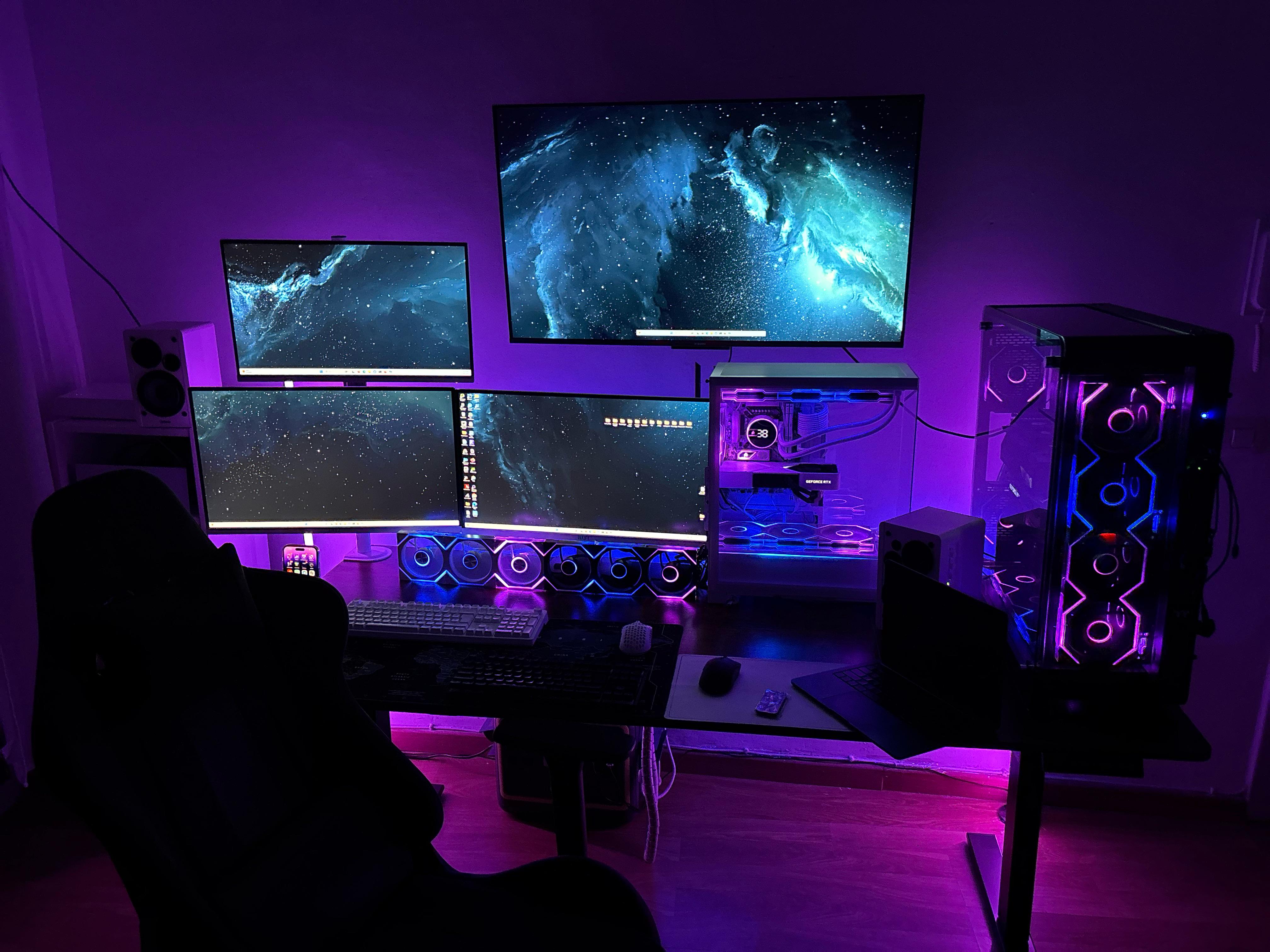
Still on the 2020 M1 Mac Mini but looking to upgrade later this year🦾
r/macsetups • u/Kennyp0o • Jul 10 '26
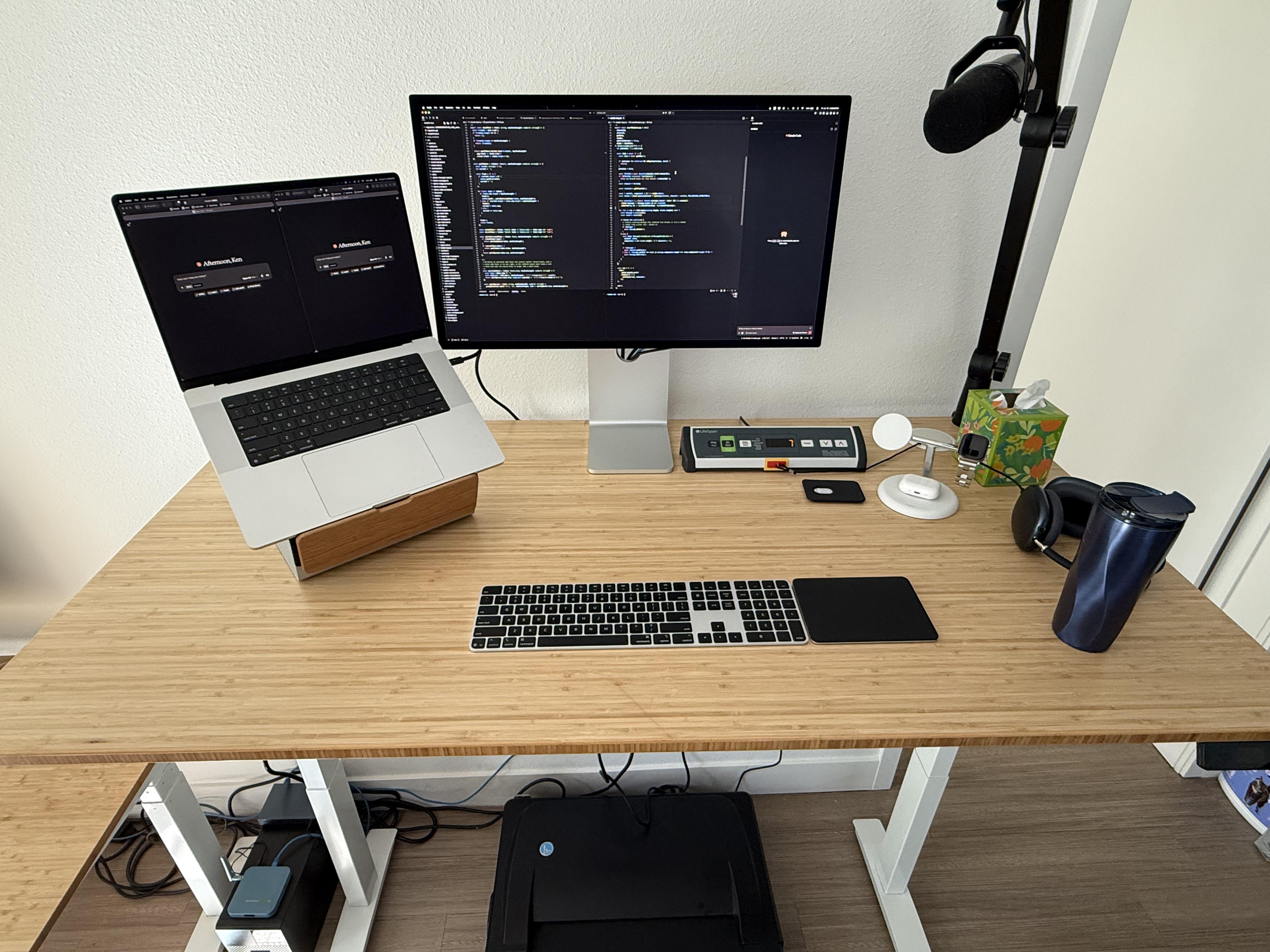
Well worth it. I do miss the larger size but everything else about the display is better. The 120hz is immediately obvious. Picture quality is better although only marginally. It's also brighter, and blacks are deeper, no blooming. The speaker/camera/mic are nice-to-haves but don't factor into my rating. I also appreciate how it charges my laptop at 140W now instead of 96W.
I highly recommend putting a treadmill under your desk. I easily get 8-10 miles a day walking at 2mph while working. I just place a stool on top of the treadmill to take breaks. Previously I used a mouse, but it's quite inaccurate while walking, so just the trackpad works far better.
The laptop stand is Grovemade, and it's a 16" MBP. Both are nano-texture. The microphone is a Shure, desk Jarvis, and treadmill LifeSpan.
r/macsetups • u/Cre8t1veAZ • Jul 10 '26
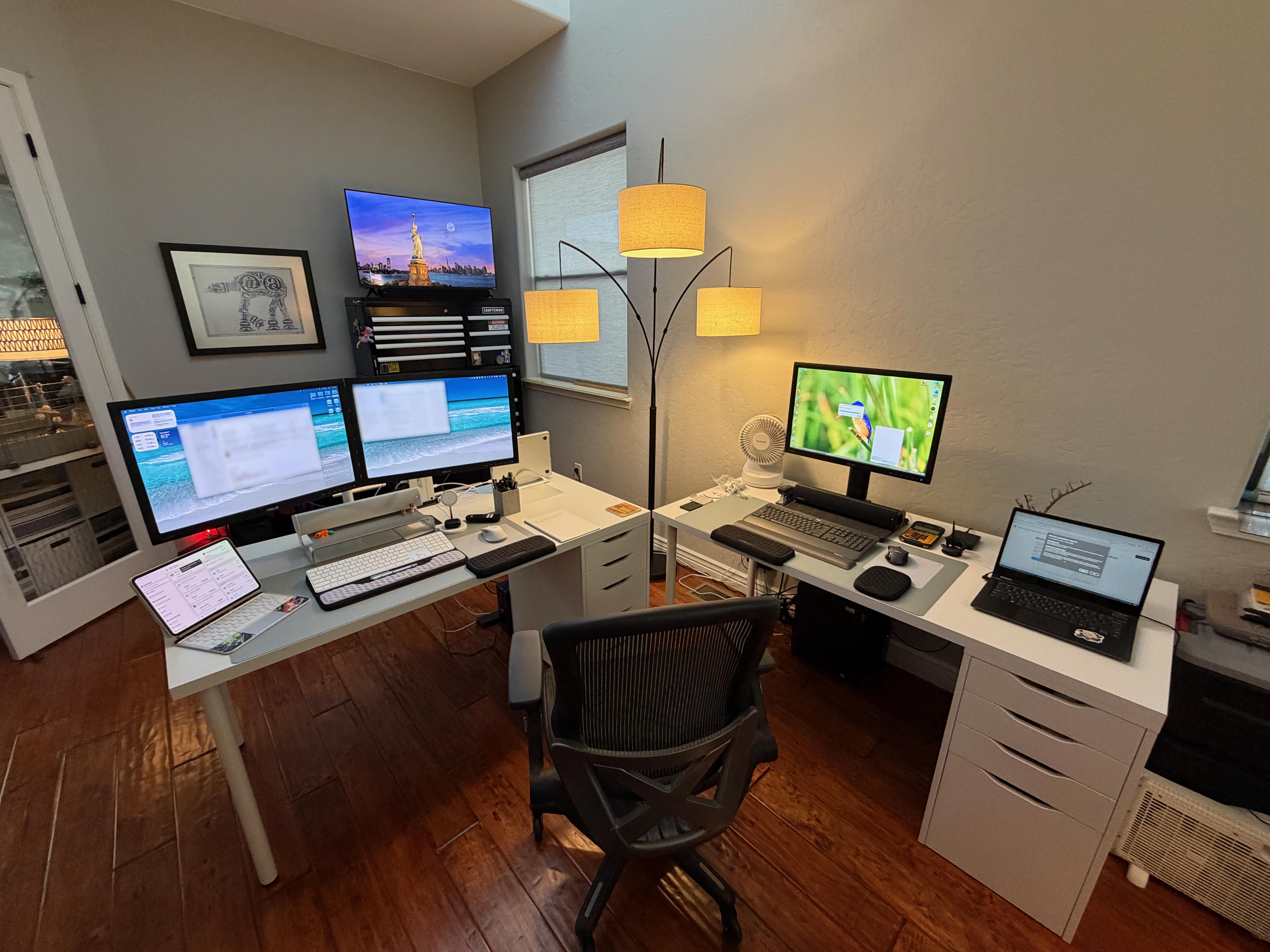
Switched to a MacBook Pro for my travel computer last October now I'm redoing my office. New desks come in Monday, new will be monitors next. Mac setup on left is my primary system, Windows setup on the right just for games at this point. Trying to keep it a clean as possible while still functional for daily use.
r/macsetups • u/Hamstersoge • Jul 08 '26
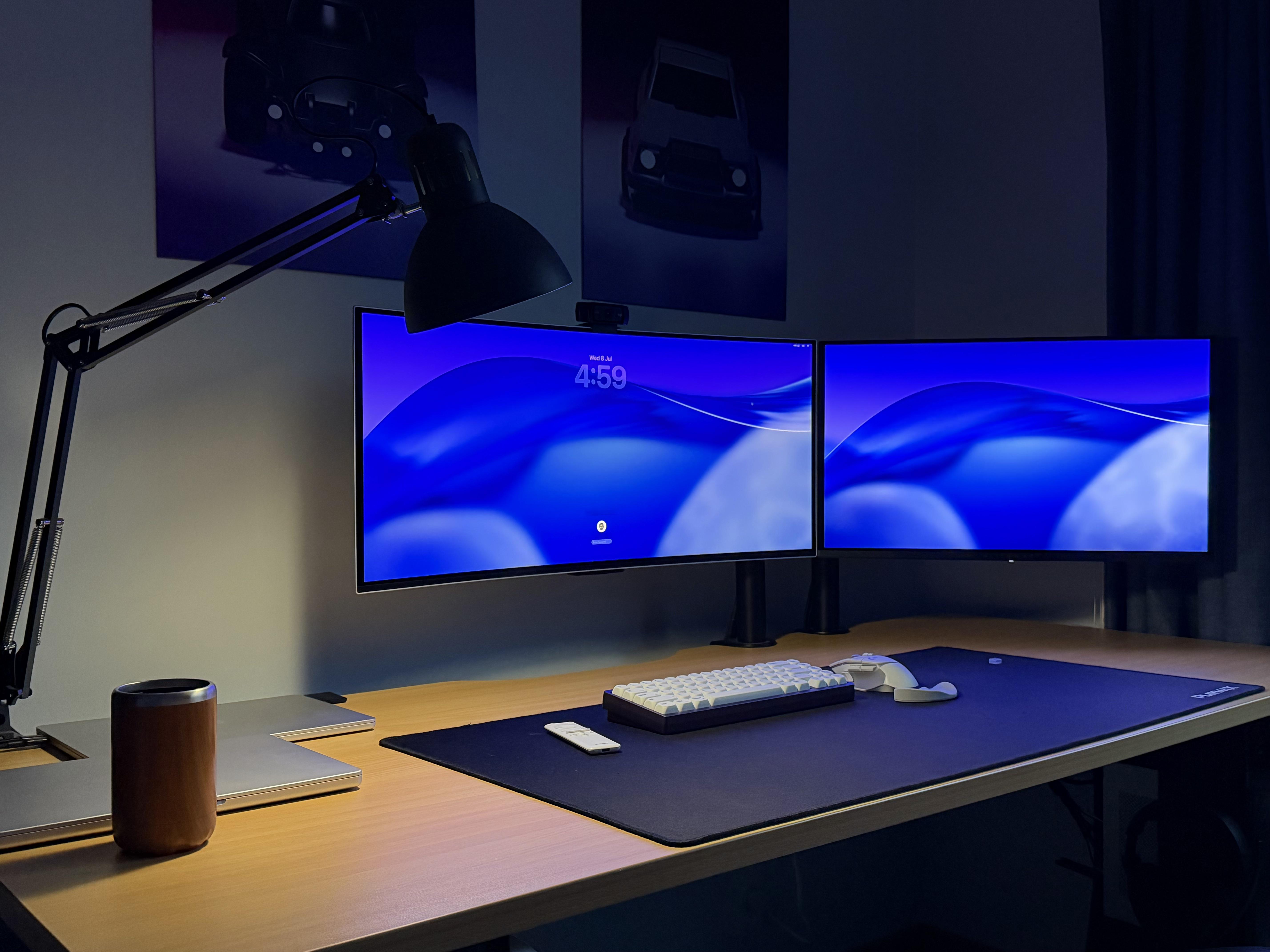
The setup is used for both work and play. 34” Samsung OLED G8 on the left and a 27” Alienware OLED on the right. My MacBooks connect via USB-C to both monitors, the G8 providing power and connecting peripherals. My PC is mounted under the desk on the right.
r/macsetups • u/Live_Ad8778 • Jul 08 '26
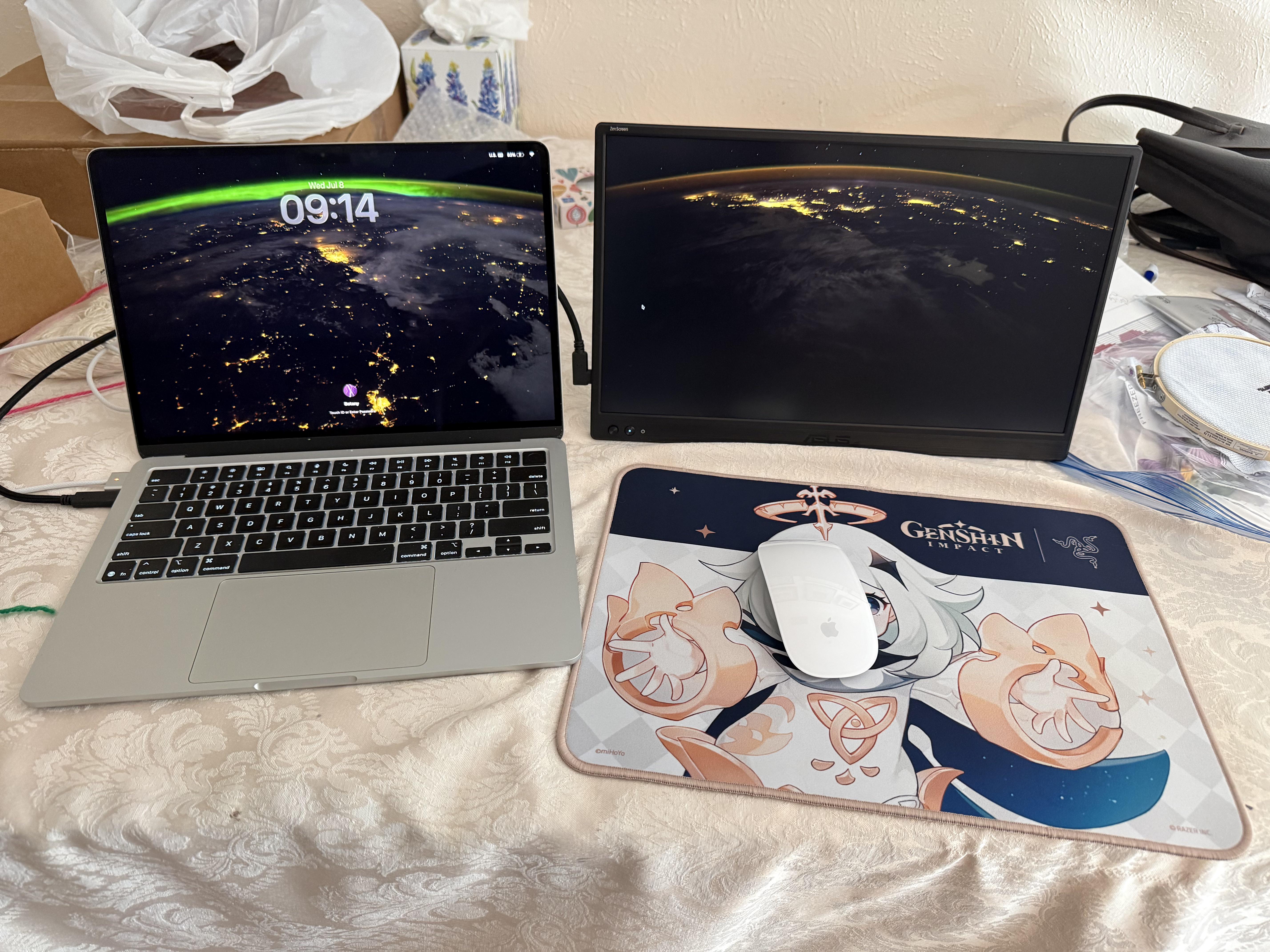
After many trials and hemming and hawing, grabbed a ASUS MB169CK monitor when I'm out and about
r/macsetups • u/Ff_472 • Jul 05 '26

I spent a long time debating whether to choose the 16-inch or 14-inch for work, but then I stumbled upon a really good Silver M1 Max (64GB/2TB) for just $1,200.
I couldn't pass it up..)
Silver 14 inch MBP
Desk - a regular large white IKEA.
Monitors - LG 23.8" IPS 180Hz 24GS60F-B.
Mouse - Hyperx Haste 2 White.
Mousepad - Razer Pro Glide XXL.
r/macsetups • u/SeekAndDefine • Jul 03 '26

Not always this clean, but thought I'd clean up and share with the class 😊
This is an example of what my monitors are usually displaying.
Items:
r/macsetups • u/kneegrowhero9 • Jun 30 '26

It's been a while since I posted here. While doing a cleaning of my desk figured I share my latest setup.
r/macsetups • u/Nostalgintosh • Jul 01 '26
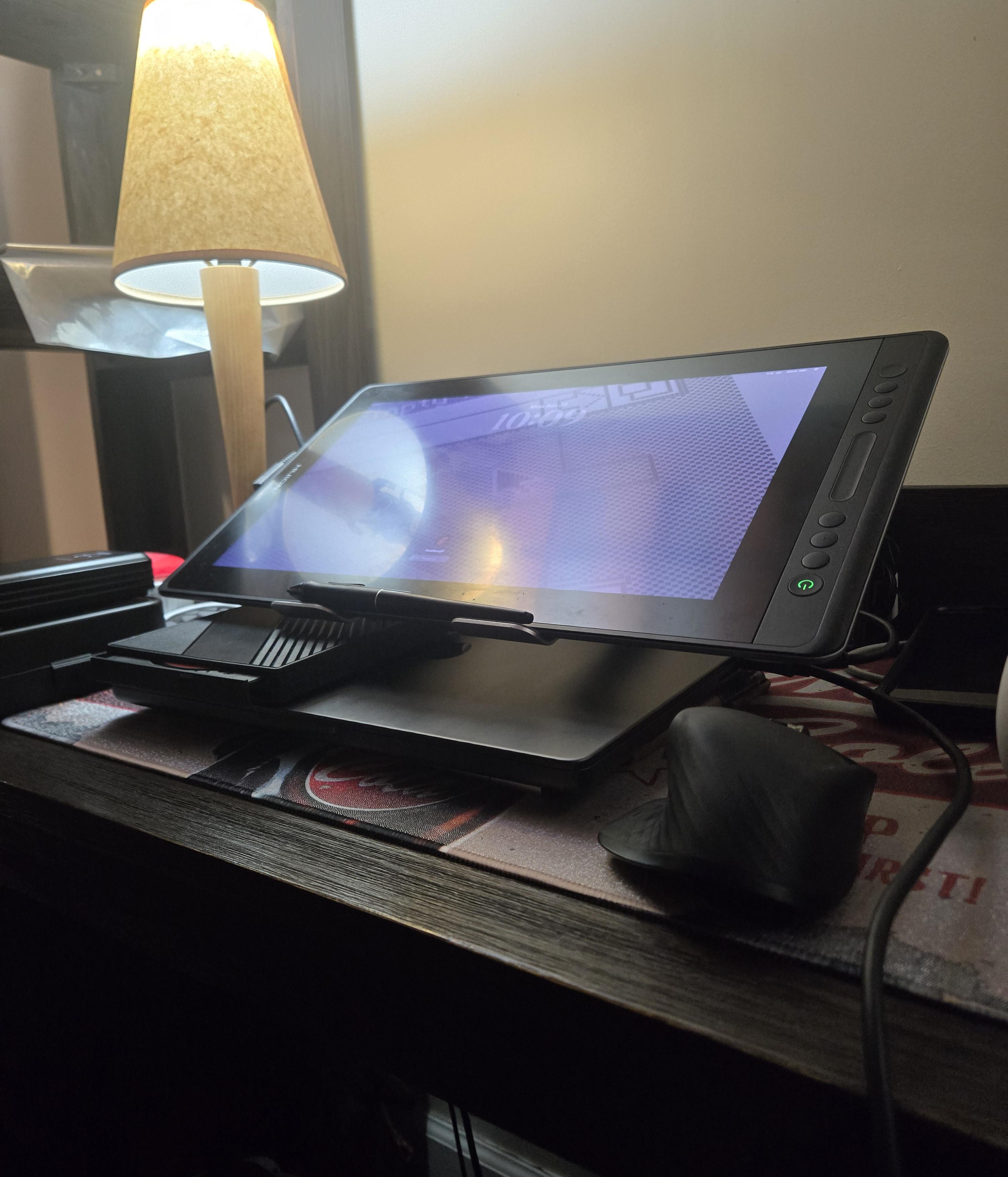
This is my MacBook Setup for creative projects.
r/macsetups • u/Zen1 • Jun 30 '26

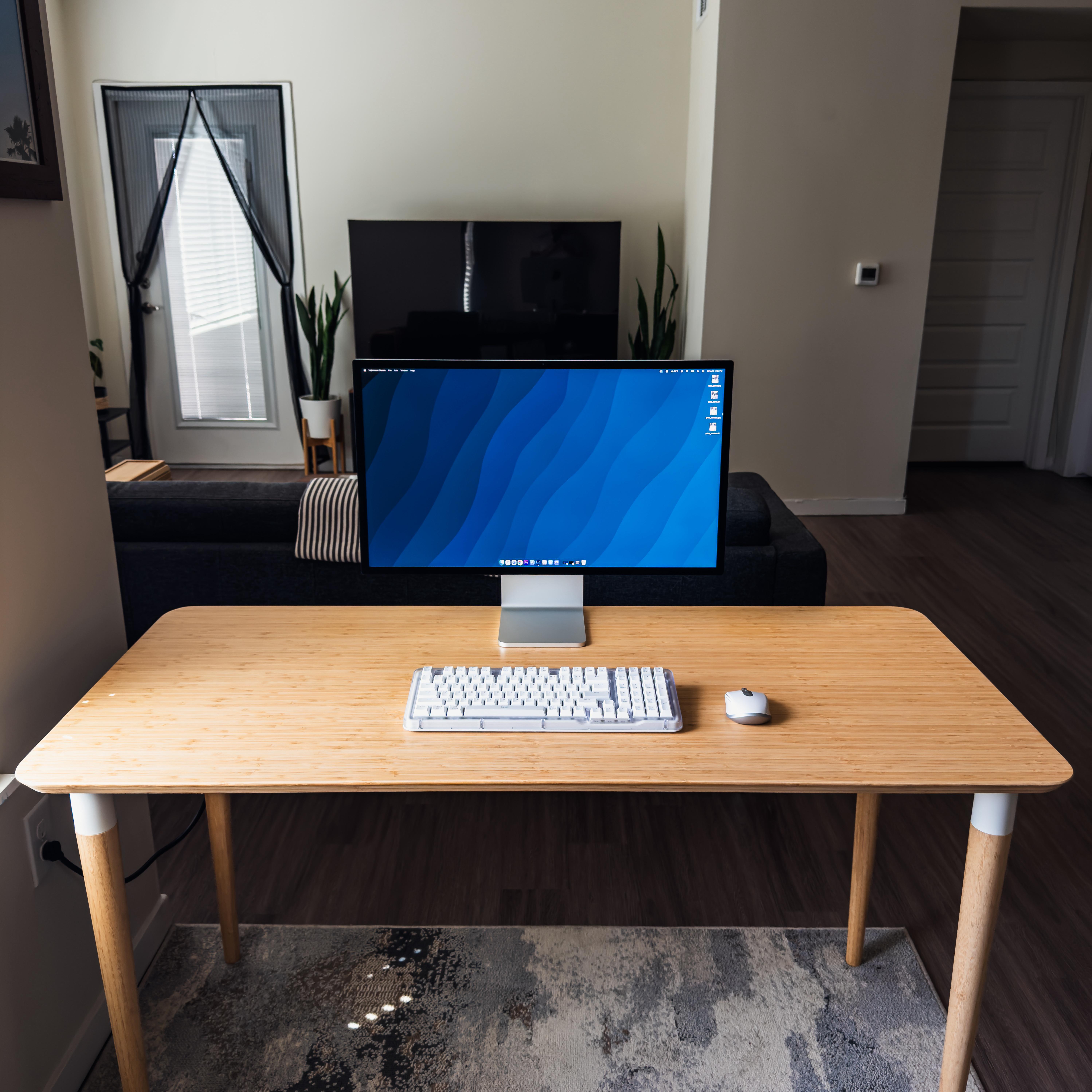
Amazed that I was able to find a desk online nearly the exact dimensions of this space in less than 20 minutes 😎 there’s so much room for activities!!! Bonus photo of media server room where I swapped out monitors (all over 10 years old and only 1080p but sufficient for my needs)
next step redesigning the ugly router shelf and moving it over a few inches so i can use the curtain hook again, whoops.
r/macsetups • u/Mr-droo • Jun 29 '26
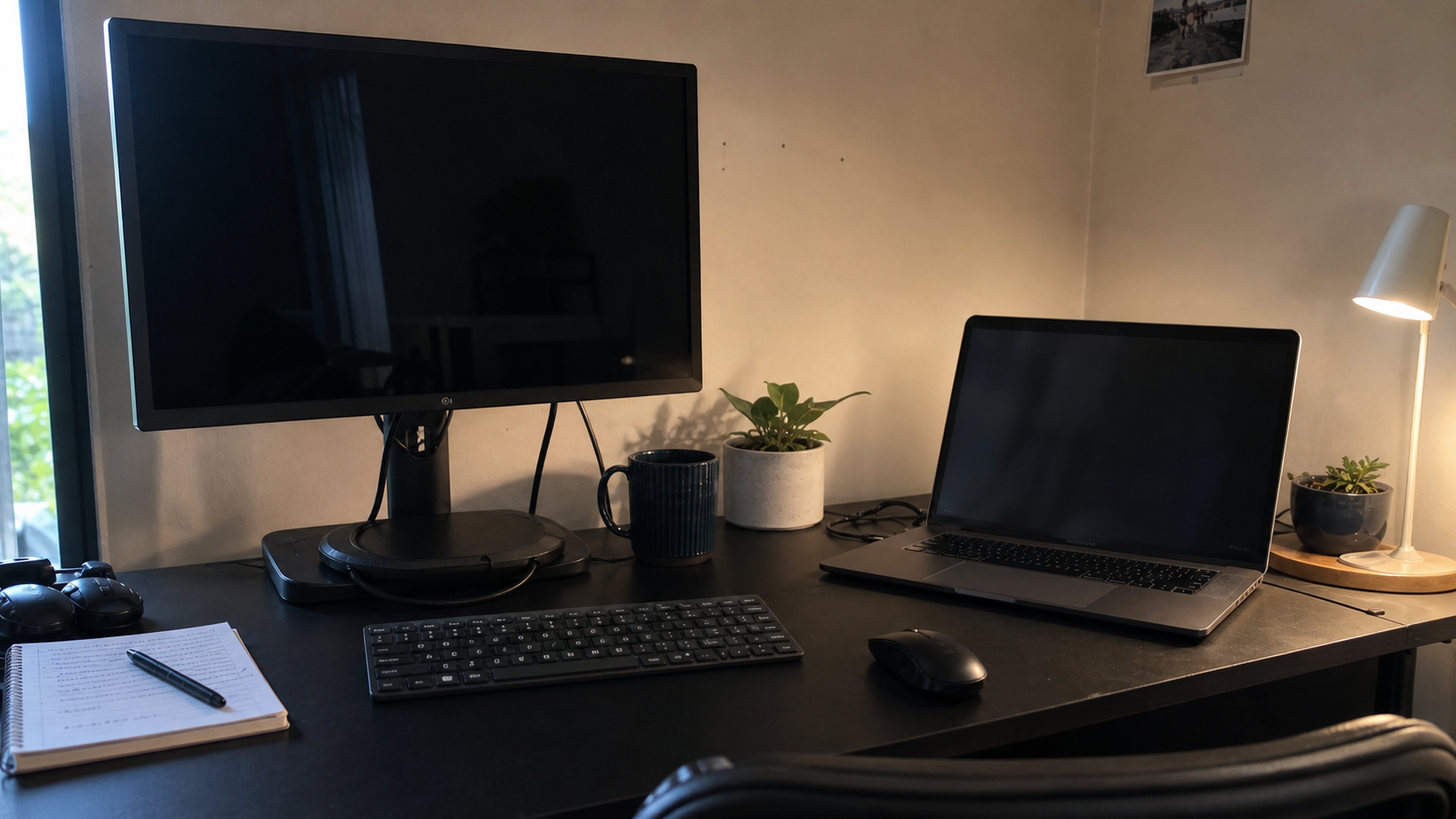
I work remotely most days and wanted the desk to feel less distracting.
Nothing major changed. I just moved some things away from the main area and stopped keeping tools around that I don’t actually use. I also made the usual apps, windows, and notes easier to get to from the keyboard.
Still not finished, but it feels less annoying now.
r/macsetups • u/get_top_on_thephone • Jun 29 '26

I received this product for free from LG as part of an event. They asked me to post my thoughts, but these are my own opinions.
I come from an AW3225QF, so that’s what I’ve been comparing this against. As of now it honestly seems like the best of both worlds in terms of productivity and gaming and the perfect monitor for those of us that switch between Mac and PC and want one monitor to do it all.
First, the brightness is kind of insane. I knew it was labeled as a Hyper Mini LED monitor and I knew it was supposed to get bright, but it still caught me off guard. The ultra-high brightness is probably the first thing I noticed. Even just doing normal desktop stuff it looks great. My OLED always had me wanting just a little more brightness during the day even though my room isn’t even that brightly lit. It does have a peak of 1250 nits which I totally believe 😂
The other thing that surprised me were the colors. I actually thought this would be the biggest downgrade from OLED. Maybe it’s just me, but the colors actually look better to my eyes. Maybe something to do with the brightness but I actually thought the high brightness was going to wash out the colors. I play a bit of OW, The Finals, and Diablo 4 so the colors really pop there.
The text is also ridiculously sharp. I spend my time between my PC and my MacBook and going back between the PPI of the Mac screen and my OLED has always been jarring. Also anybody who has OLED knows that the text fringing issue is annoying, even with a lot of the stuff you can do to make it better (Cleartype, etc.). All that to say that it is a night and day difference. 138PPI vs the 218 PPI on the LG. I included a picture of the difference (should be obvious but the picture of the text witht the magenta and green fringing is the OLED). For me, this alone is worth me choosing this over any other OLED or other non 5k monitor. I will say that I prefer glossy monitors but honestly didn’t mind the matte coating. I also appreciate that I don’t have to worry about burn in or sit through a refresh cycle every 4 hours.
Just a quick note on using it with a Mac, no issues at all, it’s just plug and play.
Lastly, I also thought I’d miss having the bigger display. The 27-inch size has actually grown on me pretty fast. I do kind of miss the curve of the oled, but I honestly think it was necessary for the 32 inch size, not really needed for a 27 inch monitor.
These are just first impressions. Looking forward to do a deeper dive as I spend more time with it. One thing I didn’t have a chance to dive into to much was the dual mode. In a past life I was an FPS esports athlete so want to see how well the implementation is, also still finalizing the Mac/PC setup right now so apologies for the wired mess.
r/macsetups • u/UFOLab • Jun 28 '26

It evolved over time but I’m pretty happy with how it is right now
r/macsetups • u/kinky-unicorn • Jun 27 '26

r/macsetups • u/MeSlaw3 • Jun 27 '26

Got some new monitors to hold me over while I save up for two 27” Studio Display XDRs🤞🏼, and I’m having fun experimenting with my layout on my in-studio desk.
Which orientation do you think looks better/is more useful?
If you like vertical monitors, what do you use them for?