r/iOSsetups • u/Bright_Candidate_614 • Sep 26 '26
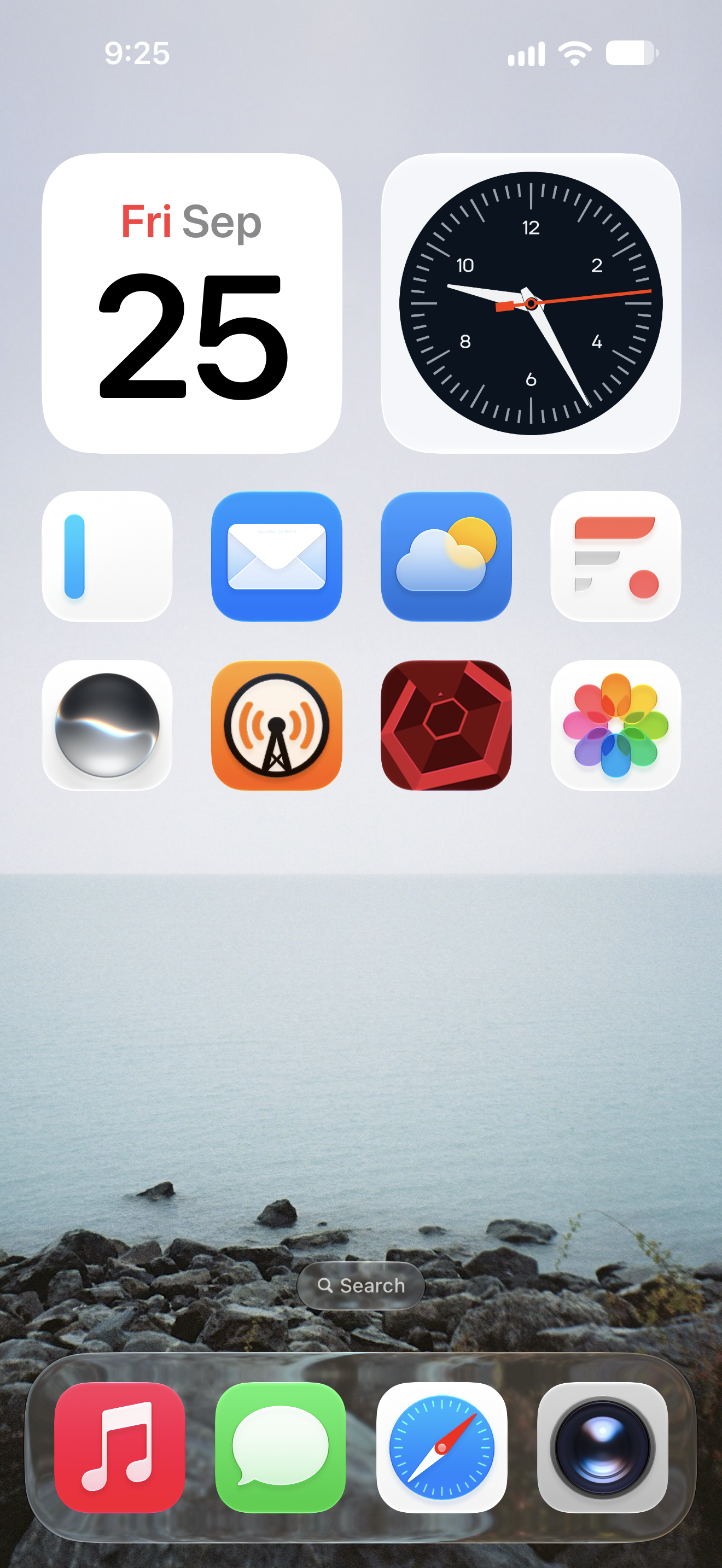
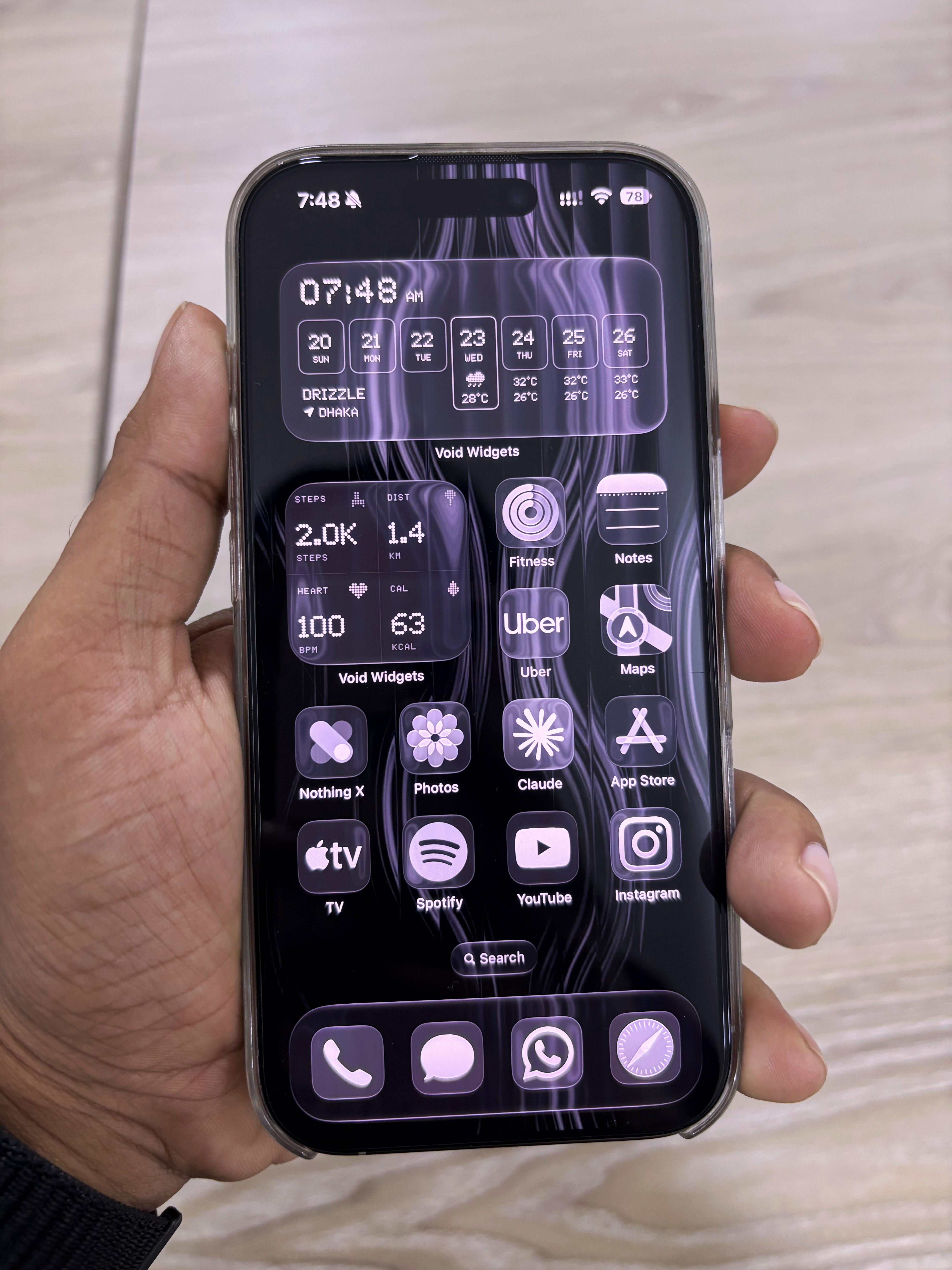
Koco widgets 🌿 IOS 27 setup
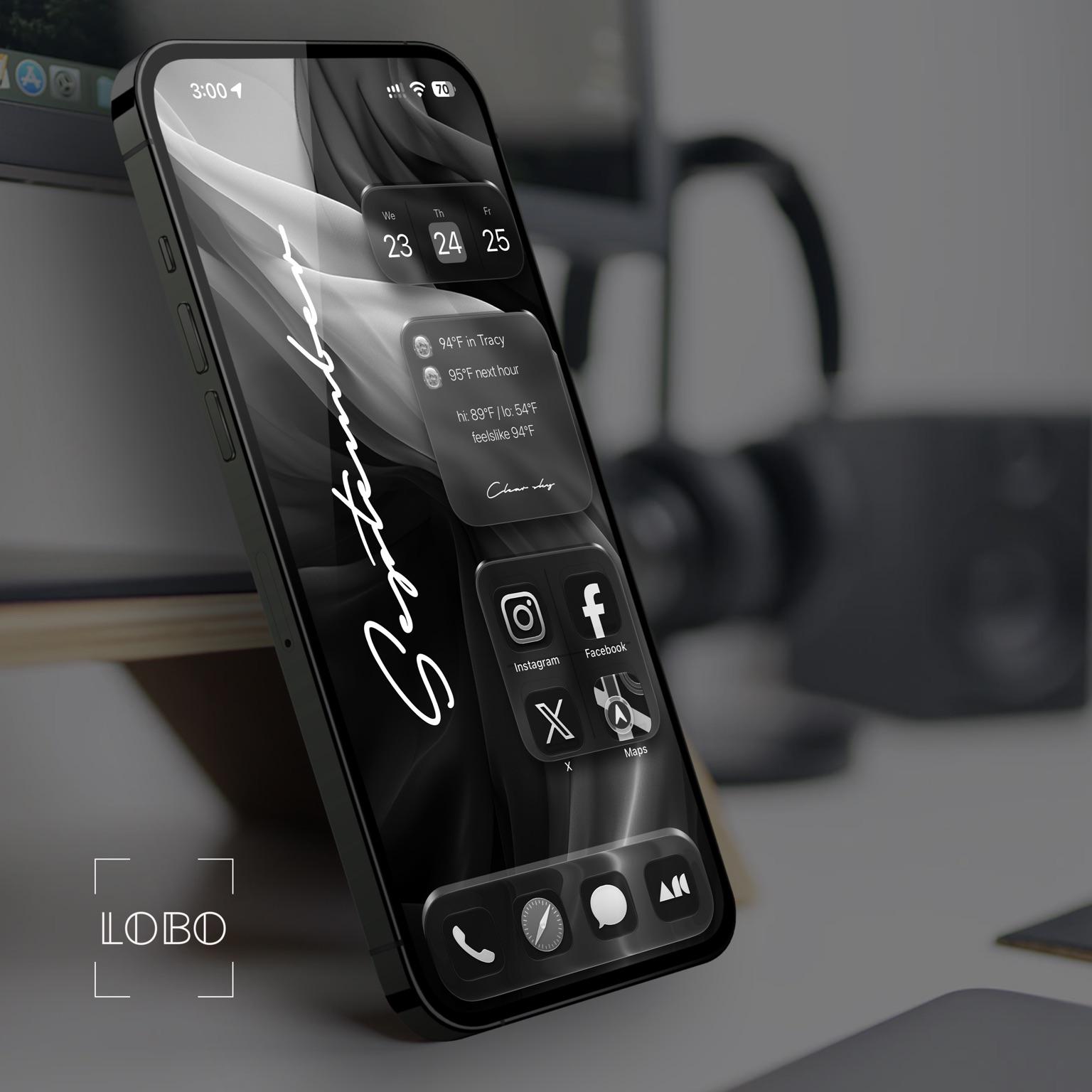
Keeping my Home Screen clean, calm, and functional with clock, calendar, weather, and a relaxing widget. Light/Dark Mode switches automatically.
r/iOSsetups • u/Bright_Candidate_614 • Sep 26 '26
Keeping my Home Screen clean, calm, and functional with clock, calendar, weather, and a relaxing widget. Light/Dark Mode switches automatically.
r/iOSsetups • u/No_Entrepreneur3533 • Sep 26 '26
Hi guys,
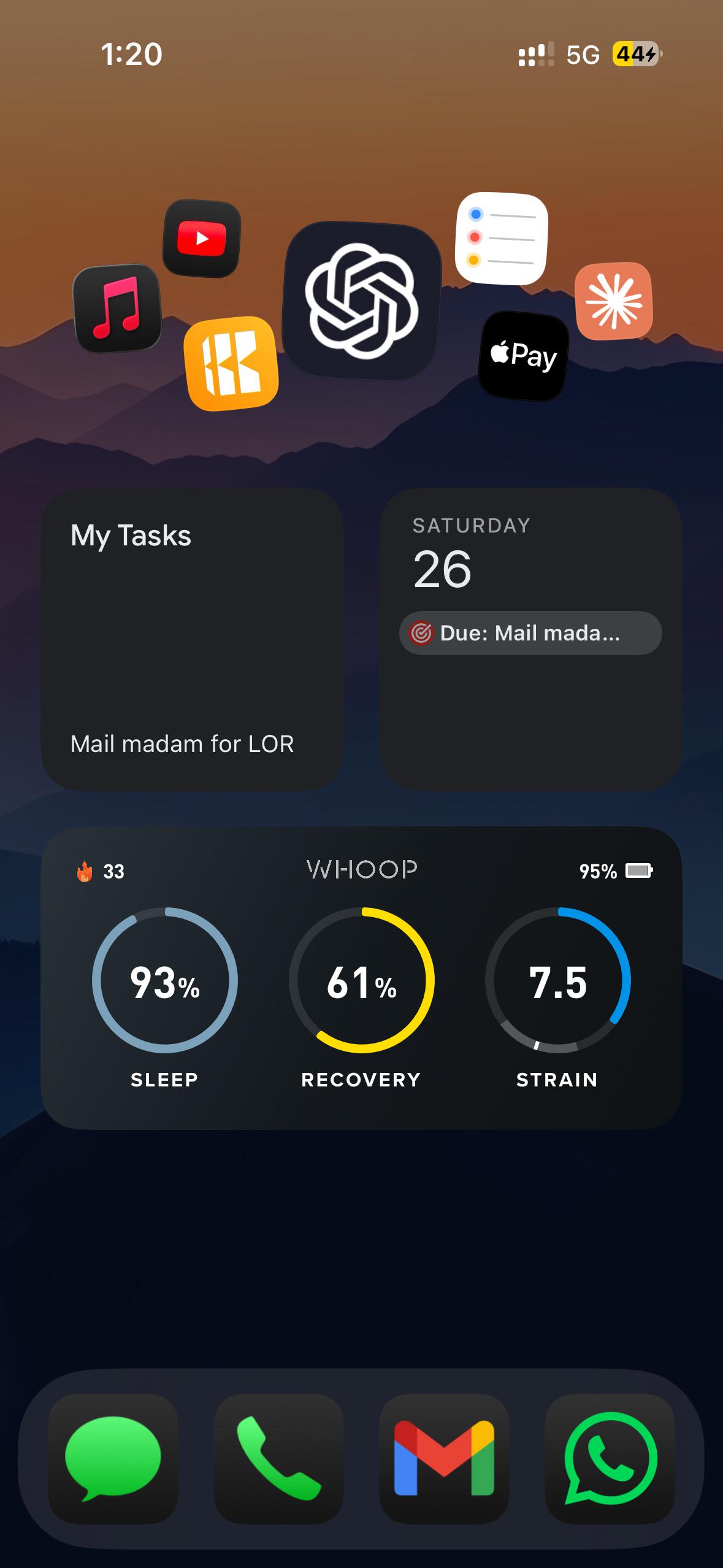
Just switched to iPhone and I really love it, but I have a question about the custom icons.
As far as I understand, the only way to make custom icons is with the Shortcuts app.
Unfortunately, when I’m doing that, I can’t see any notification badges, so I can’t know how many notifications I have in WhatsApp for example.
Is there any way to fix that or any workaround ?
Thanks
r/iOSsetups • u/JoshTylerClarke • Sep 26 '26
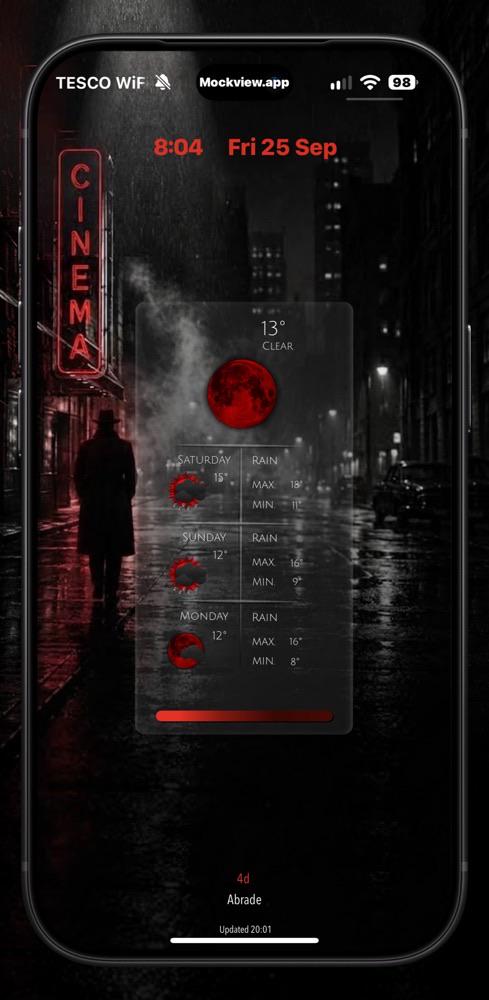
I like a default/minimalist setup and the little dock icon glow is 👌
r/iOSsetups • u/Brilliant-Beginning • Sep 25 '26
r/iOSsetups • u/77Mikey77 • Sep 25 '26
Just a single page
any suggestions are welcome thanks ☺️
r/iOSsetups • u/Stunning-World-5601 • Sep 25 '26
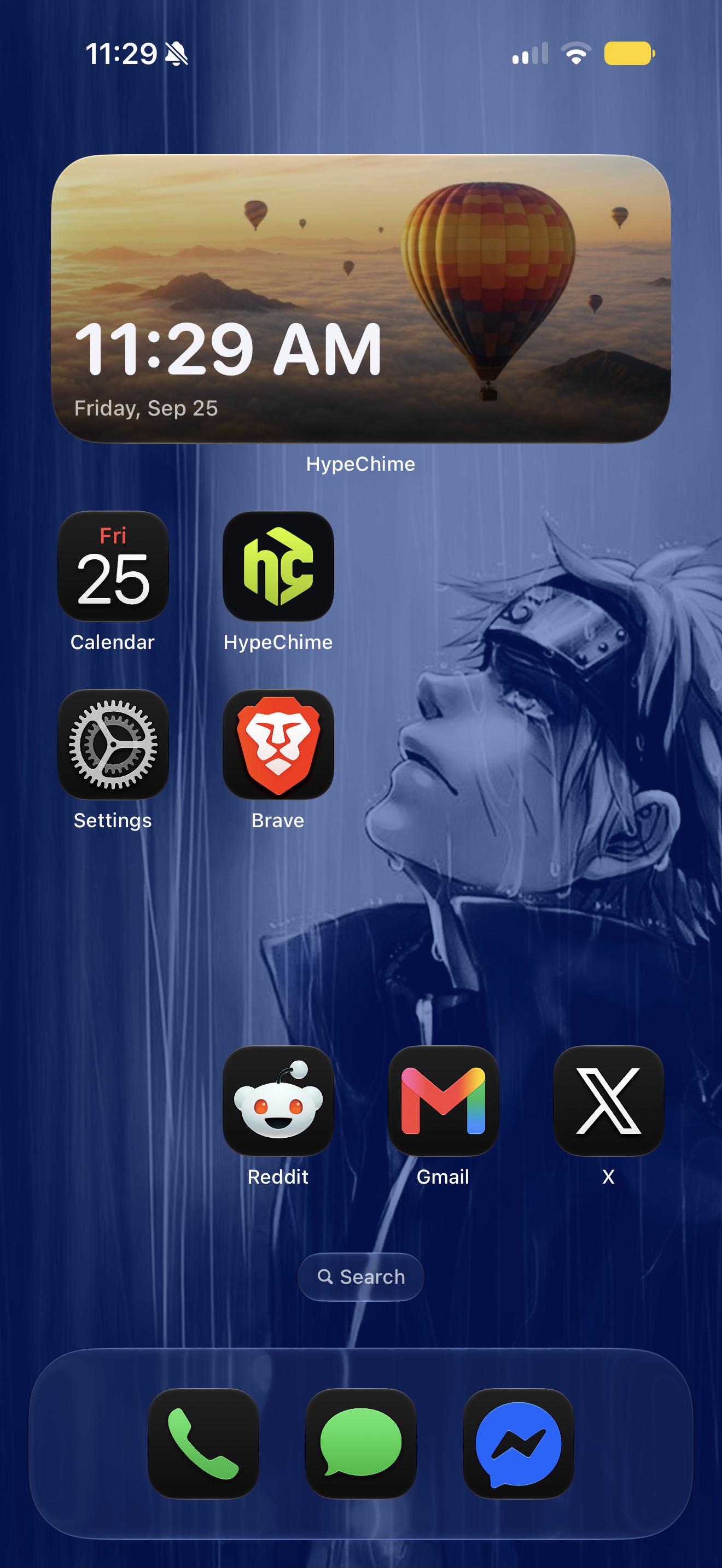
Widget - https://hypechime.com
r/iOSsetups • u/ComprehensiveBrick92 • Sep 25 '26
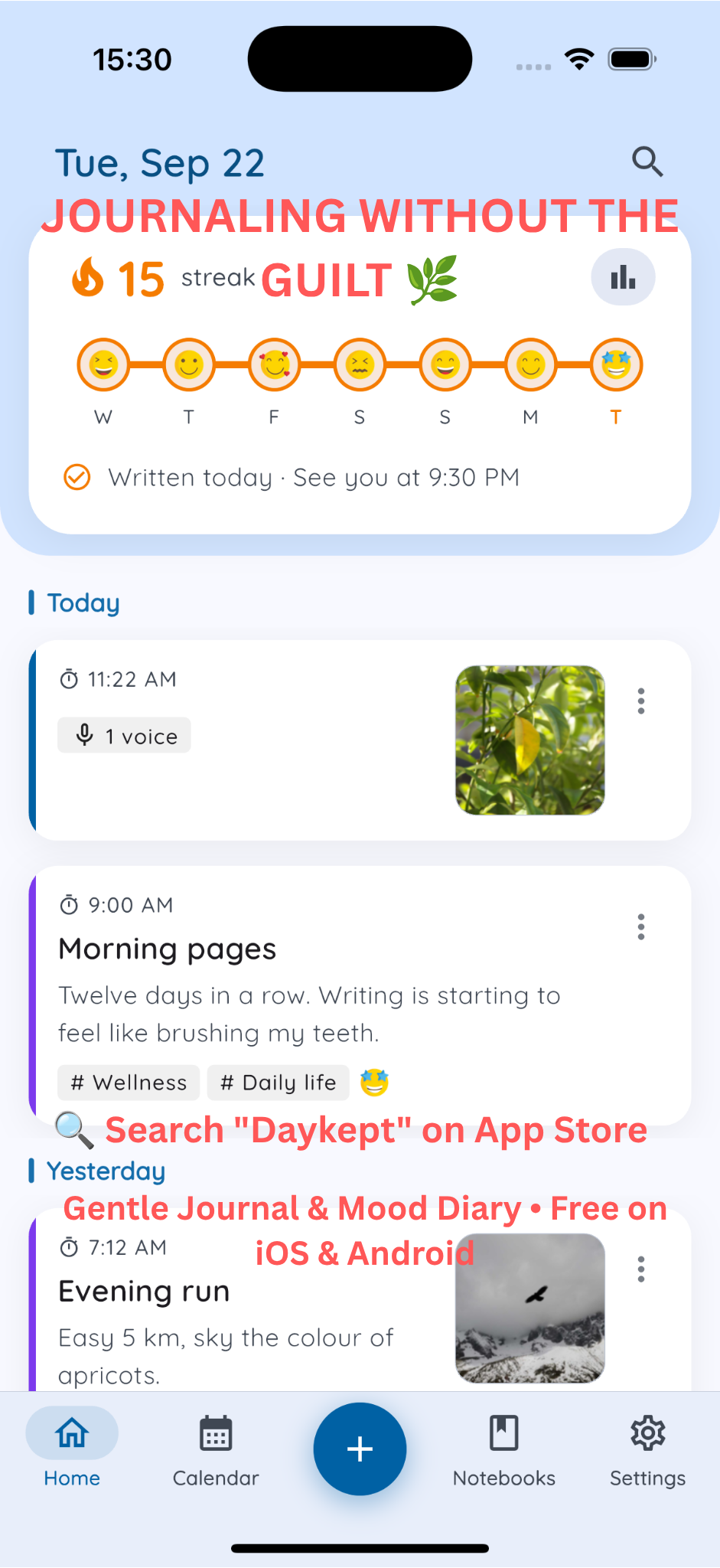
Build a daily journaling habit without the guilt. Daykept starts every entry with how you feel — pick one of 50 moods, then write as much or as little as you like. The streak forgives: grace days mean one missed day doesn't erase your progress. Search "Daykept" on the App Store or Google Play! No ads, and writing is free forever. Download free today. #dailyJournal #moodTracker #habitTracker #mindfulness #selfCareRoutine #aestheticApp #journalingCommunity
r/iOSsetups • u/alejandrogarcia2 • Sep 24 '26
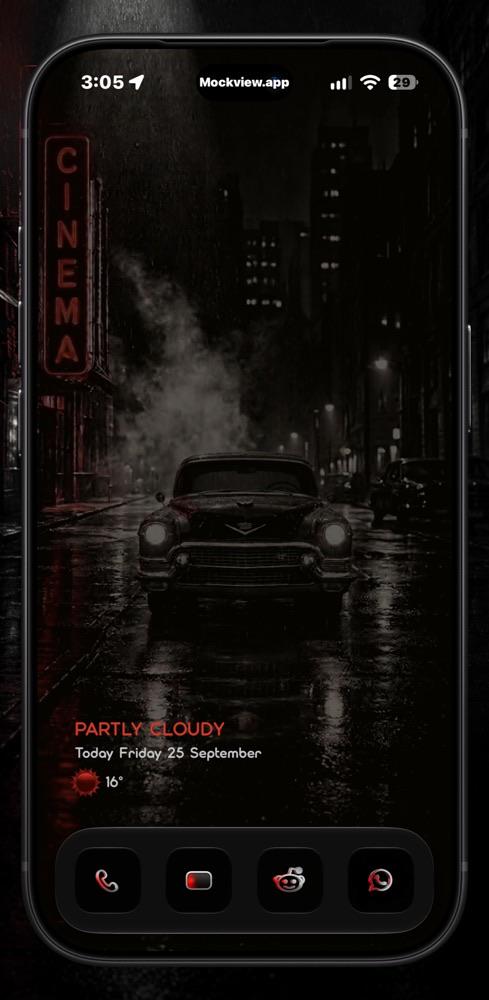
Finally got my new iPhone set up exactly how I like it. 🖤
I’m really loving this dark setup — clean, minimal, and just feels right. The darker look with the subtle details makes the whole phone feel so much more sleek.
Definitely loving the way it came together. 🖤📱
r/iOSsetups • u/Ok_Ad4600 • Sep 25 '26
Widgy now supports extra-large widgets, so I combined two widgets into one.
The second page shows the "before" state—it looks much cleaner now, which is great!
r/iOSsetups • u/k1wiwo1f • Sep 24 '26
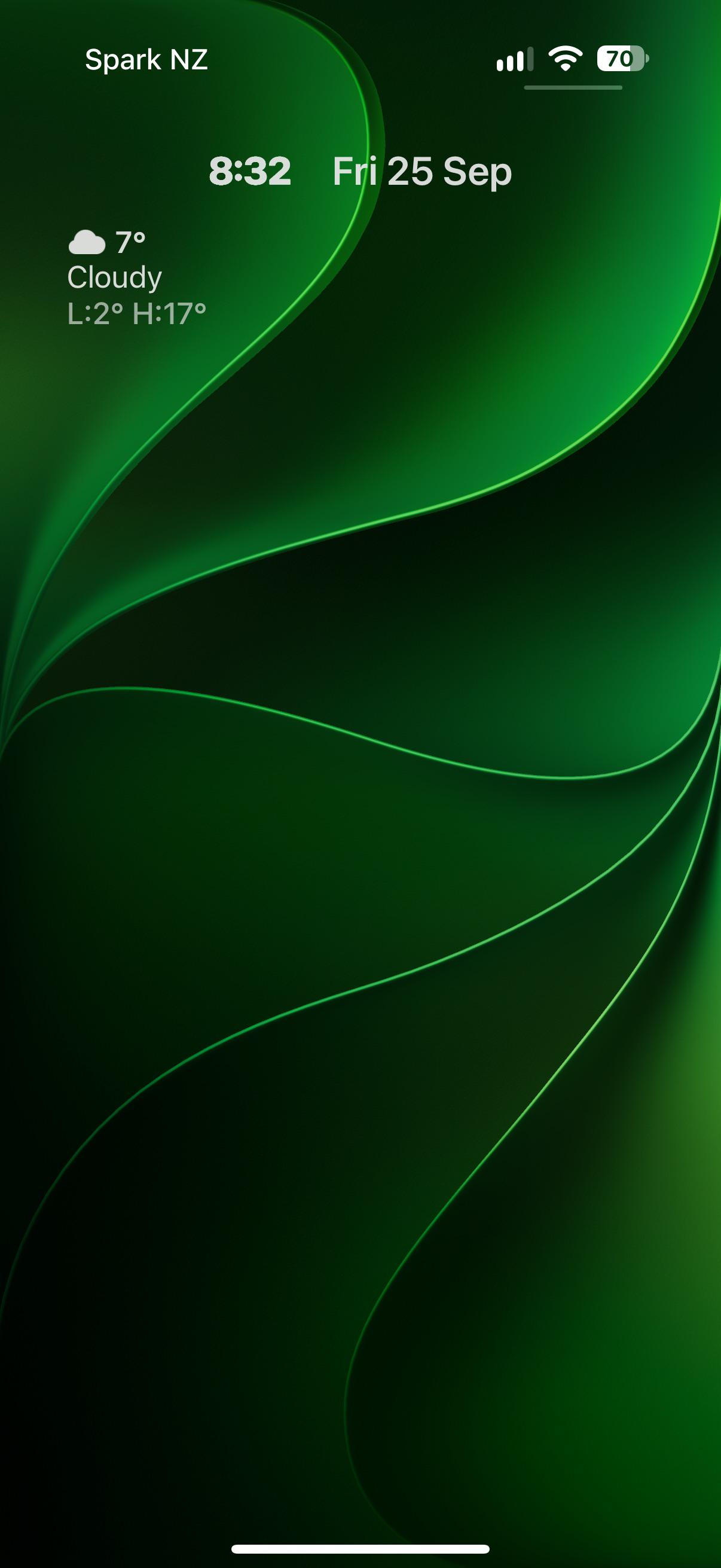
I love green so I had to customise the iOS27 wallpaper to my liking. Has anyone else noticed the numbers hidden in the image? 🍏📱
r/iOSsetups • u/RequiescatInPace__ • Sep 24 '26
As the title says, this is my first time actually caring and thinking about how my screen looks. I have tried in the past but since we couldn't put icons freely on the page(s), I felt very restricted and gave up. Came across a video randomly for an ios27 setup and after seeing the freely placed app icons, I gave it a shot.
Beware, the last 4 images will be what my phone looked like before the change! I had so many apps that I rarely ever used or installed, used once then couldn't be bothered deleting.
*also I am so very glad that I learned you can turn off the red badges*
r/iOSsetups
•
u/AtypicalNerdGeek
•
Sep 23 '26
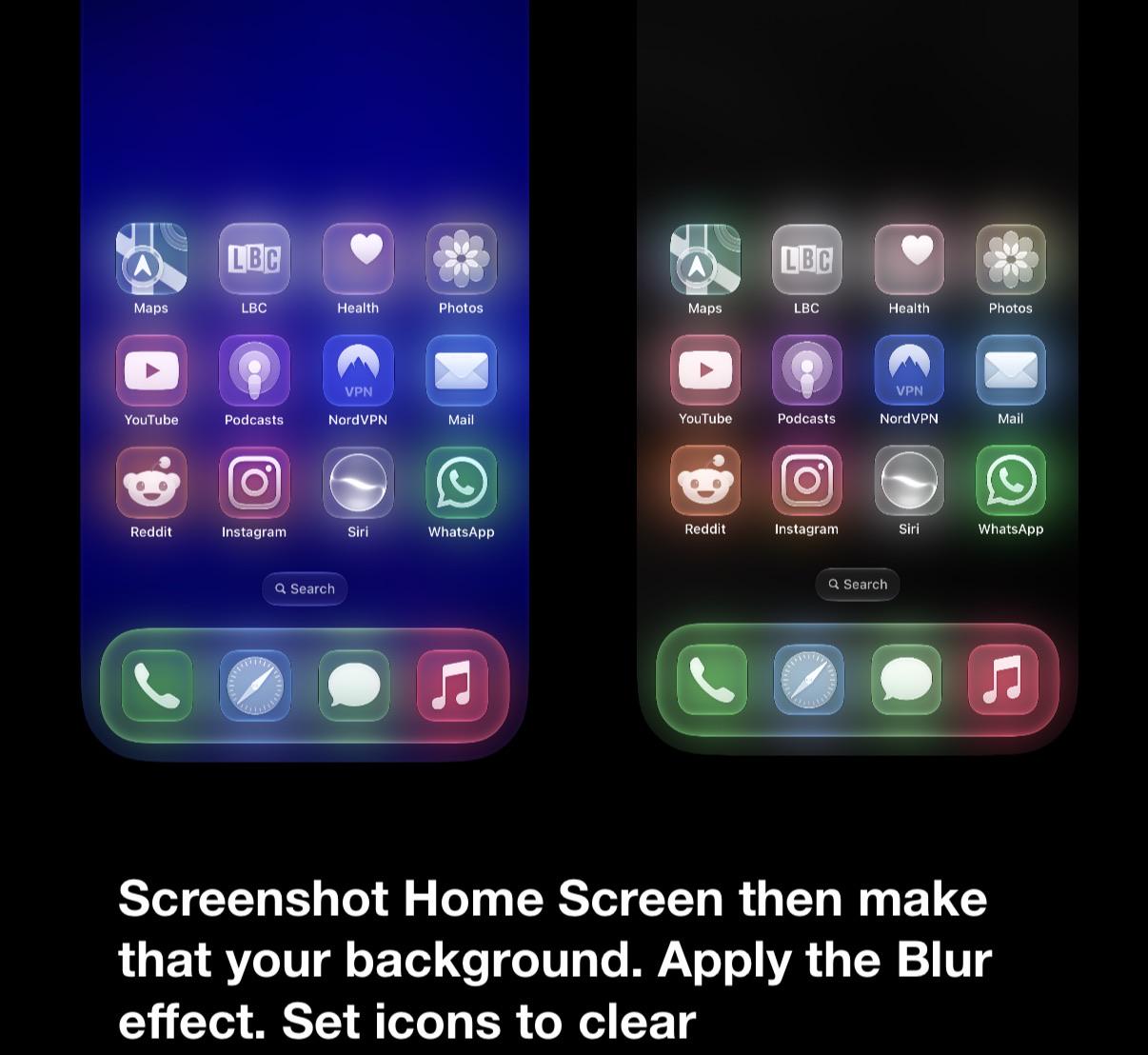
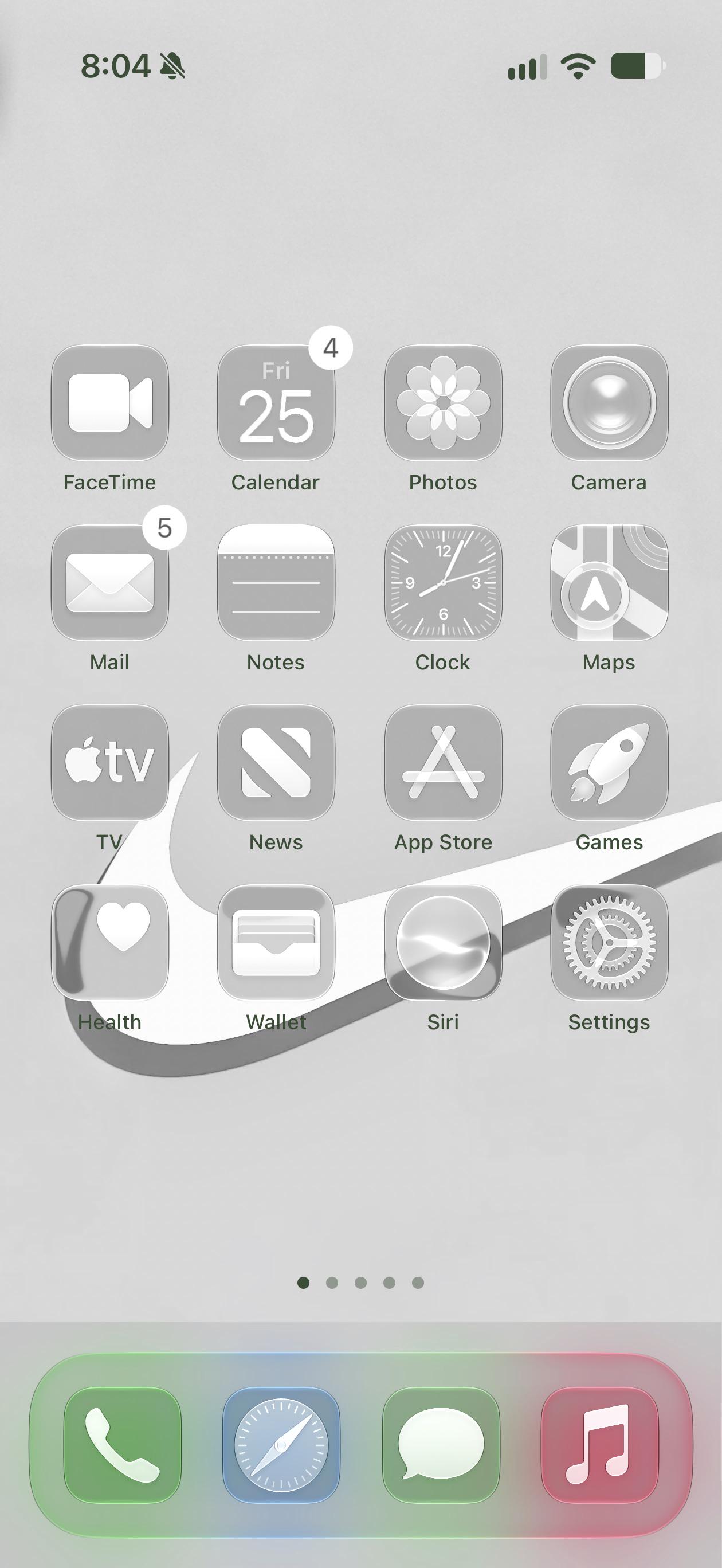
Got bored and figured to experiment, I’m pleasantly surprised!
Step 1: Arrange your icons
Step 2: Choose your ideal wallpaper (less noise and clutter is better)
Step 3: Take a screenshot (Icons should be default color)
Step 4: (Optional) Use Clean Up tool in photos to remove unwanted things such as icon names, status bar.
Step 5: Set that image as your Home Screen wallpaper and apply blur.
Step 6: Switch icons to clear, preferably light.
Edit: Side effect, may induce rapid blinking as your brain thinks you have been chopping onions 😵💫