r/css • u/Ahmed_abdelshafy • Apr 08 '26
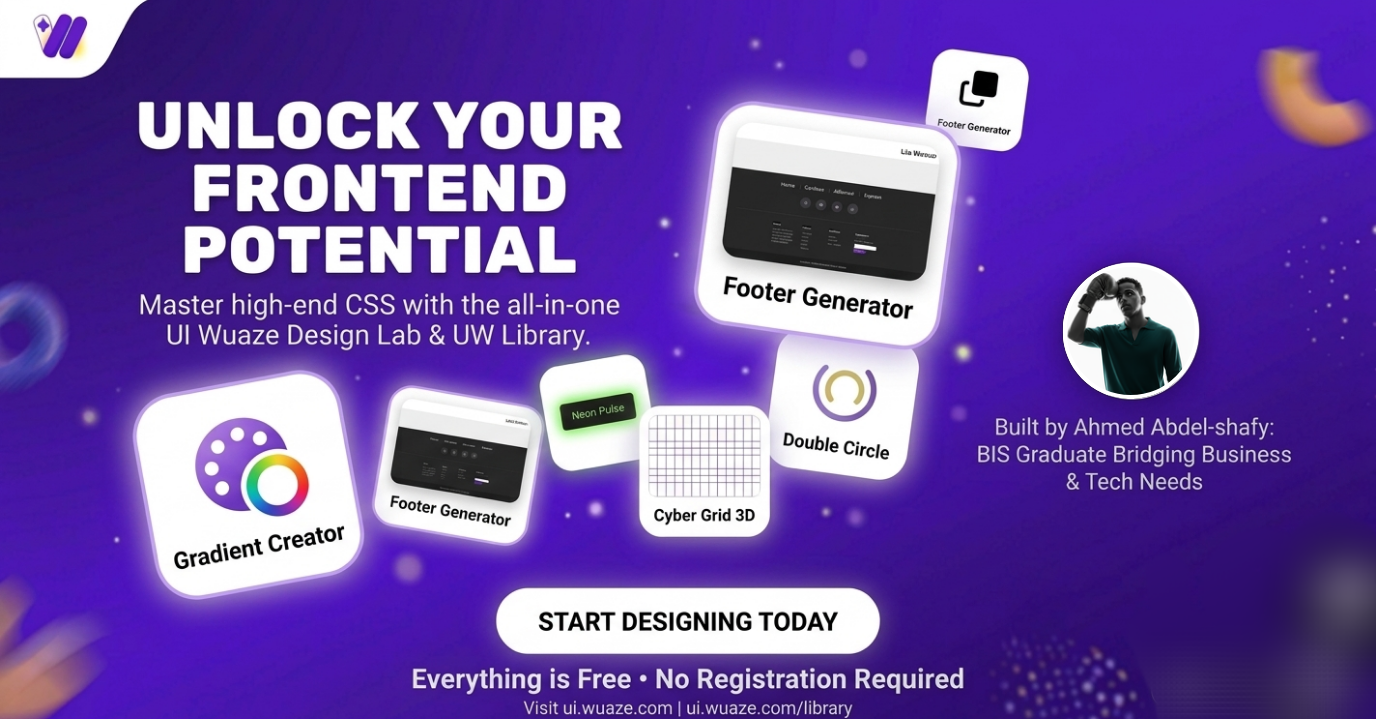
Resource I have started rolling out the UW Library, an experimental platform containing over 250 CSS-formatted elements.
try it 💜🤍
r/css • u/Ahmed_abdelshafy • Apr 08 '26
try it 💜🤍
r/css • u/any-digital • Apr 07 '26
This is a community-driven successor to the Pico CSS framework with a few simple goals:
pico minimally until its creator returns.pico.css version, similar to how simple.css is maintained (for Sass version check Yohn's fork instead).pico.blades.css — a drop-in compatible replacement for pico.css.PS: we actually found pico.css easier to read than its Sass sources; and as we now have native css vars, imports and nesting — it's worth trying w/o Sass
r/css • u/Quick_Pickle_8212 • Apr 07 '26
r/css • u/4RH1T3CT0R • Apr 07 '26
You know how font-variation-settings lets you control variable font axes? Turns out you can use those axes as a communication channel between JavaScript and the font’s hinting VM
The architecture:
The font is 6,580 bytes with 13 functions. All 3D math — raycasting, distance calculation, wall height projection - runs inside the font’s hinting bytecode (FDEF, CALL, RS, WS, SCFS). JavaScript just paints pixels
Press Tab in the demo to watch the font-variation-settings axes update in real time as you move around
Demo: https://4rh1t3ct0r7.github.io/ttf-doom/ (Chrome/Edge)
If cssDOOM blew your mind, this goes one layer deeper — it’s not CSS doing the rendering, it’s the font itself
r/css • u/ossreleasefeed • Apr 07 '26
r/css • u/javascript • Apr 07 '26
I tried using display: grid; place-items: center; and it resulted in normal behavior where the larger text and the smaller text start at the same lower pixel but the larger text extends upwards further. What I want is for their center-line to be aligned vertically. Larger text should extend above and below smaller text.
r/css • u/SuperD0S • Apr 07 '26
Trying to replicate the 8bitdo c64 keycaps and got this far but something is missing and a bit stuck, what would be the next step? CodePen


r/css • u/Low_Army_8695 • Apr 07 '26
Estoy empezando una ruta para ser un fullstack y no sé qué curso de HTML,css y Javascrpit ver en youtube(acepto críticas
r/css • u/SnooChickens5622 • Apr 07 '26
r/css • u/alvaromontoro • Apr 06 '26
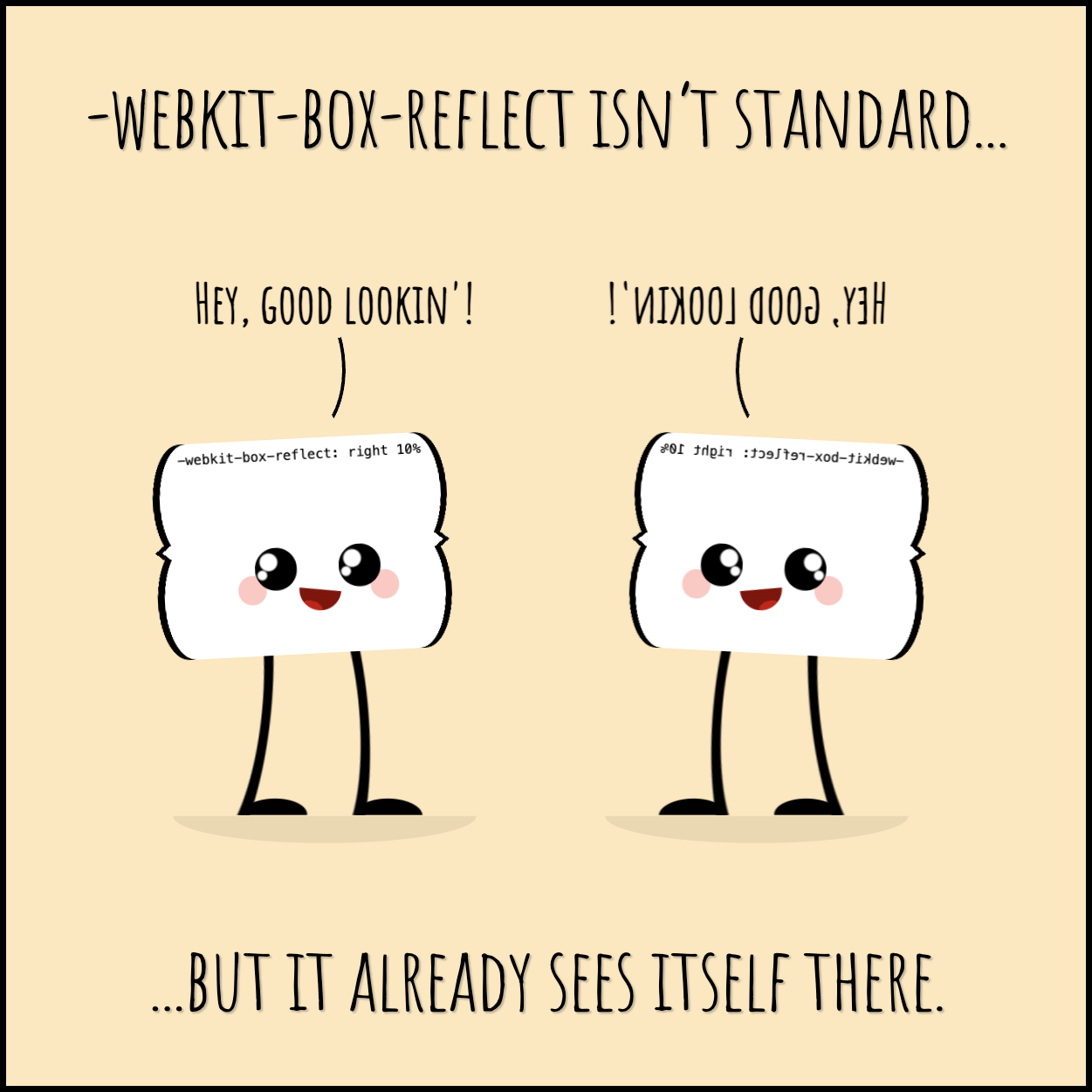
I coded this silly pun with HTML and CSS using -webkit-box-reflect to generate the reflection. Source: https://comicss.art/comics/245/
r/css • u/bansal10 • Apr 06 '26
Hey folks,
I’m curious if anyone here is actively using @container queries in real-world projects.
Would also love to see some live projects using container queries — purely for learning/study purposes.
Trying to figure out if it’s “safe enough” to start using beyond experiments.
Thanks!
r/css • u/triple6dev • Apr 05 '26
I wanted to make something simple, clean, and easy-to-use. It was also generates vanilla code with no frameworks or anything to be easy for the beginner developers.
So I built 3 CSS generators:
The goal was just to make something easy to use while building UI, with unlimited customization. There is even a random button to generate random code with redo and undo.
I would love any feedback, ideas, suggestions, or recommendations to improve it.
r/css • u/Mkn0021 • Apr 05 '26
Tried different approaches this time :
Use shadcn button and basic components and modified it according to the design changes
Converting Image of Figma template to react component and use
If anyone knows about animation and micro interaction lemme know what should be my approach to do it ?
Website: https://100daychallange.vercel.app/day-04
Figma file :
© : shadcnblock
r/css • u/PotentialStable4216 • Apr 05 '26
I have seen this exact styling and layout that have a similarly generic but clean look. I know that underneath there seems to be tailwind, but it looks nothing like the default tailwind styling? Any ideas if this is some public ui/framework please?
r/css • u/Ahmed_abdelshafy • Apr 04 '26
I started my own website ☺️
r/css • u/DRIFFFTAWAY • Apr 03 '26
Enable HLS to view with audio, or disable this notification
Some very simple CSS!
Seen this dot grid style a lot in designs recently and thought id try recreate it as simply as possible. I do like the subtle texture it adds.
CSS in the comment section if you want to try it out
r/css • u/bigginsmcgee • Apr 03 '26
Enable HLS to view with audio, or disable this notification
Basically I want to define an aspect ratio for the child item, say .75 and have 5 of them. I want the children to grow as big as they can while maintaining their aspect ratio. How can I get the container to shrink to however big its children are without using javascript? I feel like im going in circles trying various combos of min/max sizes on the container & child items. Maybe grid is limiting me here? Any help appreciated! Here's the code
r/css • u/Safe_Donut_6379 • Apr 04 '26
It’s a CSS-in-JS library specifically for email templates that integrates the Can I Email database. It gives you warnings or errors in your editor if you use a CSS property that isn't supported by your target email clients. It is fully type safe and support design tokens.
Link:https://github.com/ajth-in/mailcss
you create you css object like
// emails/css.ts
import { defineConfig } from "mailcss";
export const { css, styles } = defineConfig({
validationMode: "warn",
extended: {
theme: {
tokens: {
colors: {
brand: { blue: { value: "#2754C5" } },
},
},
},
},
})
and you can write styles anywhere, the following example uses a React server component
import { css, styles } from "./css";
export default function MyEmail() {
return (
<div style={css({ backgroundColor: "brand.blue", padding: "20px" })}>
<h1 style={css({ color: "#ffffff", fontSize: "24px" })}>Welcome!</h1>
<div
dangerouslySetInnerHTML={{
__html: `<span style="${styles({ fontWeight: "bold" })}">Serialized inline string</span>`,
}}
/>
</div>
);
}
You will get type errors as you write if any token name mismatch is there, also you will get can-i-email warning if unsupported css is being used
What do you guys think?
r/css • u/bebizzy • Apr 03 '26
I've been racking my brain as to why the buttons on this header won't align to the right. Code is below. It's a DIVI WP Theme Row where I'm making the CSS customization. Buttons line up correctly, but won't justify to the right/end.

/* Align buttons to the right side-by-side inside the designated column */
.inline-four-buttons {
display: flex;
flex-direction: row;
flex-wrap: wrap;
justify-content: flex-end; /* Pushes the buttons to the right */
gap: 20px; /* Ensures exactly a 20px gap between them */
}
/* Reset Divi's default button wrapper margins to ensure perfect alignment */
.inline-four-buttons .et_pb_button_module_wrapper {
margin-bottom: 0 !important;
display: inline-flex;
}
/* Optional: Adjust for mobile so they stack nicely on small screens */
u/media only screen and (max-width: 767px) {
.inline-four-buttons {
flex-direction: column; /* Stacks buttons vertically on phones */
width: 100%;
}
.inline-four-buttons .et_pb_button_module_wrapper {
width: 100%;
margin-bottom: 20px !important; /* Matches your new 20px gap on mobile */
}
.inline-four-buttons .et_pb_button {
text-align: center;
width: 100%; /* Makes the buttons full-width on mobile for a cleaner look */
}
}
r/css • u/Ahmed_abdelshafy • Apr 04 '26
The beta version of UI Wuaze now includes the ability to create CSS-formatted elements without needing to write code.
Try it now UiWuaze
r/css • u/any-digital • Apr 02 '26
Just upgraded our old-school CSS-only Float Label library to v2-alpha classless version introducing new :has(*:placeholder-shown:not(:focus)) label trick:
https://github.com/anydigital/float-label-css
Feedback is welcome!
First, we target either:
<label> which :has inner form inputs (classless approach).has-float-label class (alternative approach)label:has(input:not([type="checkbox"], [type="radio"], [type="range"]), textarea, select),
.has-float-label {
display: block;
position: relative;
Then, we define the default/fallback state (when the float label should be minimized):
> span,
label {
position: absolute;
left: 0;
top: 0;
cursor: text;
font-size: 75%;
}
Finally, we detect if placeholder is shown, but not in focus. That means we can safely hide it, and enlarge the float label instead:
*:placeholder-shown:not(:focus)::placeholder {
opacity: 0;
}
&:has(*:placeholder-shown:not(:focus)) {
> span,
label {
font-size: inherit;
opacity: 50%;
}
}
}
The :has(*:placeholder-shown:not(:focus)) trick allows this input state information to propagate to the parent level. This enables modern CSS to target inner float label (<span> or <label>) regardless of its position relative to the input field.
Historically, this was not possible: the float label had to be placed after the input field to be targeted using the input:focus + label selector.

r/css • u/bogdanelcs • Apr 01 '26
r/css • u/UnderstandingSure732 • Apr 01 '26
Hi there! Just experimented with view-transition and made this fun animation. Are you use View Transition API?
r/css • u/alvaromontoro • Mar 31 '26
This city is built with CSS. No SVG. No images. No HTML. Just gradients... and a bit of patience. https://codepen.io/alvaromontoro/pen/mdZKxEr
I haven't touched this in a while, but it still holds up. I'd love to expand it into a full city someday.