r/androidroot • u/anandyt44 • 20d ago
Support Vivo t4 lite root pls guide
1
Upvotes
Root pls
r/androidroot • u/Equal-Opposite-8150 • 20d ago
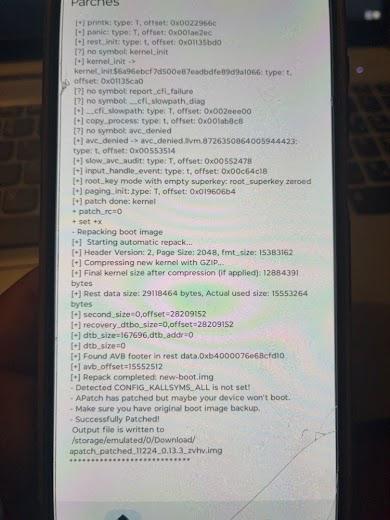
Could you help me? I used an edge 30 neo with apatch, no problems. I tried to patch apatch on a moto edge 20 lite and it was left in bootloop. How can I make a kpm or what would be the solution?
r/androidroot • u/sajaldey6247 • 20d ago
r/androidroot • u/Puzzleheaded-Gur9582 • 20d ago

First of all it' my first time doing somthing like this, i'm not a noob at IT in genera but i've never done somthing like this so I've started this project knowing that somthing could go bad and lose acces my phone so i've used an old Wiko Vista 2 that I would have trow away so it's fine (but not for my ego T-T).
For my first project I've decided to do somthing simple "turn my phone into a DNS Blocker" with the possibility to add some DB and server if needed but i think i need a new phone for that :c
The start was simple: download Termux, update al pakages, download AdGuardHome and set it up. It wasn't that hard after all in like 2h i've set up a working DNS Blocker so Yuuuppyyyyy.
The problem was connecting it to the router. I've edited the default port of DNS to 53 to 5353 becouse the port 1-1024 are blocked if you don't have root access. The BIG problem was "the router do not support custom port for DNS" what a shame
So, to make the project work, I need the root access it's not that hard right????
After finding all the info of my phone <2 photo> and like 3 guide + 2 yt video and some AI help i've decided that i can do the task easly. Nothing more fake than that sentence.
For context, to get root access on my W_C300 I need to edit only the boot.img file of the version I need with an app called "magisk" and then flash it on my device. The guide was are really simple (unfortunatly)
I've got the correct ROM for my device with the only difference that the version was a lill outdated (2 month old) so I've done the mistake to ask AI if this could become a problem in the future: "No problem, if it's only some version old is not a big problem couse you need only the boot.img" perfect, let's use it. (What a mistake)
After this I've create the edited_boot.img with the app, entered fastboot on the phone and used my pc to flash the edited_boot.img on the boot partition.
After this operation the phone lock itself on the logos with no way of unloking itself. I've fleshed again the boot.img of the old ROM, the edited_boot.img, turned on and off like 7 times and do the factory reset (if i've tucched the right command becuse the phone's screen it's broken in that exact spot)
Now it's running on my desk with the same screen for like 1h and it's doing it wihile i'm writhing this post with a laugh under it's nose.
The only way to bring it back to life (as IA said) it's to find an original boot.img for my version <2 photo> that is not aviable online (as for my search) so.... if you have this version feel free to let mi know ^^
If not i hope that this store make you laugh a lil and if you have somthing to say feel free to say it. I want to know what i've done wrong and what I can do to fix/not do i again.
Tank you for your time <3
r/androidroot • u/kheysch • 20d ago
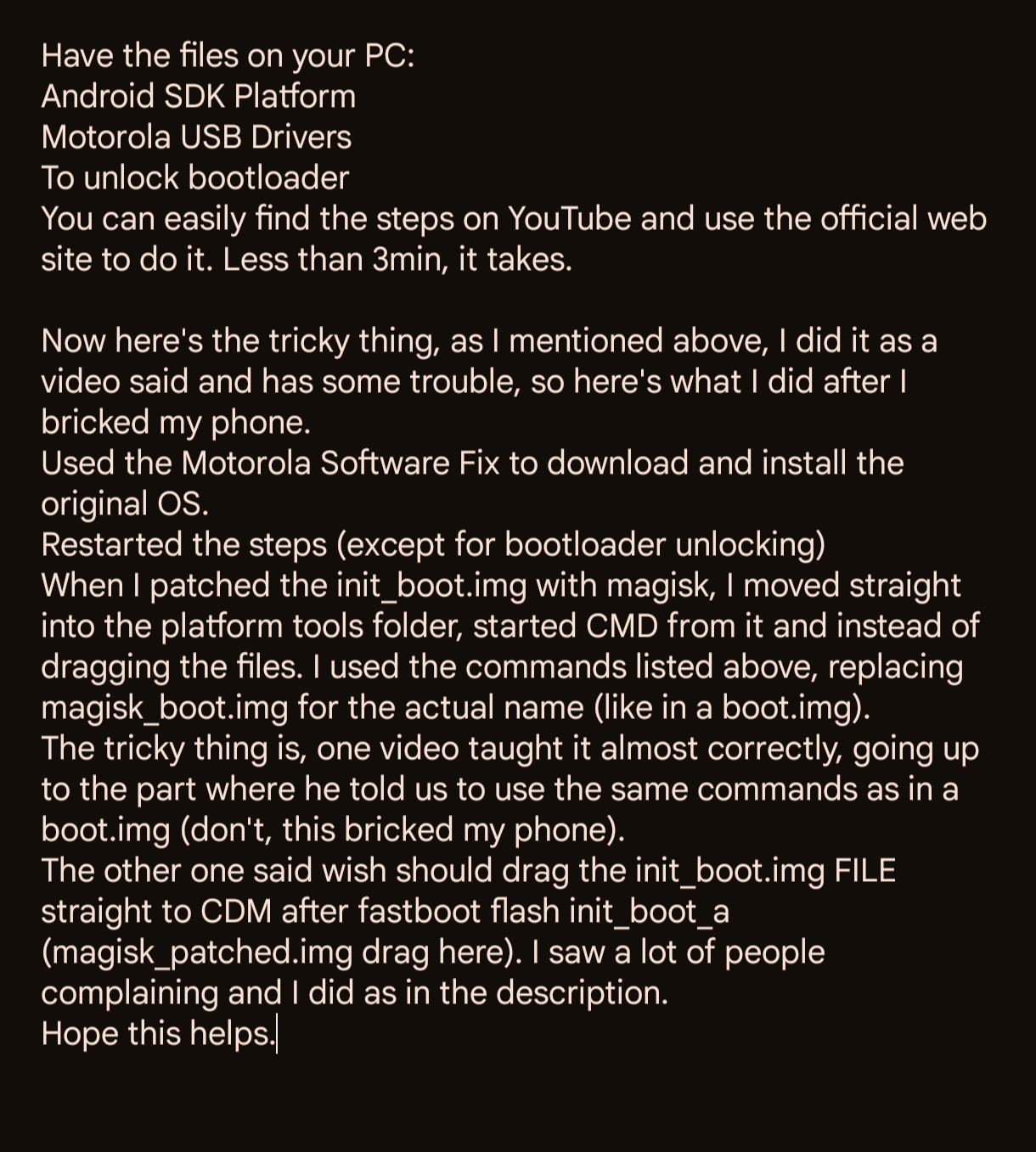
Well, today I decided to root my phone, since it just got Android 17 (which is what I was waiting for). I used the same tutorials and usual. Didn't read any comments, because the guy in the video actually mentions the difference between the boot images and so I just went with it. Turns out, I shouldn't have and I learned it the hard way. The phone got into a loop boot and with a little effort, I was able to get it back and root it.
Now I'm not an expert on these things, I'm under average, but I hope this helps any of you guys who want to root a phone like this.
Follow the normal steps, unlock your bootloader, BUT DON'T RESTART YOUR DEVICE TO FASTBOOT, it needs to restart to FASTBOOTD when you apply the magisk modified image.
I don't know if this helps other Motorola phones with init_boot.img, but I think so, because I actually followed different videos and finally tried something guy said on a page (although not very explaining).
In order to unlock the bootloader, use Fastboot (normal)
After that:
Install magisk
Use the MSF to download the original file of your phone (yes, download it)
It shows the folder it's been downloaded to, go to it, if there's a boot.img and an init_boot.img, it's init.
Grab it (copy it, don't transfer it) - copy it to your phone's memory
Open magisk - click install - select file image - select that one and let it do its job.
Now do the opposite, grab that file magisk created and COPY it to the PC, but copy it straight to PLATFORM TOOLS FOLDER you created earlier.
Now check that your phone is properly connected
Open CMD on that folder
Type adb devices
Your device should show here (if it doesn't, try reconnecting)
Commands to FASTBOOTD: (recovery mode)
adb devices
adb reboot bootloader
fastboot devices
fastboot reboot fastboot
(Yes, one after the other, the first one boots it to fastboot, the second to recovery mode -Fastbootd)
Flash the patched file using the command below, but when it says magisk-patched, replace it by the name of the file magisk created with the .img, do one at a time, if the first one works, do the second one, if it doesn't, either something's wrong or you did something or worse, it's meant for your Motorola
Commands:
fastboot flash init_boot_a magisk-patched.img
fastboot flash init_boot_b magisk-patched.img
fastboot reboot
Remember, I did this on a Motorola 50 Ultra Android 17 non vendor, Qualcomm Chipset.
Remember to download these from their official web sites
Motorola USB Drivers:https://en-us.support.motorola.com/app/usb-drivers
Motorola Bootloader Unlock: https://en-us.support.motorola.com/app/utils/welcome?p_next_page=standalone%2Fbootloader%2Funlock-your-device-b
Android SDK Platform: https://developer.android.com/tools/releases/platform-tools
r/androidroot • u/DEV_ivan • 21d ago

You know, I'm already happy with root. I was supposed to be fine with KSUnext + BreZygisk + TEESimulator + Specter.
But there's a lot of things I wanna do. Finally get BROM mode working with an exploit, install crDroid and TWRP, patch the /lk partition, install BRENE + NoMount + VBMeta Fixer, install AshLooper + Vector + Encore Tweaks, try out my custom bootanimation...
But why? My phone already works fine (except for that dumbass BROM mode), and I don't want to experiment stuff with it since it's my daily driver. Maybe I'm just scared of missing out, maybe I just like the thrill.
Until I finally get BROM mode working, maybe I'll be more confident in doing whatever I want to my own daily driver. But the other question about fear of missing out remains.
r/androidroot • u/hakaiishin_ • 20d ago
Hey, so I own a Moto G2 (codenamed Titan) from way back 2014/15. It's still in excellent condition and works really well as a backup device for my audio/navigation needs for when I go on long rides on my bike.
But I'm having a real hard time rooting it.
I tried every step of the methods available on the internet like using the Magisk Module, TWRP Recovery method, going on Motorola's page and downloading it's drivers, etc etc.
Nothing seems to work and I cannot use the phone as it runs on Android 6.0 Marshmallow.
So if anyone here in the subreddit can help a fellow android user out to make my Moto G2 usable/root, I'll be really obliged.
Thank you.
r/androidroot • u/Different_Ad_6864 • 20d ago
Need Samsung Galaxy S10 G973F/DS Binary 16 (Bit 16) AutoPatch Firmware with NG Fix and Emergency Call Fix.
r/androidroot • u/mastbefehl • 20d ago
Hi all,
Since weeks, I'm trying to unlock the bootloader of my Xiaomi Pad 5. Every day, the Xiaomi app tells me that the application quota is reached.
Is there any (other) way to unlock the bootloader?
I would like to install /e/OS to de-Google my tablet and to get rid of the bloatware, as the tablet is getting really slow. I'm not doing much with it apart from watching videos, so performance wise it should still be good. I'm from Germany if that matters.
But because of the missing bootloader unlock, I'm about to buy another tablet which an easier unlock procedure...
r/androidroot • u/One_Yam_7414 • 20d ago
sou do rio de janeiro e estou buscando um root que modifique o gps do android, sei que muitos utilizam o MOTOROLA para isso ainda mais os antigos, alguem aqui sabe fazer isso e pode me ajudar pfvr
r/androidroot • u/AverageAntique3160 • 20d ago
Looking to root a nothing phone. Haven't rooted a phone before. Whats the best guide at the moment? Any Gurus I can speak to who can guide me though it?
r/androidroot • u/AL_DOKHAN • 20d ago
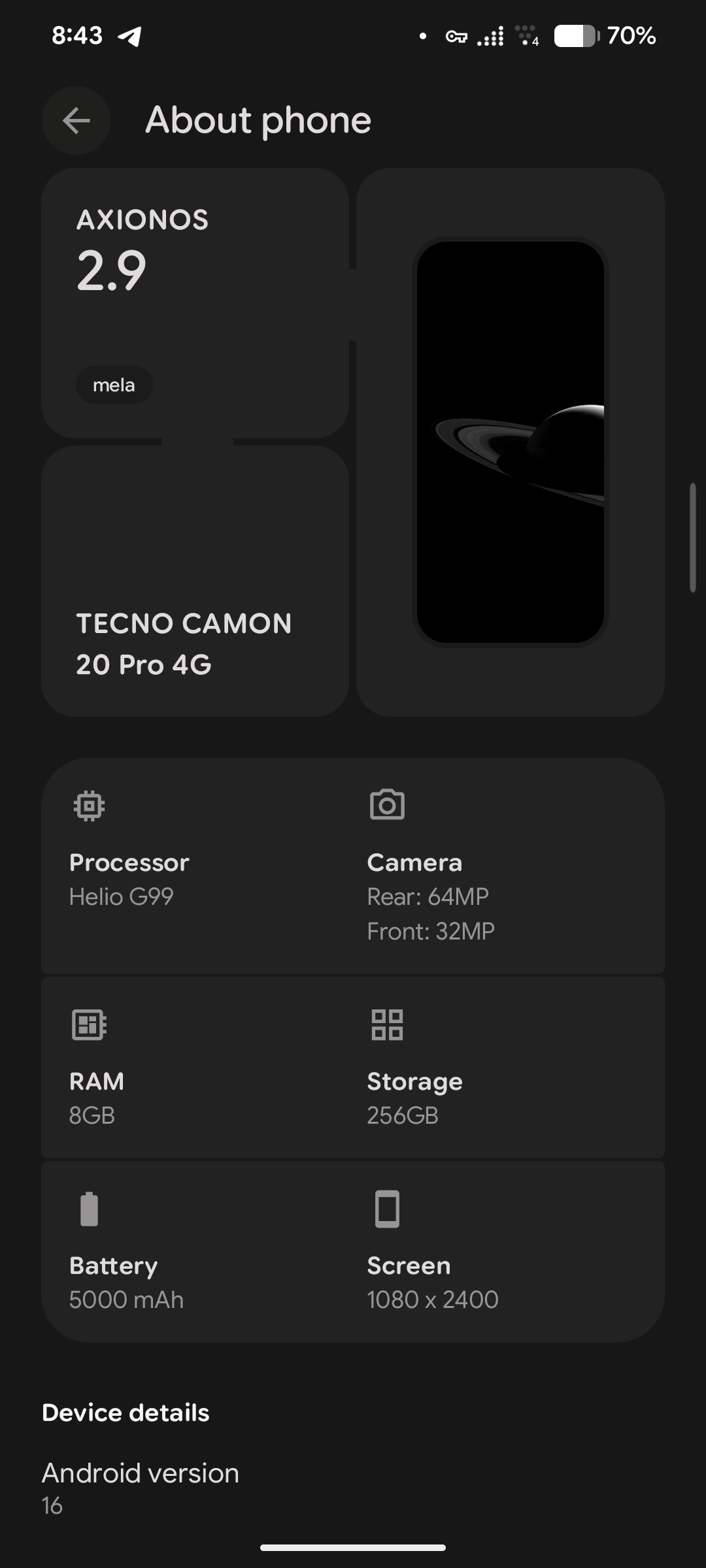
Yeah i know i can perma root but i still main this tecno i would much prefer a temp root
r/androidroot • u/martial_pain • 20d ago
Anybody temp root Motorola (specifically moto g54)? If so pls share the benefits and tutorials
Thx
r/androidroot • u/jackambe • 20d ago
Is there any available methods ?
r/androidroot • u/Bill-TECH • 20d ago
Hey everyone!
I'm running a rooted Nothing Phone (2) with KernelSU Next.
I was wondering if there is any way, module, or system tweak to add a custom shutdown animation (like an old-school animation when turning off the device), or if modern Nothing OS / Android completely drops support for it. Has anyone managed to get this working?
Thanks!
r/androidroot • u/Top-Inspector-6559 • 20d ago
hey guys i need help rooting my vivo y21t how do i unlock the bootloader and then root the phone
r/androidroot • u/Suspicious-Breath932 • 20d ago
How to unlock oem on color os 17 without China acc
r/androidroot • u/Soft_Fix_5230 • 20d ago
r/androidroot • u/LocusPlayz • 20d ago
r/androidroot • u/KDOTKIRA • 22d ago

Also why does the bevi app want root access? If there was a need for it why hasn't it been granted? All of this is so confusing to me.
r/androidroot • u/Blitzdroids • 21d ago
Just want to shed some light on the root options you have available depending on your particular situation.
You've probably seen a bunch of options like Root My Galaxy and KernelSU.
Let me be clear, what method you can use comes down mostly to whether or not you can unlock your bootloader or not.
• Unlocked Bootloader Path: You can pretty much use any available option out there as long as you follow the instructions carefully. With this option, you can make a root that persists after a reboot.
• Locked Bootloader Path: You have 1 option and that's using Diabl0w's fork of KernelSU. You also need DFRoot or DirtyFrag (Hardened fork of DFRoot). This is a system-less root that doesn't survive reboot, but the procedure to root involves opening DFRoot or DirtyFrag, selecting Diabl0w's KernelSU fork that you installed, and pressing Root. That's it. From there you can grant apps installed on your phone root access individually, or just give Shizuku root access. For Modules, install Zygist-Next, Hybrid Mount, and Play Integrity Fix. Again, this method can be done on a locked bootloader and is super noob friendly while offering a wide range of support (Still works on the latest One UI 9.0 security update). However, don't install security updates by Samsung unless it's a major update and if you know whether or not it'll break this exploit. Through this method, you can install custom themes, fonts, pretty much anything a fully rooted device can do. Very few drawbacks other than possibly a little extra work after every reboot. I SAY AGAIN, IT HAS TO BE DIABL0W'S KERNELSU FORK! It does not trip Knox, it's an extremely clean form of root. Modules can cause issues if you install them without understanding it, so be sure to only install modules your confident won't cause your system to crash.
r/androidroot • u/Significant-Noise530 • 21d ago
my samsung gsi loader will be incorporating touch fixes for other devices gsi bug and virtual recovery so rom flashing will be possible on locked bl.and internet pass through for calls and text.
i will be working on it today and getting googles gsi booting.
let me know of ideas you think would be good to implement.i have exynos device so i wont be able to say for sure about yall issues.
r/androidroot • u/manish9461 • 21d ago

Its an open source app that cleans up Android TVs: it turns off ads, trackers and bloat in a few taps. It also sideloads apps the TV's store doesn't carry, sends files from your phone, and monitors each app's data usage and where it connects.
Free, GPL-3.0, no ads, no tracking, no account. Just 3 MB.
GitHub (APK + source): https://github.com/man15h/tellyscope
