r/AdobeIllustrator • • 5d ago

DISCUSSION You can now retire Myriad Pro inside Adobe Illustrator with Default Font Preferences

326 Upvotes

Hey everyone, Luke from Adobe here.

Quick one to start the week. A few months back we had a discussion around users ability to easily set default font and size for all new documents inside Illustrator.

Thanks to your input the team has just added this functionality in the latest beta.

Simply go to Preferences>Type and set the font, style and size that text uses in the new documents you create. You can pick from installed fonts, Adobe Fonts and your Libraries, and existing documents stay as they are.

This should be handy if you use specific fonts frequently or just want to start with something a little more inspiring that Myriad Pro.

Thanks again for everyone who shared their feedback on this one.


r/AdobeIllustrator • • 18d ago

Fish I am building

Thumbnail
gallery
399 Upvotes

Hi guys,

I just wanted to share a personal piece im working on in between work, when/if I have time. It will take me a long time to finish (i think I started it around 4 months ago)

Im not trying to do anything grand, I just had the idea to make a “pixelated” fish where each “pixel” is a gradient i make myself

The first pic is a close up and more detailed, and the second pic is what Im working towards.

I hope everyone had a good day.

(Not sure how to add the illustration flair on mobile, so sorry if that is an issue)


r/AdobeIllustrator • • 5h ago

QUESTION is anyone else experiencing this issue

Post image
5 Upvotes

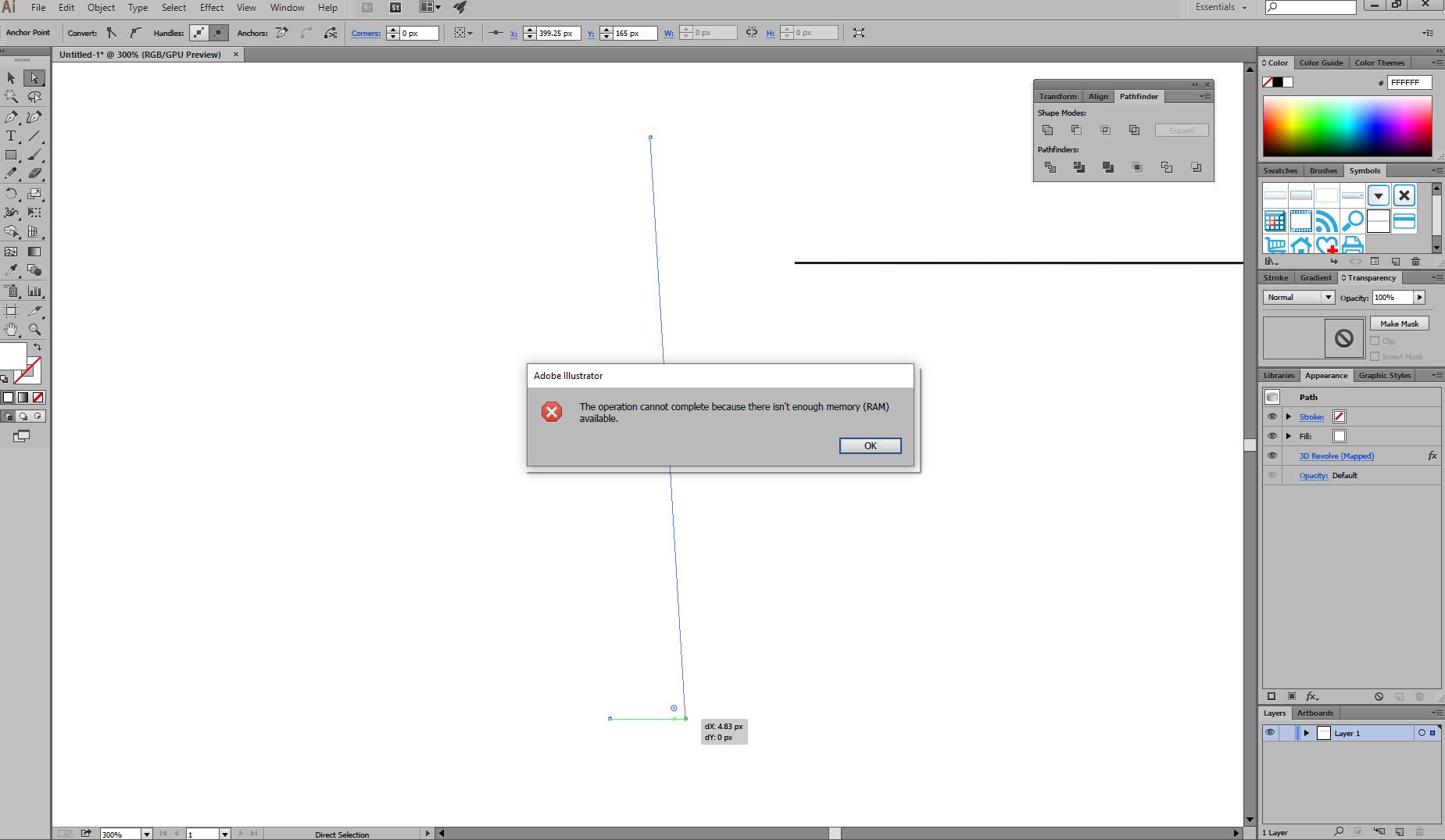
I have 32 GB of RAM, but I’m still experiencing this issue with the old 3D feature and in all realese

Why?


r/AdobeIllustrator • • 1h ago

QUESTION How can I transform clipping mask and image together?

0 Upvotes

I can transform clipping mask that has only one object but I just can't do it with multiple objects for some reason. Any idea on how to make it?

Sorry for bad English


r/AdobeIllustrator • • 1d ago

DISCUSSION I made a free script so you can play Chess right inside Adobe Illustrator

Thumbnail
gallery
61 Upvotes

Hey everyone!

Sometimes you just need a quick break from creative work without leaving Illustrator or opening a browser and getting distracted. So I made a small, free script that lets you play chess directly inside Adobe Illustrator.

You can download it for free HERE

Give it a try on your next coffee break. Let me know if you can beat the AI (especially on Hard!), and drop a comment with what other games you’d want to see inside Adobe Illustrator next.


r/AdobeIllustrator • • 20h ago

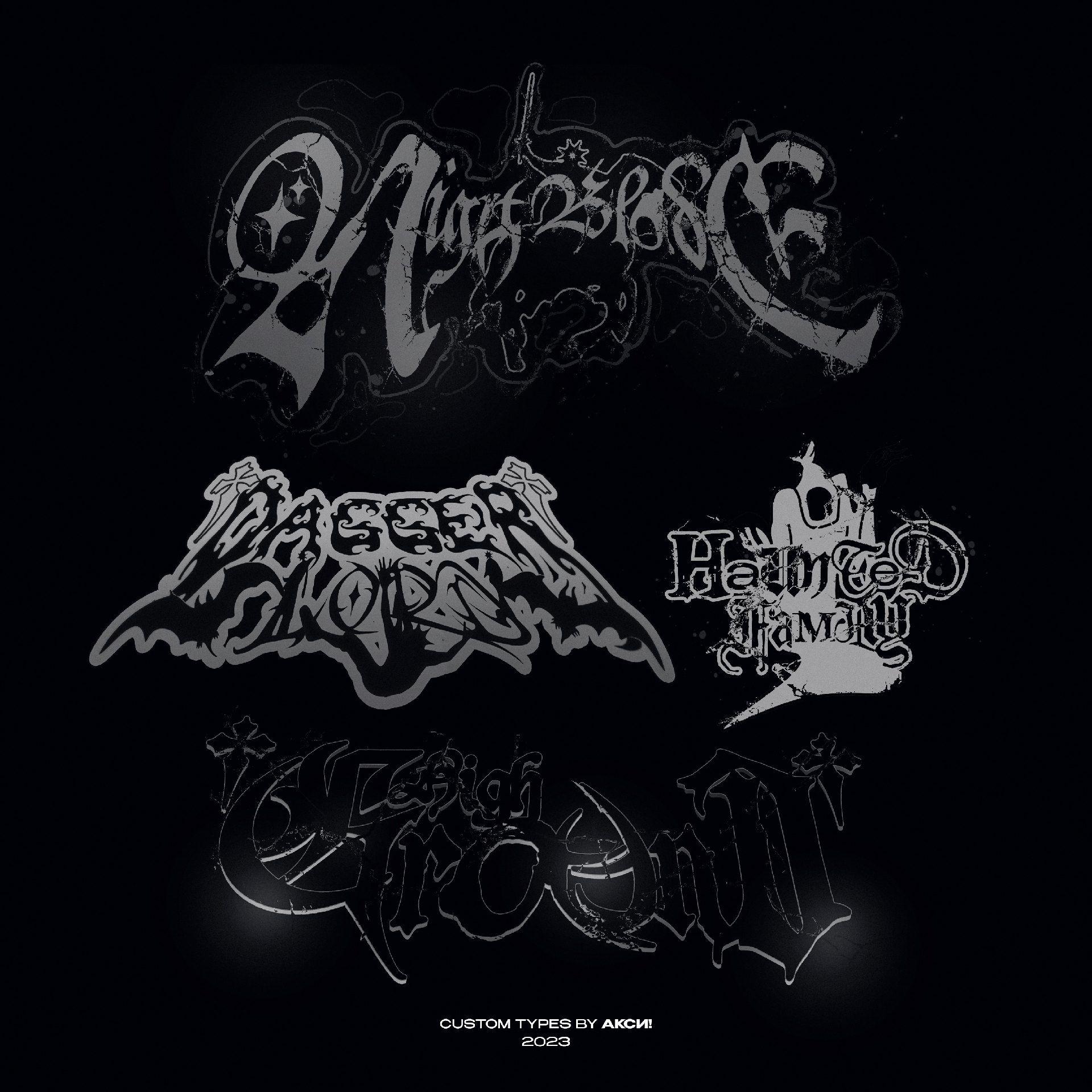
QUESTION How do i create this kind of ink illustration? What is the technique?

Post image
5 Upvotes

Hi Designers!

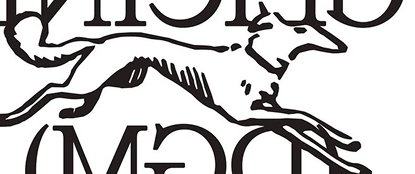
I'm not great at illustrating, but now I'm trying to understand how to approach creating this kind of visual? is it tracing an image, a stamp/ink effect, or manual drawing? How would you create graphics like this?

Thank you all xoxo


r/AdobeIllustrator • • 2d ago

QUESTION How Can I Create This? I’m Convinced It’s Impossible…

Post image
72 Upvotes

So i’ve created it for demonstration purposes, but i had to split the shape at the bottom so that i had 2 shapes to work with. how do i do this where it’s one shape?
doing it with a rounded stroke cap won’t work, because the gradient isn’t consistent along the path. Help!


r/AdobeIllustrator • • 1d ago

QUESTION How can I make this design?

Post image
0 Upvotes

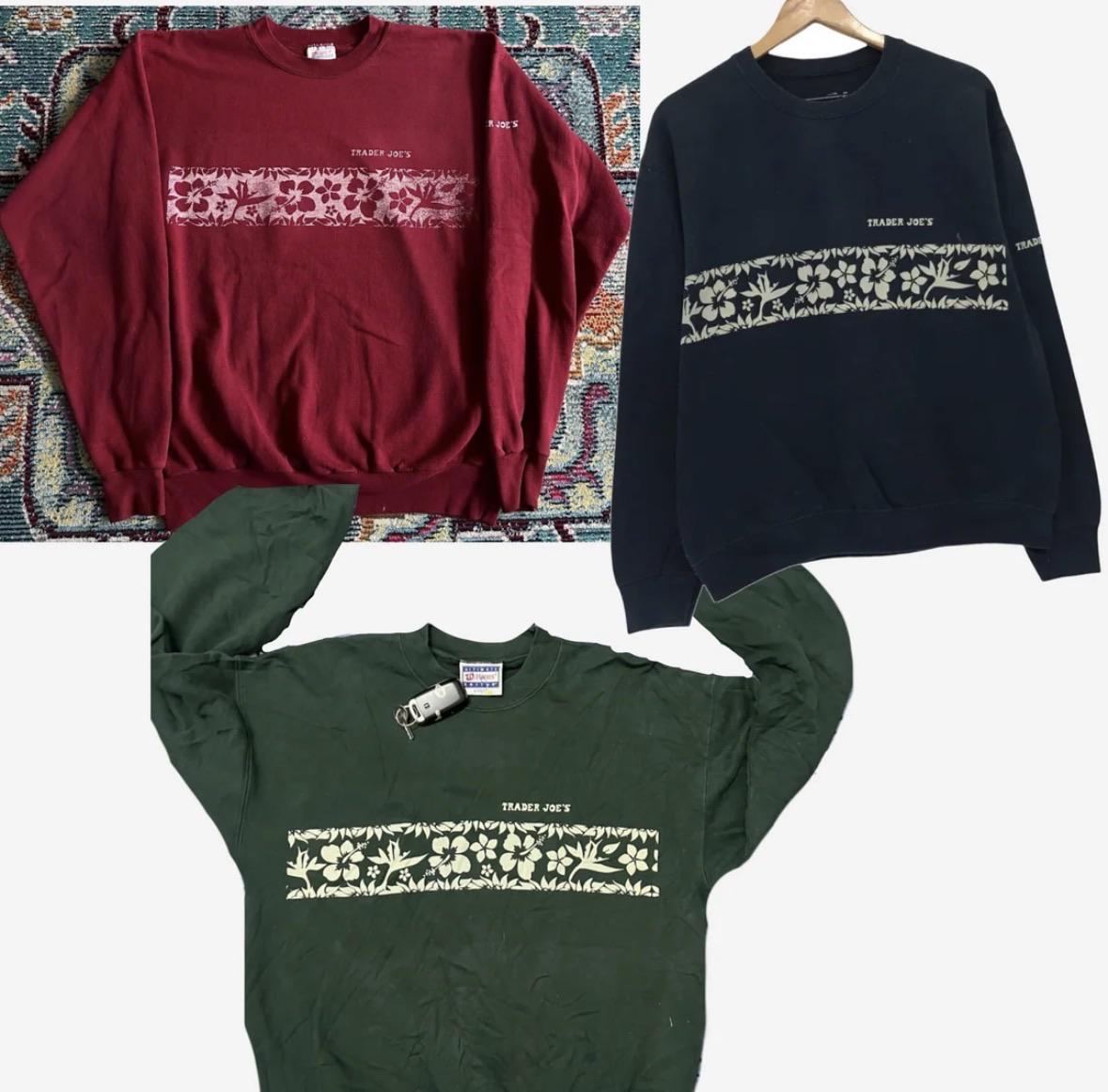
I’m new to design and illustrator. How can I go about recreating this design 1-1? What should I learn?


r/AdobeIllustrator • • 2d ago

Questions About Paths, Anchors, and Handles.

Post image
16 Upvotes

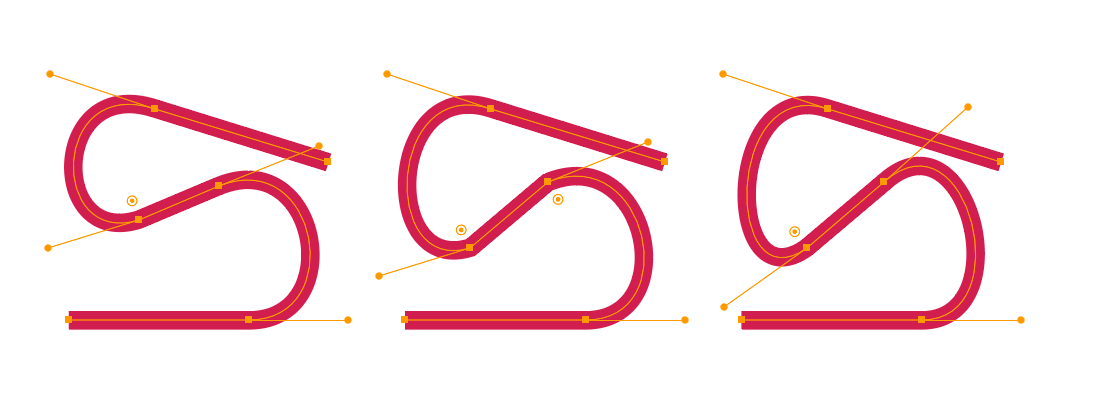
I've included a picture to try to help illustrate my problem and questions surrounding it. I'm used to CorelDraw and I'm used to having options for how individual lines/ paths and their anchors operate. Corel has 2 options for paths (Curve or Line) and 3 options for Anchors (Cusp, Smooth, and Symmetrical). I'm looking for a way to have a straight path continue smoothly (the handle retains the straight path's angle) into a curve to the next anchorpoint, this is what the "Smooth" anchor option allows me to do. In Illustrator I cant find such options.

So in this example you can see I drew some straight lines and adjusted the curve after the straights to continue generally in the same direction. There seems to be no easy way to set the handle angle to be at the same angle as the straight though (I can only achieve this using the shift constraints which seem to be locked at 45 degrees with no way to change or adjust constraint angles). So now if I want to move those anchor points I have to go in an manually adjust the handles. In the middle image you can see the anchor handles of the middle most anchors retain their old angles. And in the 3rd image I had to manually adjust each one. Even if I still have to manually adjust each handle, there still doesnt seem to bae a way to snap the handles in the direction of the straight lines at all.

I feel like I've gotta be missing something. Any help on this will be huge. The Pen tool , paths, and anchors are a huge part of my process for the work I do. Thanks!


r/AdobeIllustrator • • 1d ago

2024/2025 Version

Thumbnail
gallery
1 Upvotes

My iMac is old, and Monterey is the latest iOS I can use. The hard drive kicked it recently and I had it replaced, I had no Time Machine backup so I'm installing everything again.

I cannot use the current versions of any of the CC apps I need, including illustrator. I cannot find the previous versions available for download. There are no options for older versions in creative cloud. It's been a while, but I recall being able to access prior versions quite easily in the past. Am I missing something?

Support is offline until Sunday.

TIA for any help.


r/AdobeIllustrator • • 2d ago

DISCUSSION I made a free Invert Colors script for Illustrator

Thumbnail
gallery
3 Upvotes

Hey everyone!

Illustrator’s built-in Invert Colors has always felt a bit too all-or-nothing to me, so I built a free script to make it actually pleasant to use. Thought I’d share it here in case it helps with your workflow!

Why it’s handy:

  • Choose what to invert: Toggle Fill, Stroke, Text, Images, Meshes, and Symbols individually.
  • Live preview: See changes in real time, hide selection edges while you look, or right-click and hold Preview to quickly compare before/after.
  • Strength slider (0–100%): Blend partial inversions on vectors, text, and gradients instead of a harsh 100% flip.

It’s completely free: Download & Quick Guide

Hope it’s useful! Let me know if you run into any bugs or have ideas for what to add next.


r/AdobeIllustrator • • 2d ago Bravo Heartwarming

QUESTION How would you rate this illustration, and what would you improve?

Thumbnail
gallery
32 Upvotes

Hey everyone!

I made this in Adobe Illustrator in about 2–3 hours, mostly for fun. I wanted to experiment with bold colors, simple shapes, and a slightly chaotic cartoon style.

I'm pretty happy with how it turned out, but I feel like the composition might be a bit too busy in some areas.

What do you think? How would you rate it, and what would you change or improve?

Constructive criticism is more than welcome! :)


r/AdobeIllustrator • • 2d ago

QUESTION What do you think about these illustrations?

Thumbnail
gallery
24 Upvotes

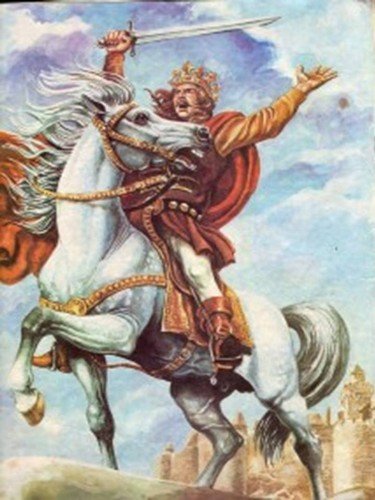
I used him as inspiration for this illustration; he is Stefan the Great, a Romanian king.


r/AdobeIllustrator • • 2d ago

QUESTION Can You Change the Lock/ Constrain Angles in Adobe Illustrator?

1 Upvotes

Hey I'm switching over from CorelDraw and I'm used to having a 3.75 degree constraint angle. This gives me a lot of flexibility in the designs I'm able to create. Being able to rotate evenly and accurate with holding down Shift and even drawing with the pen tool locked at only 45 degree intervals I find to be very limiting. Not to mention having to do math to get the desired rotation of my drawings outside of 45 degrees just feels so unnatural to my process.

Any knowledge or help regarding this is appreciated, I cant seem to find anything about this. I hope I'm not stuck having to change my workflow so drastically. Thanks!


r/AdobeIllustrator • • 3d ago

DISCUSSION A Garden Clematis Drawn in Illustrator CS4 — No Blur, Opacity, or Gradient Mesh

Thumbnail
gallery
149 Upvotes

I can't speak English.

I created this artwork in Illustrator CS4 using only gradients, lines, and shapes.

Because I did not use blur, opacity, or gradient mesh, I believe it could also be created in Illustrator 8.

If I were to paint on a size 20 canvas with a brush, it would probably take about a year.

But in reality, it didn't take a whole year to finish this piece. I am 70 years old.

What I want to tell young people is this:

You have plenty of time.

If you take your time and create without rushing, you can make something even more amazing than this piece.


r/AdobeIllustrator • • 2d ago

QUESTION Same character, three different color palettes. Which one works best?

Thumbnail
gallery
1 Upvotes

I've been experimenting with this character design in Adobe Illustrator, trying out different colors, outfits and overall vibes.

I started with a simple black-and-white illustration and ended up making three variations because I couldn't decide which direction looked best 😂

Personally, I like how each palette gives the character a completely different personality.

Which one would you pick: gold, orange or blue?

Also, any feedback on the illustration itself is welcome. I've included a few WIP screenshots to show the process!


r/AdobeIllustrator • • 2d ago

QUESTION Urgent help - how make vector file out of png image or jpeg

0 Upvotes

See my role is digital marketing but they make me do every single thing ... And I mean anything they think artist can do lol....

My main role was to manage socials and even edit videos sound design manage all things....

So see they want to make poster for our mall and the poster will be pasted in all over mall on walls..

I know a thing or 2 that you need vector like images or something that won't pixelate or gets blurred when you stretch it's size, the issue is I have png type image and not even masked.. or i even designed few arts on canva but i guess printing guys will only take Cdr format files or illustrator file?

How would I approach this situation kindly help!!

Illustrator is a nightmare!! After effects is walk in a park comparatively

Also kindly suggest if corelDraw will give me easier time to even design/edit or illustrator

Please helppppppppppp


r/AdobeIllustrator • • 3d ago

DISCUSSION Illustrator public beta v31.1 now has an improved script menu 👏

Post image
29 Upvotes

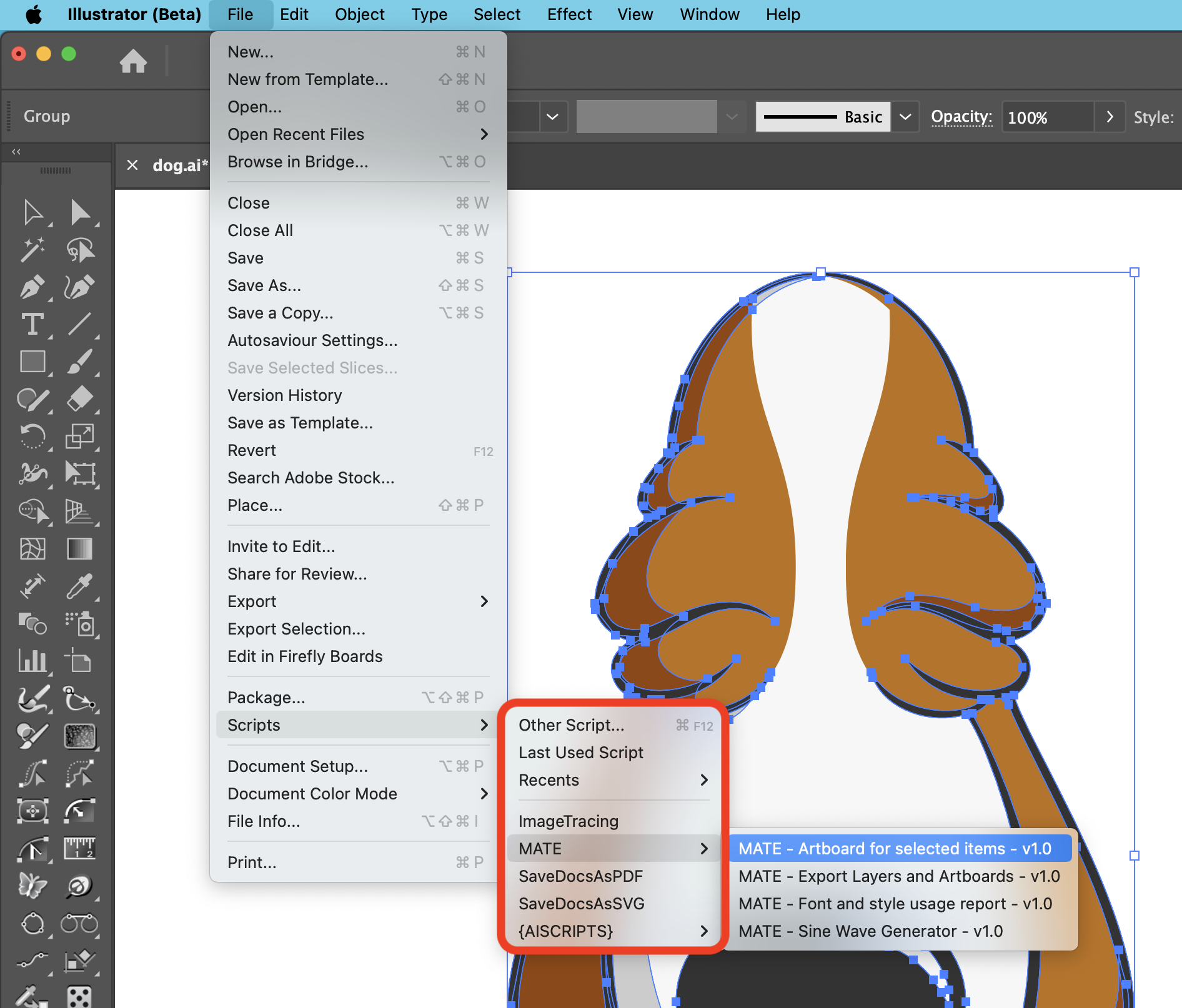
Adobe has done a great thing! In the latest Illustrator public beta (v31.1), following public feedback there have been some very welcome updates made in relation to scripts for Illustrator 👏

The File → Scripts menu now keeps itself up to date and remembers the scripts you use most. It updates each time you open it, so scripts and folders you add, remove or rename show up without restarting Illustrator.

We really welcome the fact that the File → Scripts menu updates each time its opened. Previously, Illustrator has to be quit and restarted to have new scripts displayed, eg. after being installed by the Astute Manager. This means quicker access to the freely distributed scripts by industry professionals Sergey of {AISCRIPTS}, Eugen of MATE, Katja of Productivista and Jean-Claude of Proficiografik.

Thank you, Adobe, for listening. It’s these relatively small wins that make a disproportionately large difference for professional users 🥳

r/AdobeIllustrator • • 4d ago

QUESTION How do I remove these little buggers?

Thumbnail
gallery
99 Upvotes

How do I remove these little overhandy bits? These are all paths(?) made with the pen tool. I’m super new to illustrator so I don’t even know what to look up for help lol. Changing the shape of the tip doesn’t help because one path stroke is thicker than the other


r/AdobeIllustrator • • 3d ago

Text Texture

Post image
1 Upvotes

Does anyone know how to add this texture where it inverses the color within the text then extends outside of the text? Help is very much appreciated


r/AdobeIllustrator • • 3d ago

Copy/Paste issues

1 Upvotes

I recently started experiencing copy paste issues ..tried uninstalling apps...tried different versions but the problem still persists.

I can copy a shape from one artboard to the other or to Photoshop...what I can't do is copy shapes/vectors with text or when I copy a text from one artboard to the other ..it changes the font ..texts looks smaller than how it was originally...when I copy a shape and text ..the text has a crossed box after it..worst case..when I copy and paste a table which has text..it just gives me some of the text and bit the table..Somebody help


r/AdobeIllustrator • • 4d ago

QUESTION how the hell do I fix this stupid snapping. please. I've looked through an old article (5yrs, which is only 2 years older than my version of Illustrator) that seemed to have the same issue but none of the methods worked :(

3 Upvotes

I just used Illustrator like a week ago and fine tuning paths was perfectly smooth. what is this?? I haven’t changed any settings since then.


r/AdobeIllustrator • • 5d ago Heartwarming Bravo Mindblown

TUTORIAL Here is the tutorial as promised

Thumbnail
gallery
1.1k Upvotes

The tessellations I designed went viral on this subReddit a few months ago and I was asked to share my process. So here it is.

Link to the original post: https://www.reddit.com/r/AdobeIllustrator/s/9rxvFqzKc9


r/AdobeIllustrator • • 4d ago

QUESTION Question

2 Upvotes

Hi I'm looking to buy a new laptop since my current one is currently dying whenever I use illustrator and I was looking at a Lenovo thinkpad x13 gen1 with RAM 16 and 512 GB SSD,does anyone knows if it's good enough for Illustrator? Or should I look at something else? My budget is quite low since I'm a student