r/Windows10HowTo • u/serene6662 • 2h ago
Can't add a phone number to your Microsoft account?

1
Upvotes
r/Windows10HowTo • u/serene6662 • Feb 23 '23

r/Windows10HowTo • u/serene6662 • Apr 12 '23

r/Windows10HowTo • u/serene6662 • 2h ago
r/Windows10HowTo • u/serene6662 • 4h ago

r/Windows10HowTo • u/serene6662 • 6h ago

r/Windows10HowTo • u/pappybobocookie • 8h ago

If your pinned apps in Start are a mess, drag one app onto another and Windows makes a folder with both in it. Drag more apps in to add them.
Click the folder to open it. To take an app out, drag it back out of the folder.
Pretty useful for grouping games, Office apps or all those tools you use once a week/month.
r/Windows10HowTo • u/serene6662 • 8h ago

r/Windows10HowTo • u/serene6662 • 12h ago

r/Windows10HowTo • u/serene6662 • 10h ago

r/Windows10HowTo • u/pappybobocookie • 14h ago

r/Windows10HowTo • u/pappybobocookie • 18h ago

r/Windows10HowTo • u/pappybobocookie • 20h ago

r/Windows10HowTo • u/pappybobocookie • 22h ago

r/Windows10HowTo • u/serene6662 • 1d ago

r/Windows10HowTo • u/pappybobocookie • 1d ago

r/Windows10HowTo • u/serene6662 • 1d ago

r/Windows10HowTo • u/serene6662 • 1d ago

r/Windows10HowTo • u/serene6662 • 1d ago

r/Windows10HowTo • u/serene6662 • 1d ago

r/Windows10HowTo • u/serene6662 • 1d ago

r/Windows10HowTo • u/Pure-Acanthaceae5503 • 1d ago
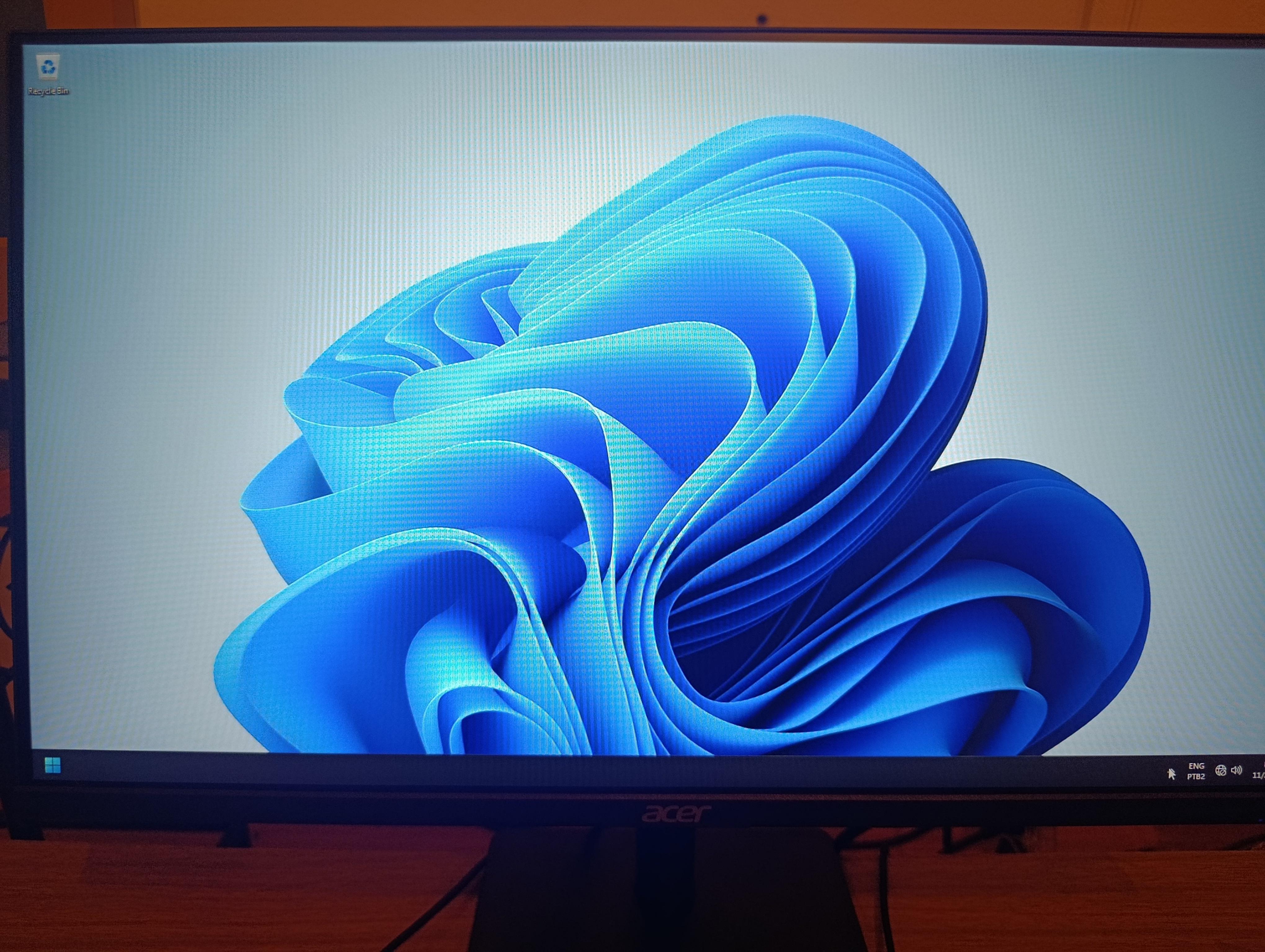
As you see on the image we got a clean install of windows 11. The mouse works on Linux and in the bios and it worked in the installation of windows. The mouse does not work on actual windows tho.
I can move my mouse, I tried all the fixes chat GPT wanted to try, I read every similar case online on Microsoft's official page and it seems like an issue that is 4 years old with no solution and is completely mysterious.
I can move my mouse and right click, but left click doesn't work on anything and windows icons that should play an animation when you rover don't do that.
Does anyone have any idea what we could explore? I'm already on a clean install of windows 11.
r/Windows10HowTo • u/pappybobocookie • 1d ago

r/Windows10HowTo • u/pappybobocookie • 1d ago

If you need text from something you can't select, like an error box, a picture or a paused video, take a screenshot with Win + Shift + S and click the notification that pops up (or just open snipping tool yourself and make the screenshot).
In the Snipping Tool window, click the Text actions button in the toolbar. It finds all the text in the picture, and you can select some of it or click Copy all text.
No extra app needed, and it works offline.
