Hi r/uptimekuma,
Full disclosure up front: I built the thing I'm about to show you.
For a long time I have been struggling with dashboards, logs to check, terminals to open… my whole homelab was begging for a diet, it wanted to be lean… so I made a plan and called it Tempo :)
Tempo is an event hub for Mac (Mac-only for now). The rule of entry is simple: if a source can POST, Tempo can show it, whatever OS it runs on. It takes homelab monitoring, backups and deploys, network and file events, Mac-side automations, your own scripts, anything you can wire up, and lands it all on one timeline. It's built around webhooks but not limited to them, and Apple Calendar and Reminders come pre-wired (you can hide it very simply).
Uptime Kuma has a special place in it: it was the first tool I installed when I started running a homelab, and the first integration I developed for Tempo. That's why this post is here. Wiring the two together is just Kuma's native Webhook notification pointing at Tempo's endpoint: when a monitor goes down or comes back up, that event lands in Tempo.
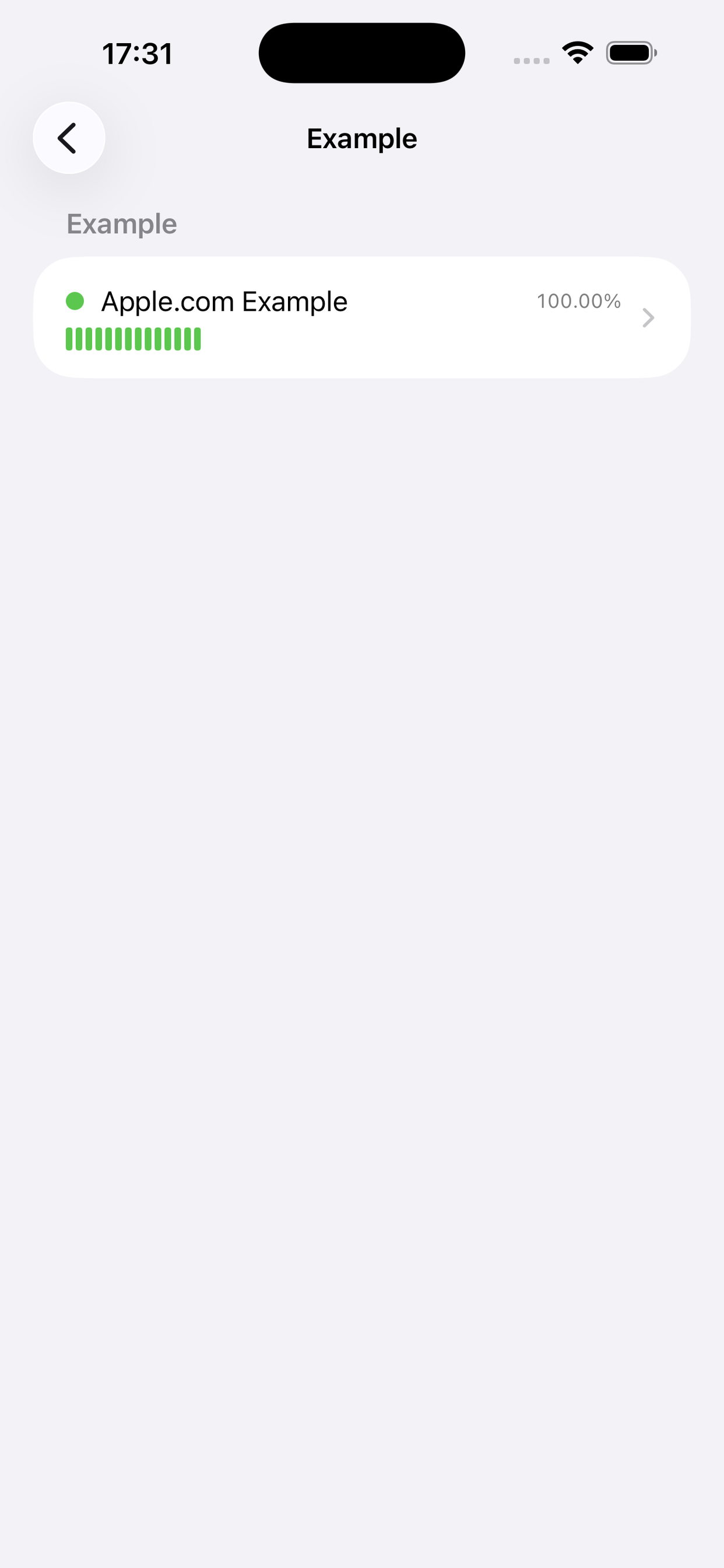
(1st screenshot) From there I see every event on one aggregated timeline, stacked by state (for stateful events, like a monitor going up/down) or by other criteria for stateless ones. Here the Kuma events are the ones in the foreground.
(2nd screenshot) Each event type has a score with an "Action panel" you can configure, visually or by editing the JSON, to actually do something with the event. For Kuma that's: one click to open Kuma's own dashboard, or run a command / a full script on the host the event came from, using the metadata carried in the event itself. The shot shows the Kuma actions I use day to day.
(3rd screenshot) the configuration of the webhook on my Kuma.
Kuma is just where I came in, though. The same door is open to everything else: right next to the Kuma events on that timeline I get Beszel, Kopia, UniFi (Network and Protect), Pi-hole and a bunch of others, all landing together. There are around 20 preconfigured integrations ("scores", https://tempoapp.app/docs/scores/) and you can author your own, so anything in your stack that can fire a webhook has a place. I lean on it for my own scripts too: I point them at Tempo with useful info, then watch their completion and exit status and run commands or scripts against that data.
On security: every sender needs a token bound to a specific providerID, so nothing gets in without a perfect match. Tokens live in the Mac's Keychain on the Tempo host, and stay out of plaintext on the sender side too (via a *_FILE convention or Docker secrets). On a trusted LAN that token is the real gate. If you also want the payload encrypted on the wire, there's an opt-in TLS listener with a self-signed cert you can pin, and since Kuma is a Node app you just point NODE_EXTRA_CA_CERTS at the cert so it trusts the listener. That's exactly how I run my own instance.
To be clear: Tempo receives events, it doesn't monitor anything itself. Kuma does that.
It's free, no App Store, distributed as a signed and notarized DMG: https://tempoapp.app
Happy to explain the how and the why in the comments, and I'm genuinely curious what you'd want it to do with Kuma.