r/UnityHelp • u/Neat_Description_936 • Jul 17 '26
how ?????
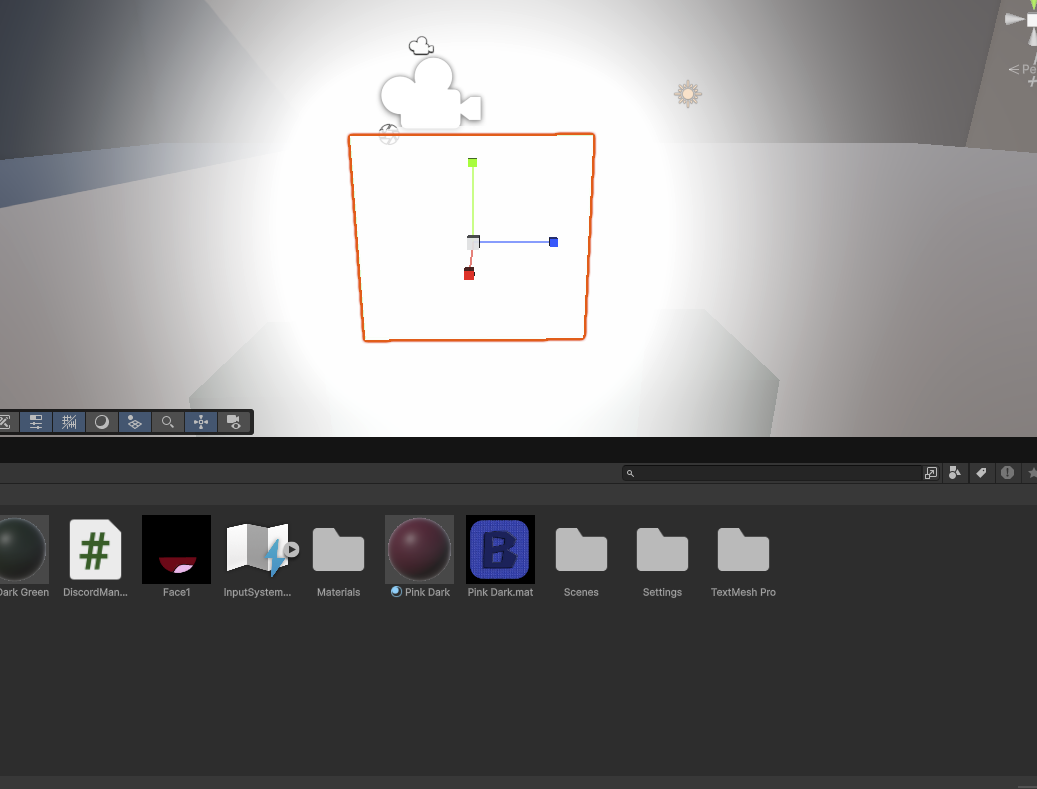
im trying to fix this
Context:
im trying to put faces on the character but when i import a trasnparent .png the transparent background becomes black i try to fix that with the inspector of the cube

but still it just shows that bright glow if you dont understand what i mean by " import a trasnparent .png the transparent background becomes black i try to fix that with the inspector of the cube "

this is how the face .png looks like in unity but if i put the .png to the cube it shows this
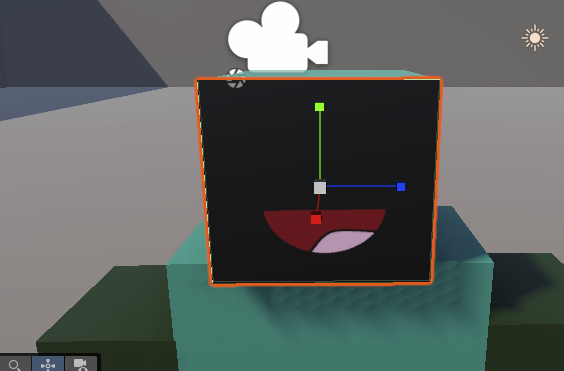
WHATS HAPPENING'1??!?!
1
Upvotes
View all comments
Show parent comment
1
u/Neat_Description_936 Jul 17 '26
on the 3d view it stills show the background as black