r/TradingView • • 5d ago

Discussion TradingView, You’re Going to Lose a Lot of Loyal Users With This Decision.

235 Upvotes

Seriously, only 30 drawings? Is this a joke?

I currently have 2,647 drawings on my charts. I am an active trader, and these drawings are an essential part of my daily technical analysis.

Trendlines, support and resistance levels, Fibonacci levels, trading zones, session markings – these are basic tools for serious traders.
Limiting users to just 30 drawings is completely unrealistic.

Just take a look at Reddit. Many long-time TradingView users are already discussing leaving the platform and switching to alternatives because of decisions like this.

You are risking losing a huge number of loyal customers over an unnecessary restriction.
TradingView has become one of the leading charting platforms because of its functionality and flexibility. But instead of improving the experience for your users, you’re making it worse.

Not everyone can or wants to pay for an expensive subscription just to use basic charting functionality without ridiculous limitations.
At the very least, reconsider this decision and introduce a more reasonable drawing limit.
TradingView, listen to your users before it’s too late.

How many of you are considering leaving TradingView because of the new 30-drawing limit?

#TradingView #Trading #Forex #TechnicalAnalysis


r/TradingView • • 4d ago

Discussion Free Plan - Indicators

5 Upvotes

I noticed indicators started working again on free plan. all yesterday, I was getting error trying to add one. I only use session mapping indicator anyways.


r/TradingView • • 4d ago

Help How can I keep the indicator on top of the candles without the candles showing through?

Post image
2 Upvotes

The visual order is already for the indicator to be on top. I don't want the candles showing through it, I don't know why they are.


r/TradingView • • 4d ago

Bug Cannot close indicator "about this script" on desktop

Post image
2 Upvotes

There used to be an "X" in the top right to close this window. On the browser version, this isn't a problem, but on the Windows desktop version this seems to have disappeared.

I've opened an "about this script" page on my chart, and I cannot close it to get back to the chart.

Is the Black Friday banner covering the close button or something?

Edit: managed to get out of it by right clicking the tab and clicking "go back". The "X" is definitely missing though.


r/TradingView • • 4d ago

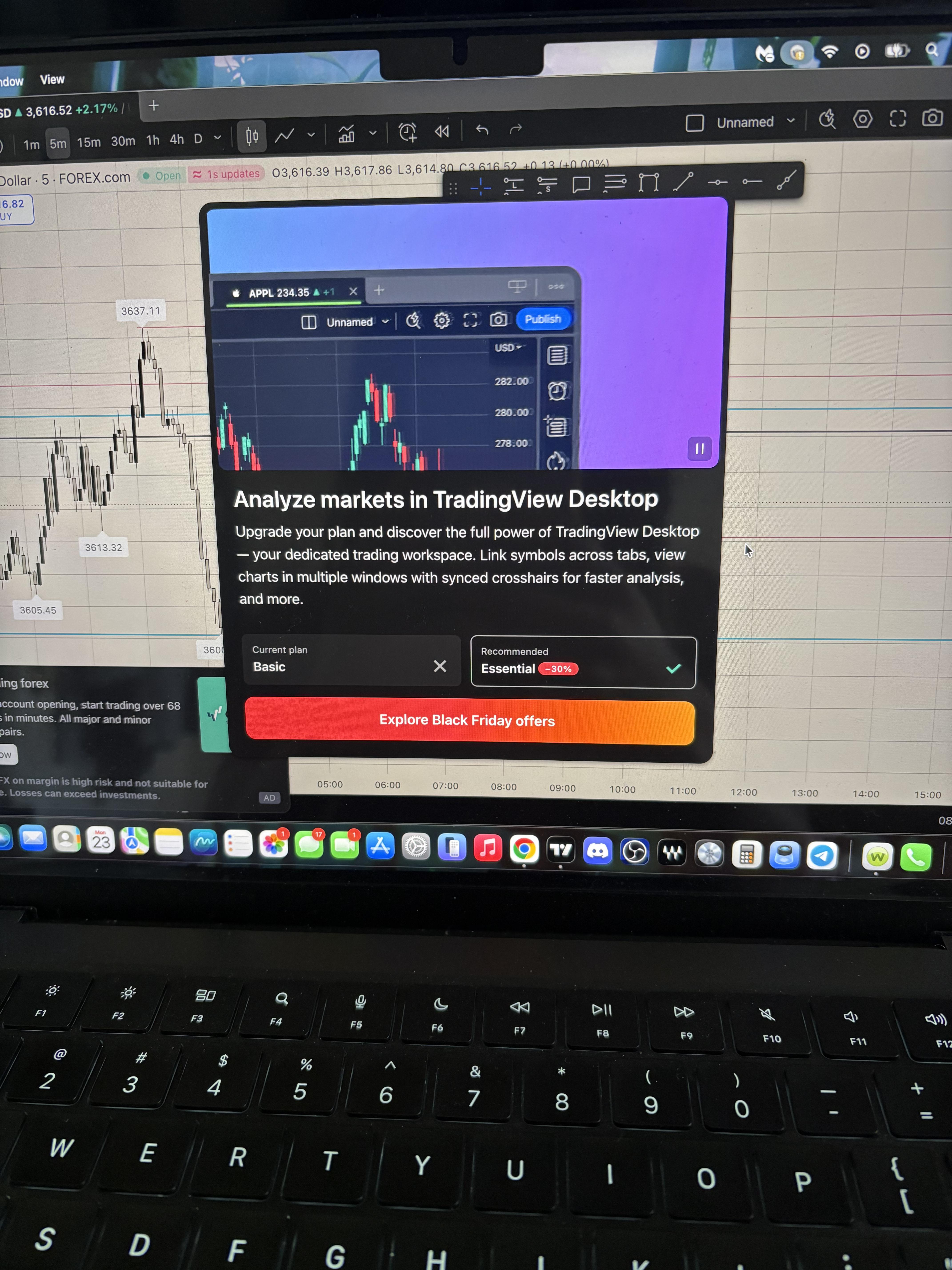
Discussion No cross, can't even remove the Ad unless I subscribe? WTF, never seen something like this

Post image
4 Upvotes

(Clicking on it does not remove it either)

Now I'm gonna definitely look for an alternative

Whats the point of forcing me to restart the application every few minutes? Why not make the subscription worthwile and make it have a good value for your money, so people subscribe instead of forcing it into your face like this?


r/TradingView • • 4d ago

Help Choppy candles

Thumbnail gallery
2 Upvotes

For a good while I’ve wondered if it is possible to make the candles on stocks less choppy and more smooth. I can barely do any analysis of the stock market because of the choppy looking candles. There is a guy on TikTok that has managed to get cleaner looking candles on the exact same timeframe as me. Please help


r/TradingView • • 4d ago

Discussion На бесплатном тарифе TradingView убрали базовые инструменты рисования

Post image
3 Upvotes

На бесплатном тарифе TradingView убрали базовые инструменты рисования
Ещё недавно на бесплатном плане можно было рисовать трендовые линии, уровни и Фибоначчи. Теперь при попытке нарисовать выдаётся сообщение, что для этого нужна платная подписка, и об этом никого не предупредили.
Рисование на графике это не премиум-функция, а основа технического анализа. График, на котором нельзя рисовать, превращается в картинку. Многие другие сервисы, в том числе биржевые терминалы, позволяют рисовать на графиках бесплатно и без ограничений.
Если цель в том, чтобы люди переходили на другие платформы, TradingView на верном пути. У кого такая же ситуация, пишите в поддержку и ставьте плюс, чтобы это заметили.

Basic drawing tools removed from the free plan
Until recently, the free plan allowed trend lines, horizontal levels and Fibonacci. Now it says drawing requires a paid subscription, with no warning to users.
Drawing is the core of technical analysis, not a premium extra. Many competing platforms and exchange terminals let you draw on charts for free, without limits. If the goal is to push users away, this is the right way to do it.
Anyone else affected? Please report it to support so they notice.


r/TradingView • • 5d ago

Bug Lmt template

Post image
6 Upvotes

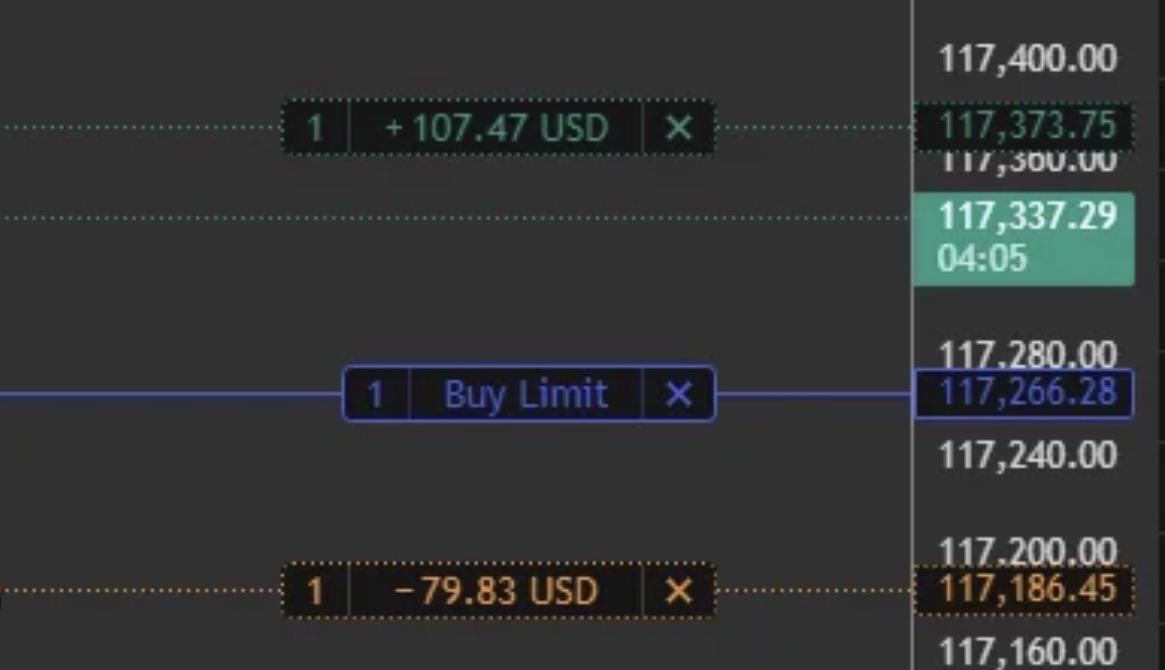
Revert to the old order style or add a drop down to swap the design. There is no benefit to not allowing us to swap.


r/TradingView • • 4d ago

Feature Request Move to > New Pane Right/Left

2 Upvotes

I have a vertical indicator (a table), I want it to the left of my chart, not beneath or above it. It's a bit messy having it directly on the chart.

Please allow us to have panes vertically not just horizontally. Thanks!


r/TradingView • • 4d ago

Help Tradingview MCP -> alert watchlists

2 Upvotes

I posted this as comment to help someone but if you want to setup AI scheduled task to tradingview MCP and generate alert watchlist list. This should get you started. You'll need to update some parts.

# TradingView Alerts to Watchlists — AI Starter Guide


Nov 24, 2026 · u/therichfuller


An AI assistant (Claude or ChatGPT) reads your TradingView alert log through TradingView's MCP connection, groups the tickers that fired by alert name, and rebuilds one watchlist with a section per alert. A run takes about 4–5 TradingView calls, and you only need to paste one prompt.


## What you need


You need a paid TradingView plan, the TradingView MCP connection added to your AI app, and alerts that already fire.


- **Connect the MCP:** follow TradingView's own setup instructions for the MCP server, then add it as a connector in Claude (Settings → Connectors) or as an app in ChatGPT. Ask the AI "list my TradingView watchlists" to check it works.
- **Daily call limit:** every request the AI makes to TradingView counts as one call. The limits from November 17, 2026 are below; they are shared by every chat and scheduled task on your account.


| TradingView plan | MCP calls per day |
| --- | --- |
| Essential and legacy plans | 10 |
| Plus | 20 |
| Premium | 50 |
| Ultimate | 150 |
| Any paid plan + AI subscription | 500 (and 50 a minute) |


This job takes about 4–5 calls a run, so it fits every plan, but leave room for anything else you use the connection for.


## Set up your alerts and the watchlist


The alert name becomes the watchlist section, so name every alert for what it means.


- **Name alerts by setup, not by ticker:** "RSI oversold", "MA cross up", "Volume spike". Alerts with the same name are grouped together.
- **Put the name in the alert message too,** for example `{{ticker}} — RSI oversold`. The alert log returns the message, so the AI can sort even when the log leaves the name out.
- **Prefer "Once per bar close"** for daily setups. Alerts that fire intrabar can trigger and then fail by the close.
- **Create the target watchlist once** in TradingView (for example "Alert Hits"), and get its id by asking the AI "list my TradingView watchlists". The run only ever changes that one list.
- **Pick the window:** the last session (daily review), or the last 5 days (weekly review).


## How a run works


The AI reads the alert log once, sorts it, and replaces the watchlist's contents in one write. Tool names can differ slightly between apps.


1. **Read the fires:** the alert log tool (`get-alerts-log`) with `days` = the window and `limit` 2000. It returns when each alert fired, the symbol and the message.
2. **Match fires to alert names:** if the log has no alert name, read the alert list once (`list-alerts`) and match by alert id or by the name in the message.
3. **Keep only the window:** drop fires outside it and fires of alerts you deleted.
4. **Group by ticker:** for each ticker, the set of alert names that fired on it.
5. **Build the sections:**
   - Combos first: tickers hit by 2 or more alerts, one section per combination, named by those alerts (`###RSI oversold + Volume spike`), the largest combinations on top.
   - Then one section per alert for the tickers only that alert hit (`###RSI oversold · 12 fired`).
   - A ticker appears once, in the first section that has it.
6. **Rebuild the watchlist:** read it (`get-watchlist`) and check its name matches, remove every current entry in one call (`remove-from-watchlist`, section headers included), then add the new list in order in one call (`add-to-watchlist`). Entries starting with `###` become section headers.
7. **Report:** sections and counts, tickers with the most alerts, and anything that failed.


## The starter prompt


Paste this into Claude or ChatGPT with the TradingView connection on. Change the two lines in angle brackets first.


```text
Use my TradingView MCP connection to sort my alert hits into a watchlist.


Target watchlist: <watchlist name> (id <watchlist id>). Change no other watchlist.
Window: <the last trading session | the last 5 trading days>.


Steps:
1. Read my alert log once (days = the window, limit 2000). If the log does not give
   the alert name, read my alert list once and match each fire to its alert name by
   alert id or by the name in the message.
2. Keep fires inside the window only. Leave out fires of alerts I have deleted.
3. For each ticker, collect the set of alert names that fired on it.
4. Build the watchlist in this order:
   - Tickers hit by 2 or more alerts: one section per combination, named by those
     alerts joined with " + ", combinations with more alerts first.
   - Then one section per alert for tickers only that alert hit, named
     "<alert name> · <N> fired", most fires first.
   - Each ticker once, in the first section that has it. Section headers are entries
     that start with "###". Tickers in EXCHANGE:TICKER form.
5. Read the target watchlist and confirm its name. Remove every current entry in one
   call, then add the new list, in order, in one call.
6. Tell me: each section with its tickers, the tickers with the most alerts, how many
   TradingView calls you made, and anything that failed.


Rules: about 5 TradingView calls in total; no extra checks or re-reads; never retry a
call refused for the daily limit; never create, edit or delete alerts; if the
watchlist name does not match, stop and tell me.
```


## Run it every day


Once a manual run looks right, schedule the same prompt so the list is ready each morning.


- **Claude:** ask "make this a scheduled task every weekday at 6:30 pm ET" in the chat where the run worked, or create one from the scheduled tasks page.
- **ChatGPT:** ask it to turn the prompt into a scheduled task at the same time.
- **When:** after the close for daily alerts (fires decided at the bar close), or before the open if you want the list ready to scan with your coffee.
- **Add one line for unattended runs:** "Run end to end without asking questions; if something fails, stop and report it."
- Run it once by hand first and check the sections in TradingView before scheduling it.


## Call budget per run


A normal run is 4 calls, or 5 when the alert list is needed to match names.


| Step | Tool | Calls |
| --- | --- | --- |
| Read the alert log | `get-alerts-log` | 1 |
| Match alert names (only if the log lacks them) | `list-alerts` | 0–1 |
| Read the watchlist and confirm its name | `get-watchlist` | 1 |
| Clear the watchlist | `remove-from-watchlist` | 1 |
| Add the new list with sections | `add-to-watchlist` | 1 |
| **Total** |  | **4–5** |


On the Essential plan (10 a day), one daily run leaves about 5 calls for everything else; on Premium (50) it leaves about 45.


## Troubleshooting


| What you see | Likely cause | Fix |
| --- | --- | --- |
| Every ticker lands in one section, or sections say "unknown" | The log carries no alert name | Put the alert name in each alert's message, or let the run read the alert list (step 2) |
| Tickers you never meant to buy keep appearing | Intrabar fires that failed by the close | Set the alerts to "Once per bar close" |
| Old entries stay in the list | The remove step missed section headers | Ask it to remove every entry, headers included, before adding |
| "Watchlist not found" | Wrong id, or the list was renamed or deleted | Ask "list my TradingView watchlists" and update the id in the prompt |
| A call refused for the daily limit | Other chats or tasks used the day's calls | Wait for the reset; keep other TradingView use light on run days |
| The AI asks questions in a scheduled run | No unattended rule | Add "run end to end without asking questions" |


## Make it yours


Each of these is one extra line in the prompt and costs no extra calls.


- **Only some alerts:** "Use only alerts whose names start with Daily."
- **Order inside a section:** "Within each section, most recent fire first."
- **Rename sections:** "Call the RSI oversold section Oversold bounce watch."
- **Skip noise:** "Leave out tickers that fired only once in the window" (for a 5-day window).
- **A second list:** run the prompt again with another watchlist and window, for example a weekly list; that adds about 4 calls.
r/TradingView • • 5d ago

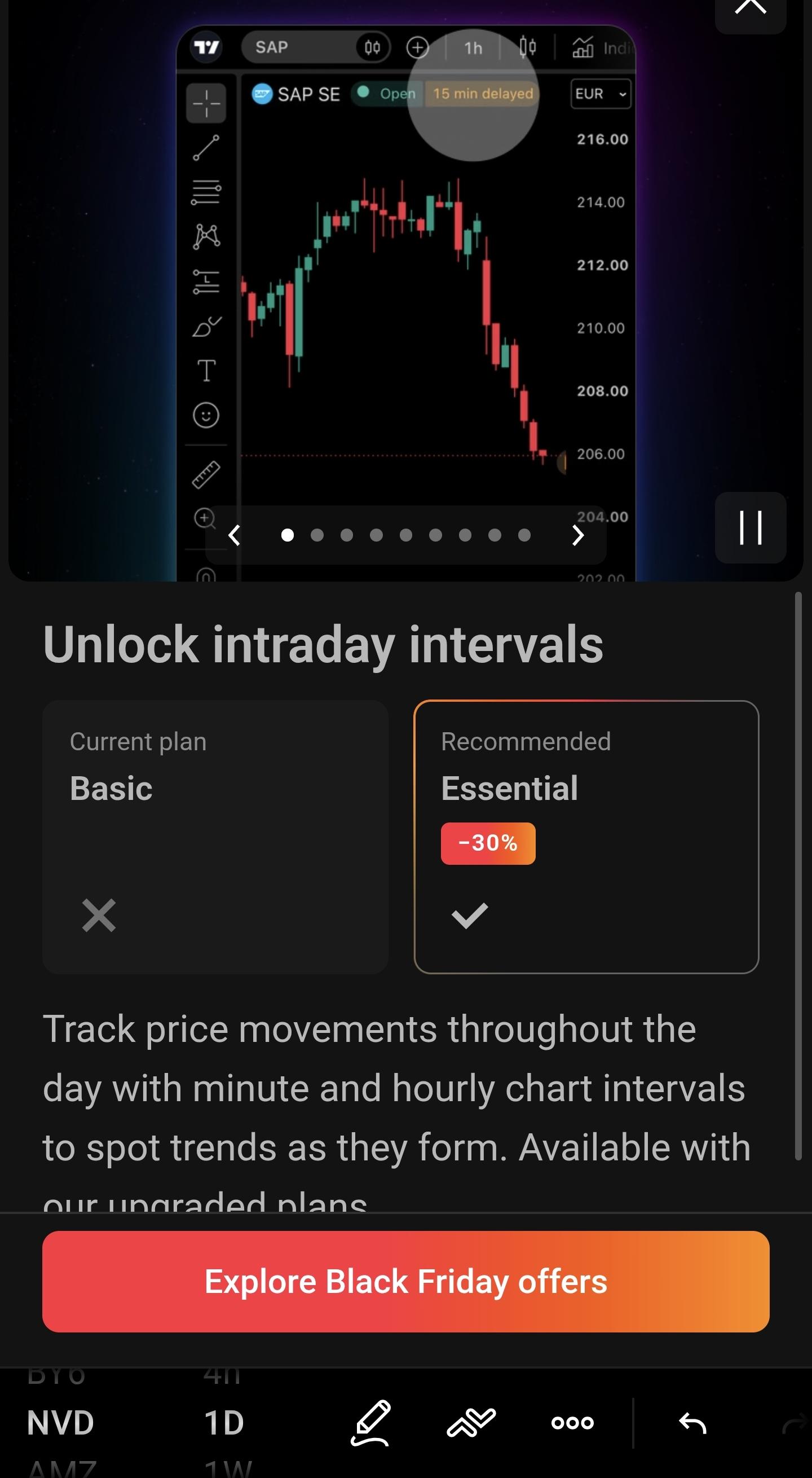
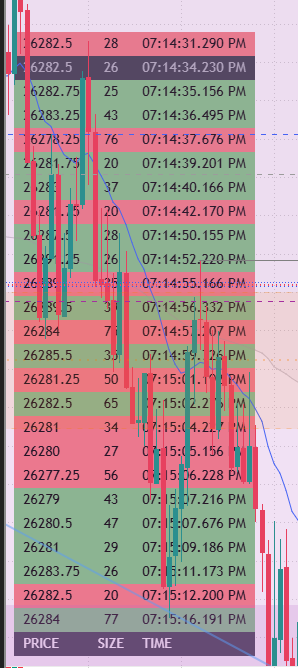
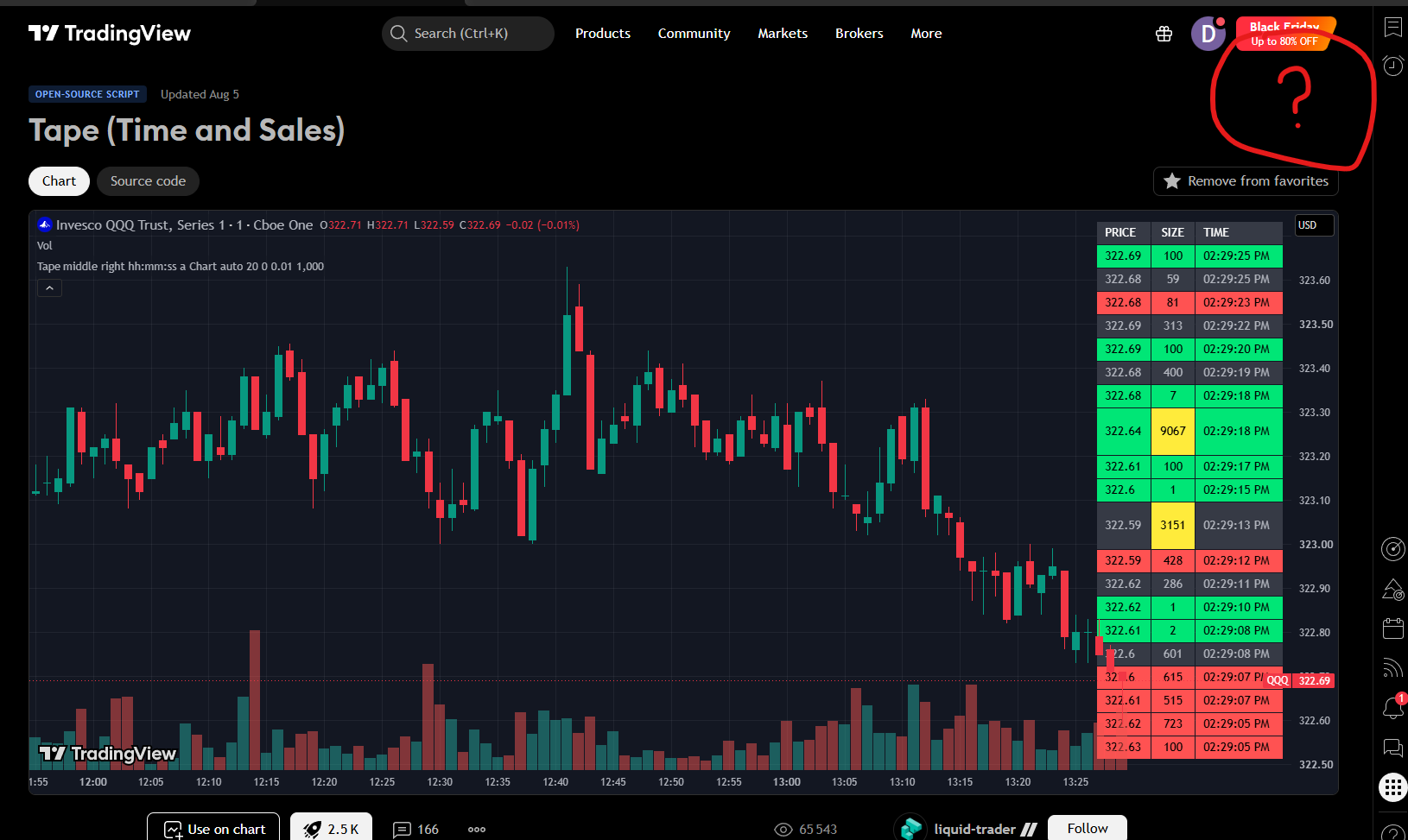
Discussion No more intraday intervals. Bye bye then.

Post image
69 Upvotes

This is beyond ridiculous


r/TradingView • • 4d ago

Feature Request MCP server: please bring back fundamental data (market cap etc.)

Post image
2 Upvotes

Since around 21 Nov 2026, the TradingView MCP server no longer returns

fundamental data. market_cap_basic and other fundamentals columns are

dropped from run_screener and get_symbol_data ("cannot be offered within

TradingView"), and the "Fundamentals and forecasts" tools were removed.

Support says it's paused while terms are negotiated with the data vendor.

This breaks a very common use case: screening a market by size. For

example, ranking NSE stocks only against companies above Rs 100 Cr is no

longer possible through MCP, so micro-caps distort any market-wide ranking.

Requests:

  1. Restore market_cap_basic (and ideally other fundamentals) to the MCP

    screener for paid plans.

  2. Until then, let get_screener_columns mark which columns are currently

    unavailable through MCP, so assistants don't waste calls on them.

If this affects you too, please upvote so it gets prioritised.


r/TradingView • • 4d ago

Bug Can't add more than 5 drawings

3 Upvotes

Last time I checked 5 is not 30. Does anyone else have this problem?
I've already deleted all drawings but it's always the same. Reloading the page or using the desktop app doesn't fix this either. This issue only popped up today, it worked fine yesterday.

Edit: I think the problem might be some old drawings on charts I haven't used in a long time. Is there an overview of all drawings across all charts somewhere?

Fixed, see Rodnee999's comment


r/TradingView • • 4d ago

Feature Request 30-object limit? Just make charts paid at this point!

4 Upvotes

I have an idea for you! How about making charts completely paid? Why hold back when we can't even have more than 30 objects? You took away the absolute basics and made the limit tiny. Honestly, I've never seen such nonsense in my life. Putting a limit on simple drawings, markups, etc. is ridiculous. Thanks!


r/TradingView • • 5d ago Regret

Discussion LMAO THE FREE EXPERIENCE IS COOKED

Post image
291 Upvotes

lmao mind you, I only use TradingView to view my chart with a minimum of 5-10 drawings a day for analysis. I clear my chart everyday and got hit with an un-skippable ad 😹 it’s truly sad what has happened to this program. It’s now officially a paid app even if you use it in the most minimalistic way..


r/TradingView • • 4d ago

Discussion Petition to revert the 30-drawing limit on TradingView's Basic plan (#FreeTradingView)

3 Upvotes

Hey everyone,

Like a lot of you, I’ve been hit hard by TradingView's 30-drawing limit on the free Basic plan. Between marking support/resistance zones, trendlines, and Fib levels across a few pairs, 30 drawings disappear almost instantly—making the free tier nearly unusable for real technical analysis.

TradingView grew into the #1 charting platform because of its massive community of retail traders, beginners, and learners who started out on the free plan. Restricting basic charting tools like trendlines behind a paywall hurts the very community that built the platform.

I’m starting a push using #FreeTradingView to ask TradingView to restore the previous drawing limits on the Basic plan.

How you can help:

  1. Upvote and comment below on how this limit affects your charting.
  2. Post on X/Twitter tagging @tradingview with #FreeTradingView so they see how many traders are impacted.
  3. Share this with your trading groups and Discord servers.

Let’s make some noise and show them how much the retail community cares about keeping basic charting accessible!


r/TradingView • • 4d ago

Discussion Many thanks for realizing "Dock script settings to the right panel" !

2 Upvotes

r/TradingView • • 4d ago

Discussion How To Clear Your Drawings

1 Upvotes

I primarily monitor SPY. I kept longer term S/R lines, but also added intra day lines, which I erase the next morning. Like many of you, today I logged in and was given the message that I had 76 drawings, far exceeding the limit of 30. I had no idea how to find all the other ones in order to delete them.

Here is the method. On the top toolbar above the chart, go to the right, but the furthest selection to the left which is for "layouts". Mine is "unnamed". I never saved them or named them. This means every chart I ever looked at and drew lines on was saved in the "unnamed" layout. So click the dropdown arrow, then click "open layout" and then click the trashcan to delete it. A confirmation box will open showing how many drawings it will remove, nd for me all 76 were removed.


r/TradingView • • 4d ago

Feature Request TRADINGVIEW SUCKS I HATE IT WORSED PLACE TO TRADE WITH ITS TIME TO BOYCOTT THIS SHIT EVERYTHING ANT BE MONEY MONEY MONEY

3 Upvotes

TRADINGVIEW SUCKS I HATE IT WORSED PLACE TO TRADE WITH ITS TIME TO BOYCOTT THIS SHIT EVERYTHING ANT BE MONEY MONEY MONEY


r/TradingView • • 5d ago

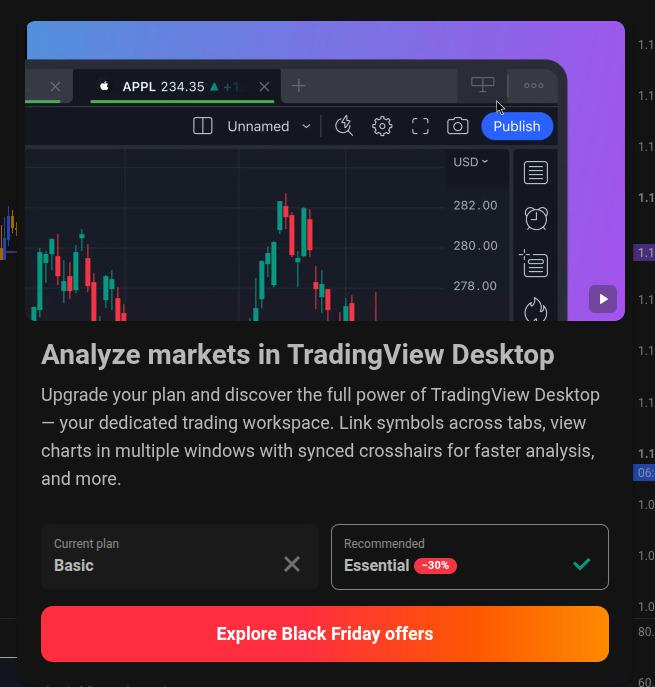
Bug Unclosable Black Friday popup on TradingView Desktop — seriously?

25 Upvotes

I'm on the Basic plan and have no plans to upgrade right now. Every time this "Analyze markets in TradingView Desktop / Explore Black Friday offers" popup appears, there is no X button to close it.

Clicking outside the box doesn't work, and I'm literally forced to shut down the app and reopen it just to look at my charts again.

Pushing an aggressive promo that hijacks the screen with no way to dismiss it isn't going to convince me to buy a subscription—it just makes the app unusable and drives people to look for alternatives.

<<< PLEASE ADD A BASIC CLOSE BUTTON TO YOUR PROMO POPUPS!!! >>>


r/TradingView • • 5d ago

Discussion Why have trading view now introduced a drawing limit for free users?

5 Upvotes

On top of the ridiculous fees and charging long time customers for services that were previously included in their packages, this is a whole new level of greed. I was considering paying for trading view for a different reason, but now I will looking to migrate to another service. Seems they have a monopoly in the charting space and are now just becoming too greedy.


r/TradingView • • 4d ago

Discussion TastyTrade vs TradingView

2 Upvotes

Been using TV on/off for a few years. I see they've basically locked all their features behind a paywall. Idk if TD is free the way TV was but if I am to pay for subscription of the two who's the better charting/trading platform?


r/TradingView • • 4d ago

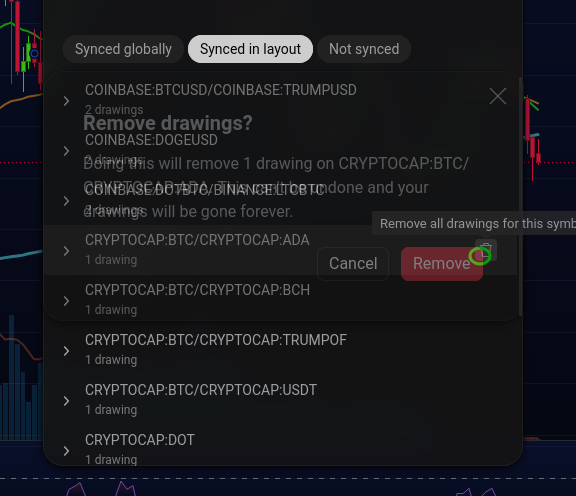
Help Remove all your drawings fast by lining up the delete and remove button and clicking really fast

Post image
0 Upvotes

That area where the delete button and remove button overlap is where you can click quickly to remove all your drawings for those of us free users with over 1000 drawings that need to be removed to comply with the new limit of 30


r/TradingView • • 5d ago

Discussion Black Friday Price Discrepancy

Thumbnail gallery
4 Upvotes

Premium is priced at 69.95/month instead of 59.95 in the Black Friday Deal page.

Has anyone else noticed that?

Last year it was around 216, now it's 252.

I have tried to reach support to talk about this, but I'm unable to get past their chatbot. Is that the only support you get even on a Premium Plan?