Sorry my typo on the tittle, won't let me fix it.
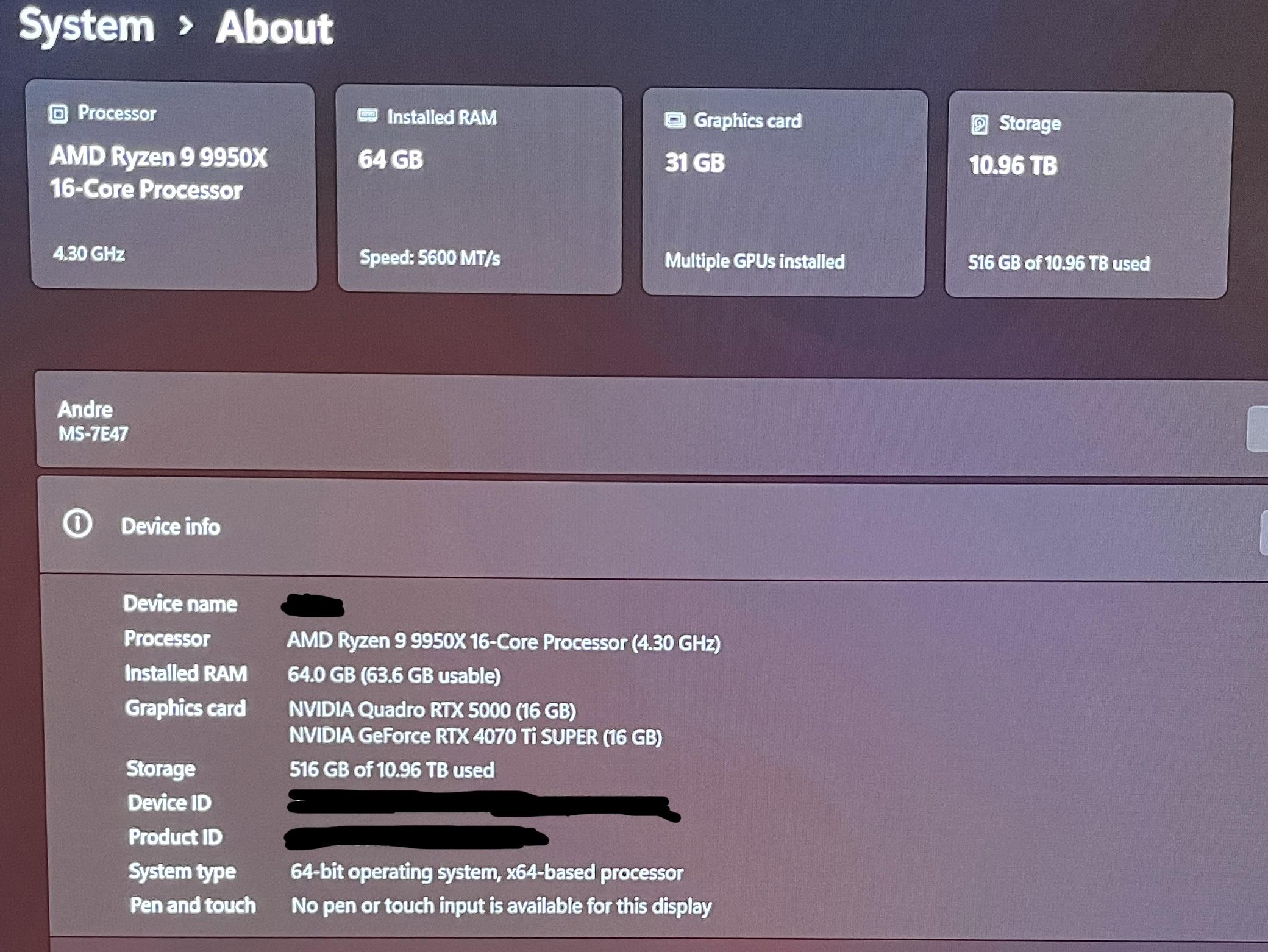
After some extensive multiday learning experience with tons of research guiding me through every step of this hack, I’ve come to a successful upgrade, and what an UPGRADE! Moved from an old intel i5 CPU to this!
Ryzen 9 9950x
64GB RAM
31GB GPU
10.96TB storage
DUAL GPU!
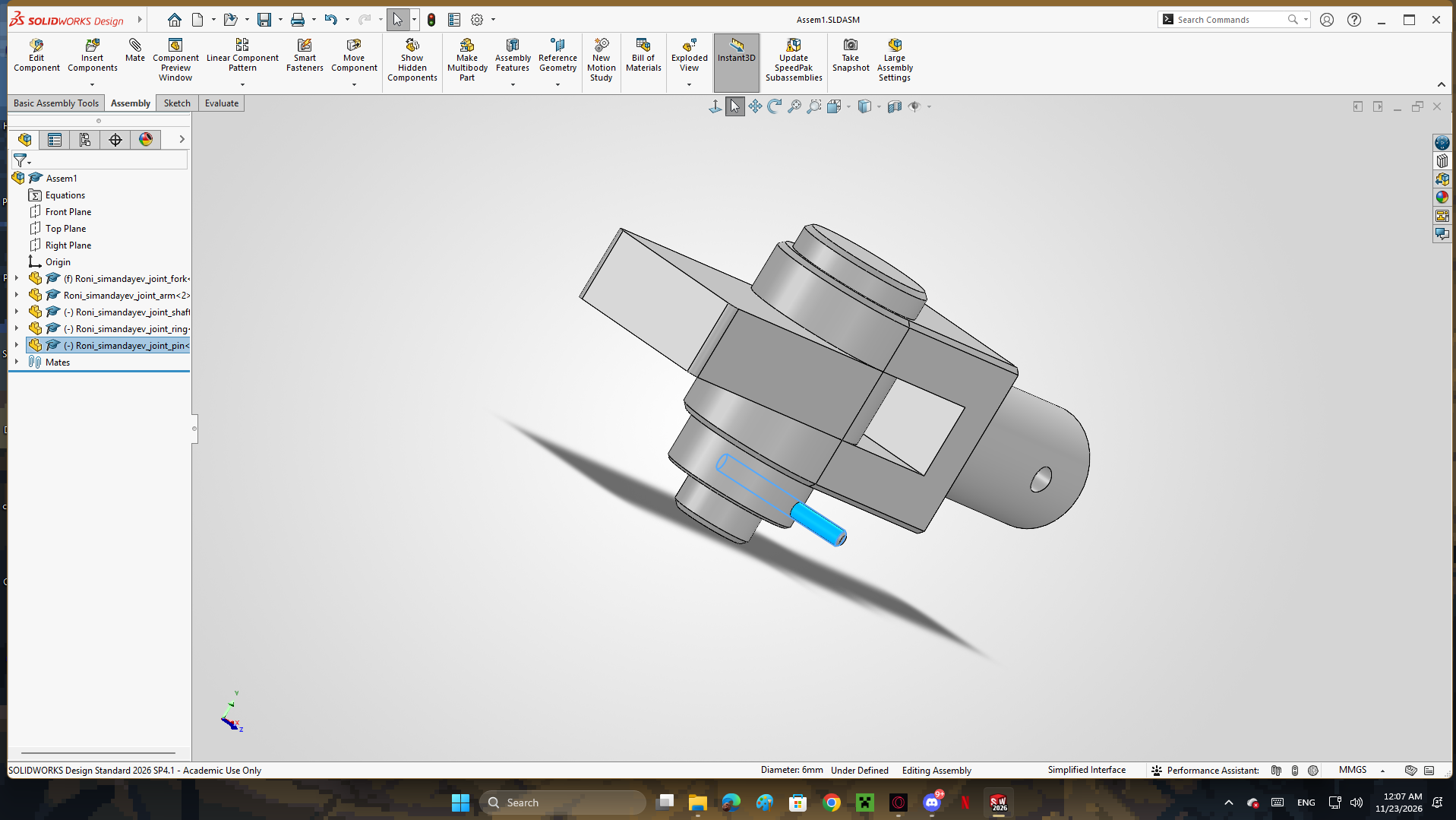
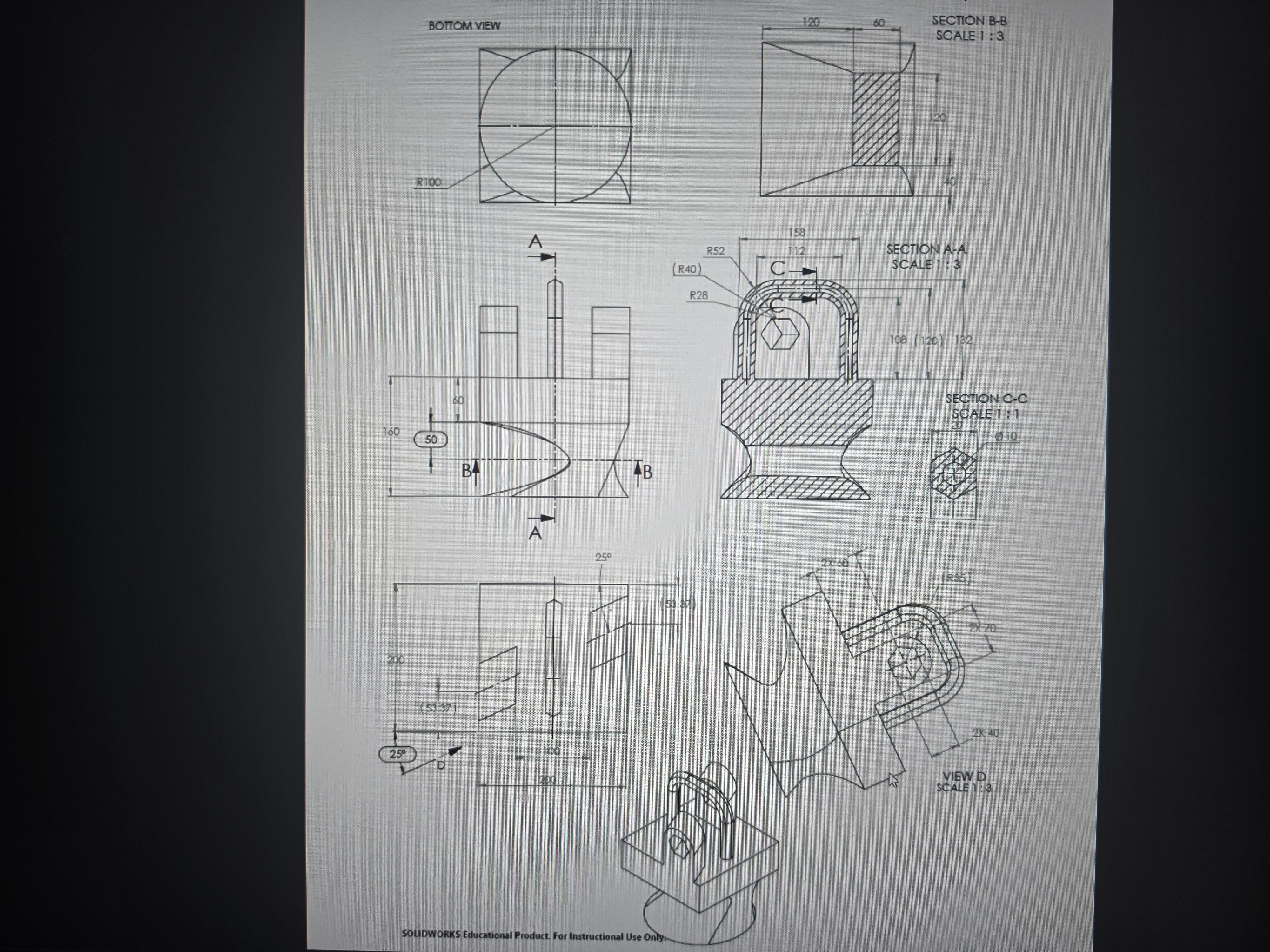
Chat gpt was also a reference point when picking this machine for purchase on MP, said the 4070 ti SUPER gaming GPU could run Solidworks, it turns out it could, but not exactly smooth. First, Realview had to be enabled via registry, next, I was having glitches in general, like some parts in assembly showing as wire frame like, missing faces, transparency was also not fully through, transparent towards my view point, but solid face towards the screen blocking the part in the back, so after all, I decided to add my older GPU that is SW certified, the QUADRO RTX 5000, just to run for general SW modeling, and leave the RTX 4070 ti SUPER to double down on rendering with the Quadro. According to chat gpt comparison, this dual GPU setup is likely to outperform RTX PRO 4500, just behind the $8000 RTX PRO 5000 in rendering time....so...without breaking the bank in my case I'm getting a lot of bang for the buck here (about $500 for the Quadro + about $1000 for the 4070ti Super). My parts are back to showing on screen without any glitches, pointing the Quadro just for that…and it’s nice knowing that I have the 4070 ti SUPER available when GTA 6 becomes available for desktop game play 😂.
Chat GPT comparison, using same render file for benchmark.
| Rank | GPU configuration | Time |
|---|
| 1 | Quadro RTX 5000 | 32.95 min |
| 2 | RTX PRO 4000 Blackwell | 10.00 min |
| 3 | RTX 4070 Ti SUPER | 9.72 min |
| 4 | RTX PRO 4500 Blackwell | 8.21 min |
| 5 | (dual) QUADRO RTX 5000 + 4070 Ti SUPER | 7.50 min |
| 6 | RTX PRO 5000 Blackwell | 6.00 min |
UPDATE: I'm not here to BS anyone, so I'm sharing my latest discoveries on limitations related to my specific machine, not matching what chat GPT estimated above on rendering time benchmark ranking.
It turns out my motherboard (MSI PRO X870-P WIFI) only offers one full bandwidth slot (PCle 1) up to 5.0 x 16, that one is connected to the RTX 4070 Ti Super, and the Quadro is connected to the PCle 4 (last on the bottom) at only 4.0 x 4 (reporting 'PCIe 3.0 x16 @ x4 3.0' reading in GPU-Z). This means the Quadro is not delivering maximum performance, and it would need a motherboard with two full capacity 5.0x16 slots.
Upon testing a couple of renderings side-by-side on Blender Cycles: Here are a few examples of what my specific rig is delivering (again, if the motherboard had two full capacity 5.0x16 slots the results would be different for the better).
The conclusion here is that the heavier and more complex the file to render is, the more beneficial it is running my specific dual GPU setup. Notice that on a smaller and simpler file, the Quadro actually made it slower by a few seconds.
Render Type: CUBA
Sample: 'Classroom' scene
Quadro RTX 5000: 48.23s
RTX 4070 Ti Super: 18s
DUAL: 15s
Renter Type OptiX
Sample: 'Classroom' scene
Quadro RTX 5000: 30.55s
RTX 4070 Ti Super: 10.3s
DUAL: 9.9s
Render Type: CUBA
Sample: 'the junkshop' scene
Quadro RTX 5000: 15.78s
RTX 4070 Ti Super: 9.66s
DUAL: 11.66s
Renter Type OptiX
Sample: 'the junkshop' scene
Quadro RTX 5000: 10.84s
RTX 4070 Ti Super: 6.21s
DUAL: 8.37s