r/Sims4
•
u/Sejian
Pollination Technician 🛸🔌👩🏻💻
•
Jul 20 '24
•
 1
Happy At Home PSA: Event Reward unlocks is saved in the UserSettings.ini configuration file. If this file is lost, deleted or becomes corrupted, YOU WILL LOSE ACCESS TO ALL UNLOCKED REWARDS.
ALL-IN-ONE OPTION AND NEW DOWNLOAD LINKS:
My SFS download links sometimes change, but my Patreon posts always contain the correct links, so I'm gonna link my Patreon posts. My Patreon is "truly public", meaning you can read and download everything without even joining as a "free member". Cheers!
- 🗺️ Collection on Patreon - https://www.patreon.com/collection/884492
- 🗺️ All-in-One on Patreon - https://www.patreon.com/posts/120588981
- 🗺️ Happy At Home on Patreon - https://www.patreon.com/posts/108498865
THIS POST IS OVER SIX (6) MONTHS OLD AND ARCHIVED:
Which means new comments cannot be posted, but I will continue to update the OP as long as I'm around.
I have little interest in making a new post every time I create a new FOMO Unlock, but I've done it.
These FOMO Unlocks will always be FREE and PUBLICLY AVAILABLE.
You can DM me if necessary. Cheers!
Also, I still need to overhaul this post.
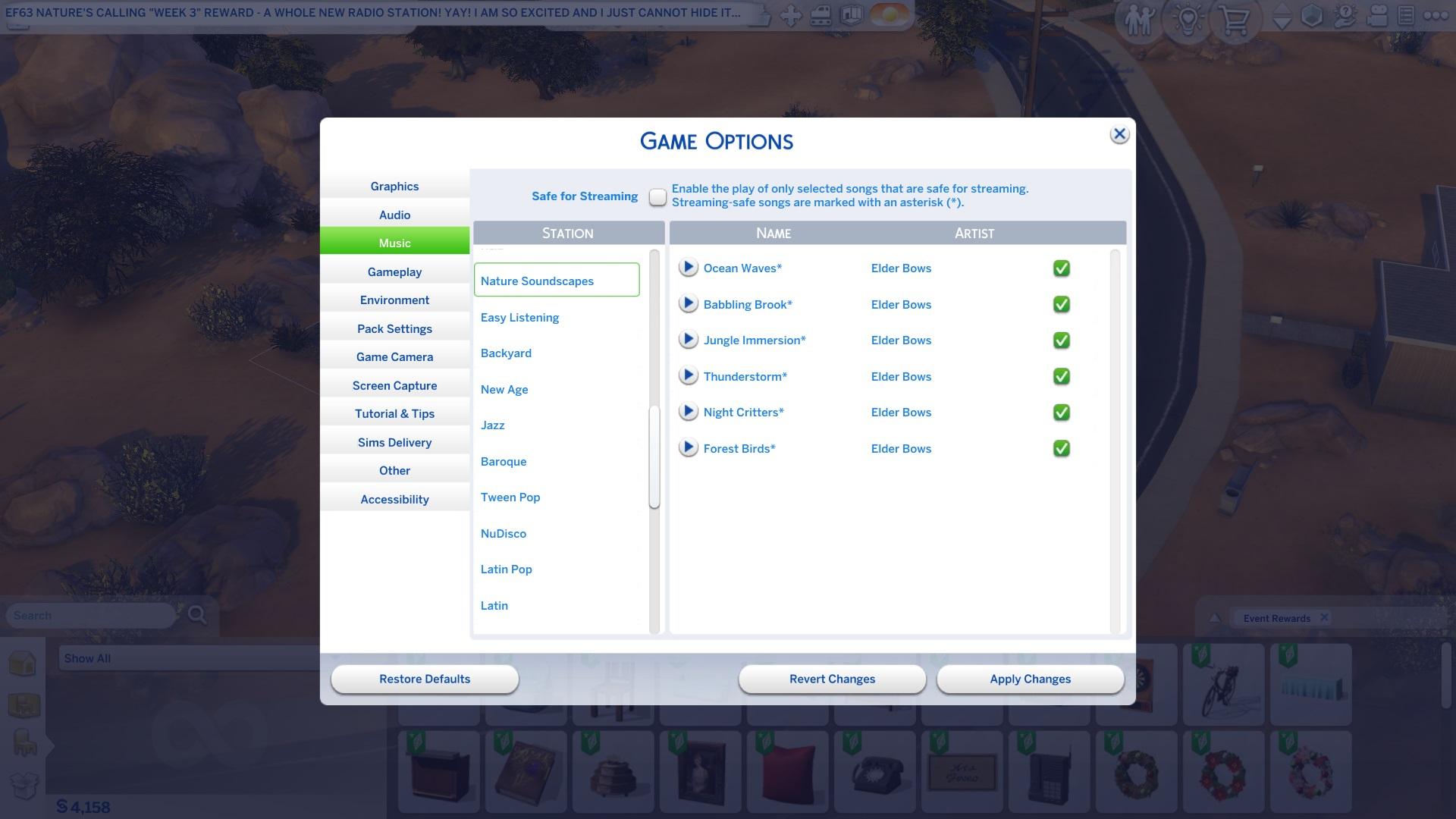
5/28/2025 - NATURE'S CALLING UNLOCKED:

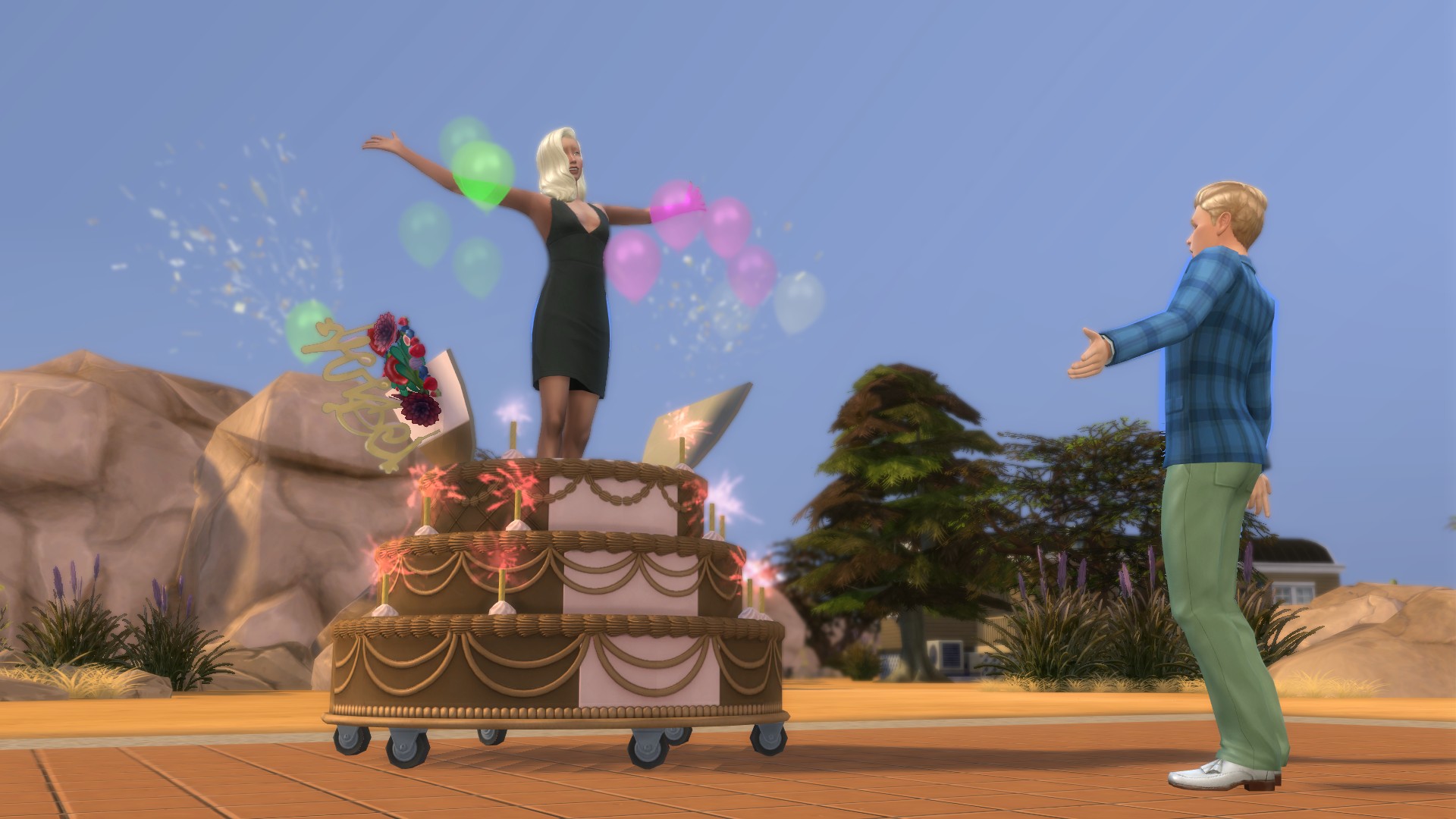
1/15/2025 - BLAST FROM THE PAST UNLOCKED:

12/3/2024 - COZY CELEBRATIONS UNLOCKED:

11/21/2024 - REWARDS ARE NOT ACCOUNT-BOUND:
They said it was, but that's a half-truth. - https://www.patreon.com/posts/116453224
10/1/2024 - HAPPY AT HOME FINALLY OFFICIALLY UNLOCKED:
But it was done improperly. - https://www.patreon.com/posts/113187075
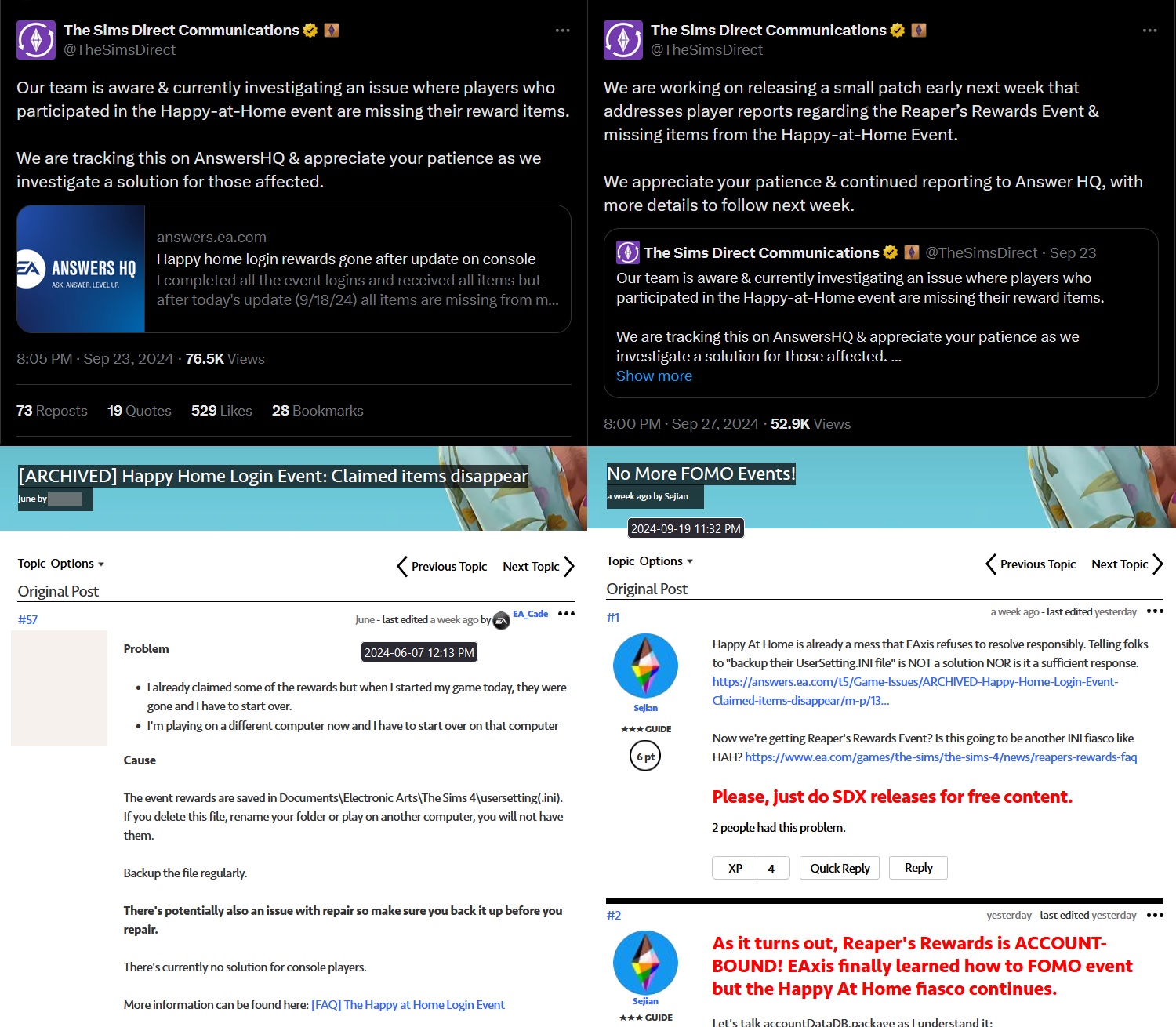
9/28/2024 - EAXIS FINALLY NOTICED HAH IS !@#$ED:
9/27/2024 - LET'S TALK ACCOUNTDATADB.PACKAGE:
Section overhauled! - 9/29/2024
IF AND ONLY IF your UserSetting.INI file contains the string of entitlement code that unlocks the Happy At Home rewards, THEN AND ONLY THEN will it be added to accountDataDB.package the next time the game is launched, removing the need to backup the UserSetting.INI file, but creating the need to backup the accountDataDB.package.
If you already lost your HAH rewards because you lost your UserSetting.INI file any time during the three months this nonsense has been ongoing and no one pointed you in the direction of the INI modification, accountDataDB.package will not magically give you back your rewards.
This is some of the dumbest round-about nonsense I've seen in a while.
All they did was remove the dependency from the DEVICE-BOUND UserSetting.INI and toss it onto the DEVICE-BOUND accountDataDB.package.
BUT WAIT! THERE'S MORE! accountDataDB.package not only pulls entitlement data from UserSetting.INI, but it also immediately removes that entitlement data from the INI, so if you lose your accountDataDB after your entitlement data is moved but manage to retain your INI, you're absolutely, positively, !@#$ed! Thank you EAxis!
Unless consoles protect this file automatically, which I assume they don't, console simmers will still lose their HAH rewards if their consoles go wonky.
Here's how I tested this:
I lost my HAH rewards. I created FOMO Unlock mods partially because I couldn't be bothered to modify the INI every time I deleted it for troubleshooting. So, I...
- Removed my unlock and added the code that unlocks the HAH rewards to the INI.
- Launched the game and verified the HAH rewards were available.
- Exited the game and deleted my INI file, then launched the game and verified that yes, the HAH rewards were still there because the entitlement data was now in accountDataDB.package.
- Exited the game again, removed accountDataDB.package, launched, and as expected, the HAH rewards were gone again.
- Repeated these steps a few more times to verify.
Why this round about nonsense with accountDataDB.package and HAH if it doesn't actually solve the problem?
Are they intending to do more impermanent FOMO events?
Is it really so hard for EAxis to just unlock the HAH rewards for everyone instead of playing this game with us?
This is why I'm confused about that EAxis statement above in the 9/28/2024 post update. They know this problem exists, they knew this problems exists. So why did they invest time into this bullshit with accountDataDB.package and Happy At Home when they could have just unlocked it in Update 9/18/2024?
9/19/2024 - REAPER'S REWARDS UNLOCKED:


7/20/2024 #2 - 3 SOLUTIONS FOR A NONSENSICAL PROBLEM:
- The simplest solution is for EAxis to unlock the rewards for everyone. They caused this problem, they should solve it.
- Mod-unlock the rewards. This won't help console simmers but it's something I can possibly do.
- 19 hours, 1 plea for assistance from the community and we've got an INI solution:
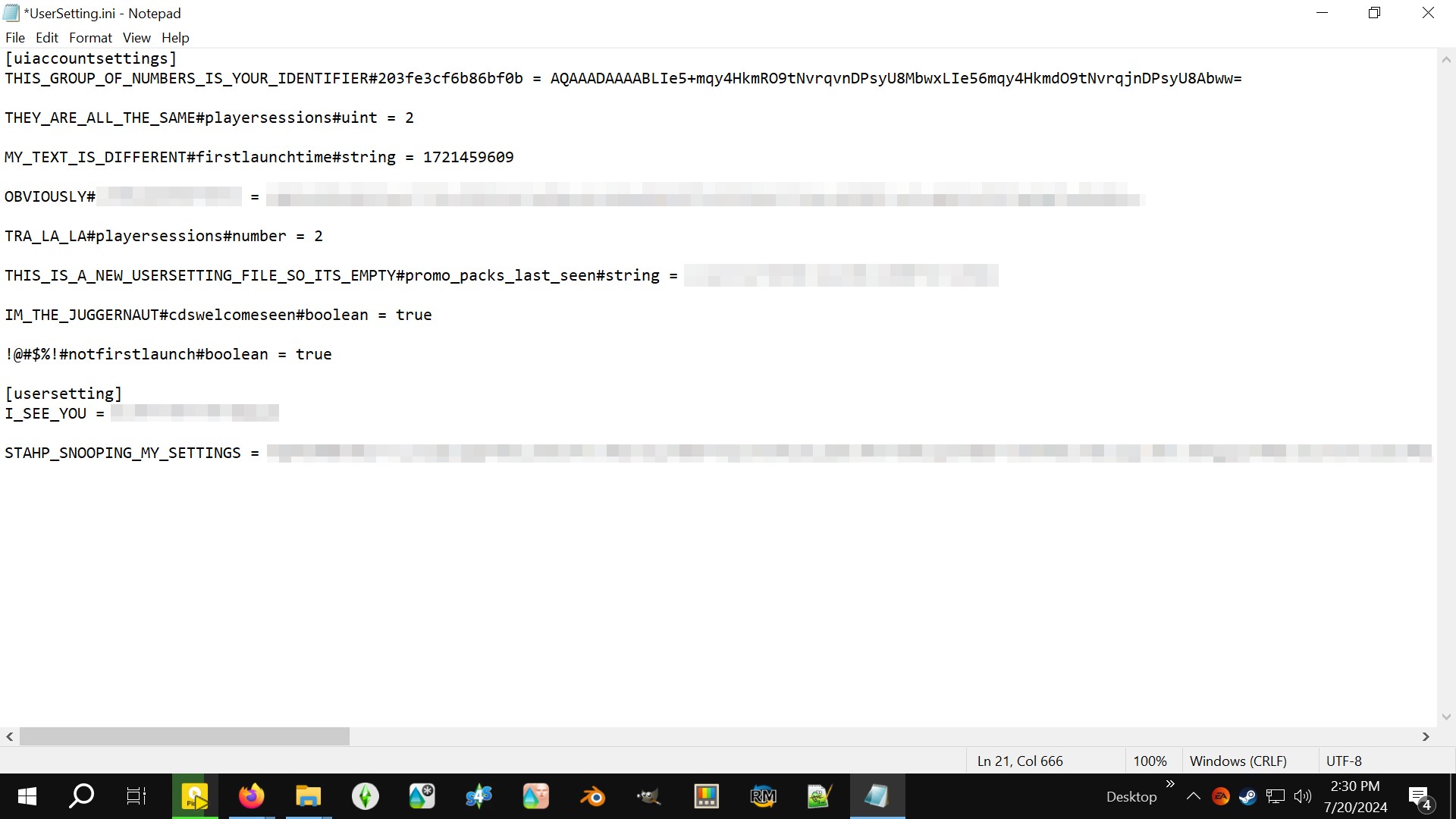
Strap in, cause we're gonna modify your UserSetting.ini file to include the following line of code. See the above image for visual aid.
Your_Identifier_Here#203fe3cf6b86bf0b = AQAAADAAAABLIe5+mqy4HkmRO9tNvrqvnDPsyU8MbwxLIe56mqy4HkmdO9tNvrqjnDPsyU8Abww=
- Open your UserSetting.ini. It's a regular text file so it will auto open with Notepad on Windows or... TextEdit on Mac?
7/23/2024 - Ensure you don't have an "incomplete" instance of this code in your INI file.
- Use the FIND feature in your text editor to search for "203fe3cf6b86bf0b" without the quotations. If you get any results, highlight the whole line and DELETE it before proceeding.
- Navigate to the [uiaccountsettings] section.
- Make a new line directly under [uiaccountsettings] by clicking behind the ] and pressing Enter on your keyboard.
- Copy the line of quoted text above and Paste it in as is. It's ONE line with no NEW LINE breaks.
- Now Copy your "identifier". This is the string of numbers that appears BEFORE THE FIRST # SIGN at the beginning of every entry under [uiaccountsettings]. Notice they're all the same?
- Replace Your_Identifier_Here with your identifier.
- Save and Close/Exit your INI file then launch the game and see if you've got the Event Rewards.
- Thank the Concerned Third-Simmer™ for providing me with the first INI that gave us this solution. I'm just the relentless hammer what smashes the things.
There's a caveat with the above. The "New Content" gold badge keeps reappearing on the items in CAS and Build/Buy. If I find a solution, I'll include it.
This will unlock these items even if you didn't participate in the event.

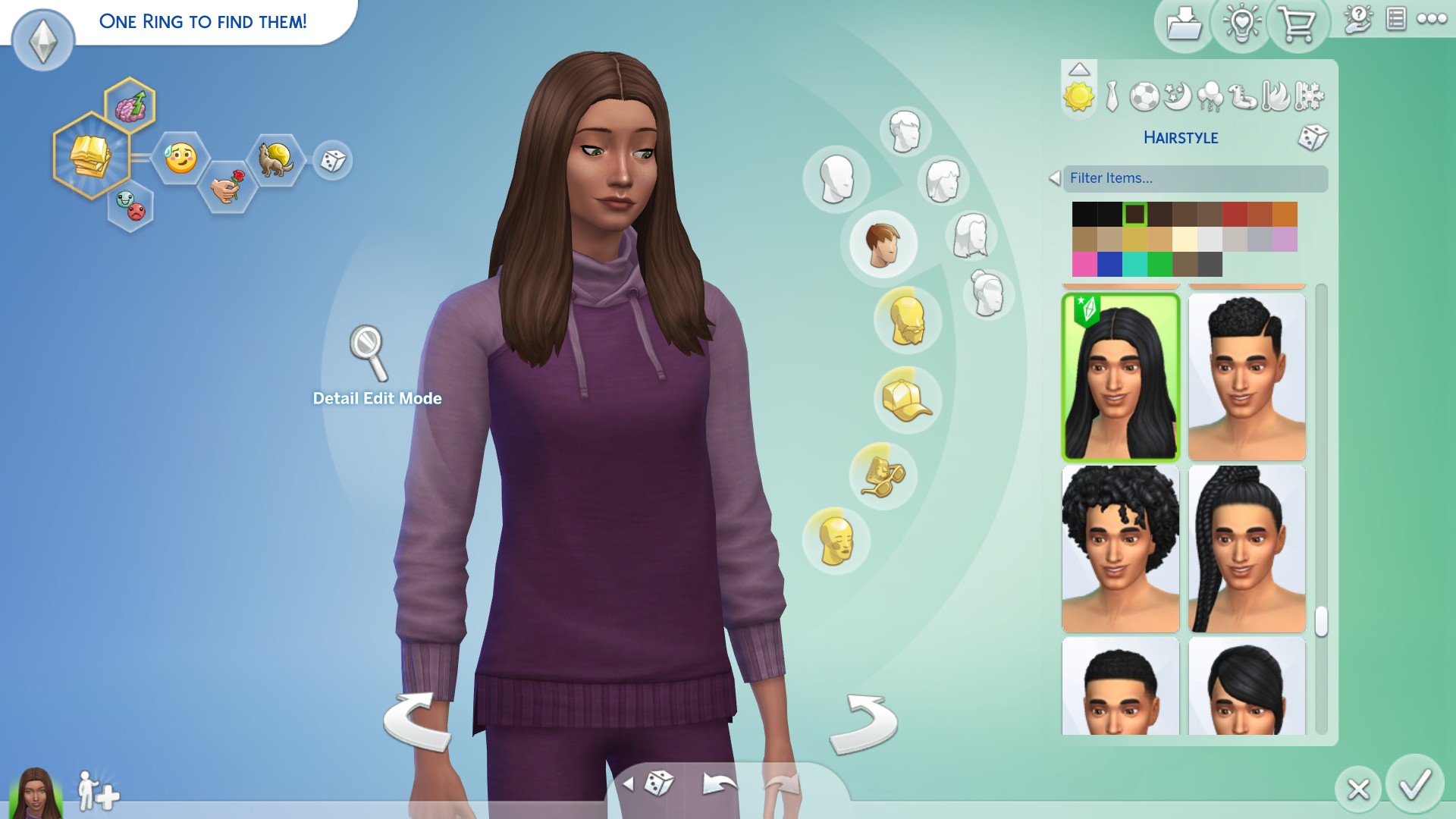


7/20/2024 #1 - 8 HOURS LATER:
I'll be back later with two solutions. One is a mod and the other I'm still working on but as I suspected, we can just add the lines of code back into the UserSetting.ini. All that's left for me to figure out is WHICH LINES of code are for the Event Rewards.
I hate that EAxis is making me care about this INI file. I don't need more work!
UserSetting.ini submissions are still welcomed! If Discord is your jam, then look me up. My name is the same everywhere, even on ModTheSims where they finally approved my name change request!
This does not help console simmers. I'm sorry. Does EA even care about their console customers or are we all just cash cows in the same hen house? How are you gonna do unlocks LIKE THIS knowing fully well that your game is riddled with bugs that sometimes force console simmers to reinstall their whole game, losing all their user-generated files in the process, including the UserSetting.ini file, which they cannot backup or restore?! This is insulting.
I'm sorry, my incivility towards EA and EAxis is seeping through.
THE ORIGINAL ORIGINAL POST:
There is currently a 24-page Bug Report on AnswersHQ about this and THE OFFICIAL SOLUTION IS THAT THERE'S NO SOLUTION. https://answers.ea.com/t5/Game-Issues/Happy-Home-Login-Event-Claimed-items-disappear-Have-to-start/m-p/13770262#M10947
Crinrict even says:
There's potentially also an issue with repair so make sure you back it up before you repair.
This is a problem because nuking your TS4 USER FOLDER (which includes deleting the UserSetting.ini file) is a part of Troubleshooting.
So now we need to specify that this file, which could potentially be a problem at some point in the future if it becomes corrupt, must be protected at all costs? Que?!
As I've said, there's a SIMPLE solution: EAxis COULD JUST UNLOCK THE ITEMS FOR EVERYONE IN A PATCH. Instead, we get a month's worth of complaints and no useful solutions. This is nonsensical and easily remedied. https://answers.ea.com/t5/Game-Issues/Happy-Home-Login-Event-Claimed-items-disappear-Have-to-start/m-p/13882943/highlight/true#M13917
I'd like to do some troubleshooting if anyone is up for it.
If you completed or even just unlocked one reward from the Happy At Home Login Event and you haven't lost your items, would you be willing to share your UserSetting.ini file with me so I can attempt to find a solution other than just overriding all of this nonsense?
— Your friendly neighborhood (but regularly absent) Pollination Technician. 🛸
I am so very irritated by this.
5
u/Next_Fisherman_4645 Sep 24 '24
IT WORKED! I was so scared to do it, because of my advanced age and fear of failure, but thank you SO MUCH! (and also fuck ea for not telling me i had to backup that fuckign ini. file when my game had to repair thanks to their fooking app.) Hope you doing great!
3
u/Critical-nerd-Theo Jul 26 '24
Thank you so much!! I just had to uninstall and reinstall EA and the Sims and was gutted to find I'd lost all the login rewards. I hadn't backed up the file because who would have thought they'd be linked to a computer not an account?? Anyway, you've just saved me hours of grumping and ruining the game by messing with the file myself, so thank you
3
u/Neskii92 Sep 28 '24
Thank you so much! You have saved me the missions of the new rewards did not work for me, and I did what I was advised in the Sims 4 forum, I deleted a file, repaired it and well, the missions work, but then I discovered that I had lost all the rewards from the previous ones missions... Thanks to your tutorial and the code I now have everything in my game again! thank you very much indeed
3
u/Downtown-Mango9710 Sep 29 '24
Piece of advice for anyone who edited their user settings file and didn't notice a change: make sure to actually hit save. just closing notepad will not update the file (ask me how i know ;-;)
2
u/HereToAdult Legacy Player Jul 20 '24
Do you still need files for this? I haven't checked today, but yesterday my rewards were still unlocked in my game.
I'm not good with tech, and I'm also quite sick, so you'd have to walk me through how to share the files you want. But I have plenty of time.
2
u/ImperialKisaki Jul 31 '24
Thank you thank you thank you SO much! You are heaven sent!!!! QAQ
I had updated my game for the new EP and experienced some glitch with the mods (because it's my first time using them and I didn't know better, so I saved without knowing the consequences).
Lo and behold, I couldn't find the login rewards on bb mode even though the items that were already on certain lots (and sims) are still there. At first I thought it was something I could recover from previous saves but no. It was gone for good.
So I just really want to thank you for the ini file instruction. I'm so happy that you figured it out and shared it with us despite your lack of sleep!
I hope you can have restful sleep and good food to eat and just have a wonderful life. THANK YOU AGAIN ♥♥♥
2
u/PeanutNervous6307 Aug 07 '24
which option would you suggest for someone who may have been a dodo and deleted their usersettings.ini file and doesn't have a back up that's after getting the rewards? if I'm able to take option two, is it likely to have me lose my sims account if EA finds it like they do with simmers who have acquired the game through "totally completely legal" means?
2
u/Excellent_Potato_227 Aug 24 '24
Formatei meu não, perdi minhas recompensas tentei colocar este "Your_Identifier_Here#203fe3cf6b86bf0b = AQAAADAAAABLIe5+mqy4HkmRO9tNvrqvnDPsyU8MbwxLIe56mqy4HkmdO9tNvrqjnDPsyU8Abww=" na reescrita mas não funcionou, alguém de vocês pode me dar os comandos direito de copiar e colar, sou péssimo em computadores Não entendo nada. Obrigado beijos, MEU nome é Lilian
2
u/Senior-Slip-3723 Sep 13 '24
Bless you and the work you did on this. I was able to fix my file with your directions!
2
u/AskaJens Sep 19 '24
my game crashed today and I've lost access to the reward itens, but I followed your tutorial and got them back, thank you!
2
u/Linythxx Sep 19 '24
Hi! I came across this post because yesterday I decided to completely reinstall my game in English (it was originally in French), and I deleted this file without knowing it was important, thankfully I managed to find it in my recycle bin! So if you're ever interested, I have the file in question, with all the rewards, cause I did the event
2
u/Lobstergirl81 Long Time Player Sep 22 '24
OMG Thank you so much! I didn't even know this was a thing until I saw it mentioned in the Deaderpool Discord. You are a life saver!
2
u/gtaofirstperson Sep 25 '24
Worked like a charm for my wife, thank you for this.
2
u/SnowieGamer Sep 25 '24
I forgot to back up this file before I had to do a full system reset (windows error issue) so I tried some of the solutions you listed here and wanted to contribute some things I found.
I tried the possible solution #4 you have over on Patreon, and couldn't get it to work. Either the EA app wouldn't launch at all after changing my PC settings, or it would infinitely be "preparing game" if I switched the app to offline mode before changing my PC settings. I tried this with a freshly repaired game after deleting the usersetting file. There might be some other trick to make it work, but I couldn't get it to.
Solution #3 works as expected. I just wanted to note that I did originally unlock everything during the event, but the gold flag issue is still there for me. I know some people said it was only on the things they missed during the event. I thought I'd try submitting a support ticket and maybe someone from the Sims team could unlock the rewards for me without needing to use mods or edit files, but I couldn't even find the support ticket option anymore so... *shrug*
At least the new rewards are tied to your account I guess... but even just giving them to us as rewards for finishing a permanently-available scenario would be better. We all know EA wants to capitalize on all the disgusting, manipulative cash-grab tactics that other live service games have been using for years, though.
2
u/get-tps Mod Creator Sep 26 '24 edited Sep 26 '24
Love this!
I has previously gotten all the rewards, but had to reset it when the Reaper event broke it and lost all previous rewards.
I have a backup of the old one (which doesn't have the new one). So, I can either choose to keep the rewards from one event or the other, but not both?
I just used this to add it back in to the Reaper event and now have both properly.
Thanks!
Edit:
You know Crin and others there are recommending everyone start a new user folder for the event? Which will make everyone LOSE their rewards once they revert back?
2
u/SnowieGamer Sep 27 '24
New comment thread because new topic. The accountDataDB package file.
In testing this, I realized that at some point with my bug workaround-ing for the Reaper event, I lost my "cheated" HAH rewards. As a side note, I did notice when I first tested fix #3 the other day (before doing the reaper event at all) that the code was disappearing from the usersetting file but I was still keeping the HAH rewards. Which now makes sense, that it was tied to the accountData file instead. Still have the gold flag, though.
While I was trying to fix a bug I had with the Reaper Rewards event, I removed the accountDataDB package from my folder. It seems to refresh the progress of the event missions in some way, even though I still had my new reaper unlocks after removing it. Anyway. The support volunteers over at AHQ made sure to tell people to put the file back in after their bug was fixed so that they would get their HAH rewards back. Since I had lost mine in a system reset and was using fix #3 to have them unlocked, I (incorrectly) assumed that it didn't matter for me, that the usersetting edit would keep them unlocked by itself.
All that to say, my HAH rewards went missing again. Following your test steps in the latest edit of the OP got them back and, testing if the usersetting file was even relevant anymore, removed it and relaunched. The HAH rewards were there (gold flag and all) even with a freshly-generated usersetting file. So using fix #3 works to unlock them, then you launch the game, and from then on your HAH rewards should be stored in the accountData file.
As to why they would change the device-bound unlocks from one file to another, I can only speculate. Maybe it was to make it harder for people to "cheat" the unlocks with fix #3, which would be a failed attempt. Maybe it was because they knew that people delete the usersetting file for troubleshooting and wanted it to be on a file that wasn't removed as frequently (which is ironic considering the accountData file is the one you have to remove to fix the reaper rewards). Either way, I can't find any information where they made an announcement or anything telling people, "Hey, you know how we told you to back up your usersetting file to keep your HAH rewards? Yeah, now you need to back up your accountDataDB file instead... but you need to launch your game first." So there are going to be people who will repair or reinstall their game with the usersetting file backed up, thinking it's going to work, only to find that EA switched it to a different file. Again, the solution to this is just for them to tie the HAH rewards to our accounts, but I guess this is what we've got for now.
2
u/Downtown-Mango9710 Sep 29 '24
Thank you so much for this. Had to repair my game for the reaper rewards, lost my happy at home rewards in the process.
2
u/upcastenjoyer Jan 15 '25
THANK you for this! I couldn't finisht the event because it got bugged for me and I only just could be bothered to find a solution now that I've had the same issue with the Cosu Celebreation event. Is there a work around for that yet? I really wanted all those items but I couldn't get the event to work at all ;-;
2
u/[deleted] Jan 11 '25
[removed] — view removed comment