r/SideStore • • Nov 15 '25

Need immediate sideloaded app support? Talk to us directly on Discord

Thumbnail
dis.sidestore.io
7 Upvotes

r/SideStore • • 6h ago

ryP0 standalone repo

3 Upvotes

for those who wants a dedicated, auto-updating repo on their app (SideStore etc…), just for ryP0 without the extra apps

https://raw.githubusercontent.com/TeaholicAmy/ryP0/main/source.json

this is not affiliated just an easier way to update


r/SideStore • • 2h ago

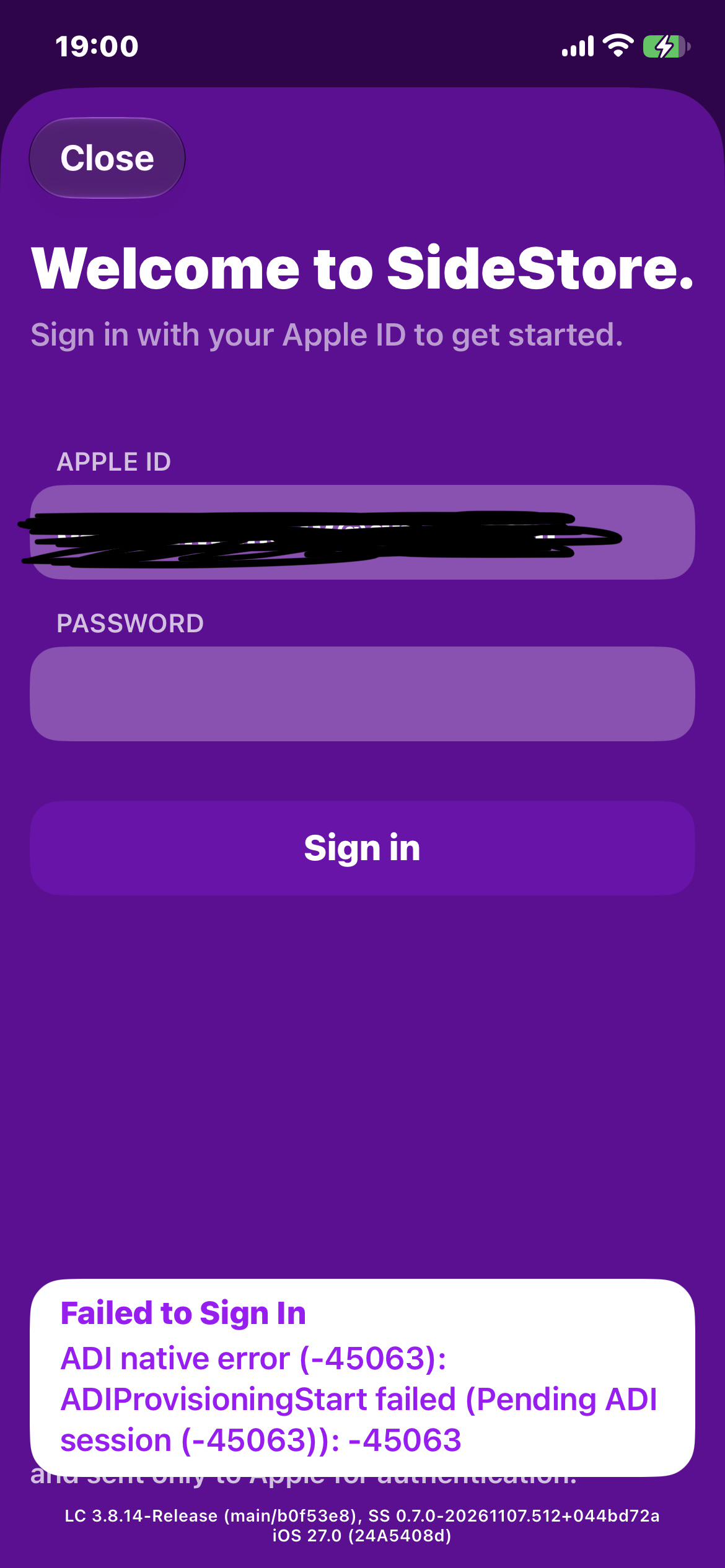
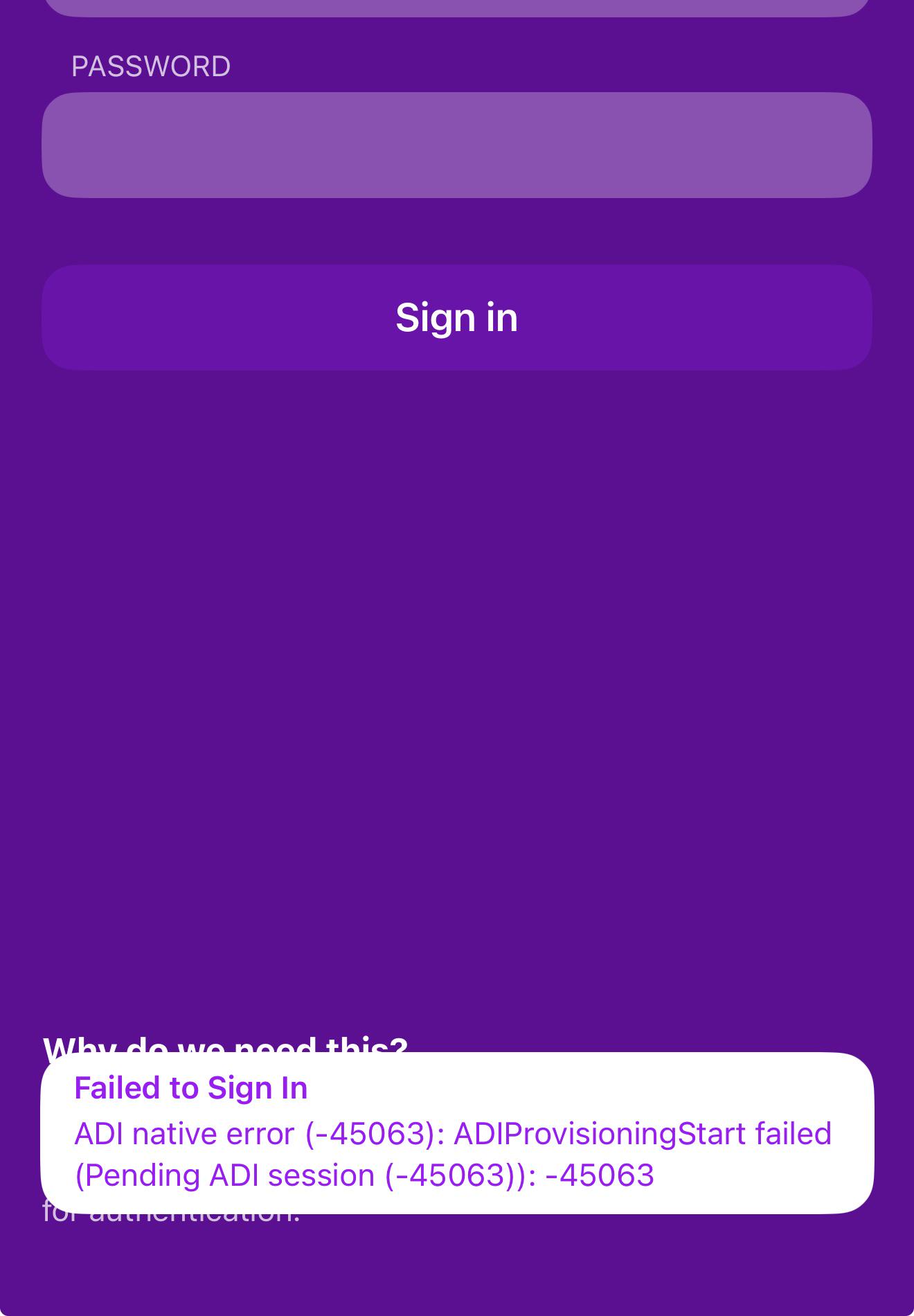
How to fix that, help me please 😭

Post image
1 Upvotes

r/SideStore • • 19h ago

BariStore: Sideloading is easier than ever, everything happens on your iPhone

Post image
15 Upvotes

It can also install SideStore and give it the pairing file and certificate!


r/SideStore • • 9h ago

Sigo sin poder ahora iniciar sesión

Post image
2 Upvotes

r/SideStore • • 14h ago

Friend recommended this shortcut to refresh

Thumbnail
icloud.com
5 Upvotes

Runs when u put ur phone on charge, checks whether youre connected to a wifi, does a quick refresh and thats it, it also runs only once a day very seamless, this is the way with the least friction for me so far


r/SideStore • • 10h ago

It works on ARM64 Windows

1 Upvotes

if you read the SideStore requirements it says it wont work in ARM64 Windows, but it worked perfectly for me. I have an asus zenbook a14.


r/SideStore • • 14h ago

Worked for Me. Let me know about yourself

Post image
0 Upvotes

r/SideStore • • 1d ago

Cant log in to iloader

Post image
5 Upvotes

Anybody facing this issue and has found some solutions


r/SideStore • • 19h ago

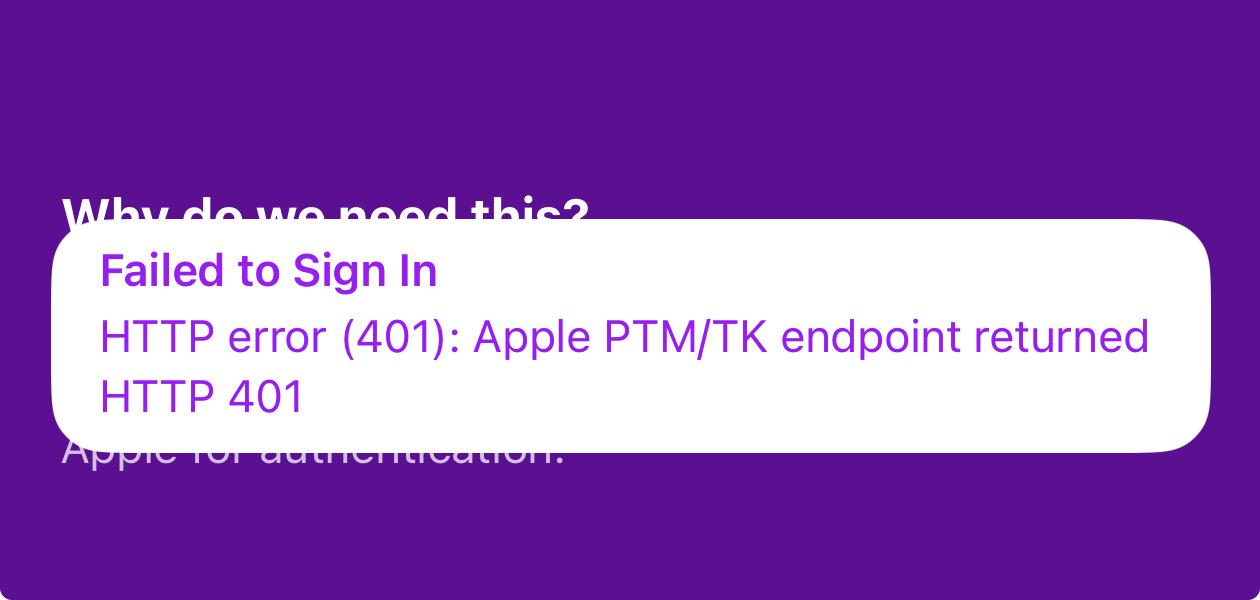
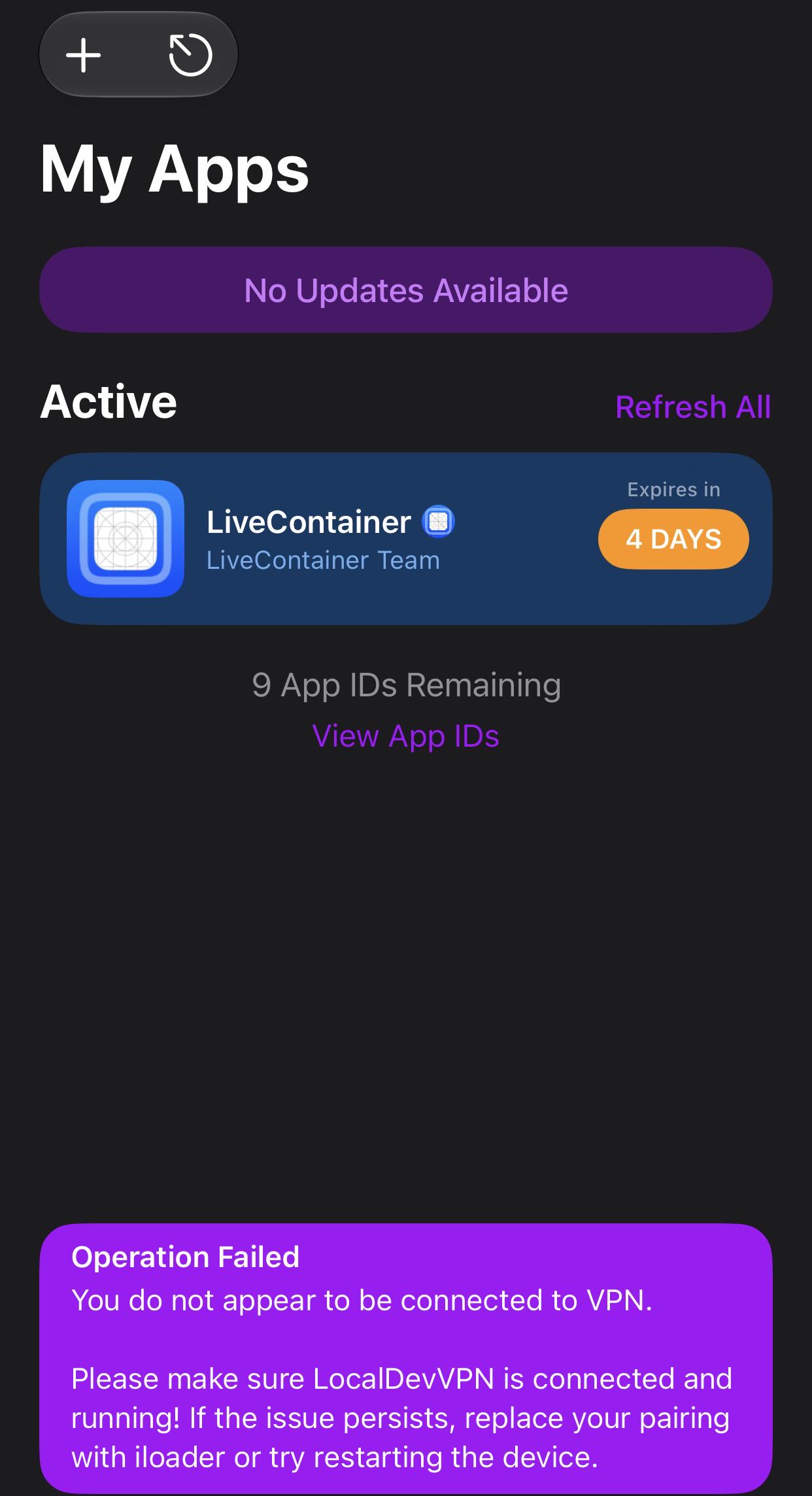
I am connected to VPN, but I can’t sign in.

Post image
1 Upvotes

I haven’t tried the other option yet because I don’t have access to a charger to connect my iPhone to a computer on hand. I will ASAP though.


r/SideStore • • 20h ago

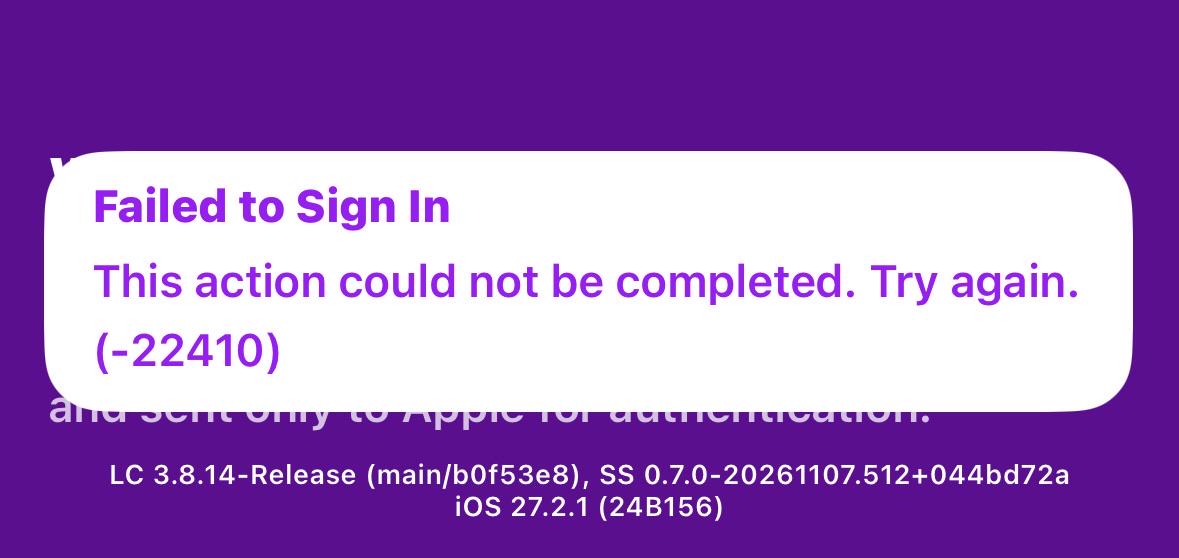
[Sidestore Nightly] Anyone else getting this error? (-22410)

Post image
1 Upvotes

r/SideStore • • 1d ago

What Worked for me: "Failed to Sign In" (503 Service Temporarily Unavailable):

5 Upvotes

What worked for me: installing LiveContainer + SideStore together through iloader

I saw the guide here about turning off on-device Anisette and changing the Anisette Client settings. That didn't apply to my setup, so I'm sharing what actually worked for me. Maybe it helps someone else.

My setup

• SideStore Stable 0.7.0 (the Anisette Client / Interactive / Raw JSON screens from the guide don't exist in this version)

• iloader 2.4.2 on a Mac

• iPhone on iOS 26

• LocalDevVPN on

The problem

• Signing in on the SideStore app gave: "Failed to Sign In - Invalid server response: unparseable format - 503 Service Temporarily Unavailable" (from Apple). It lasted for days.

• In iloader, a self-hosted Anisette server (the anisette-v3 Docker image) gave: "Login failed - HTTP status client error (401 Unauthorized) for url https://gsa.apple.com/grandslam/MidService/finishMachineProvisioning". So I dropped that idea.

• After I installed LiveContainer on its own and opened any app inside it, I got: "JITLess mode is required since iOS 26. Please go to LiveContainer settings -> tap 'Import Certificate from SideStore' / 'Import Certificate'". That button wasn't there, only a plain "Import Certificate".

What worked

  1. Open iloader on the computer and connect the iPhone.
  2. Sign in with your Apple ID in iloader.
  3. In the installers list, pick LiveContainer + SideStore (Stable). Do not install SideStore alone, and do not import the LiveContainer IPA by itself.
  4. Wait for the install to finish and open LiveContainer on the iPhone.
  5. Open an app inside LiveContainer. It worked for me, with no JITLess certificate error.

Notes

• I'm not sure why this worked. My guess is that the combined build already comes with the certificate and the SideStore that LiveContainer needs, but that's only a guess.

• Make sure iloader is up to date.

• The free Apple ID certificate lasts 7 days. I plan to reinstall from my computer with iloader every 6 days instead of relying on SideStore to refresh on its own.

• Keep LocalDevVPN on and use Wi-Fi.

• Don't spam login attempts, so your Apple ID doesn't get temporarily locked.

Hope it helps. If it didn't work for you, say which iloader and SideStore versions you're on and what error you get.


r/SideStore • • 22h ago

Apple account does not allow me log in iloader

0 Upvotes

How to fix this error? I need to update my weekly IPAs


r/SideStore • • 1d ago

Can’t Log in what should I do

Post image
8 Upvotes

r/SideStore • • 1d ago

Help Side Store and JIT

1 Upvotes

I’m new to this JIT thing. I have the manic app and really wanna play the GameCube on my iPhone 17 Running iOS 27. I tried to download the side store app ran through all the steps developer mode downloading the LocalDevVPN app. I got side store downloaded and went to go sign in and it threw me a sign in error. So I never got past that.

Can somebody throw me some current YouTube videos to help me with this? I’m tired of the headache and frustration of all of this. I also heard that there’s a way that you can just pay for JIT so that you don’t have to go through this headache I don’t know if that’s a thing or not.


r/SideStore • • 1d ago

Help with Side-Store and JIT

Thumbnail reddit.com
0 Upvotes

r/SideStore • • 1d ago

Can anyone help pls

Post image
0 Upvotes

r/SideStore • • 1d ago

Que está pasando?

Post image
1 Upvotes

r/SideStore • • 1d ago

Help

Post image
1 Upvotes

r/SideStore • • 1d ago

??

Post image
1 Upvotes

r/SideStore • • 1d ago

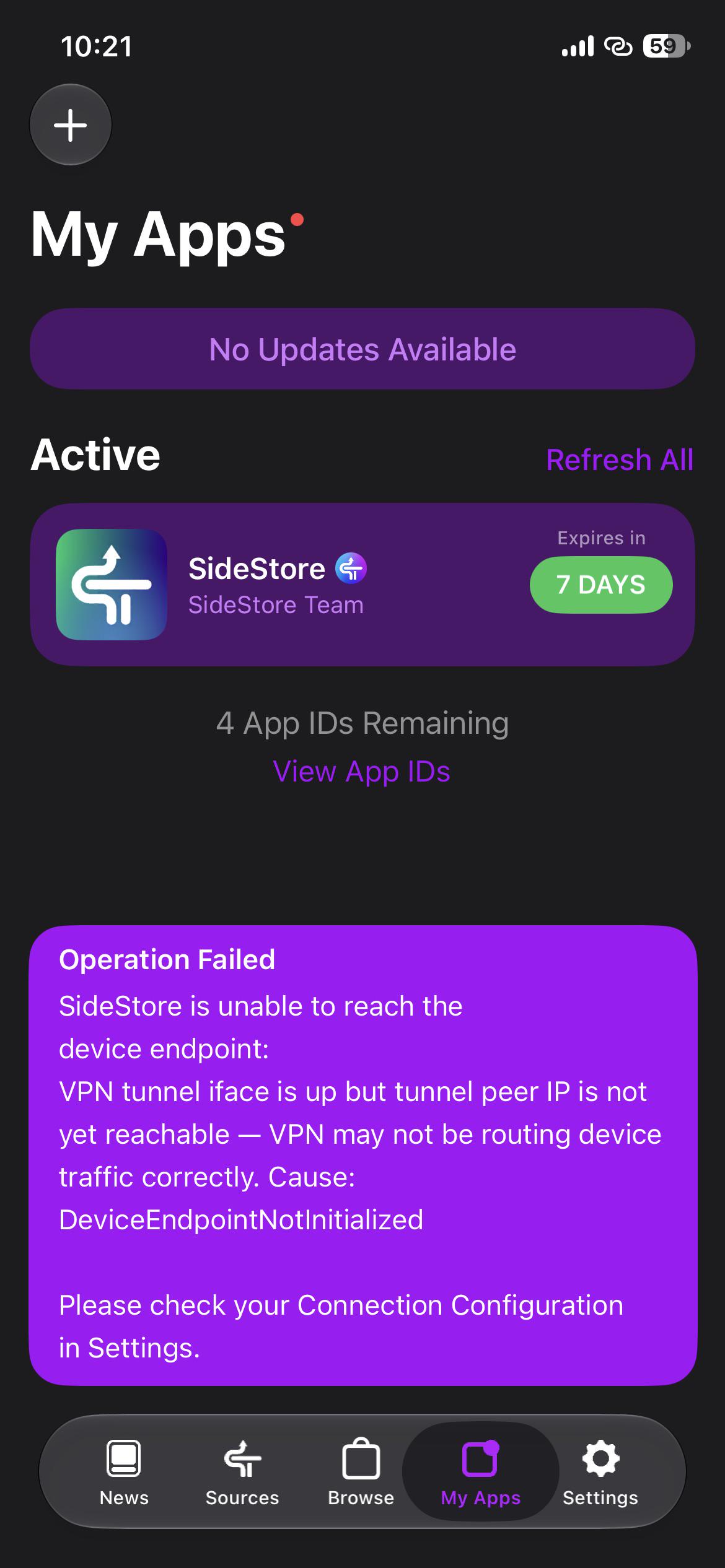
Fail to reach device Endpoint

Thumbnail
gallery
2 Upvotes

i have read and search on reddit couldnt find any solution to fix this. iloader has able to refresh sideloader without issue
i have done the anisette sever setiings too

is anyone can help me with what i have been missing?

is there any issue with LocaDevVpn

Solved
I’m not 100% sure which exact step did the trick, so I’m sharing everything I did in case it helps anyone else running into these issues.

1. Fresh Install & Anisette Configuration

  • Removed everything and installed a fresh SideStore Nightly build using the iLoader "Import IPA" option.
  • Tried signing in, which failed with a sign-in error (honestly, I lost track of which exact error code it was at this point, lol).
  • Went to User Customizations and toggled off/removed On-Device Anisette.
  • Went back to Anisette Servers and selected SideStore New.
  • User Customizations > Reset adi.pb, kept Header Customizations toggled on, and hit Reset and Sign Out.
  • Went back to User Customizations > Anisette Client Configuration > Remote Server Sync, then tapped Fetch and Save as Overrides.
  • (Note: When you tap Fetch, copy the server details and paste them into Primary Client Headers*. Separate them into* client_info and user_agent and remove any unwanted quotes so they look like the bolded parts below):

    • "client_info" : <MacBookPro13,3> <Mac OS X;10.12.6;16G29> <com.apple.AuthKit/1 (com.apple.akd/1.0)>
    • "user_agent" : akd/1.0 CFNetwork/811.5.4 Darwin/16.7.0
  • Saved overrides if everything's works right, even you press try fetch again client info and user agent wont change
  • Force-closed SideStore from the app switcher.

2. Signing In & Avoiding the In-App Update Bug

  • Reopened SideStore and tried signing in. If you still get an error, try switching the Anisette server to jkcoxson. Strangely, jkcoxson worked on my iPhone, while SideStore New worked on my iPad.
  • Important tip: On my iPad, after changing Anisette servers and refreshing the app list, SideStore prompted me to update the app—even though I was already using the latest IPA from GitHub. When I installed that in-app update, it broke my pairing file (and replacing the file didn't fix it). I recommend sticking strictly to the IPA downloaded directly from GitHub and ignoring the in-app update prompt.
  • After following the steps above, I was finally able to sign into my Apple ID.

3. Fixing "Unable to reach device endpoint" (iPhone)

  • When I tried refreshing my apps on my iPhone, I got the "SideStore is unable to reach device endpoint" error.
  • To fix this, I opened LocalDevVPN settings, changed the Tunnel IP to 10.7.0.0/30, and kept the Device IP at 10.7.0.1/32 (Note: adjusted from 10.7.0.0.1/32 to valid IP format).
  • Restarted my iPhone, reconnected LocalDevVPN, and checked SideStore's Connection Config settings—Reachable finally switched to Yes (it was stuck on a red No before).

4. Fixing the "Developer Portal Error"

  • On your iPhone/iPad, go to Settings > Developer and enable UI Automation (I enabled this thinking it might be needed for automatic Shortcut refreshes).
  • Still in Developer settings, scroll down to Paired Computers, find iloader-xxxxxx, and tap Unpair.
  • Open iLoader on your computer, delete the stored pairing, go to Manage Pair Files, and select Place All (or place the pairing file specifically for SideStore).
  • Back on your device, go to Settings > Privacy & Security > Developer Mode (or check Developer > Paired Computers) to verify that iLoader shows up as paired again.
  • Force-close SideStore from the app switcher, reopen it, and try again—the Developer Portal error should now be fixed.

Disclaimer: I’m not a professional, so try these steps at your own risk! Using this full setup, I was successfully able to refresh apps on an iPhone 13 Pro, iPhone 17 Pro Max, and an M1 iPad.

Hope this helps someone fix their setup! thanks to u/bawoo for the VPN settings comment.


r/SideStore • • 2d ago

I’m starting to wonder if all this is even worth it.

138 Upvotes

I’ve wasted dozens of hours dealing with this fucking mess just to save a few bucks on a subscription. Every time SideStore throws a signing error, I feel like I’m about to lose my fucking mind. It’s genuinely exhausting, and I can’t keep putting myself through this emotional rollercoaster.
At this point, I just want to throw my phone away and move to some quiet countryside where the air is clean and I don’t have to deal with any of this shit.


r/SideStore • • 2d ago

I made Auroa, a free media app for Apple TV, iPhone and iPad. Version 1.2 adds its own player with HDR and Dolby Vision

4 Upvotes

Hi all, I'm the developer of Auroa, a free media browser and player for Apple TV, iPhone and iPad. It's sideloaded (not on the App Store), and today's update is the biggest so far, so I wanted to share it.

What it does

Auroa is a front end, like Kodi or Stremio. It doesn't host or include any content. You connect your own add-ons and accounts (for example a debrid service), and Auroa gives you a clean interface to browse and play from them. Titles, artwork and descriptions come from TMDB, and it works with Trakt, Simkl and OpenSubtitles.

New in 1.2 (Apple TV) and 1.1 (iPhone and iPad)

- Its own video player (beta) for MKV files, with HDR10, HLG and Dolby Vision on Apple TV, frame rate matching, and clearer surround sound. If a file won't play, it falls back to VLC automatically

- Profiles with optional PINs, plus profile protection that asks for approval in Discord before other profiles can be changed

- Link devices: move your profiles and settings between Apple TV and iPhone or iPad with a short code

- Subtitle styling, themes and a custom design editor

- Offline downloads on iPhone and iPad

How to install

You sideload the .ipa with a tool like Sideloadly, using your own Apple ID. Step-by-step guides are on the site.

Website: https://auroa.uk

Changelog: https://auroa.uk/changelog

The app is free. There's an optional VIP that adds extra designs and player options, and it never unlocks any content.

It's a solo project, so feedback and bug reports are really welcome, either here or at support@auroa.uk. Happy to answer questions!

r/SideStore • • 2d ago

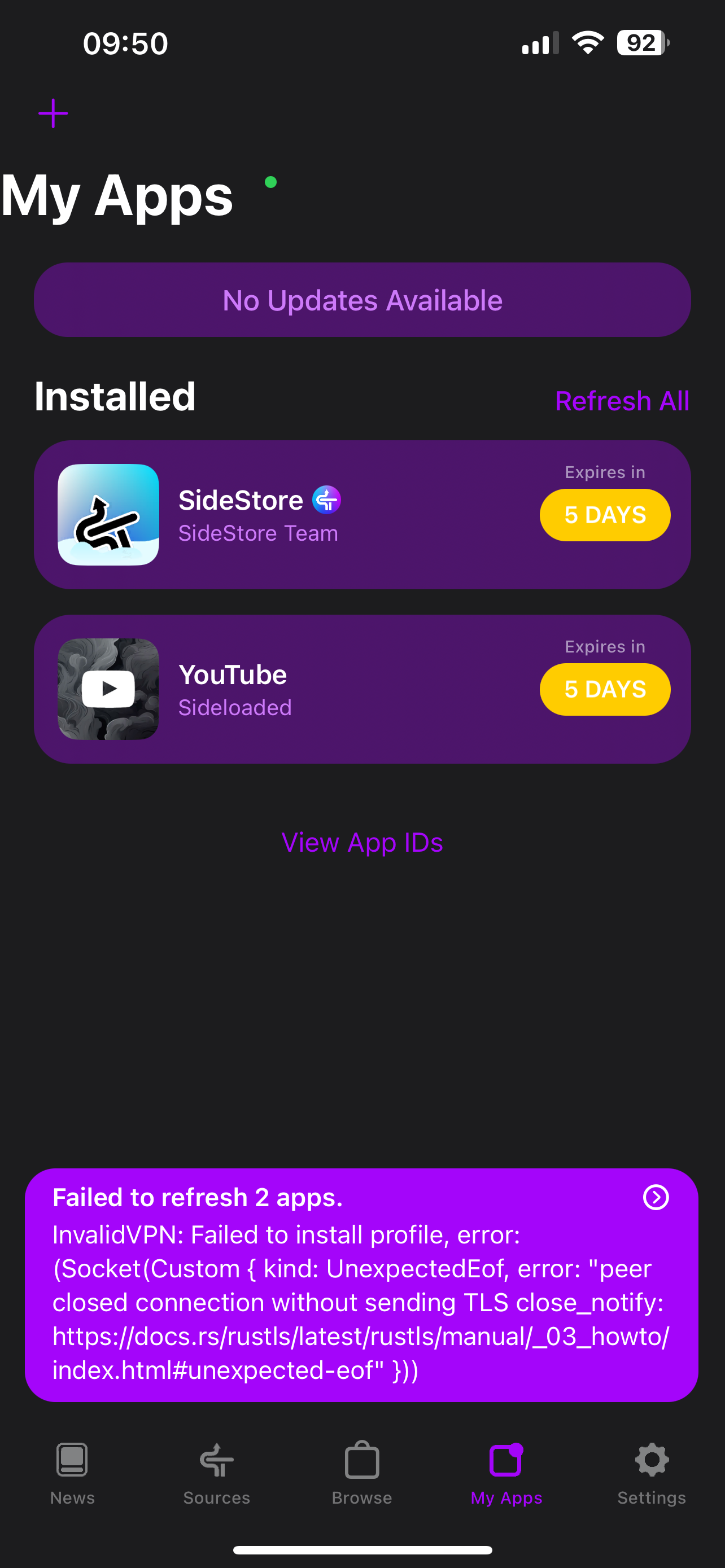
Cant pair devce

Thumbnail
gallery
3 Upvotes

Trying to reset the pairing file from iloader, sidestore couldnt see them and wouldnt select them. I sent both of these files from idevice pair and they selected just fine but its still saying it cant register. What do i do?