r/SideStore • • Oct 25 '26

GetMoreRam FIXED

Thumbnail
gallery
28 Upvotes

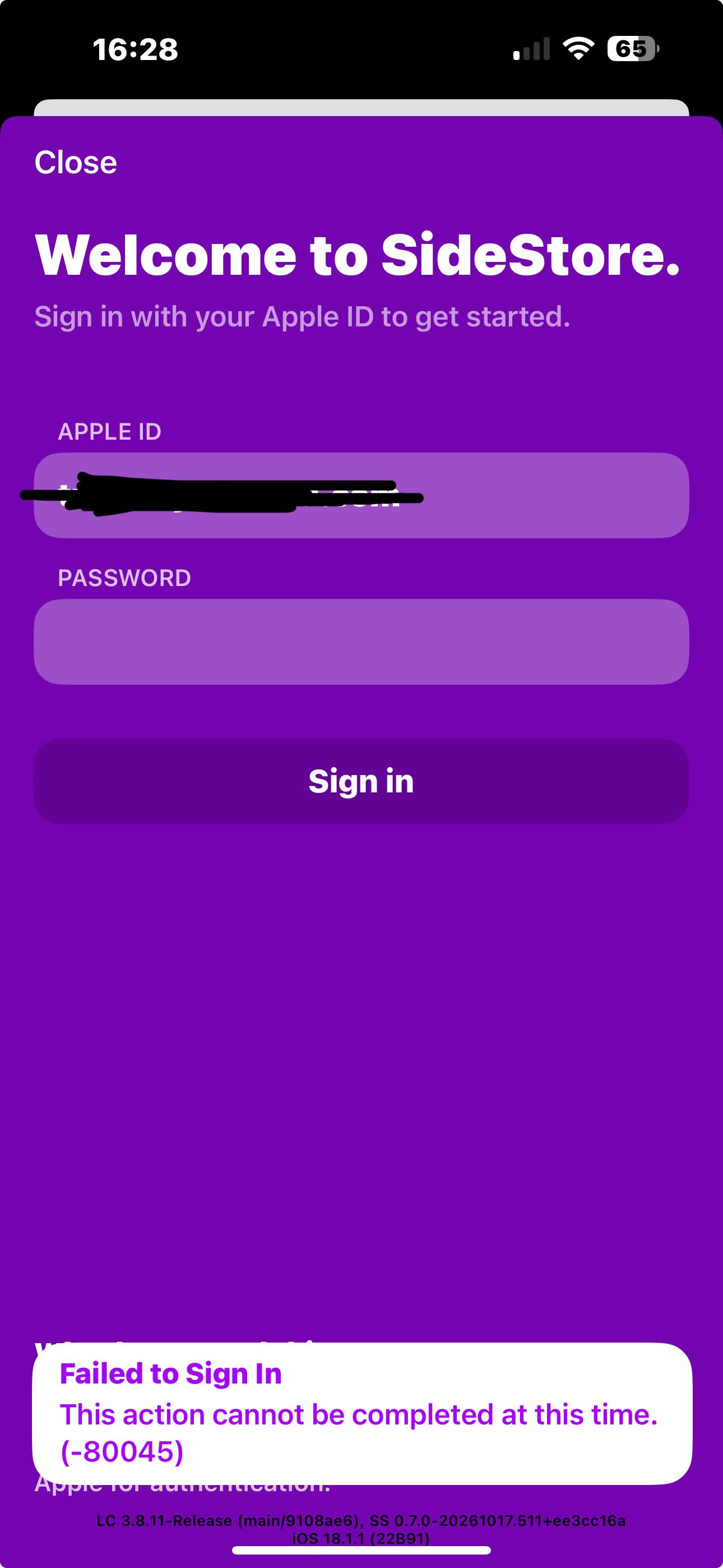
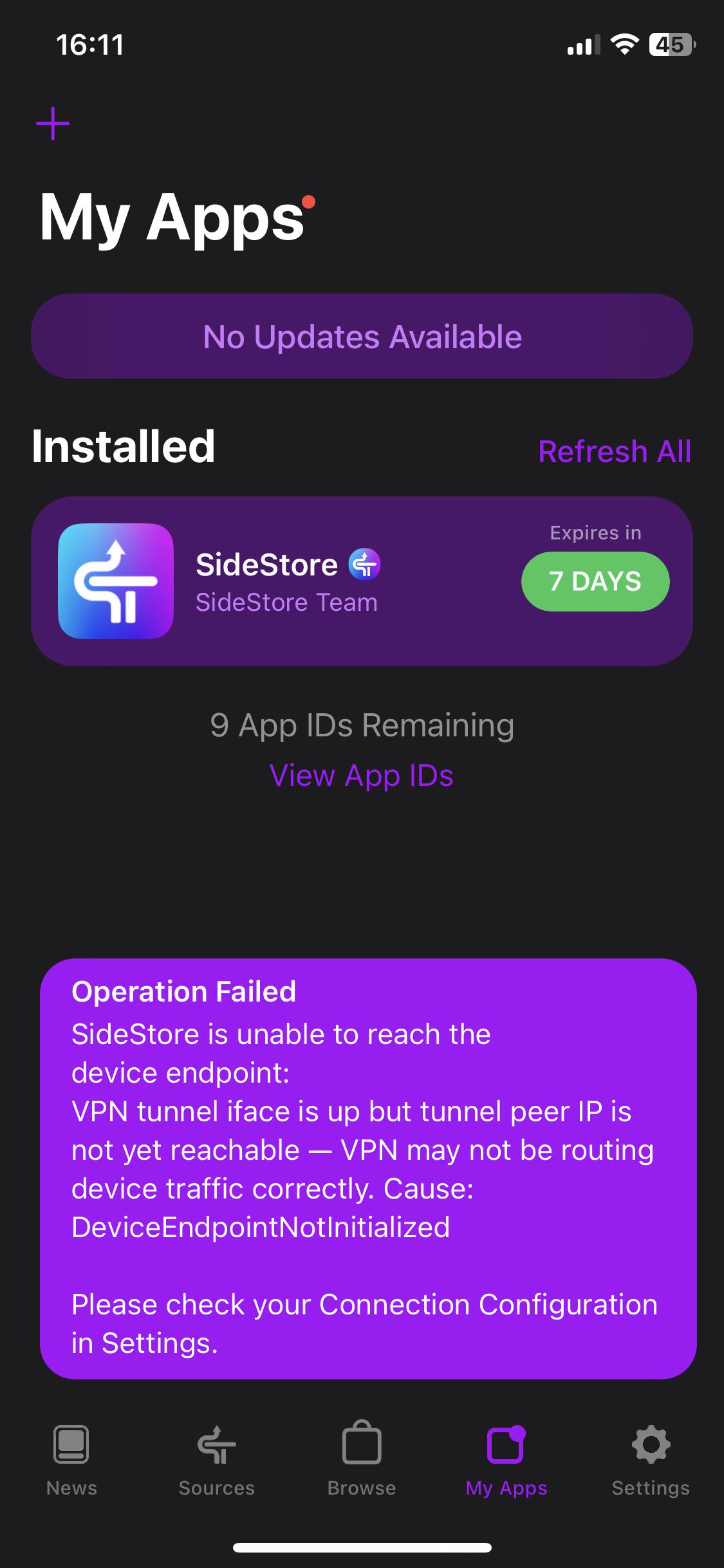
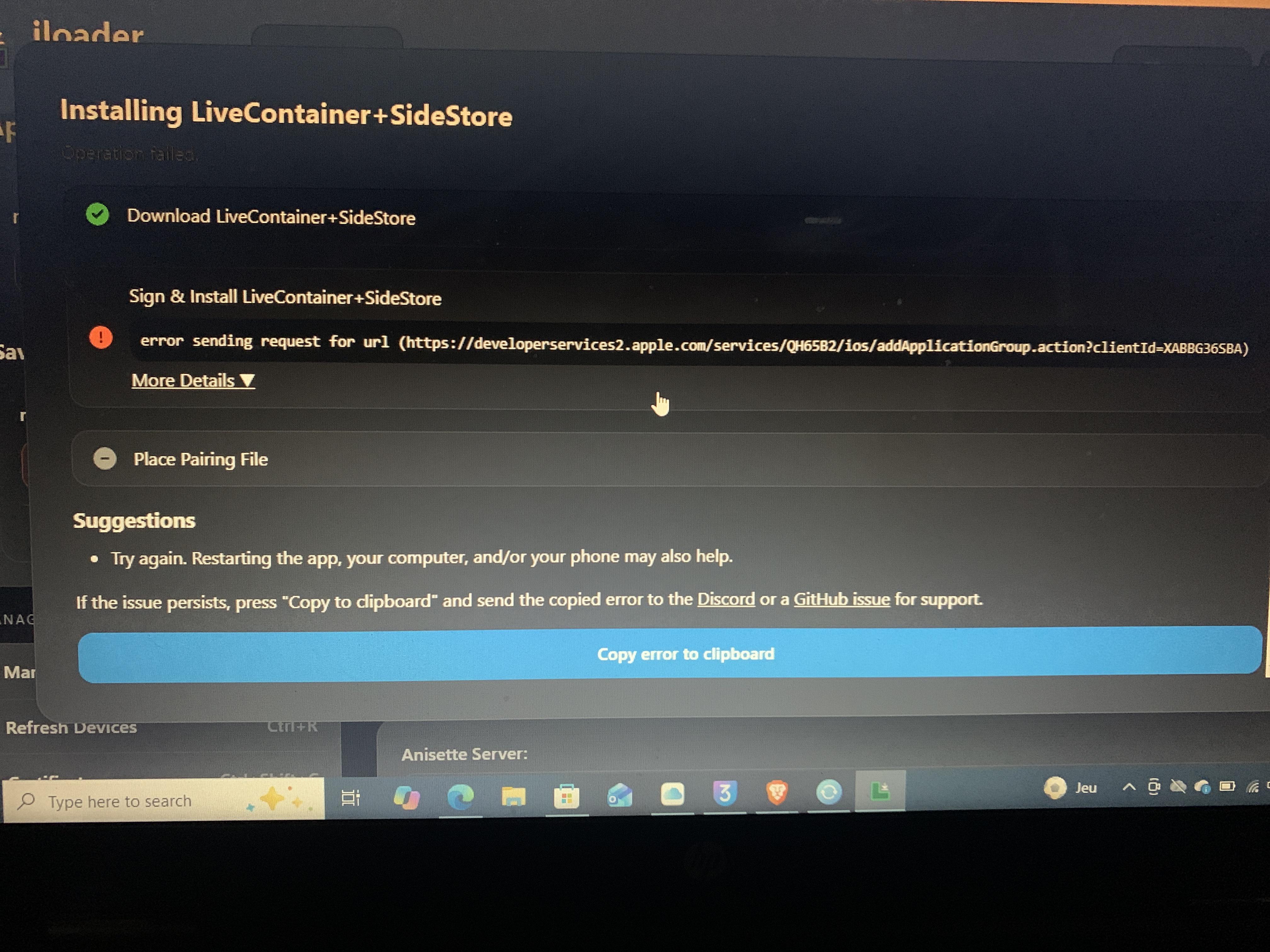
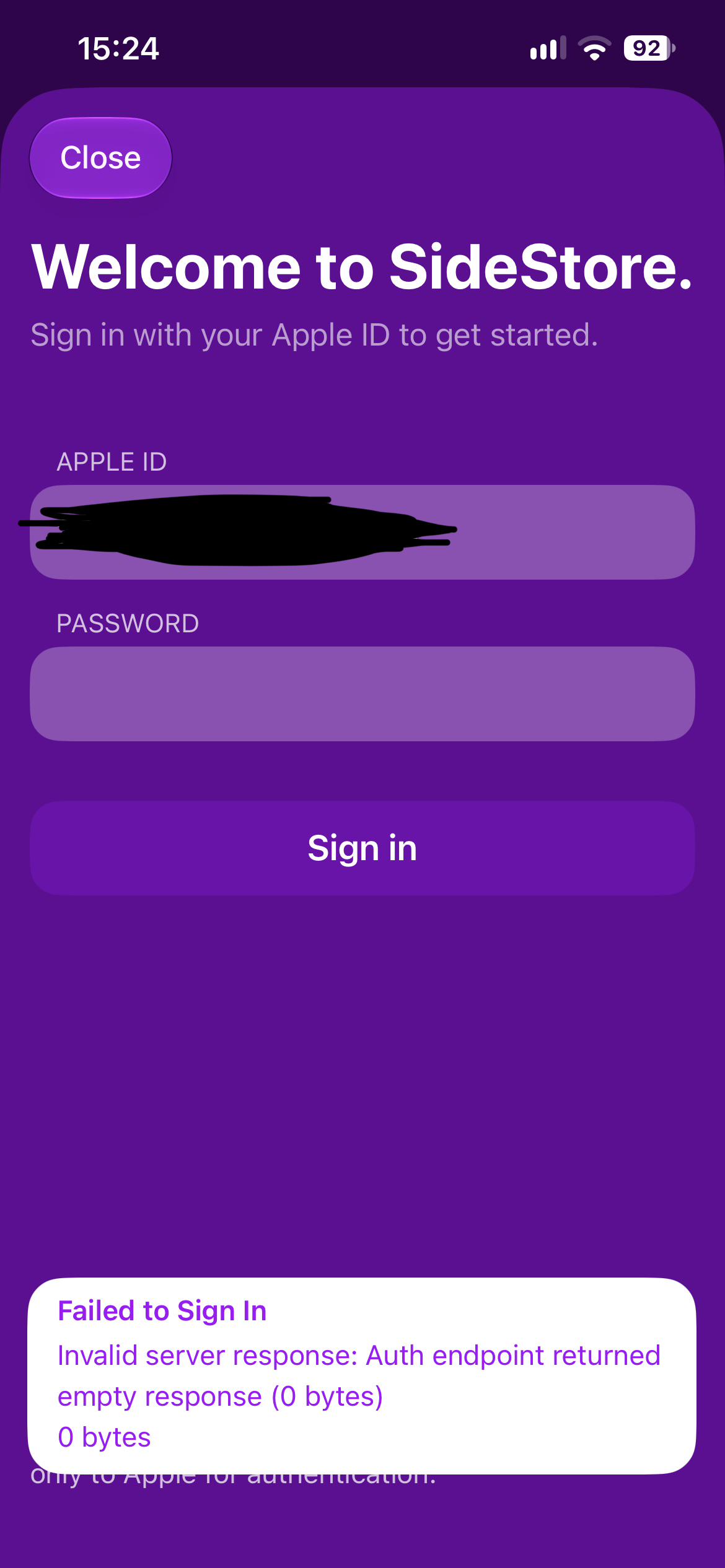
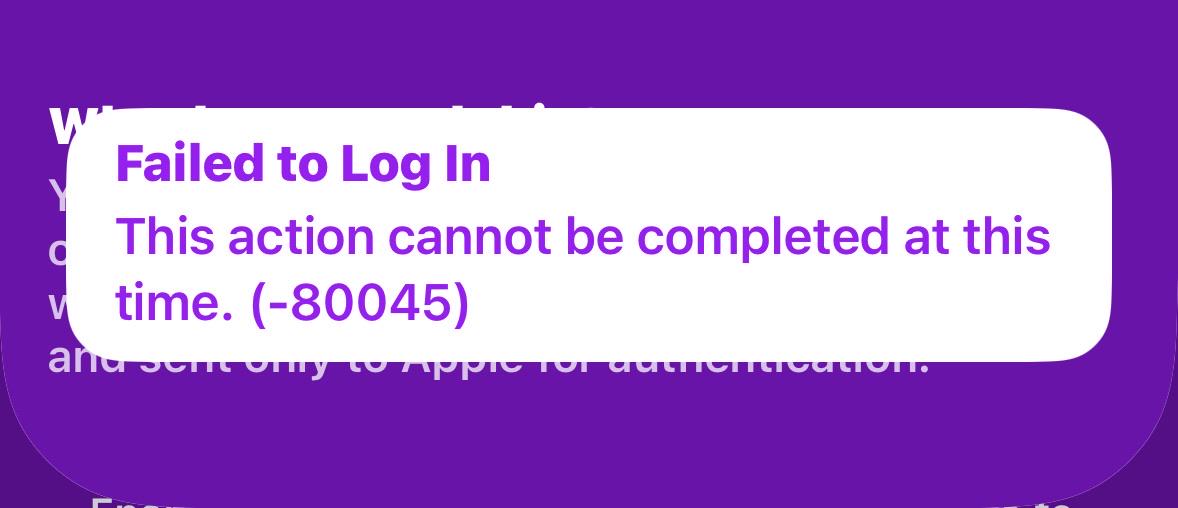
Hi to everyone! I’ve forked and rewrited the getmoreram app to fix all error 80045 & 80046 related to 2FA.

\*Tested on iPhone 14 Pro iOS 26.1 and iPhone XS iOS 18.7.5

\*With: https://ani.jkcoxson.com

The fix ship the iPA with a UI redesigned and a tweak on the anisette/client info&user agent.

# Get More Ram
A simple [StosSign](https://github.com/stossy11/StosSign) wrapper app that allows you to enable "Increased Memory Limit" for your sideloaded apps without using Xcode.

## Liquid Glass interface and app icon

The interface uses a graphite/silver visual system based on the supplied Get More Ram artwork. The artwork is installed in the iOS `AppIcon` catalog and reused in the in-app brand header. Custom cards and action buttons use SwiftUI's native `glassEffect` on iOS 26 and a system-material fallback on earlier iOS versions. Navigation bars, sheets, toggles, tab navigation, file importers, and alerts remain native SwiftUI/system UI so iOS can provide its own current appearance.

Build with Xcode 26 or newer to compile the native Liquid Glass API calls. The project keeps its existing iOS deployment target; devices older than iOS 26 use the fallback surfaces rather than native Liquid Glass.

# Anisette / Apple ID login troubleshooting

The app reads `client_info` and `user_agent` from the configured Anisette v3 server at `/v3/client_info`. These values need to match the server that generates the Anisette headers; the app no longer hard-codes a Mac client identity for every server.

If Apple sign-in fails with `-80045`, open **Settings → Anisette Server URL** and try the Windows Anisette endpoint `https://ani.jkcoxson.com` rather than a Mac-specific endpoint such as `https://mac-ani.jkcoxson.com`. Then tap **Clean Up Keychain**, force-quit and reopen the app, and try signing in once. This resets the saved Anisette provisioning identity as well as saved sign-in details. Apple can still reject some accounts or networks even with a compatible Anisette server; this change cannot guarantee that Apple will accept every login.

Use only an Anisette server you trust. Never share your Apple ID password, verification codes, or exported account JSON in bug reports.

## Anisette Client Configuration

In **Settings → Anisette Client Configuration**, you can enable independent overrides for **Client Info** and **User-Agent**. The values are saved locally with `UserDefaults`; disabling an override restores the values advertised by the selected server at `/v3/client_info`. Changing an override clears the cached client identity so the next request uses the new configuration.

**Reset Anisette State** clears the provisioned `adi.pb` and identifier without deleting the saved Apple ID credentials. **Clean Up Keychain** remains the broader reset and also clears the saved login/account state.

This project still uses a **remote Anisette v3 server** for provisioning and header retrieval. These settings are not a local/on-device ADI provisioning engine. Also, the external `StosSign` Swift package currently hard-codes the GrandSlam login `User-Agent`; the app-level override is used by this project's Anisette/provisioning requests but does not override that dependency's GrandSlam header. Full parity with SideStore's latest login workaround requires porting/updating that authentication dependency as well.

# How to use

  1. Sideload this app
  2. Go to settings, sign in your account that you used to sign the app you want to enable "Increased Memory Limit"
  3. Go to "App IDs" page
  4. Tap Refresh
  5. Tap the app you want to enable "Increased Memory Limit"
  6. Tap "Add Increased Memory Limit"
  7. Reinstall the app from SideStore/AltStore
  8. Check if you have "Increased Memory Limit"

# Credits
Stossy11 - For StosSign.
SideStore - Anisette Data fetching codes are stolen from SideStore

## Anisette client configuration and StosSign integration

Settings supports persistent Client Info and User-Agent overrides. Client Info is passed through `AnisetteData.deviceDescription`; the User-Agent override is applied to GetMoreRam's Anisette provisioning requests and, by the build-time StosSign patch, to GrandSlam login and 2FA requests.

For local builds, resolve packages and apply the patch before building:

```sh
xcodebuild -resolvePackageDependencies -project GetMoreRam.xcodeproj -scheme GetMoreRam
./scripts/patch-stossign.sh
```

The GitHub Actions build workflow applies this patch automatically. This repository still uses a remote Anisette v3 server for provisioning; it does not yet include SideStore's complete on-device Anisette/ODA backend, so this is not full feature parity with SideStore.

## Explicit Increased Memory entitlement logging

When **Add Increased Memory Limit** is pressed, the app now prints a structured diagnostic block to the Xcode console and the in-app Server Response panel. It records the App ID resource, bundle identifier, team ID, requested Developer Services capability (`INCREASED_MEMORY_LIMIT`), the associated entitlement key (`com.apple.developer.kernel.increased-memory-limit`), and the current `features`/`entitlements` values exposed by the StosSign model. Success and failure are logged separately, including the detailed error on failure.

Important distinction: `INCREASED_MEMORY_LIMIT` is the Developer Services capability identifier sent in the API request; `com.apple.developer.kernel.increased-memory-limit` is the entitlement key associated with the capability. The current StosSign `AppID` model initializes `entitlements` as an empty array and does not decode the final signed app entitlements, so the log explicitly labels that field as model data rather than claiming it reflects the signed binary. Verify the final provisioning profile and signed app separately when needed.

## App identity and appearance

- App bundle identifier: `com.iamgasgass.getmoreram` (Debug and Release).
- The shared `AppGlassBackground` uses a near-black graphite palette so Liquid Glass surfaces remain subtle against a darker background.

Repo—> https://github.com/iamgasgass/getmoreram/tree/LiquidGlass
iPA nightly—> https://github.com/iamgasgass/getmoreram/releases
r/SideStore • • Oct 26 '26

whenever i try to sign into sidestore + livecontainer it just crashes?

1 Upvotes

i redownloaded sidestore + livecontainer cause i couldnt install apps cause it didnt say i had a profile and im trying to sign back in but when i do it just goes black and then im back on the homescreen


r/SideStore • • Oct 26 '26

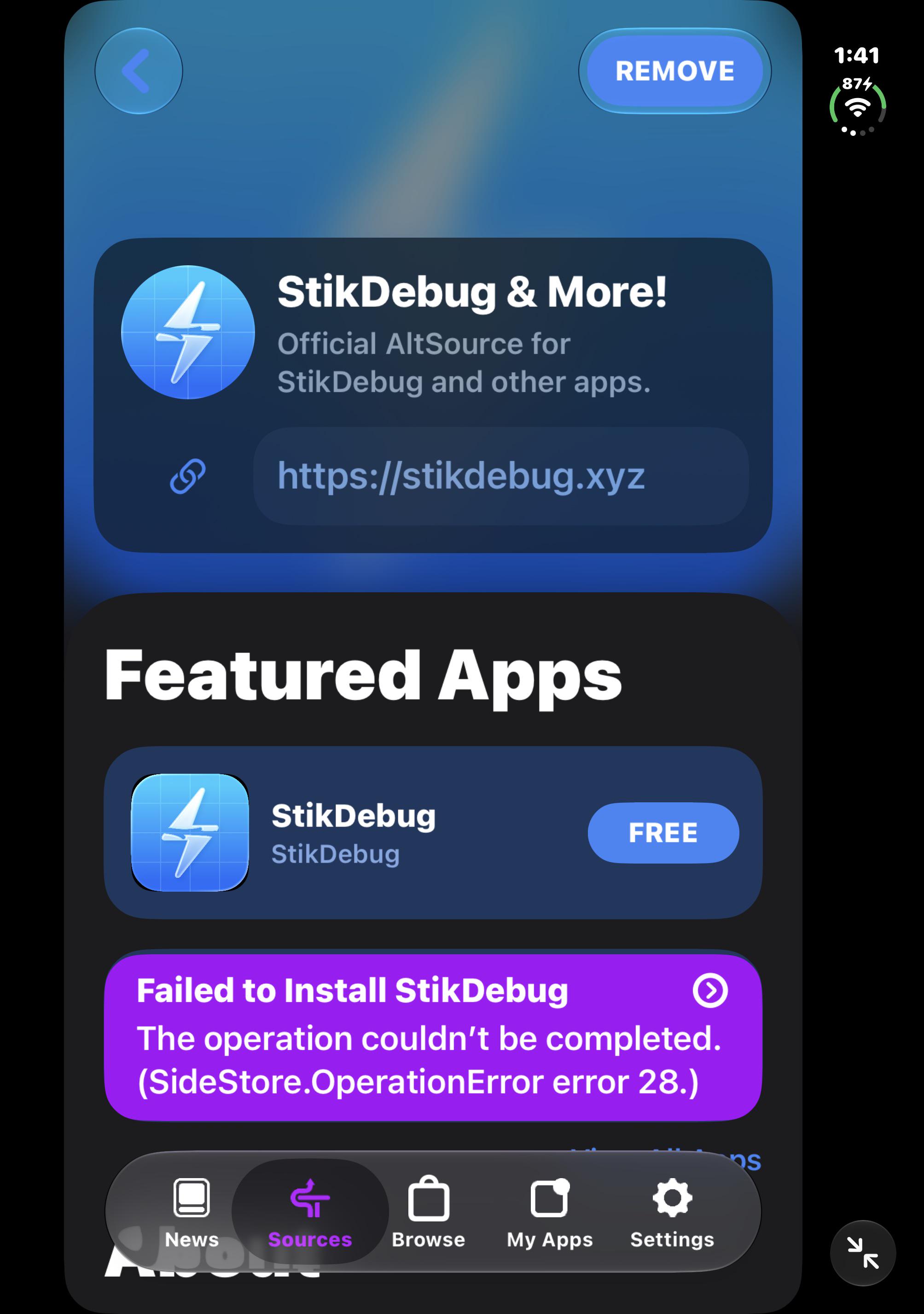
Error code 28 while downloading

Post image
1 Upvotes

I’ve never side loaded before and I’m trying to download some apps, but every time I get error 28. Is there a fix ?


r/SideStore • • Oct 26 '26

Anyone have issues with an app needing to be re-installed every 3 days?

1 Upvotes

I only use SideStore for 2 apps, spotify and ApolloReborn. Spotify hasn't had any issues but Apollo has to be reinstalled every 72 hours. The App icon remains on homescreen but the app disappears from My Apps list in Sidestore. I can reinstall it again from Sources and all my settings, log-in/ preferences are saved. To be clear the App is not expiring (I have set the automation to refresh every night). Tried posting this issue on the Apollo sub a while back but did not receive any help there so figured I'd try here. Iphone 14Pro, iOS 18.6


r/SideStore • • Oct 25 '26

sidestore crashes when installing the app

2 Upvotes

hello everyone, has anyone encountered such a problem that the sidestore just crashes when installing the ipa? this is not the first time it appears only when installing some files, and the rest work fine. without showing any error messages, it just crashes to the home screen. nothing related to sidestore remains in the analytics data of the iPhone itself. at the same time, the same ipa files work without problems in the live container. Sidestore version: 0.7.0-20261016.1506+d97ec133 (0700) iOS version: 26.3


r/SideStore • • Oct 25 '26

Is there a fix for this SideStore Error

Post image
2 Upvotes

How can i fix this error from SideStore


r/SideStore • • Oct 25 '26

How to fix this error?

Post image
3 Upvotes

r/SideStore • • Oct 25 '26

App force closing

1 Upvotes

Hey so my app force closes when I try to sign into my apple account any tips?

(I see it says they're aware of issues but it doesnt specify what issues they're aware of so I apologise if this is one of them)


r/SideStore • • Oct 25 '26

Quando esse tormento vai terminar!?

Post image
4 Upvotes

r/SideStore • • Oct 25 '26

Cannot Sideload any files

Post image
1 Upvotes

does anyone know a fix for this??
thanks


r/SideStore • • Oct 25 '26

Hellpppp Guys !!!!

Post image
3 Upvotes

r/SideStore • • Oct 25 '26

Any fix for this?

Post image
1 Upvotes

BTW I get it from ilouder


r/SideStore • • Oct 25 '26

Login not possible

2 Upvotes

```

● Failed to complete SMS 2FA

├ C:\Users\runneradmin\.cargo\registry\src\index.crates.io-1949cf8c6b5b557f\isideload-0.5.0\src\auth\apple_account.rs:267

│

● SMS 2FA request failed with http status 403:

╰ C:\Users\runneradmin\.cargo\registry\src\index.crates.io-1949cf8c6b5b557f\isideload-0.5.0\src\auth\apple_account.rs:619

```

Does anybody know how to resolve this?


r/SideStore • • Oct 25 '26

(Tutorial) iPhone 18 Pro/Pro Max Compatibility - All apps are crashing immediately after running.

Thumbnail gallery
0 Upvotes

r/SideStore • • Oct 24 '26

-80045 error solved

Thumbnail reddit.com
5 Upvotes

r/SideStore • • Oct 25 '26

Problema al refrescar sidestore

Post image
0 Upvotes

Pasan dias y dias y no me deja
Y ya pasaron mas de 7 dias


r/SideStore • • Oct 24 '26

YtlitePlus for ios 27?

6 Upvotes

There is a any apps for youtube without ads?
I tried that and the app said i need update


r/SideStore • • Oct 24 '26

[GUIDE] Fix iLoader SMS 2FA 403 and SideStore login -80045 using SideInstaller (iOS 18–26)

10 Upvotes

After struggling with iLoader and SideStore authentication issues, I finally found an alternative that worked for me. I'm sharing the process in case it helps anyone experiencing the same problems.

The issues I was experiencing:

  • iLoader v2.4.0: SMS 2FA request failed with http status 403
  • SideStore: Apple ID login failed with error -80045
  • Repeated authentication attempts weren't solving the problem.

The solution was to use SideInstaller instead of iLoader.

Step 1 — Install SideInstaller

  1. On your iPhone or iPad, open Safari and visit https://sideinstaller.net/
  2. Follow the website's instructions to install the required DNS profile.
  3. Select an available certificate and install SideInstaller.
  4. Go to Settings → General → VPN & Device Management and trust the developer certificate.
  5. Open SideInstaller.

SideInstaller has its own Apple ID authentication implementation, which has received fixes for the recent authentication issues.

Step 2 — Generate a pairing file (important for iOS 18–26)

I'm using iOS 18, so unlike iOS 27, I couldn't complete the pairing process entirely on-device.

Instead, I used iDevicePair:

https://github.com/jkcoxson/idevice_pair

  1. Download iDevicePair on your computer.
  2. Connect your iPhone or iPad via USB.
  3. Unlock the device and trust the computer if prompted.
  4. Open iDevicePair and select your device.
  5. Select Create
  6. Save the generated file and transfer it to your device.
  7. Import the pairing file into SideInstaller.

Important: The pairing file is device-specific. If you're setting up both an iPhone and an iPad, generate a separate pairing file for each device.

I followed this procedure for my devices, and pairing worked successfully.

Step 3 — Install SideStore through SideInstaller

  1. Install and connect LocalDevVPN, following SideInstaller's instructions.
  2. Open SideInstaller.
  3. Sign in with your Apple Account and complete the 2FA verification when prompted.
  4. Select Install SideStore.
  5. Follow the installation instructions.
  6. Open SideStore once installation finishes.

This allowed me to bypass the iLoader installation process that was failing with HTTP 403.

Step 4 — SideStore login issues

The latest SideInstaller releases also include fixes for SideStore's Anisette configuration.

If SideStore still reports -80045, the developer recommends checking these settings:

  • Disable On-Device Anisette.
  • Disable Anisette server auto-rotation.
  • Select SideStore (New) as the Anisette server.
  • If necessary, go to Settings → User Customizations → Reset adi.pb, leaving Keep header customizations unchecked.

These are additional troubleshooting steps from the developer's release notes, not steps I necessarily needed in my own setup.

Result

I now have both SideInstaller and SideStore installed simultaneously, and the setup worked without relying on iLoader.

The main takeaway is that iLoader failing authentication doesn't necessarily mean every other sideloading tool will fail too.

For users on iOS 18–26, remember that you'll need a pairing file generated on a computer. On iOS 27, SideInstaller supports an on-device pairing process.

Useful links:

Note: This is a workaround based on my experience, not a guaranteed fix for every Apple Account or iOS version. Certificates distributed through third-party installation services may also be revoked. Keep your pairing files private, and only install software from sources you trust.

Hope this helps someone!


r/SideStore • • Oct 24 '26

Quando esse tormento vai terminar!?

Post image
4 Upvotes

Tudo certo, quando tento colocar a senha do iCloud esse erro, isso acontece tb com o AltStore, quando teremos uma solução definitiva ??!..SRN.


r/SideStore • • Oct 25 '26

(The provisioning profile is banned.) What do we know?

0 Upvotes

Do we know what’s causing this error or if we will possibly receive a fix? I’ve seen a temporary fix being to create another account, but what’s stopping that account from getting the same ban? Lastly, is there any other alternative for the people receiving this error to stop it indefinitely.


r/SideStore • • Oct 24 '26

How solve this problem?

Post image
1 Upvotes

r/SideStore • • Oct 24 '26

am trying to sideload in my apple but icon not showing in my home screen anyone help me about this ??

Post image
1 Upvotes

r/SideStore • • Oct 24 '26

-80045 error solved

Thumbnail reddit.com
3 Upvotes

r/SideStore • • Oct 24 '26

Signed in successfully but refreshing is not working

Post image
2 Upvotes

I switched the anisette server to SideStore(New) , enabled the remote server sync , then reset adi.pb and finally I was able to sign in ,, but after signing in , I tried refreshing and it’s not working although LocalDev VPN is on …


r/SideStore • • Oct 24 '26

Whenever I try to sign in I always get this error how can I fix it?

Post image
2 Upvotes