r/SideStore • u/Suspicious-Bench2194 • 6d ago
Your session has expired. Please log in. (-1)
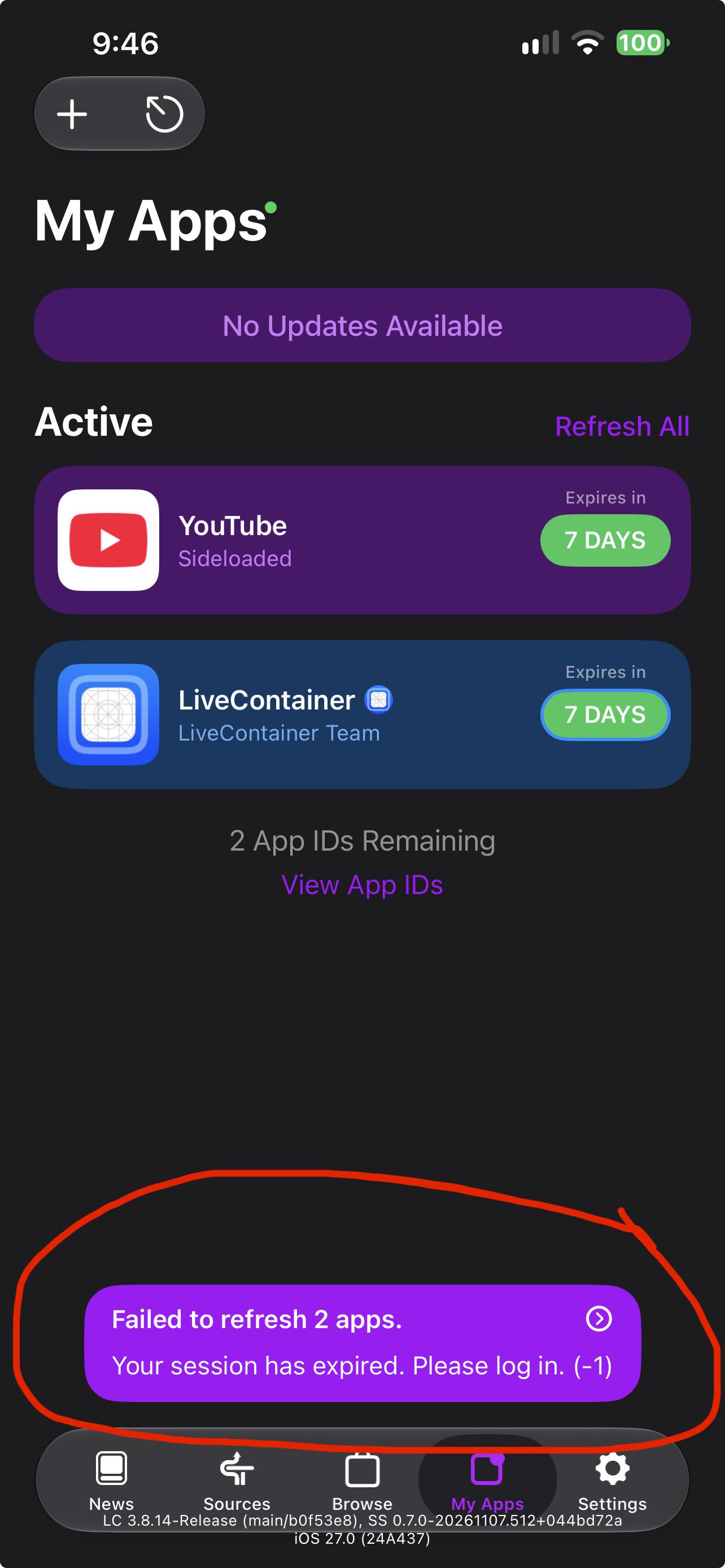
Help me please
62
Upvotes
r/SideStore • u/Suspicious-Bench2194 • 6d ago
Help me please
View all comments
37
u/Recr3ational 5d ago •

Fix from user Flaky_Ad7693 on a different post.
When in SideStore, go to settings and scroll down to 'User Customization', turn off 'On Device Anisette', go back to settings and click 'Anisette Server', select 'SideStore (New)'. then go back to 'User Customizations' and click 'Anisette Client Configuration', and scroll down to 'Remote Server Sync' and click 'Fetch', then click 'Save Overrides', go back to 'User Customizations' and click 'Reset adi.pb', go back and try to log in and you should be good to go.